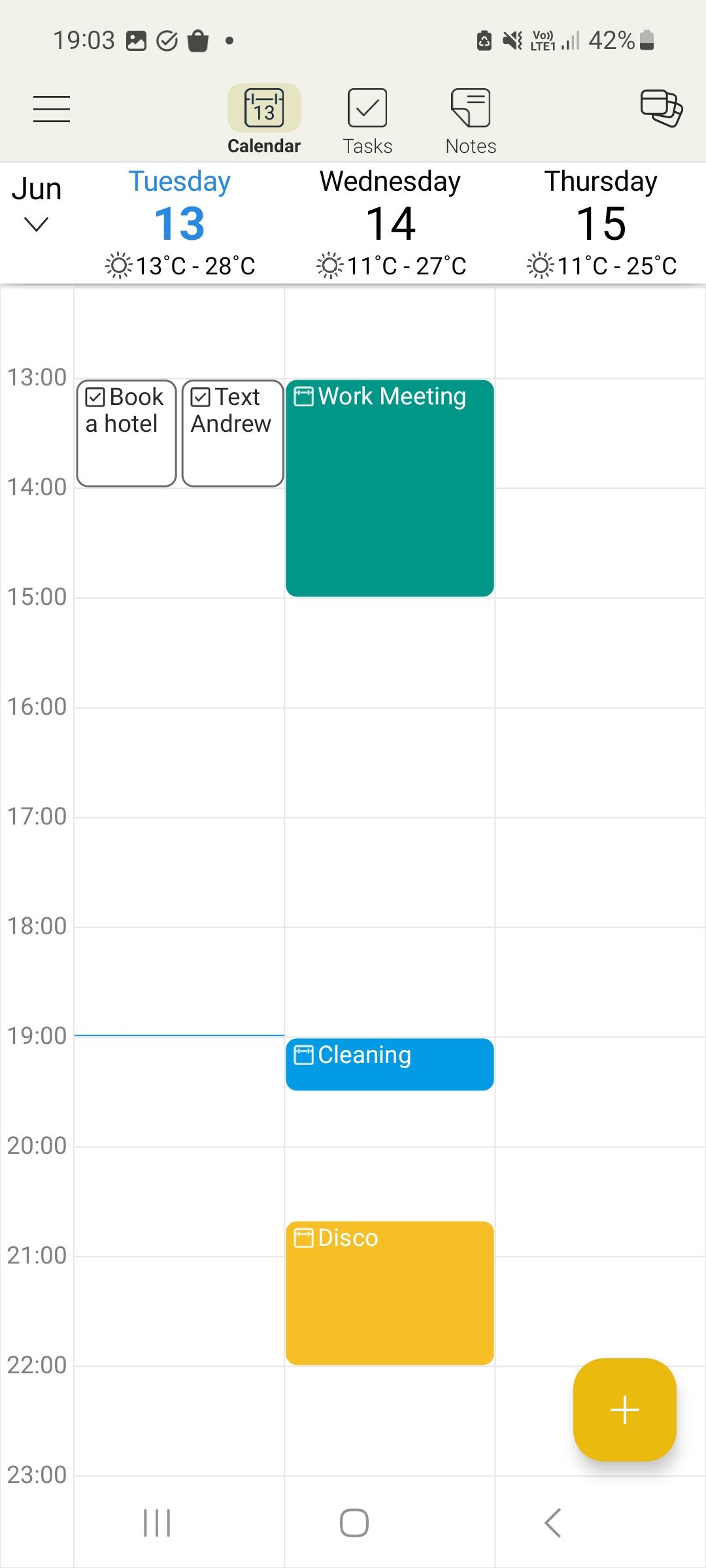
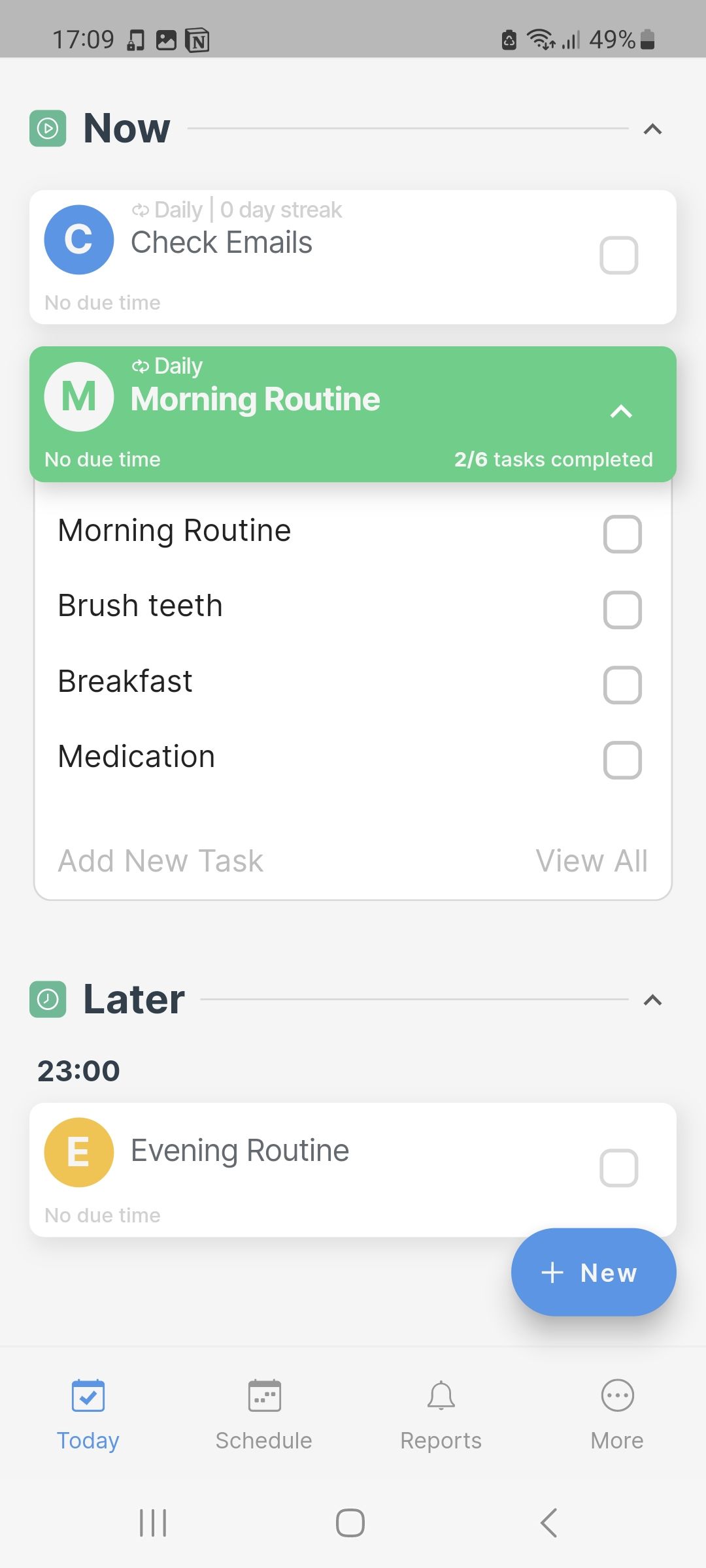
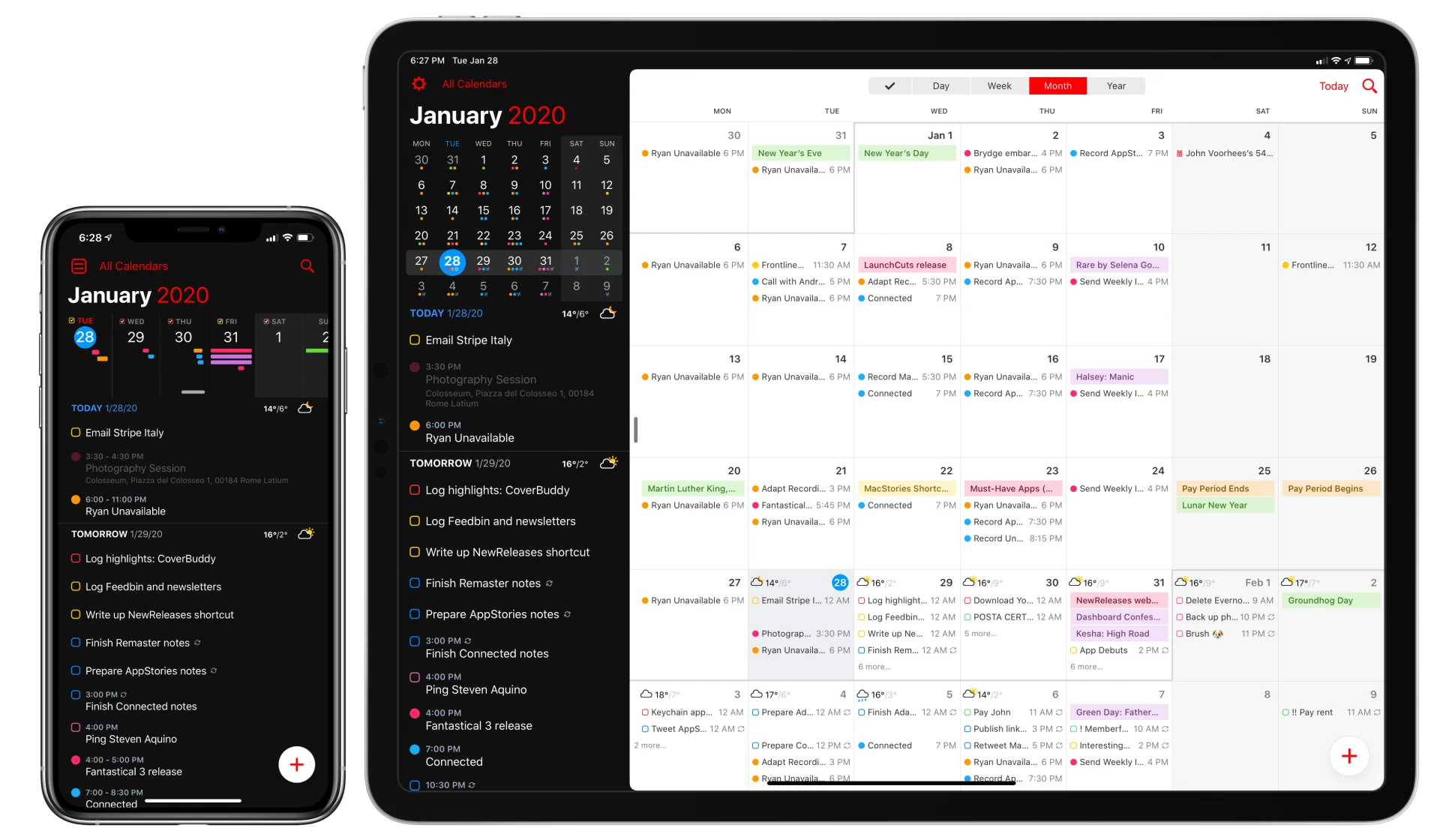
Finding the right application to organize your daily routine can dramatically transform your personal productivity, professional efficiency, and time management. The 7 best apps to make a schedule include versatile tools like Todoist, Google Calendar, Notion, Microsoft Outlook, Trello, Clockwise, and Any.do, each designed to help users structure tasks, manage appointments, and optimize daily workflows effectively.
Choosing the right application to build and manage a daily routine requires balancing personal workflows with technical capabilities. Whether you are a student balancing lectures, a remote professional coordinating across time zones, or a manager tracking complex team deadlines, digital scheduling tools have largely replaced paper planners. This guide explores the seven best applications available to help you build, maintain, and optimize a schedule tailored to your unique habits and lifestyle.
Understanding the Landscape of Digital Scheduling Tools
Digital scheduling tools generally fall into three distinct categories: calendars, task managers, and hybrid productivity workspaces. Understanding these categories helps clarify why certain tools excel at time blocking while others focus purely on task lists or project milestones.
- Calendar-Centric Applications: Tools designed primarily around time-stamped events, appointments, and meeting coordination. They excel at telling you when things happen.
- Task-Centric Applications: Platforms built around action items, to-do lists, and priority rankings. They focus on what needs to be done.
- Hybrid Workspaces: Comprehensive environments that combine notes, databases, project boards, and calendars into a single customizable interface.
Before committing to a platform, evaluate your core pain points. If you constantly double-book appointments, a robust calendar with automated scheduling links is necessary. If you forget deadlines because tasks are scattered across sticky notes, a task manager with integrated time-blocking features will serve you better.
The 7 Best Apps to Make a Schedule
The following selections represent the market leaders in schedule management, categorized by their primary strengths, technical architectures, and ideal user profiles.
1. Google Calendar
Google Calendar remains the undisputed gold standard for time-based scheduling due to its universal accessibility, deep integration with the Google Workspace ecosystem, and frictionless sharing capabilities.
- Core Strengths: Seamless cross-platform synchronization (web, iOS, Android), intuitive event creation via natural language processing, and robust invitation management.
- Scheduling Features: Users can create multiple distinct calendars for work, personal life, and fitness, color-coding them for instant visual prioritization. The "Find a Time" feature simplifies group meeting coordination by pulling availability from multiple attendees' schedules.
- Integration Ecosystem: Connects effortlessly with third-party tools like Zoom, Slack, Trello, and Notion, making it a central hub for digital productivity.
2. Todoist
For individuals whose schedules are driven primarily by task lists rather than fixed-time meetings, Todoist offers an exceptionally refined environment for turning a brain dump into an actionable daily plan.
- Core Strengths: Powerful natural language processing (e.g., typing "Submit report every Friday at 4pm" automatically sets the recurring deadline), clean interface, and cross-device sync.
- Scheduling Features: Todoist allows users to assign priority levels, sub-tasks, and specific due dates. The "Today" and "Upcoming" views give users a clear runway of their obligations without overwhelming them with future clutter.
- Integration Ecosystem: Offers robust two-way integrations with Google Calendar and Outlook, allowing tasks with set durations to appear directly on your calendar grid.
3. Notion
Notion is not merely a scheduling app; it is a modular productivity workspace. For power users who want to build a bespoke scheduling database tailored precisely to their workflow, Notion is unmatched.
- Core Strengths: Infinite customizability, relational databases, and multi-view layouts (calendar, board, list, timeline).
- Scheduling Features: Users can build custom master schedules that link project briefs, meeting notes, and daily habit trackers into a single page. The calendar and timeline views allow for granular project management and milestone tracking.
- Learning Curve: Because Notion is a blank canvas, it requires upfront configuration. Templates can mitigate this, but it demands more initial time investment than turnkey calendar apps.
4. Microsoft Outlook Calendar
Enterprise environments and professional organizations heavily rely on Microsoft Outlook due to its advanced corporate security, resource booking, and tight integration with the broader Microsoft 365 suite.
- Core Strengths: Superior email-to-calendar conversion, robust enterprise security controls, and advanced conference room booking.
- Scheduling Features: Outlook allows users to propose new meeting times directly from an invitation, categorize events, and set working hours and locations (hybrid work support). The "My Day" pane integrates Microsoft To Do tasks directly into the calendar interface.
- Target Audience: Corporate professionals, enterprise employees, and educational institutions utilizing Windows infrastructure.
5. Trello
Based on the Kanban board methodology, Trello visualizes workflows through cards, lists, and boards. It is ideal for visual thinkers who prefer managing schedules as a progression of moving parts.
- Core Strengths: Highly visual interface, drag-and-drop mechanics, and extensive "Power-Up" library.
- Scheduling Features: While traditionally used for project management, the native Calendar Power-Up transforms any Trello board into a monthly or weekly calendar view. Due dates, reminders, and checklist deadlines ensure tasks are completed on time.
- Collaboration: Excellent for shared family schedules, small business workflows, and content editorial calendars where multiple people need visibility into deadlines.
6. Clockwise
Clockwise is an AI-powered time orchestration app designed specifically to optimize calendar schedules for remote and hybrid teams.
- Core Strengths: Automated schedule optimization, focus time protection, and flexible meeting scheduling.
- Scheduling Features: Clockwise analyzes your team's calendars and automatically resolves meeting conflicts, shifts meetings to optimal times to create uninterrupted blocks of "Focus Time," and coordinates travel time between physical appointments.
- Target Audience: Professionals and teams suffering from "meeting fatigue" who need help protecting deep work hours within a crowded calendar.
7. Any.do
Any.do bridges the gap between daily task lists and calendar scheduling with its signature "Any.do Moment," a daily review feature that prompts users to organize their day every morning.
- Core Strengths: Daily planning ritual, WhatsApp integration for adding tasks via chat, and cross-platform accessibility.
- Scheduling Features: The platform features a unified view combining calendar events and daily to-do items, ensuring users do not double-book themselves with tasks when they have back-to-back meetings.
- Accessibility: Available across mobile, desktop, smartwatches, and web browsers.
Feature Comparison Matrix
| App Name | Primary Focus | Best For | Free Tier Available? | Platform Availability |
|---|---|---|---|---|
| Google Calendar | Calendar / Time-blocking | General scheduling & meetings | Yes | Web, iOS, Android |
| Todoist | Task Management | Action-driven daily planning | Yes | Web, iOS, Android, macOS, Windows |
| Notion | Workspace / Database | Custom productivity systems | Yes | Web, iOS, Android, macOS, Windows |
| Microsoft Outlook | Enterprise Calendar | Corporate & Office 365 users | Yes (Web/Mobile) | Web, iOS, Android, macOS, Windows |
| Trello | Kanban / Visual Boards | Visual project & deadline tracking | Yes | Web, iOS, Android |
| Clockwise | AI Calendar Optimization | Protecting focus time & teams | Yes | Web (Browser Extension) |
| Any.do | Task & Calendar Hybrid | Daily morning planning rituals | Yes | Web, iOS, Android, Wearables |
Key Criteria for Choosing a Schedule App
Selecting the best app to make a schedule depends on several personal and technical criteria. Evaluating these factors prevents you from adopting a tool that creates more administrative overhead than it eliminates.
1. Synchronization and Cross-Device Reliability
Your schedule is only useful if it is accessible when you need it. Ensure the application syncs in real-time across your smartphone, tablet, and desktop computer. Cloud-based syncing prevents missed appointments if your phone battery dies and you need to access your schedule from a web browser.
2. Notification and Reminder Systems
A great scheduling app uses intelligent push notifications, desktop banners, and email alerts. Look for apps that allow customizable reminder windows (e.g., getting nudged 10 minutes before a video call and 2 hours before a major project deadline).
3. Interface and Cognitive Load
Avoid applications with cluttered interfaces that induce cognitive fatigue. The ideal scheduling app should present your day clearly without forcing you to click through multiple sub-menus just to check off a morning task.
Common Scheduling Mistakes to Avoid
Even with the best applications installed, poor scheduling habits can undermine productivity. Recognizing these pitfalls helps you maintain a sustainable routine.
- Over-Scheduling the Day: Packing every minute of the day with tasks leaves no buffer for unexpected emergencies, urgent emails, or mental fatigue. Always build buffer time (e.g., 15-minute gaps between meetings).
- Ignoring Energy Levels: Scheduling high-cognition tasks during your afternoon energy slump leads to frustration. Align difficult tasks with your biological peak hours.
- Using Too Many Apps: Splitting your schedule across three different apps guarantees missed deadlines. Centralize your routine into one primary calendar and one task manager.
Frequently Asked Questions
What is the difference between a task manager and a calendar app?
A calendar app organizes your time by assigning events and meetings to specific hours on a grid. A task manager organizes your obligations by priority, project, and due date. Hybrid apps combine both functionalities into a single interface.
Can I sync Todoist with Google Calendar?
Yes, Todoist offers a robust, two-way integration with Google Calendar. Tasks assigned a due time in Todoist automatically populate your Google Calendar, and updates made in either app reflect across both platforms.
How do I stop getting overwhelmed by my schedule?
Start by practicing time blocking and auditing your meetings. Remove yourself from recurring meetings where your input is not strictly required, and schedule dedicated "Focus Time" blocks where notifications are silenced.
Are free scheduling apps secure for work data?
Most major scheduling apps (Google, Microsoft, Todoist) utilize industry-standard encryption protocols (SSL/TLS in transit and AES at rest). However, always review corporate IT policies before entering confidential enterprise data into consumer-grade applications.
Conclusion and Next Action
Building an effective schedule begins with selecting a single tool from this list that aligns with your primary work style—whether that is Google Calendar for meeting coordination, Todoist for task management, or Notion for complete customization. Take 15 minutes today to download your chosen application, input your fixed weekly commitments, and establish a daily planning habit to regain control of your time.