Selecting the best backup server for your infrastructure involves balancing storage capacity, recovery time objectives, data security features, and overall deployment costs to safeguard critical digital assets against unforeseen disruptions.
As data environments grow increasingly complex, selecting the right backup server infrastructure is critical for maintaining business continuity and disaster recovery readiness. Whether you manage a small-to-medium-sized business (SMB) or a large enterprise network, safeguarding workloads requires hardware and software capable of handling immutable backups, rapid recovery, and scalable capacity. Below is an in-depth evaluation of the top five backup server options available, categorized by deployment type, performance, and use cases.
Understanding Backup Server Architectures
Before investing in a dedicated backup server, organizations must understand the core architectural differences between Network-Attached Storage (NAS), Storage Area Networks (SAN), dedicated physical backup servers, and virtualized or cloud-hybrid targets. A backup server is not merely a high-capacity hard drive; it is a specialized computing environment designed to execute scheduled snapshots, deduplication algorithms, and encryption protocols without draining the resources of production servers.
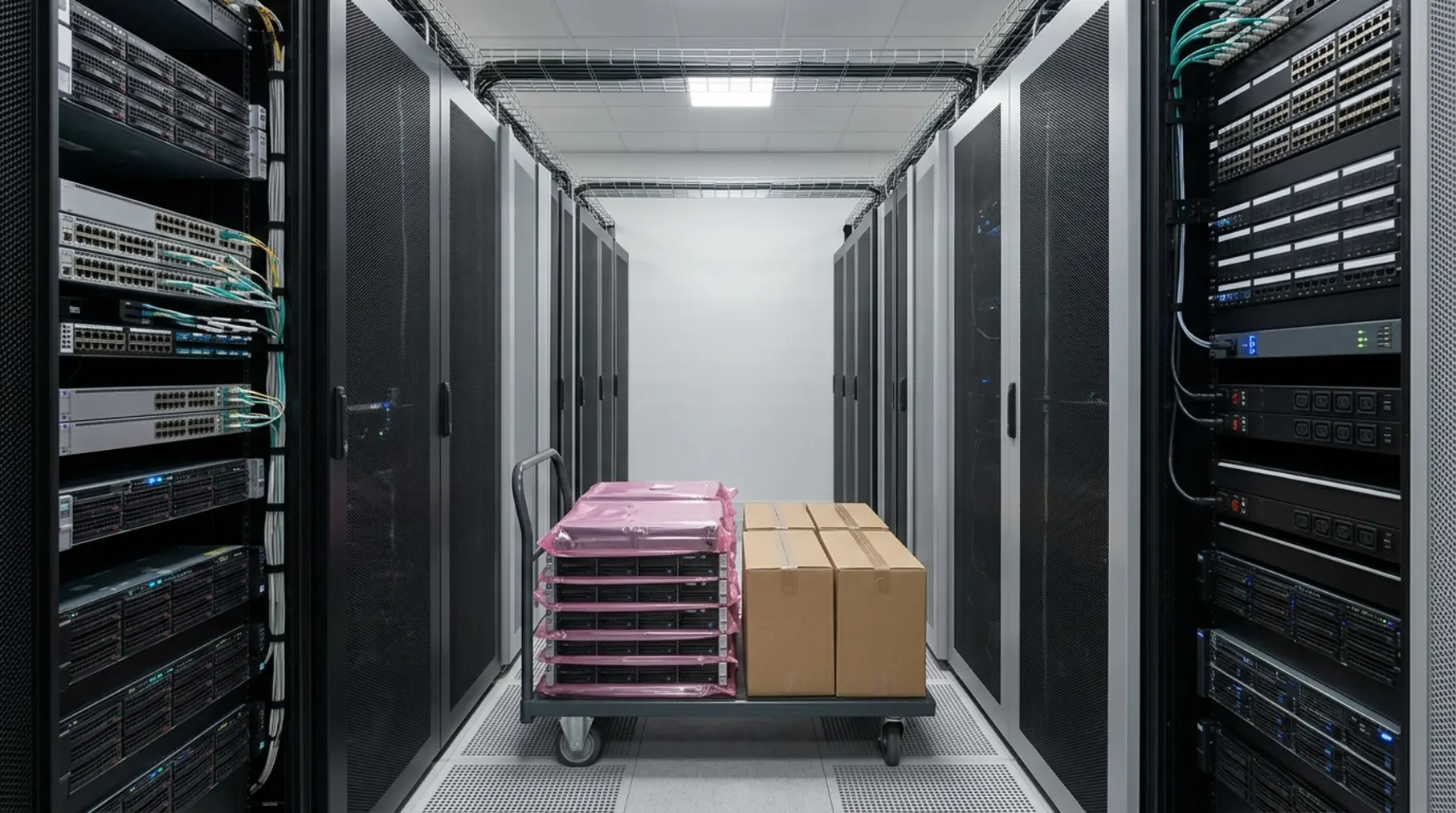
Production environments generate continuous data streams that require dedicated backup windows. If a backup process interferes with primary workloads, database queries slow down, and user experience degrades. Therefore, a modern backup server must possess sufficient CPU power, redundant power supplies, high-throughput network interfaces (such as 10GbE or SFP+ fiber channels), and scalable drive bays configured in robust RAID arrays.
1. Synology High-Availability NAS Solutions (Enterprise & SMB Value)
Synology has evolved from a consumer-grade manufacturer into a robust enterprise contender, particularly with its high-end RackStation series. These units serve as exceptional dedicated backup servers for small-to-medium organizations seeking a blend of user-friendly management and powerful data protection capabilities.
Features and Performance
Synology backup servers operate on DiskStation Manager (DSM), a refined operating system that supports native backup suites like Active Backup for Business. This software allows administrators to centralize backups for physical servers, virtual machines (VMware and Hyper-V), personal computers, and Microsoft 365 or Google Workspace accounts without requiring separate per-device licensing fees.
Hardware options range from compact desktop units to high-density 2U and 4U rackmount servers featuring redundant power supplies and hot-swappable drive bays. Performance is further enhanced through NVMe cache slots, which accelerate metadata operations during heavy incremental backup windows.
Pros and Cons
- Pros:
- No licensing fees for built-in backup applications like Active Backup for Business.
- Intuitive graphical user interface that reduces administrative overhead.
- Comprehensive support for immutable snapshots, protecting against ransomware.
- Cons:
- Proprietary hardware ecosystems limit raw component upgrades.
- High-end rackmount models can become expensive when populated with enterprise-grade drives.
2. Dell PowerEdge Rack Servers Running Veeam
For organizations requiring enterprise-grade raw computing power combined with industry-standard backup software, pairing a Dell PowerEdge server with Veeam Backup & Replication represents the gold standard of data protection.
Features and Performance
Dell PowerEdge servers—such as the PowerEdge R760 or R560—provide the heavy computational muscle required for enterprise deduplication, compression, and instant VM recovery. When configured with dual Intel Xeon or AMD EPYC processors and massive RAM capacity, these servers can process hundreds of terabytes of data quickly during tight backup windows.
Veeam leverages these hardware assets to create "hardened repositories." By running a localized, hardened Linux repository on a Dell PowerEdge server, administrators can enforce write-once-read-many (WORM) policies at the file system level. This ensures that even if network credentials are compromised, malware cannot encrypt or delete the backup files.
Pros and Cons
- Pros:
- Exceptional processing power for large-scale enterprise environments.
- Highly customizable hardware with robust warranty and support options from Dell.
- Seamless integration with Veeam's advanced ransomware defense mechanisms.
- Cons:
- High initial capital expenditure (CapEx) for hardware and software licensing.
- Requires dedicated IT staff with advanced virtualization and storage management expertise.
3. QNAP Enterprise ZFS NAS (High-Performance Data Integrity)
QNAP offers specialized enterprise-grade backup servers powered by the QuTS hero operating system, utilizing the ZFS file system. These units are engineered for organizations that prioritize data integrity, self-healing data blocks, and real-time block-level deduplication.
Features and Performance
The ZFS foundation of QNAP enterprise servers provides built-in checksums that detect and automatically repair silent data corruption (bit rot). This is a critical feature for long-term archival storage, where files might sit untouched for months or years.
Furthermore, QuTS hero supports near-limitless snapshots and WORM storage configurations. These backup servers integrate smoothly with major third-party backup vendors like Veritas, Commvault, and Nakivo, making them versatile additions to heterogeneous IT infrastructures.
Pros and Cons
- Pros:
- ZFS file system ensures native self-healing and data integrity.
- Excellent inline data deduplication and compression ratios, saving physical storage space.
- High-speed connectivity options, including 25GbE and 40GbE network cards.
- Cons:
- ZFS requires higher baseline RAM allocations for optimal performance.
- Steeper learning curve for administrators unfamiliar with ZFS architecture.
4. HPE ProLiant Servers with Zerto or Commvault
Hewlett Packard Enterprise (HPE) ProLiant servers remain a staple in enterprise data centers. When deployed as dedicated backup targets running enterprise orchestration software like Zerto or Commvault, they offer unmatched uptime and remote management capabilities.
Features and Performance
HPE ProLiant servers stand out due to their advanced management processor, HPE Integrated Lights-Out (iLO). iLO provides out-of-band management, allowing administrators to monitor hardware health, power cycles, and BIOS settings remotely, even if the primary operating system has crashed.
Security is another major selling point. HPE utilizes "Silicon Root of Trust," which hardens the server firmware at the silicon level. This prevents compromised firmware from running on the backup server, sealing a common vector for advanced persistent threats (APT).
Pros and Cons
- Pros:
- Industry-leading remote management via HPE iLO.
- Silicon-level firmware security protects against sophisticated malware.
- Extensive enterprise support network worldwide.
- Cons:
- Proprietary management licenses may add to the total cost of ownership.
- Complex deployment procedures require rigorous documentation.
5. TrueNAS Enterprise Dedicated Appliances (Open Source Flexibility & Scale)
TrueNAS (built on OpenZFS) has gained immense traction as a reliable, scale-up backup server option. Available as pre-configured hardware appliances from iXsystems or as software installed on custom enterprise hardware, TrueNAS provides enterprise storage capabilities without vendor lock-in.
Features and Performance
TrueNAS Enterprise supports unified storage protocols (SMB, NFS, iSCSI, and Fibre Channel), making it easy to integrate into existing virtualization and file-sharing environments. Its high-availability (HA) controller configurations ensure that if one backup server node fails, the secondary node takes over seamlessly without interrupting active replication jobs.
TrueNAS also features native integration with cloud object storage services (like AWS S3 and Backblaze B2), facilitating reliable 3-2-1 backup strategies by tiering local backups directly to offsite cloud repositories.
Pros and Cons
- Pros:
- No per-user or per-capacity licensing fees for the core operating system.
- Robust high-availability failover options.
- Transparent integration with cloud object storage tiers.
- Cons:
- Hardware compatibility can be strict if building a custom TrueNAS server rather than buying pre-built appliances.
- Requires administrative familiarity with FreeBSD/Linux storage administration.
Comparison of Top Backup Server Options
| Backup Server Option | Primary OS / Platform | Best Suited For | Key Security Feature | Licensing Structure |
|---|---|---|---|---|
| Synology RackStation | DiskStation Manager (DSM) | SMBs & Mid-Market | Immutable Snapshots | Free built-in apps; hardware purchase required |
| Dell PowerEdge + Veeam | Windows Server / Linux | Enterprise Data Centers | Hardened Linux Repositories | Server hardware + Veeam subscription |
| QNAP Enterprise ZFS | QuTS hero (ZFS) | High-Integrity Data Storage | WORM & Self-Healing Checksums | Included with appliance |
| HPE ProLiant | Enterprise Hypervisors / OS | Mission-Critical Environments | Silicon Root of Trust | Server hardware + software licenses |
| TrueNAS Enterprise | OpenZFS / TrueNAS SCALE | Cost-Conscious Enterprise | High-Availability HA Nodes | Free community edition; paid enterprise support |
Key Factors to Consider When Choosing a Backup Server
Selecting the appropriate backup server requires evaluating several interconnected technical parameters. Overlooking any of these areas can result in failed backup windows or prolonged recovery times during an emergency.
1. Storage Capacity and Scalability
Calculate your current total data volume and apply a realistic growth projection rate (typically 20% to 30% year-over-year). Ensure the backup server chassis allows for expansion shelf attachments or high-density drive replacements without requiring a complete hardware replacement.
2. Recovery Time Objective (RTO) and Recovery Point Objective (RPO)
RTO defines how quickly you can restore systems after a failure, while RPO defines how much data loss is acceptable. Servers equipped with high-speed NVMe caching, robust RAM allocations, and flash-storage tiers ensure minimal RTO by enabling instant virtual machine recovery directly from the backup repository.
3. Ransomware Immutability and Air-Gapping
Modern backup servers must feature immutable storage options. Immutability ensures that backup files cannot be altered, encrypted, or deleted by any user—including administrators—for a predefined retention period. Combining this with logical or physical air-gapping creates a nearly impenetrable defense against ransomware attacks.
Common Mistakes to Avoid in Backup Server Deployment
Implementing a backup server is only half the battle; configuration errors frequently undermine disaster recovery readiness. Avoid these common pitfalls:
- Using Production Storage for Backups: Storing backups on the same physical storage array as production data violates the core principle of redundancy. If the primary array fails, all backups are lost simultaneously.
- Neglecting Backup Verification: A backup that has not been tested for restoration is merely an assumption. Regularly execute automated test restorations to verify data integrity.
- Failing to Encrypt Data at Rest and in Transit: Backup repositories contain sensitive corporate and customer data. Ensure AES-256 encryption is enabled across all storage volumes and replication channels.
Frequently Asked Questions
What is the difference between a NAS and a dedicated backup server?
A Network-Attached Storage (NAS) device is a general-purpose file storage appliance, whereas a dedicated backup server is optimized with specialized computing resources, backup software integrations, and immutable storage policies specifically designed to capture, deduplicate, and secure backup workloads.
How much storage capacity do I need for a backup server?
A standard rule of thumb for retention is the 3-2-1-1 rule: three copies of data, two different media types, one offsite copy, and one immutable or offline copy. Your backup server storage should generally accommodate at least three to five times your total production data volume to account for daily incremental snapshots and historical retention policies.
Can I build my own backup server instead of buying an appliance?
Yes, many organizations build custom backup servers using hardware components running software platforms like TrueNAS SCALE or Veeam-hardened Linux distributions. However, pre-built enterprise appliances from vendors like Dell, HPE, or Synology offer distinct advantages in hardware support warranties and validated compatibility.
How often should backup server firmware and software be updated?
Backup servers are prime targets for cyberattacks because they hold the keys to company data recovery. Apply security patches and firmware updates immediately after testing them in a non-production staging environment to protect against newly discovered vulnerabilities.
What network speed is required for an enterprise backup server?
At minimum, enterprise backup servers should utilize bonded 1GbE connections, though 10GbE, 25GbE, or SFP+ fiber connections are strongly recommended to prevent network bottlenecks during heavy overnight backup windows.
Next Actions for Implementation
To operationalize your chosen backup server, begin by auditing your current data footprint and establishing clear RTO and RPO benchmarks with stakeholders. Once requirements are defined, request hardware quotes from authorized vendors for solutions like Dell PowerEdge, Synology RackStation, or TrueNAS Enterprise. Finally, schedule a pilot test to validate backup speeds, deduplication ratios, and immutable recovery workflows before migrating your primary production backup schedules.