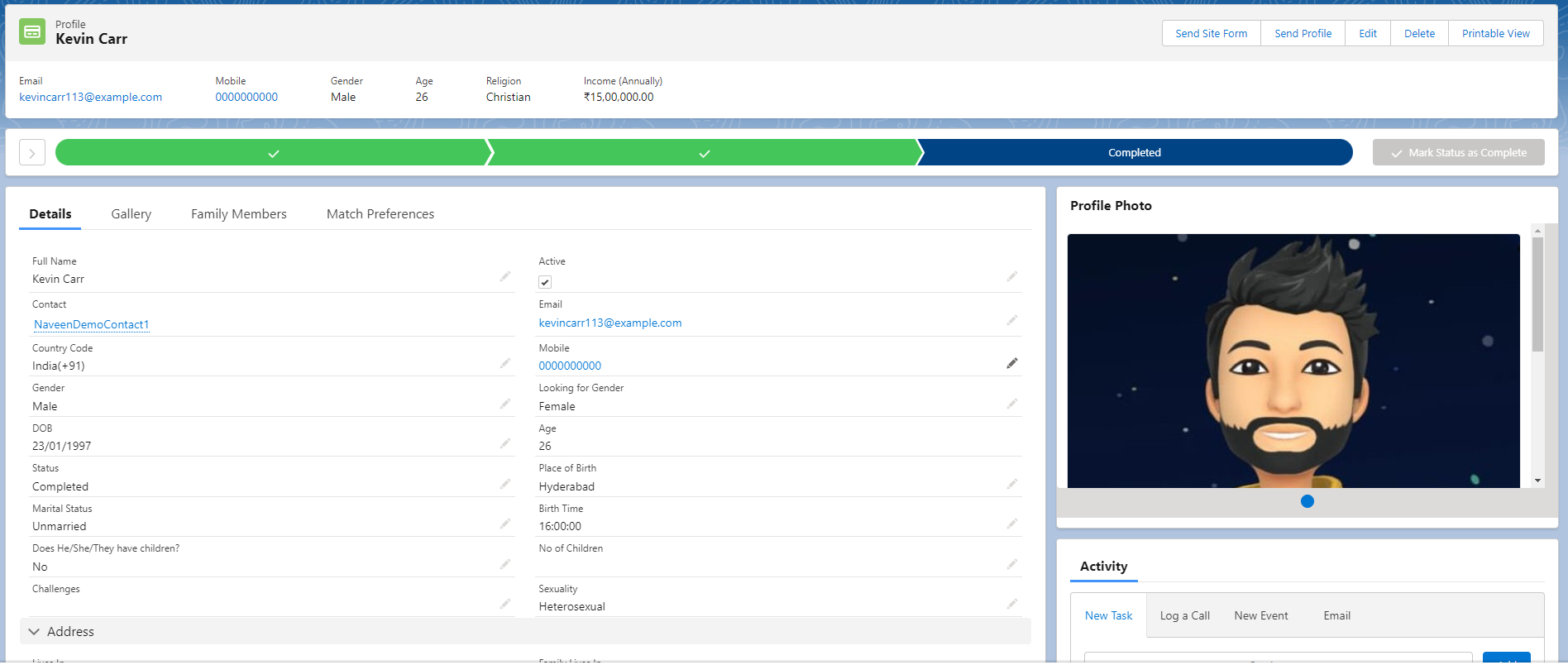
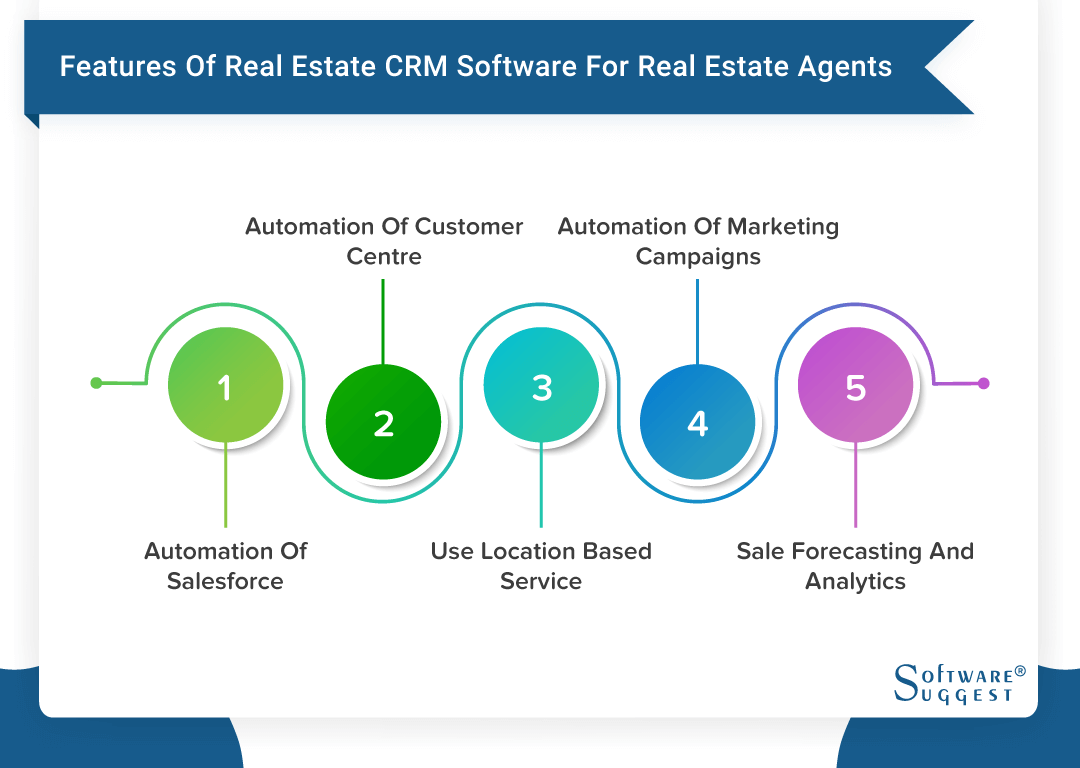
Apto is a cloud-based CRM and deal management platform specifically engineered for commercial real estate (CRE) brokers and agents. Built on the Salesforce platform and owned by Buildout, it centralizes property data, contact relationships, and deal pipelines to streamline the complex lifecycle of commercial property transactions and brokerage operations.
The Evolution of Apto in the Commercial Real Estate Tech Stack
As of 2026, the landscape of commercial real estate technology has shifted from fragmented point solutions to integrated ecosystems. Apto, once an independent startup, has fully matured within the Buildout suite of tools. This evolution is significant because it addresses the historical "data silo" problem where brokers had to enter property information in a CRM and then manually re-enter it into marketing software.
The primary value proposition of Apto remains its foundation on Salesforce, the world’s most robust CRM infrastructure. By "skinning" Salesforce specifically for CRE, Apto provides brokers with the enterprise-grade security, uptime, and mobile accessibility of a global tech giant, while offering a data schema (the way information is organized) that understands the nuances of commercial leases, sales, and capital markets.
In the current market, agents use Apto not just as a digital Rolodex, but as a strategic command center. The software is designed to reflect the "Property-First" reality of the industry. While generic CRMs focus on leads and opportunities, Apto focuses on the relationship between a physical asset (the property), the people who own or occupy it (the contacts), and the financial events surrounding it (the deals).
Core Functionality: How Apto Services the CRE Workflow
To understand Apto’s utility, one must look at how it maps to the daily activities of a high-volume broker. The software is organized into several key modules that work in tandem to create a 360-degree view of a broker’s market.
1. Property and Inventory Management
At the heart of Apto is the Property Object. Unlike a residential database, a CRE property record in Apto tracks granular details such as:
- Physical Specifications: Square footage, ceiling heights, loading docks, and zoning classifications.
- Financial History: Previous sale prices, current debt structures, and historical tax assessments.
- Tenancy: Who is currently in the building, when their leases expire, and what options they hold for renewal or expansion.
In 2026, this module often includes integrated geospatial data, allowing brokers to visualize their inventory on interactive maps. This spatial awareness helps in identifying "doughnut holes" in a broker's territory—properties that haven't been contacted or researched recently.
2. Contact and Relationship Management
Real estate is a relationship business, but in CRE, those relationships are often complex. Apto allows for many-to-many relationship mapping. For example, a single individual might be a "Tenant" in one building, a "Managing Member" of an LLC that owns another building, and a "Potential Buyer" for a third.
Apto tracks these connections seamlessly, ensuring that when a broker calls a contact, they have full context of every touchpoint. The platform logs emails, calls, and meetings, often integrating directly with Microsoft Outlook or Google Workspace to capture data without manual entry.
3. Pipeline and Deal Tracking
The deal management module allows brokers to move a listing through various stages: from the initial "Pitch" and "LOI" (Letter of Intent) to "Due Diligence" and "Closing."
One of the most useful features for brokerages is the ability to track GCI (Gross Commission Income) and split calculations. Apto handles the math of how commissions are shared between the house, the listing agent, and the tenant rep, providing real-time forecasting for firm principals.
Technical Specifications: The Salesforce Advantage
Because Apto is built on Salesforce, it inherits several technical advantages that are often missing from "built-from-scratch" real estate CRMs.
Security and Compliance
In 2026, data security is a non-negotiable requirement for institutional clients. Apto benefits from Salesforce’s multi-tenant cloud architecture, which includes sophisticated encryption, two-factor authentication, and compliance with global standards like GDPR and CCPA. For larger brokerages dealing with sensitive financial data, this infrastructure provides a level of "audit-readiness" that smaller software providers struggle to match.
Extensibility and API Access
Apto is not a closed system. Through the Salesforce AppExchange, users can connect Apto to thousands of third-party applications. This includes tools for digital signatures (DocuSign), advanced data analytics (Tableau), or specialized marketing automation (Pardot).
Mobile Performance
The Apto mobile experience is delivered through the Salesforce mobile app. This allows brokers in the field to update property records, upload photos of a site, or check a client’s phone number while standing on the sidewalk. In an industry where being "first to the lead" matters, this real-time data sync is a critical competitive edge.
Implementation: Moving from Spreadsheets to Apto
The biggest hurdle for most agents is not the cost of the software, but the "data migration" process. Moving decades of notes from Excel, Outlook, or legacy systems into a structured database like Apto requires a strategic approach.
The Data Cleaning Phase
Before importing data into Apto, it is essential to de-duplicate and format it. Salesforce requires specific data types (e.g., phone numbers must be in a certain format, and addresses must be parsed into street, city, state, and zip). Most successful implementations involve a "Data Champion" within the firm who oversees this transition.
Configuration vs. Customization
While Apto comes "out of the box" configured for CRE, every brokerage has unique needs.
- Configuration involves changing settings that already exist (e.g., adding a custom field for "Roof Age").
- Customization involves building new functionality (e.g., a complex automated workflow that triggers a marketing email the moment a lease expires).
In 2026, Apto provides more "low-code" options, allowing brokers to build their own automations without needing a computer science degree.
The Buildout Synergy: Marketing and CRM Integration
The acquisition of Apto by Buildout has led to a more unified user experience. Historically, a broker would finish a deal in their CRM and then have to log into another tool to create a brochure or post the listing to the web.
In the current ecosystem, the data flows bidirectionally:
- Lead Capture: When a prospect inquires about a listing on a Buildout-powered website, that lead is automatically injected into Apto.
- Marketing Collateral: Property data residing in Apto can be "pushed" to Buildout to generate professional offering memorandums (OMs) and flyers instantly.
- Syndication: Listings can be sent from the CRM to major listing portals like Crexi or Brevitas with a single click, ensuring data consistency across the web.
Apto vs. The Competition: A Comparison Table
Choosing a CRM requires weighing the complexity of the platform against the specific needs of the brokerage. Below is a comparison of Apto against other major players in the 2026 market.
| Feature | Apto (Buildout) | AscendixRE | RealNex | ClientLook |
|---|---|---|---|---|
| Foundation | Salesforce | Salesforce / Dynamics | Proprietary | Proprietary |
| Target Audience | Mid-to-Large Firms | Enterprise | Small-to-Mid Teams | Individual Brokers |
| Customization | Very High | Very High | Moderate | Low |
| Ease of Use | Moderate (Learning Curve) | Moderate | High | Very High |
| Marketing Integration | Native (Buildout) | Third-party / Mailchimp | Built-in | Built-in |
| Best For | Scalability & Security | Highly Custom Needs | All-in-one Simplicity | Relationship Focus |
Pricing and ROI Considerations
Apto typically operates on a per-user, per-month subscription model. While prices vary based on the scale of the firm and specific feature sets, it is generally positioned as a premium product.
To calculate the Return on Investment (ROI), firms should look beyond the monthly fee and consider:
- Time Savings: If a broker saves 4 hours a week on data entry and reporting, that time is better spent on prospecting.
- Data Continuity: When an agent leaves a firm, their data stays in the company’s Apto instance. This prevents "institutional memory loss," which is a significant hidden cost in the brokerage world.
- Deal Speed: Faster marketing cycles and better pipeline visibility lead to shorter "time-to-close" metrics.
Common Pitfalls and Troubleshooting
Despite its power, Apto is not a "magic bullet." The most common reason for CRM failure in a brokerage is lack of adoption. If the agents do not enter their data, the system becomes a digital graveyard.
1. Data Integrity Issues
If multiple agents enter the same contact differently (e.g., "J. Smith" vs "John Smith"), the CRM's value diminishes. Using Apto’s built-in "Duplicate Management" rules is essential for maintaining a clean database.
2. Over-Customization
Many firms make the mistake of trying to make Apto do everything on day one. This leads to a cluttered interface that overwhelms users. The best practice is to start with the core features (Contacts and Properties) and slowly add "Deal" and "Commission" tracking as the team becomes comfortable.
3. Training Gaps
Salesforce is a deep platform. Without ongoing training, users may only use 10% of the software's capabilities. Firms should leverage the Apto Academy or hire certified Salesforce consultants specializing in CRE to maximize their investment.
Is Apto Right for Your Brokerage?
The decision to use Apto usually depends on two factors: your firm's growth trajectory and your tolerance for a learning curve.
If you are an individual residential agent doing the occasional commercial deal, Apto is likely more power (and cost) than you need. However, if you are a professional CRE broker or a firm principal looking to build a scalable, data-driven business, Apto’s Salesforce foundation and Buildout integration make it a top-tier choice in 2026. It provides the "professional rails" upon which a high-output brokerage can run.
Frequently Asked Questions
Does Apto require a separate Salesforce license?
No. When you purchase Apto, the Salesforce license is "embedded" (specifically an OEM license). You do not need to deal with Salesforce directly for billing or support; everything is handled through the Apto/Buildout team.
Can Apto handle both Sales and Leasing?
Yes. Apto is designed with specific workflows for both landlord and tenant representation, as well as investment sales. The data fields and pipeline stages can be toggled or customized to fit the specific needs of each service line.
How does Apto handle data privacy for shared databases?
Apto uses Salesforce’s "Permission Sets" and "Sharing Rules." This allows a firm to decide who sees what. For example, you can set the system so that every agent sees the property database, but only the specific listing team can see the financial details of a pending deal.
Can I import my data from Excel?
Yes. Apto provides data import wizards. However, for large or complex datasets, it is often recommended to use a professional data migration service to ensure that "lookup relationships" (like linking a contact to a specific building) are maintained during the transfer.
Is there a "light" version of Apto for new agents?
Apto's pricing and features are generally geared toward professional full-time brokers. While there isn't a "light" version per se, the interface can be simplified by administrators to hide advanced features from newer users until they are ready for them.
Practical Recommendations for 2026
If you are considering Apto, start by auditing your current data. Most brokers find that their data is currently "trapped" in three places: their phone, their email, and a series of disparate spreadsheets. Before signing a contract, ensure you have a plan for who will clean this data and who will be responsible for the initial setup.
In 2026, the competitive advantage in CRE belongs to those who own their data. Apto provides the most structured way to do that, provided you are willing to commit to the "Salesforce way" of managing information.