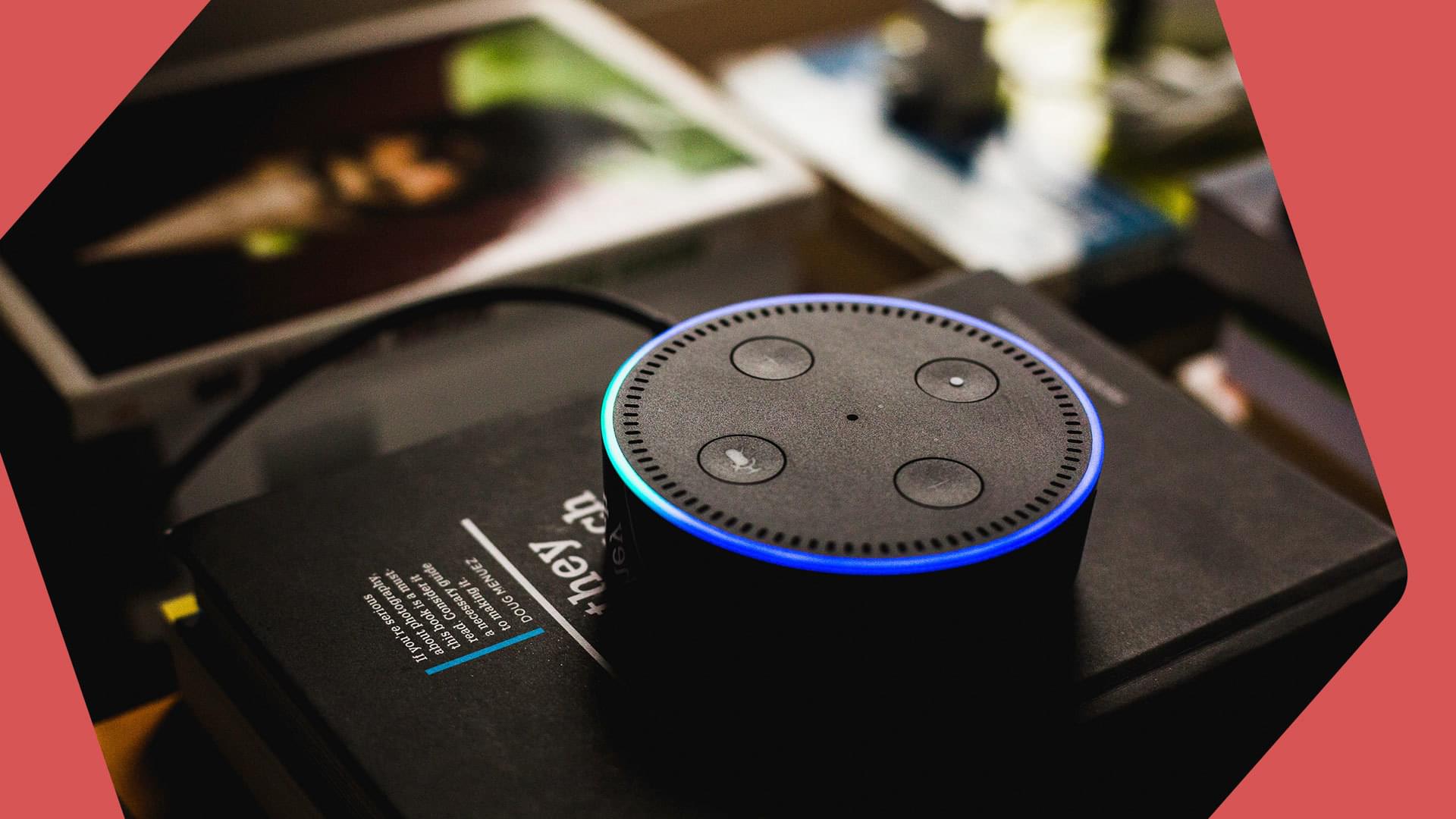
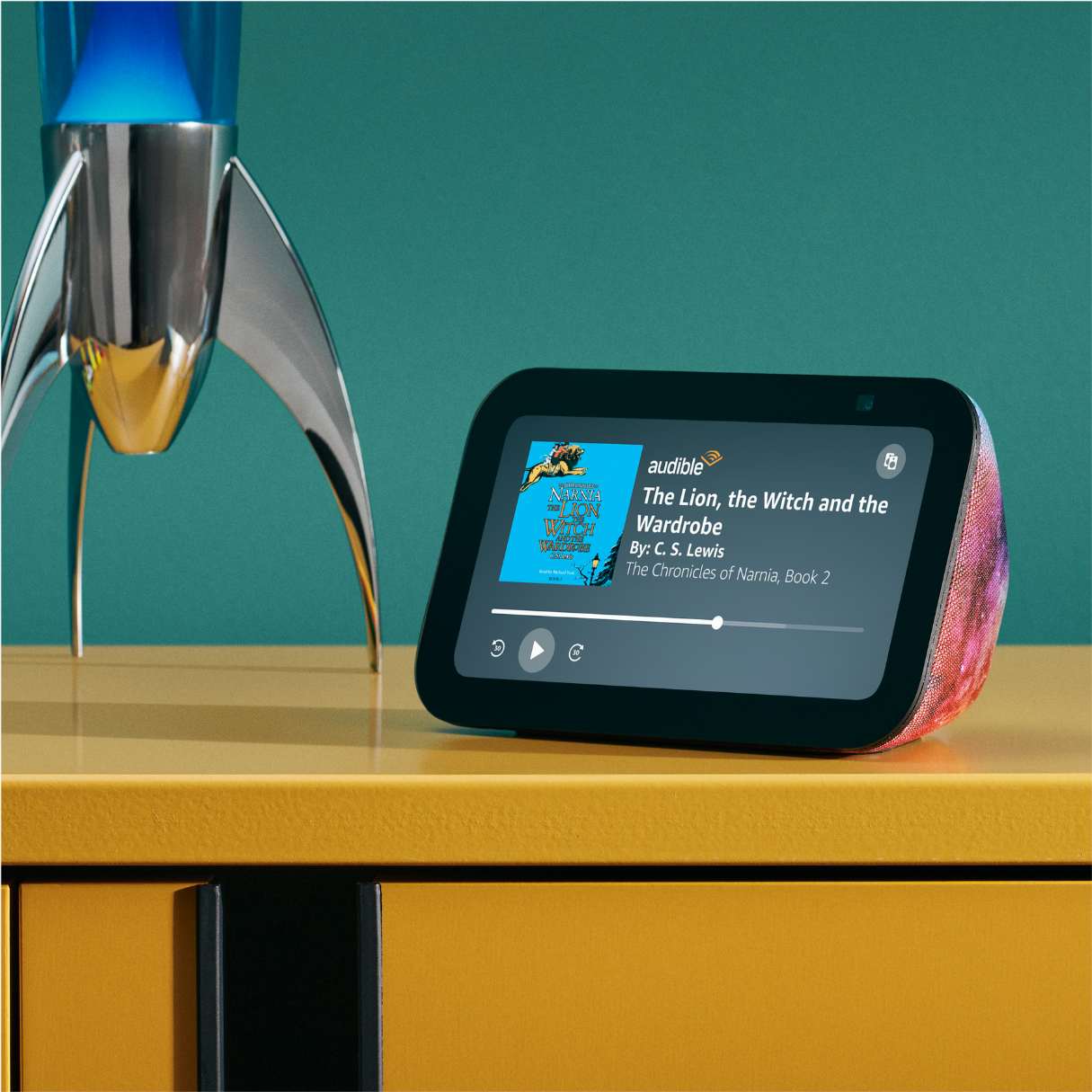
Amazon Music stations for Alexa are dynamic, personalized radio streams that allow users to enjoy continuous music based on specific artists, genres, moods, or eras. By using simple voice commands like "Alexa, play the 80s station," listeners can access a curated flow of music that adapts to their preferences over time through machine learning and user feedback.
Music streaming has evolved significantly, and as of 2026, the integration between Amazon Music and Alexa-enabled devices remains the cornerstone of the smart home audio experience. Unlike static playlists, stations are designed to be infinite, providing a lean-back listening experience where the service does the work of selecting the next track. Whether you are using a standard Echo, an Echo Show, or high-end third-party Alexa-integrated speakers, understanding how to navigate these stations is essential for maximizing your subscription value.
The Architecture of Amazon Music Stations
At its core, an Amazon Music station is an algorithmic stream. While a playlist is a fixed sequence of songs—often curated by an editor or the user—a station is fluid. When you ask Alexa to start a station based on an artist like Taylor Swift, the service doesn't just play her hits; it weaves together her discography with "neighboring" artists who share similar acoustic characteristics, genres, and listener demographics.
In 2026, these algorithms have become increasingly sophisticated. They now account for the time of day, your historical listening patterns on specific devices, and even the frequency with which you skip certain tracks. This ensures that a "Morning Acoustic" station sounds different at 7:00 AM than it might if triggered during a late-night study session.
Stations vs. Playlists: Key Differences
Understanding the distinction between these two formats helps in choosing the right voice command:
- Duration: Playlists have a beginning and an end. Stations are infinite.
- Predictability: Playlists follow a set or shuffled order of specific tracks. Stations introduce new music based on a "seed" (an artist or song).
- Interaction: Stations rely heavily on "Thumbs Up" and "Thumbs Down" feedback to refine the stream in real-time.
Subscription Tiers and Station Access in 2026
Your experience with Amazon Music stations on Alexa depends heavily on your subscription level. Amazon has maintained a tiered structure to cater to different budget and quality requirements.
Amazon Music Free
Users without a Prime membership or an Unlimited subscription can still access stations on Alexa. This is an ad-supported tier.
- Access: You can ask for stations based on artists, genres, or moods.
- Limitations: You will encounter intermittent advertisements. There is a limit on the number of track skips allowed per hour, and you cannot select specific individual songs on demand; you are restricted to the station format.
Amazon Music Prime
Included with a standard Amazon Prime membership, this tier offers a significant upgrade for Alexa users.
- Ad-Free Listening: Stations are delivered without commercial interruptions.
- All-Access Playlists: While primarily focused on shuffle-mode for the full catalog, Prime members have access to a selection of "All-Access" stations and playlists that allow for unlimited skips and higher-fidelity audio.
- Catalog Depth: In 2026, Prime members have access to the full 100+ million song catalog in shuffle/station mode when using Alexa.
Amazon Music Unlimited
This is the premium tier designed for audiophiles and power users.
- Full Control: Unlimited skips on all stations and the ability to play any specific song, album, or station in HD or Ultra HD.
- Spatial Audio: Many stations are now optimized for Dolby Atmos and 360 Reality Audio, providing an immersive experience on compatible Echo Studio or specialized home theater setups.
- Offline Access: While Alexa is primarily cloud-based, Unlimited allows for downloading stations to mobile devices via the Amazon Music app for playback when the Alexa-enabled vehicle or wearable is offline.
Essential Alexa Voice Commands for Music Stations
The primary way to interact with Amazon Music stations is through voice. Precision in your commands can help Alexa find the exact vibe you are looking for.
Basic Station Commands
- Artist-Based: "Alexa, play [Artist Name] station." This creates a stream of music from that artist and similar performers.
- Genre-Based: "Alexa, play Jazz stations" or "Alexa, play Classic Rock."
- Mood/Activity-Based: "Alexa, play music for cooking," "Alexa, play relaxing stations," or "Alexa, play workout music."
- Era-Based: "Alexa, play 90s Pop stations."
Feedback and Control Commands
To train the Amazon Music algorithm, you must interact with the station as it plays.
- Preference: "Alexa, I like this song" or "Alexa, Thumbs up." This increases the frequency of similar tracks in the future.
- Dislike: "Alexa, I don't like this song" or "Alexa, Thumbs down." This will skip the track and ensure it (and often similar tracks) does not play again on that station.
- Identification: "Alexa, what song is this?" or "Alexa, who is this artist?"
- Discovery: "Alexa, play more like this."
Advanced Features: Routines and Multi-Room Audio
Amazon Music stations are most effective when integrated into the broader Alexa ecosystem. By 2026, the automation capabilities of the Alexa app have made it easier to treat music as a utility rather than just a manual choice.
Integrating Stations into Alexa Routines
Routines allow you to trigger a series of actions with a single command or at a specific time. You can set a "Good Morning" routine that turns on the lights, reads the weather, and starts the "Espresso Morning" station at 30% volume.
- Open the Alexa App.
- Navigate to More > Routines.
- Select the + icon to create a new routine.
- Set a trigger (e.g., an alarm or a voice command).
- Select Add Action > Music & Podcasts.
- Type in the name of the station (e.g., "Chill Electronic Station") and select Amazon Music as the provider.
Multi-Room Music Groups
If you have multiple Echo devices, you can synchronize a station across your entire home. This is ideal for parties or cleaning. By creating a "Everywhere" group in the Alexa app, you can say, "Alexa, play 70s Disco station on the Everywhere group." The stream will be perfectly synced across all devices, regardless of which room you are in.
Comparing Amazon Music Station Features (2026)
| Feature | Amazon Music Free | Amazon Music Prime | Amazon Music Unlimited |
|---|---|---|---|
| Ad-Free | No | Yes | Yes |
| Skip Limit | Yes (6 per hour) | Unlimited (on All-Access) | Unlimited |
| Audio Quality | Standard (SD) | Standard / HD | HD / Ultra HD / Spatial |
| Artist Stations | Yes | Yes | Yes |
| Personalized Stations | Limited | Full | Full + My Soundtrack |
| Offline Stations | No | No | Yes (Mobile App) |
Troubleshooting Common Issues
Even with the advancements in 2026, users may occasionally encounter friction when trying to play Amazon Music stations on Alexa.
"I Can't Find That Station"
If Alexa fails to recognize a specific station name, it is often due to phonetic ambiguity. Try being more specific by saying, "Alexa, play the [Genre] station on Amazon Music." This forces the device to look within the specific service rather than searching for a global radio station or a local file.
Audio Stuttering or Buffering
Stations require a consistent internet connection because they are dynamic streams. If the audio cuts out:
- Check Bandwidth: Ensure other high-bandwidth activities (like 8K streaming or large downloads) aren't saturating your network.
- Restart the Echo: Unplug the device for 30 seconds and plug it back in to clear the local cache.
- Update the App: Ensure your Alexa and Amazon Music apps are updated to the latest 2026 versions to benefit from the latest connectivity patches.
Wrong Music Style
If a station begins playing music that doesn't match the seed artist or genre, the "taste profile" may have become skewed. You can reset this by aggressively using the "Thumbs Down" command for several tracks or by visiting the "Your Recents" section in the Amazon Music app to remove specific songs from your history that might be influencing the algorithm incorrectly.
Frequently Asked Questions
Can I create my own station on Alexa?
You cannot manually "build" a station track-by-track—that would be a playlist. However, you can "seed" a new station by saying, "Alexa, start a station based on [Song Name]." Alexa will then use that specific song's metadata to generate an infinite stream of similar music.
Do Amazon Music stations work on non-Echo devices?
Yes, as long as the device has Alexa Built-in. This includes Sonos speakers, Bose smart soundbars, and even some smart TVs. You simply need to link your Amazon Music account in the Alexa app and set it as your default music provider.
What is the "My Soundtrack" station?
"My Soundtrack" is a flagship personalized station in 2026. It is unique to every user and is built entirely on your listening history, likes, and skips across the entire Amazon ecosystem. It is the ultimate "lean-back" station for users who want a mix of familiar favorites and new discoveries. You can trigger it by saying, "Alexa, play My Soundtrack."
How do I stop a station from playing on all my devices?
If you have multi-room audio running and want to stop it everywhere, say, "Alexa, stop music everywhere." If you only want to stop it on the device you are currently near, simply say, "Alexa, stop."
Can I set an Amazon Music station as my alarm?
Yes. You can ask, "Alexa, set an alarm for 7 AM to [Station Name] on Amazon Music." Alternatively, you can configure this within the "Alarms & Timers" section of the Alexa app.
Summary and Next Steps
Amazon Music stations for Alexa offer one of the most seamless ways to enjoy continuous, personalized audio in 2026. Whether you are using the free ad-supported version or the high-fidelity Unlimited tier, the key to a great experience lies in active participation. By using "Thumbs Up" and "Thumbs Down" commands frequently, you train the underlying AI to understand your unique musical preferences.
To get started today, try asking Alexa for a station based on an era you haven't listened to in a while, or set up a simple Routine to automate your evening wind-down with a "Lo-Fi Beats" station. For those seeking the highest audio quality, verify your device settings in the Alexa app to ensure "Best Available" audio quality is selected for your Amazon Music Unlimited streams.