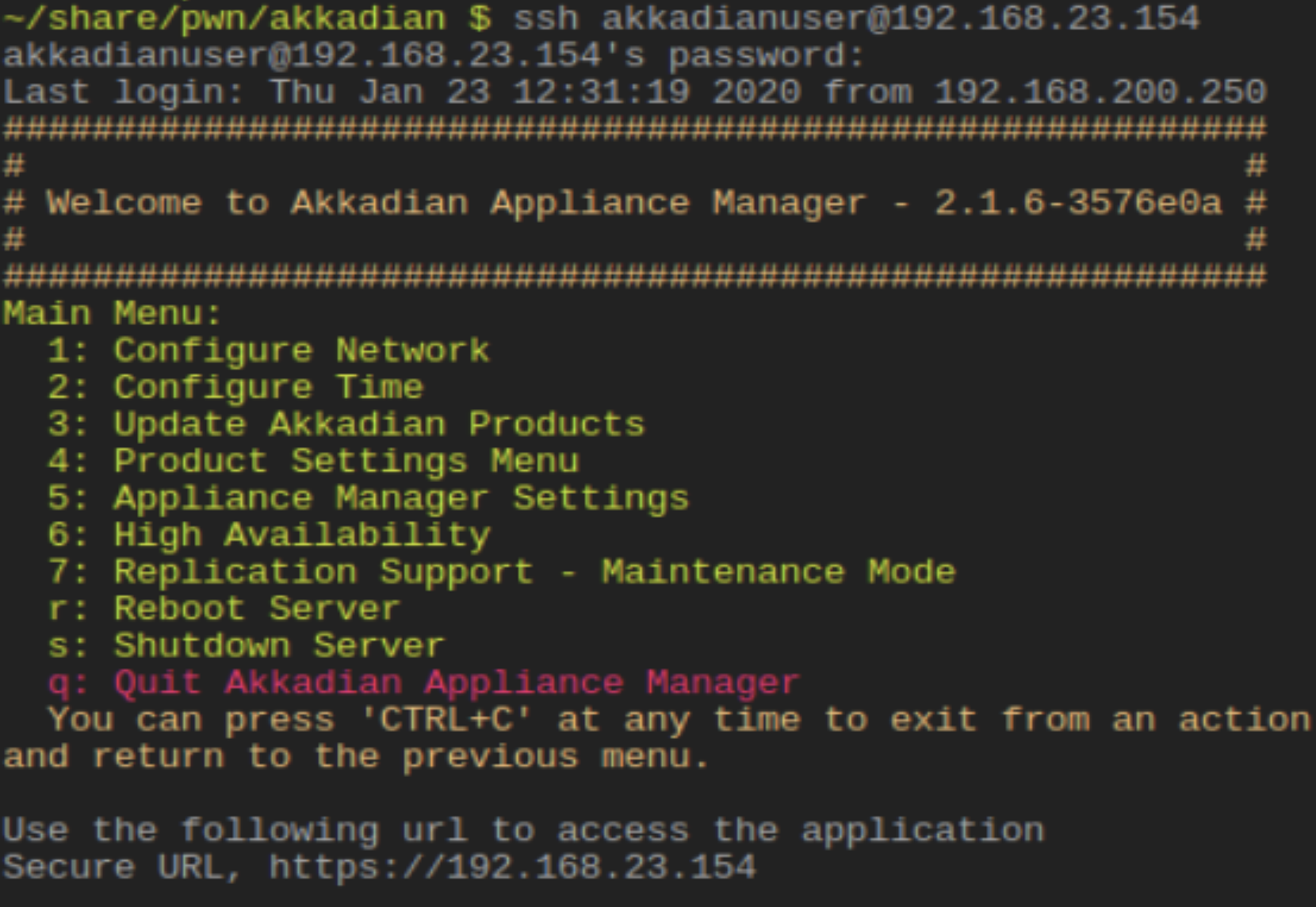
Akkadian Provisioning Manager is a specialized automation platform designed to simplify and accelerate the management of Cisco Unified Communications (UC) environments. It enables IT teams to automate the onboarding, offboarding, and modification of users across Cisco CUCM, Unity Connection, and Webex, replacing complex manual tasks with standardized, template-based workflows.
Managing a modern enterprise communications suite is an exercise in technical complexity. As organizations navigate the landscape of 2026, the demand for instantaneous service delivery has never been higher. For administrators handling Cisco Collaboration tools, the native administration interfaces—while powerful—often require significant manual effort and a high degree of technical expertise to perform basic tasks. This is where Akkadian Provisioning Manager (APM) serves as a critical bridge between complex backend configurations and efficient operational execution.
The Core Functionality of Akkadian Provisioning Manager
At its essence, Akkadian Provisioning Manager serves as an orchestration layer that sits on top of Cisco’s communication infrastructure. Its primary goal is to abstract the technical minutiae of moves, adds, changes, and deletions (MACDs), allowing even non-expert staff to manage user accounts safely and effectively.
In a traditional Cisco Unified Communications Manager (CUCM) environment, adding a single user involves navigating multiple menus to configure devices, line appearances, directory numbers, voicemail profiles, and presence settings. APM consolidates these steps into a single, unified workflow. By using a "Single Pane of Glass" approach, the software communicates with various Cisco servers via APIs (such as AXL and RIS) to push configurations simultaneously across the entire cluster.
The software is particularly valuable for large-scale enterprises or Managed Service Providers (MSPs) where the volume of changes makes manual entry unsustainable. By leveraging APM, organizations can reduce the time spent on provisioning from twenty minutes per user to under sixty seconds, drastically lowering operational overhead and minimizing the risk of human error.
Technical Architecture and Integration Capabilities
The architecture of Akkadian Provisioning Manager is built for resilience and scalability. In 2026, the platform continues to support both on-premises deployments and hybrid cloud models, ensuring that organizations can manage their legacy hardware alongside modern SaaS-based collaboration tools like Webex Calling.
API-First Design
The backbone of APM is its robust API integration. It uses the Cisco Administrative XML (AXL) API to read and write data to the CUCM database. Furthermore, it integrates with:
- Microsoft Active Directory (AD) and Azure AD/Entra ID: To synchronize user identity and trigger provisioning workflows based on group membership.
- ServiceNow and Workday: To allow HR-driven provisioning, where an update in the HR system automatically triggers the creation or deletion of a UC account.
- Cisco Unity Connection: For automated mailbox creation and password resets.
- Cisco IM and Presence: For managing Jabber and Webex status settings.
The Template Engine
One of the most powerful technical features of APM is its sophisticated template engine. Templates allow administrators to define a "Gold Standard" for different user types—such as "Sales Representative" or "Remote Executive." These templates pre-define settings like partitions, calling search spaces (CSS), device pools, and softkey templates. When a new user is added, the admin simply selects the relevant template, and APM handles the variable mapping automatically.
Key Features for Enterprise Efficiency
Akkadian Provisioning Manager is not merely a data-entry tool; it is a comprehensive management suite. To understand its value, one must look at the specific features that address common pain points in UC administration.
1. Automated User Onboarding and Offboarding
Employee turnover is a constant in the modern workforce. APM automates the "Joiner, Mover, Leaver" (JML) cycle. When a user leaves an organization, failing to properly de-provision their accounts can lead to security vulnerabilities and wasted licensing costs. APM ensures that when a user is deleted, all associated assets—including directory numbers, voicemail boxes, and remote access profiles—are reclaimed or disabled according to corporate policy.
2. Visual Phone Book and DN Management
Managing Directory Numbers (DNs) is a notorious challenge in Cisco environments. Without a centralized tracking system, administrators often struggle to find available numbers or inadvertently assign the same number to multiple users. APM includes a "Visual Phone Book" and automated DN management that tracks used, reserved, and available numbers across different sites and partitions. It can automatically assign the next available number in a specific range, eliminating the need for manual spreadsheets.
3. Role-Based Access Control (RBAC)
Security is paramount when delegating administrative tasks. APM’s RBAC allows senior engineers to delegate specific tasks to help desk personnel or site administrators without granting them full access to the Cisco CUCM cluster. This "least privilege" model ensures that a junior technician can reset a voicemail password or add a phone without the risk of accidentally altering global system settings or breaking the dial plan.
4. Self-Service Portals
To further reduce the burden on IT, APM offers a self-service portal for end-users. Through this interface, employees can manage their own speed dials, update their call forwarding settings, and reset their PINs. In 2026, where "User Experience" (UX) is a key metric for IT success, providing employees with autonomy over their communication tools is a significant advantage.
Comparing Provisioning Approaches
To justify the investment in a third-party tool like Akkadian, it is helpful to compare it against native Cisco tools and historical legacy solutions.
| Feature | Akkadian Provisioning Manager | Native Cisco (CUCM/BAT) | Legacy Tools (e.g., Cisco PCP) |
|---|---|---|---|
| Provisioning Speed | High (Seconds per user) | Low (15-20 Minutes per user) | Moderate (Discontinued/Complex) |
| User Interface | Modern, Web-based UI | Complex, Multi-menu UI | Outdated/Flash-based |
| Error Mitigation | Logic-based validation | Manual entry (High risk) | Limited validation |
| Integration | Strong (AD, ServiceNow, HR) | Limited/Custom scripts required | Basic LDAP |
| Bulk Operations | Real-time & Scheduled | Bulk Administration Tool (BAT) | Batch processing only |
| Technical Depth | Accessible to Help Desk | Requires UC Engineering degree | Requires specialized training |
Deployment and Implementation Requirements
Implementing Akkadian Provisioning Manager requires careful planning to ensure it aligns with the existing Cisco infrastructure. As of 2026, the system is typically deployed as a virtual appliance (OVA) within a VMware or Hyper-V environment, though cloud-hosted options are increasingly common for organizations moving toward a full SaaS stack.
Prerequisites for Installation
Before deploying APM, organizations must ensure the following are in place:
- Cisco AXL Service: The AXL service must be activated and a dedicated application user created on the Cisco CUCM clusters.
- Network Connectivity: Proper firewall rules must allow the APM appliance to communicate over ports 80/443 and 8443 (for AXL) with all UC nodes.
- Service Accounts: A service account in Active Directory with read permissions is required for user synchronization.
- Licensing: APM is typically licensed on a per-user basis, though tiered models exist for very large enterprises.
The Implementation Workflow
A standard implementation begins with the "Discovery" phase, where APM crawls the existing Cisco environment to pull in current users, devices, and directory numbers. Once the data is ingested, administrators begin the "Normalization" process—creating the templates and workflows that will govern future provisioning. This phase is critical; a poorly designed template will simply automate mistakes at scale.
Troubleshooting and Operational Challenges
While APM is designed to simplify life, it is a complex software system that can face operational hurdles. Understanding these challenges is key to a successful long-term deployment.
AXL Throttling and Performance
Cisco CUCM has built-in protections to prevent external applications from overwhelming the database. If APM attempts to push too many changes too quickly, it may encounter "AXL Throttling." Administrators must configure the "Job Engine" settings within APM to respect the performance limits of their specific CUCM hardware or virtual machine specs.
Certificate and SSL Issues
Because APM relies on secure API communication, expired or untrusted SSL certificates on the Cisco side can cause sync failures. A common troubleshooting step involves ensuring that the APM appliance trusts the CA (Certificate Authority) that issued the CUCM and Unity Connection certificates.
Data Mismatch and Sync Errors
If there is a discrepancy between the data in Active Directory and the data in CUCM (e.g., a username formatted differently), APM may trigger a sync error. The platform provides detailed logging to help administrators identify "orphaned" accounts or conflicting directory numbers. Regular audits using the APM reporting suite are recommended to maintain data integrity.
Best Practices for Scaling in 2026
For organizations managing global footprints, scaling UC provisioning requires more than just software; it requires a strategy.
- Standardize Before Automating: Before deploying APM, audit your dial plan. Automation works best when naming conventions (for device pools, partitions, etc.) are consistent across the entire organization.
- Utilize "Site-Based" Logic: Use APM's ability to segment by site. This allows you to apply different E911 settings and local gateway configurations automatically based on the user's physical location.
- Monitor the Audit Trail: Use the built-in reporting to track who made which changes. This is essential for compliance and for troubleshooting "mystery" configuration changes that might impact call routing.
- Regularly Update Templates: As Cisco releases new versions of CUCM or as the organization adopts new hardware (like the latest Cisco IP Phone 8800 or 9800 series), ensure that templates are updated to support new features and firmware requirements.
Practical Recommendation
Akkadian Provisioning Manager is an essential tool for any organization managing more than 500 Cisco UC users. The initial investment in the platform is typically offset within the first year through labor savings and the reduction of costly downtime caused by manual configuration errors.
For IT directors, the next logical action is to conduct a "Provisioning Audit." Calculate the current time spent on manual MACD tasks over a 30-day period. If that time exceeds 10 hours per month, a pilot of Akkadian Provisioning Manager is highly recommended. By shifting the burden of provisioning from senior engineers to help desk staff or automated workflows, you allow your most expensive technical assets to focus on strategic projects rather than routine maintenance.
Frequently Asked Questions
Does Akkadian Provisioning Manager support Cisco Webex Calling? Yes. In 2026, APM fully supports hybrid environments. It can manage users in traditional on-premises CUCM while simultaneously provisioning users and licenses in the Webex Control Hub. This makes it a vital tool for organizations in the middle of a cloud migration, as it provides a single interface to manage both environments.
How does APM handle E911 requirements? APM integrates with location-based data to ensure that when a phone is provisioned, it is assigned the correct Emergency Response Location (ERL). It can also work alongside third-party E911 solutions like RedSky or Everbridge (formerly 9Line) to ensure compliance with Ray Baum’s Act and Kari’s Law by automating the update of location information during the provisioning process.
Can I use APM to manage Cisco Jabber and Webex app settings? Absolutely. APM allows you to define service profiles that control which features are enabled for Jabber and the Webex app. This includes controlling settings like file transfer capabilities, screen sharing, and integrated calendar presence, ensuring a consistent user experience across the organization.
Is it possible to roll back changes made by Akkadian? While there is no "undo" button for a complex database change, APM maintains an extensive audit log and job history. If a provisioning task fails or is performed incorrectly, administrators can use the job logs to identify exactly what was pushed to the Cisco cluster and manually revert those specific settings, or use a template to "overwrite" the incorrect configuration.