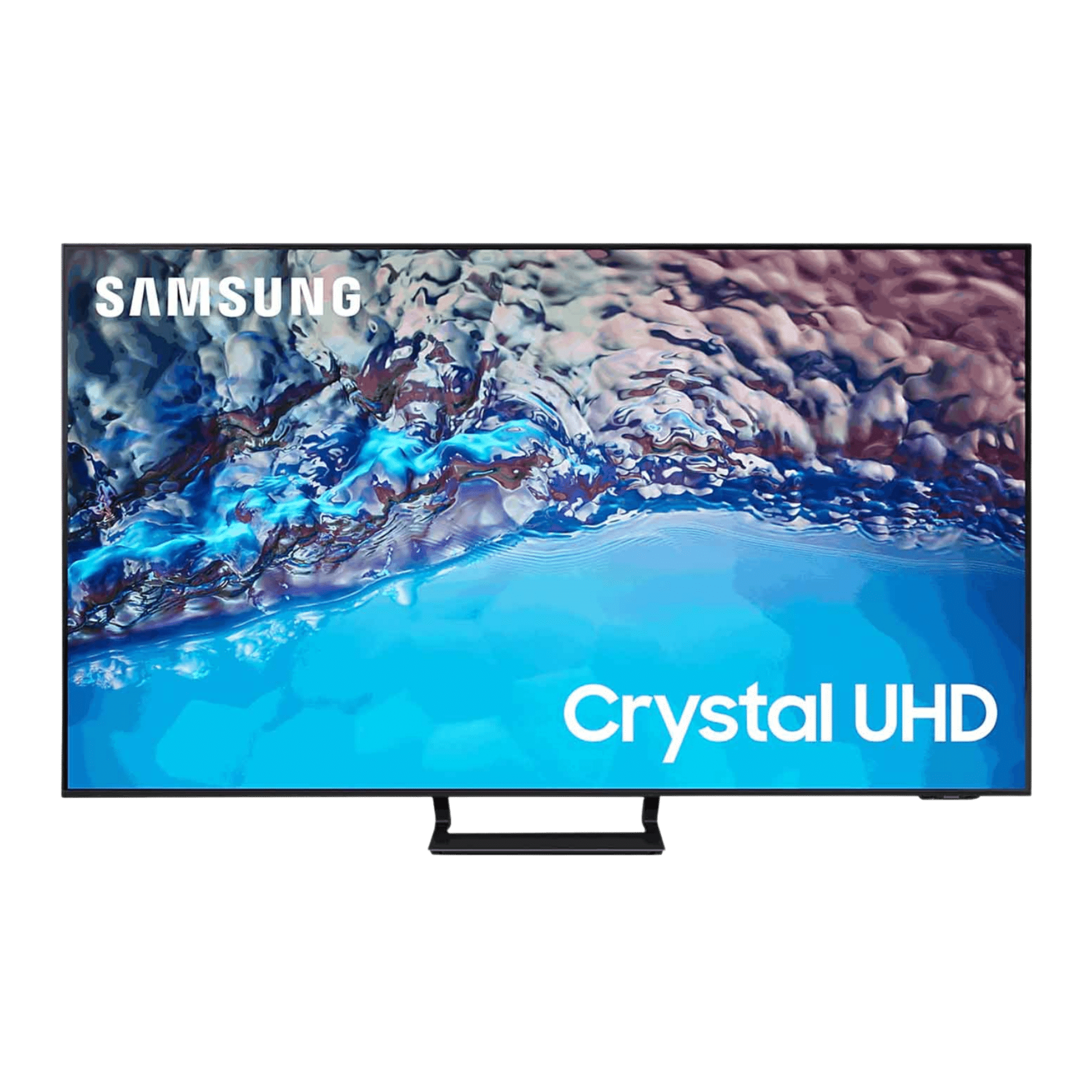
Understanding the physical footprint of a 43-inch Samsung smart television is essential before mounting it on a wall, placing it on an entertainment center, or fitting it inside a specific cabinet space. While display screen sizes are measured diagonally across the visible panel, the actual physical dimensions—width, height, depth, and weight—vary significantly depending on the specific model series, bezel thickness, stand configuration, and year of manufacture.
When shopping for or setting up a 43-inch Samsung smart TV, it is vital to look past the nominal diagonal screen size and examine the precise product specifications. A typical 43-inch Samsung TV measures approximately 38 inches in width and 22 inches in height without the stand, but adding a pedestal base or wall mount alters both depth and height. Knowing these exact measurements prevents installation headaches, ensures proper furniture clearance, and guarantees optimal viewing alignment in living rooms, bedrooms, or office spaces.
Understanding Diagonal Screen Measurements vs. Physical Dimensions
Many consumers assume that a 43-inch television measures exactly 43 inches wide. However, the 43-inch rating refers strictly to the diagonal distance from one corner of the visible picture frame to the opposite corner, excluding the outer plastic or metal bezel.
To determine whether a television will fit into a designated space, buyers must analyze three primary physical metrics:
- Width: The horizontal span from the far-left edge of the casing to the far-right edge. This is the most critical metric for fitting a TV inside a media console or between two structural walls.
- Height: The vertical span from the top edge of the frame to the bottom edge. When using a stand, this measurement increases to account for the clearance underneath the panel.
- Depth: The thickness of the television profile from front to back, as well as the footprint depth of the included stand legs or pedestal base.
Panel-Only Versus Stand-Included Dimensions
Manufacturers always publish two sets of dimensions: with the stand and without the stand.
- Without Stand: This represents the pure dimensions of the chassis. These numbers are mandatory if you plan to mount the television flush against a wall using a low-profile VESA bracket.
- With Stand: This includes the height added by the pedestals or feet and the depth required for the base to rest securely on a flat surface. Furniture must match or exceed the depth of the stand to prevent tipping hazards.
Typical Dimensions Across Popular Samsung 43-Inch Series
Samsung produces multiple lineups within its 43-inch category, spanning Crystal UHD, The Frame, QLED, and OLED technologies. Each series incorporates distinct engineering design principles that alter its overall footprint.
Samsung Crystal UHD Series (e.g., CU7000, DU7200)
The Crystal UHD line represents Samsung's mainstream 4K entry-level offerings. These models feature slim profiles, though they are generally slightly thicker than high-end lifestyle or QLED models due to edge-lit or direct-lit LED backlighting systems.
- Width: Approximately 37.9 inches (963 mm)
- Height without stand: Approximately 22.0 inches (559 mm)
- Height with stand: Approximately 23.4 inches (594 mm)
- Depth without stand: Approximately 2.4 inches (61 mm)
- Depth with stand (footprint): Approximately 7.9 inches (200 mm)
Samsung QLED and Neo QLED Series (e.g., Q60C, QN90C)
QLED models utilize Quantum Dot technology for enhanced brightness and color volume. Despite the advanced panel technology, Samsung maintains a remarkably slim profile across these units, often referred to as "AirSlim" design.
- Width: Approximately 37.8 inches (960 mm)
- Height without stand: Approximately 22.0 inches (558 mm)
- Height with stand: Approximately 23.5 inches (597 mm)
- Depth without stand: Approximately 1.0 inches (25 mm) to 1.1 inches (28 mm)
- Depth with stand (footprint): Approximately 7.1 inches (180 mm) to 8.1 inches (205 mm)
Samsung The Frame Series
The Frame is designed to mimic a piece of art hanging on a wall, featuring a specialized Slim Fit Wall Mount that pulls the display nearly flush against the drywall, alongside customizable magnetic bezels that alter the outer perimeter width by a fraction of an inch.
- Width: Approximately 38.2 inches (969 mm)
- Height without stand: Approximately 22.0 inches (558 mm)
- Depth without stand: Approximately 1.0 inch (24.9 mm)
- Wall clearance: Nearly zero gap when installed with the official proprietary mount.
| Samsung 43-Inch Series | Width (Inches / mm) | Height Without Stand | Height With Stand | Depth Without Stand | Depth With Stand |
|---|---|---|---|---|---|
| Crystal UHD (Basic) | 37.9" / 963 mm | 22.0" / 559 mm | 23.4" / 594 mm | 2.4" / 61 mm | 7.9" / 200 mm |
| QLED (AirSlim) | 37.8" / 960 mm | 22.0" / 558 mm | 23.5" / 597 mm | 1.1" / 28 mm | 8.1" / 205 mm |
| The Frame Lifestyle | 38.2" / 969 mm | 22.0" / 558 mm | 23.6" / 600 mm | 1.0" / 25 mm | 7.8" / 198 mm |
Note: Minor dimensional variations of a few millimeters can occur depending on the specific manufacturing year and regional production differences.
Weight Considerations for Placement and Mounting
Beyond physical dimensions, the weight of a 43-inch Samsung smart TV dictates how it must be supported. A lighter television places less stress on drywall anchors, articulating wall mount arms, and glass media shelves.
Most modern 43-inch Samsung models maintain a lightweight profile:
- Without stand: Typically ranges between 17.0 lbs (7.7 kg) and 19.5 lbs (8.8 kg).
- With stand: Adds approximately 0.5 lbs to 2.0 lbs, bringing the total to roughly 18.0 lbs (8.1 kg) to 21.2 lbs (9.6 kg).
This modest weight makes 43-inch televisions manageable for a single person to unpack and position, though lifting and mounting electronics is always safer with two people to prevent panel flexing or accidental dropping.
VESA Mounting Specifications
If you prefer to mount your 43-inch Samsung TV to the wall rather than using the included table stand, you must match the television to a compatible VESA mounting bracket. VESA (Video Electronics Standards Association) defines the distance in millimeters between the four mounting holes on the back of the display.
- Standard VESA Pattern for 43-inch Samsung TVs: Almost all modern 43-inch Samsung smart TVs utilize a 200 x 200 mm VESA hole pattern.
- Screw Size: The mounting holes typically require M8 screws, though some ultra-slim models may use M4 or M5 hardware. Check your specific product manual to verify screw length and thread pitch to avoid damaging internal components.
When selecting a wall mount, ensure the bracket is rated for at least 35 to 50 pounds, even though the TV weighs under 20 pounds. Higher weight ratings account for dynamic load forces, such as pulling on an articulating arm or adjusting the tilt angle.
Practical Space Planning and Placement Tips
Accurate measurements are only the first step toward a successful setup. Proper spatial planning ensures that your television operates safely, looks balanced within the room, and provides an ergonomic viewing experience.
Media Console and Furniture Clearance
When placing your 43-inch Samsung TV on a media console or dresser, measure the flat surface area carefully.
- Footprint Width: Note whether the TV utilizes wide-set side feet or a central pedestal base. Side feet require a console that is nearly as wide as the television itself, whereas center-stand models can sit on narrower surfaces.
- Ventilation Clearance: Leave at least one to two inches of clearance around the top and sides of the television if it is housed inside an enclosed entertainment center to prevent heat buildup, which can degrade internal electronic components over time.
Ergonomic Viewing Height
If you are mounting the TV on a wall, the center of the screen should align roughly with your eye level when seated in your primary viewing position—typically about 42 inches from the floor to the center of the display. Avoid mounting the television too high above a fireplace mantel, as straining your neck upward for extended viewing sessions can cause physical discomfort.
Frequently Asked Questions
Will a 43-inch Samsung TV fit inside a 40-inch cabinet space?
No. While the diagonal screen size is 43 inches, the actual physical width of a 43-inch Samsung TV is approximately 37.8 to 38.2 inches. However, you must also account for side bezels, ventilation room, and hand clearance required to slide the unit into an enclosed space. A 40-inch cabinet will not provide enough horizontal clearance.
Do all 43-inch Samsung TVs have the same VESA mount size?
The vast majority of modern 43-inch Samsung televisions use a 200 x 200 mm VESA mounting pattern. However, exceptions do exist within specialized lifestyle lines like The Frame or older legacy models. Always verify the VESA specification in your specific user manual before purchasing a wall mount.
How much does a 43-inch Samsung smart TV weigh?
Most current 43-inch Samsung models weigh between 17 and 20 pounds without the stand attached, and roughly 18 to 22 pounds with the stand. This lightweight construction makes them compatible with standard single-stud wall mounts and lightweight drywall anchors (when installed into wooden studs).
Can I change the width of the stand legs on a 43-inch Samsung TV?
Some mid-range and high-range Samsung 43-inch models feature adjustable feet that can be installed in a wide stance or a narrower inner stance. Check the included hardware and assembly guide in your box to see if dual-position installation is supported on your specific model.
Is the depth of the TV different if I use a wall mount?
Yes. Using an ultra-slim wall mount reduces the total depth of the setup to roughly one to two inches from the wall surface, whereas placing the TV on its included feet requires a furniture surface depth of at least 7 to 9 inches to ensure stability.
Conclusion and Next Action
Before purchasing furniture, wall brackets, or cutting into drywall for cord concealment, pull out a tape measure and verify the exact specifications listed in the product manual for your specific model number. Compare the panel width, height, and stand depth against your intended installation space. Once confirmed, select a secure VESA-compliant mount or stable media console to complete your home entertainment setup safely and professionally.