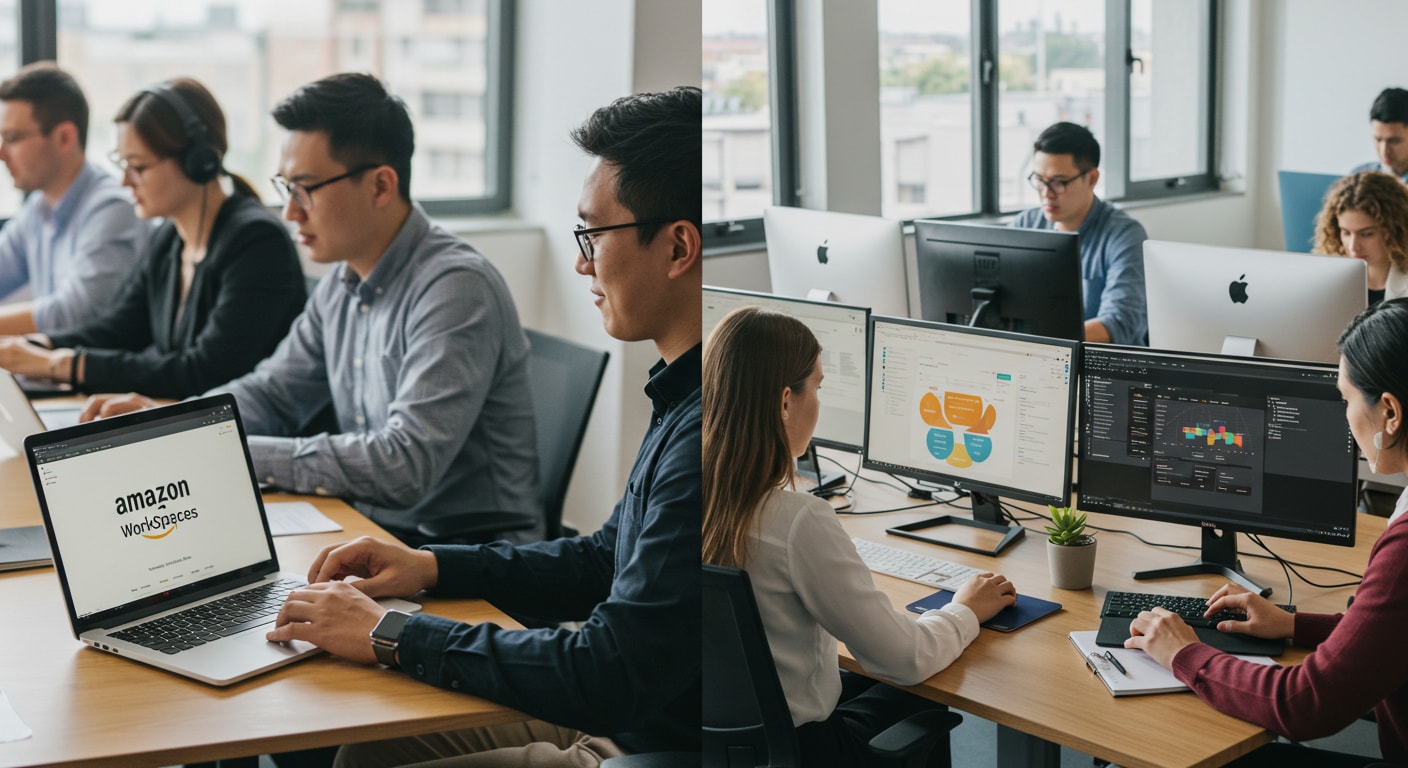
Amazon Desktop as a Service (DaaS) is primarily delivered through Amazon WorkSpaces, a fully managed, secure desktop computing service that runs on the Amazon Web Services (AWS) cloud. It allows users to access documents, applications, and resources from any supported device, providing a persistent or non-persistent desktop experience tailored to modern hybrid work environments.
The concept of virtualization has evolved significantly since the early days of on-premises Virtual Desktop Infrastructure (VDI). In 2026, the transition to cloud-based desktops is no longer a luxury for tech giants but a standard operational procedure for businesses of all sizes. Amazon WorkSpaces eliminates the administrative burden of managing hardware inventory, OS versions, and complex patches, replacing them with a scalable, pay-as-you-go model. By leveraging the global infrastructure of AWS, organizations can provision high-performance desktops in minutes, ensuring that their global workforce remains connected and productive without the latency issues typically associated with traditional remote access.
Understanding the Amazon DaaS Ecosystem
To understand Amazon’s DaaS offering, one must look at the broader "WorkSpaces Family." While the core product is Amazon WorkSpaces, the ecosystem has expanded to include several specialized services designed for different technical needs and budget constraints.
Amazon WorkSpaces Personal
This is the traditional "persistent" desktop solution. Each user is assigned a specific virtual machine. When a user logs off and logs back in, their files, browser history, and application settings remain exactly as they left them. In 2026, this remains the gold standard for full-time employees who require a consistent environment for specialized software or long-term projects.
Amazon WorkSpaces Pools
Introduced to provide a non-persistent desktop option, WorkSpaces Pools allow organizations to share a "pool" of desktops among a larger group of users. This is particularly effective for training centers, call centers, or shift workers who do not need to save personal settings on the local drive. Because resources are reclaimed after each session, Pools offer a significantly lower price point for high-concurrency environments.
Amazon WorkSpaces Web
For users who only need access to internal websites and SaaS applications, WorkSpaces Web offers a low-cost, Linux-based browser abstraction. It allows users to access corporate data through a secure browser window without the overhead of a full Windows or Linux desktop environment. This is a critical tool for securing "Bring Your Own Device" (BYOD) workflows where data leakage through local browser caches is a major concern.
Technical Architecture and Connectivity
The reliability of Amazon Desktop as a Service is rooted in the AWS global infrastructure. When an organization deploys WorkSpaces, they are essentially creating a virtualized layer over Amazon EC2 (Elastic Compute Cloud) instances, managed by a specialized orchestration layer.
The Streaming Protocol (WSP)
As of 2026, the WorkSpaces Streaming Protocol (WSP) has become the default for most deployments. WSP is a high-performance streaming protocol designed to deliver a consistent user experience even over unreliable networks. It supports features like high-fidelity audio, smart card support, and optimized webcam streaming, which are essential for modern video conferencing tools like Microsoft Teams or Zoom. WSP automatically adjusts to network conditions, reducing frame rates or resolution dynamically to prevent lag during periods of high latency.
Network Integration and VPCs
Every Amazon WorkSpace resides within a Virtual Private Cloud (VPC). This allows the virtual desktop to act as if it is on the company's internal network. IT administrators can use AWS Direct Connect or a Site-to-Site VPN to link the AWS VPC to their on-premises data center. This connectivity ensures that the virtual desktop can access internal file shares, databases, and authentication servers (like Active Directory) with minimal configuration.
Key Features and 2026 Enhancements
By 2026, Amazon has integrated several advanced features into the WorkSpaces platform to address the growing demand for performance and security.
- Graviton-Powered Instances: AWS now offers WorkSpaces running on its proprietary Graviton processors (ARM-based). These instances provide a better price-to-performance ratio compared to traditional x86-based instances, particularly for Linux desktops and general productivity tasks.
- Multi-Region Resilience: For mission-critical roles, Amazon WorkSpaces Multi-Region Resilience provides an automated way to redirect users to a standby desktop in a different AWS Region if the primary region experiences an outage.
- Automated Scaling: With the maturation of WorkSpaces Pools, the ability to automatically scale desktop capacity up or down based on real-time demand has become a native feature, drastically reducing wasted spend.
- Enhanced Security Groups: Granular control over inbound and outbound traffic is managed through Security Groups, allowing admins to restrict a user’s desktop from accessing the public internet while still allowing access to specific internal APIs.
Amazon WorkSpaces Service Comparison
Choosing the right version of Amazon DaaS requires balancing user requirements with cost. The following table outlines the primary differences between the current 2026 service tiers.
| Feature | WorkSpaces Personal | WorkSpaces Pools | WorkSpaces Web |
|---|---|---|---|
| Persistence | Fully Persistent (User data saved) | Non-Persistent (Refreshed per session) | Session-only (Browser-based) |
| Operating System | Windows, Amazon Linux, Ubuntu | Windows | Linux (Managed Container) |
| Primary Use Case | Power users, developers, full-time staff | Task workers, labs, shift work | Accessing SaaS and internal web apps |
| Resource Allocation | Dedicated to one user | Shared across a group | Shared/Scaled dynamically |
| Root/User Volume | Customizable (Up to 2TB+) | Fixed/Temporary | None (Browser only) |
| Cost Structure | Monthly or Hourly | Hourly (Lower entry point) | Flat monthly per-user fee |
Implementation and Deployment Workflow
Setting up an Amazon Desktop as a Service environment involves a series of logical steps to ensure security and performance.
Step 1: Directory Setup
Before launching a desktop, you must decide how users will be authenticated. AWS offers the AWS Directory Service, which can either create a new "Managed Microsoft AD" in the cloud or use an "AD Connector" to proxy authentication requests to your existing on-premises Active Directory. This ensures that users can log in with their standard corporate credentials.
Step 2: VPC and Networking
A VPC must be configured with at least two subnets in different Availability Zones to ensure high availability. Proper routing tables and Internet Gateways (or NAT Gateways) must be established so the WorkSpaces can communicate with the AWS management plane and any necessary external resources.
Step 3: Bundle Selection and Image Creation
A "Bundle" is a combination of hardware (CPU, RAM, SSD) and software (OS, Office, etc.). Administrators often start with a base Amazon bundle, install their proprietary software, and then create a "Custom Image." This image is then used to launch hundreds or thousands of identical desktops.
Step 4: Client Distribution
Users access their Amazon DaaS via the WorkSpaces client application, available for Windows, macOS, iPadOS, Android, and Chrome OS. Alternatively, many bundles support access via a web browser (HTML5), which requires no local installation.
Cost Considerations and Optimization
One of the most significant advantages of Amazon's DaaS is the flexibility of its pricing models. However, without careful management, costs can escalate.
- Monthly Subscription: Best for users who use their WorkSpace as their primary computer (more than 80 hours a month). You pay a fixed fee for unlimited usage.
- Hourly Billing: Ideal for part-time workers or contractors. You pay a small monthly infrastructure fee per desktop plus a low hourly rate for the time the WorkSpace is actually running. The system can be set to "Auto-Stop" after a period of inactivity to save money.
- Bring Your Own License (BYOL): Organizations with existing Microsoft Enterprise Agreements may be eligible to bring their own Windows licenses to AWS. This can result in a significant discount (often around $4 per month per WorkSpace) compared to the "License Included" price.
Security and Compliance Standards
In 2026, data sovereignty and security are paramount. Amazon DaaS provides a "walled garden" approach to corporate data. Because the data never leaves the AWS data center—only encrypted pixels are streamed to the end-user's device—the risk of data loss from a stolen laptop is virtually eliminated.
AWS WorkSpaces is compliant with a wide array of global standards, including ISO 27001, SOC 1/2/3, HIPAA, and PCI DSS. Administrators can further harden the environment by disabling local clipboard redirection, local printer access, and USB drive mounting, ensuring that sensitive data remains within the managed environment. Multi-Factor Authentication (MFA) via RADIUS is also supported, adding an essential layer of identity verification.
Frequently Asked Questions
Can I use my own Windows 11 licenses with Amazon WorkSpaces?
Yes, you can bring your own Windows 11 (or Windows 10) licenses to Amazon WorkSpaces if your organization meets specific licensing requirements from Microsoft, typically an Enterprise Agreement. This is known as the BYOL (Bring Your Own License) model. Using BYOL requires that your WorkSpaces run on dedicated hardware in the AWS cloud, which Amazon manages automatically once you enable the feature in your account.
What happens to my data if the WorkSpace crashes?
In a WorkSpaces Personal deployment, user data is stored on a separate "User Volume" (usually the D: drive) that is backed up to Amazon S3 every 12 hours. If the desktop operating system (the C: drive) becomes corrupted, administrators can "Rebuild" the WorkSpace. This restores the C: drive to its original state from the last image while preserving all the data on the D: drive.
Is Amazon DaaS suitable for high-end graphic design or CAD?
Yes. Amazon offers GraphicsPro and Graphics.g4dn bundles specifically designed for GPU-intensive workloads. These instances utilize NVIDIA T4 GPUs and are capable of running complex applications like Autodesk Revit, Adobe Premiere Pro, and various 3D rendering engines. With the WSP protocol, the visual fidelity is high enough for professional color grading and detailed architectural work.
How does latency affect the Amazon WorkSpaces experience?
Latency is the most critical factor in DaaS performance. For a "local-like" feel, a round-trip time (RTT) of less than 100ms is recommended. If latency exceeds 200ms, users may notice a "heavy" mouse cursor or typing lag. AWS mitigates this by having regions across the globe, allowing companies to deploy desktops in the geographic region closest to their employees.
Can I run Amazon WorkSpaces without a constant internet connection?
No. Since Amazon DaaS is a cloud-based service, a persistent internet connection is required to stream the desktop to your device. If the connection is lost, the session remains active on the AWS server (unless an auto-stop timer is reached), allowing you to pick up exactly where you left off once your connection is restored.
Final Recommendations for Implementation
For organizations looking to adopt Amazon Desktop as a Service in 2026, the first step should be a thorough user segmentation analysis. Not every employee needs a high-powered, persistent desktop. By assigning task workers to WorkSpaces Pools and web-only users to WorkSpaces Web, and reserving WorkSpaces Personal for power users, companies can maximize their ROI.
Furthermore, it is essential to conduct a Network Readiness Assessment. Ensure that your local office firewalls allow traffic on the necessary ports (typically TCP/UDP 4172 and 4195 for streaming) and that your ISP provides stable routing to the nearest AWS Region. Starting with a small pilot program of 5–10 users will allow you to fine-tune the "Custom Image" and authentication flow before a full-scale global rollout.