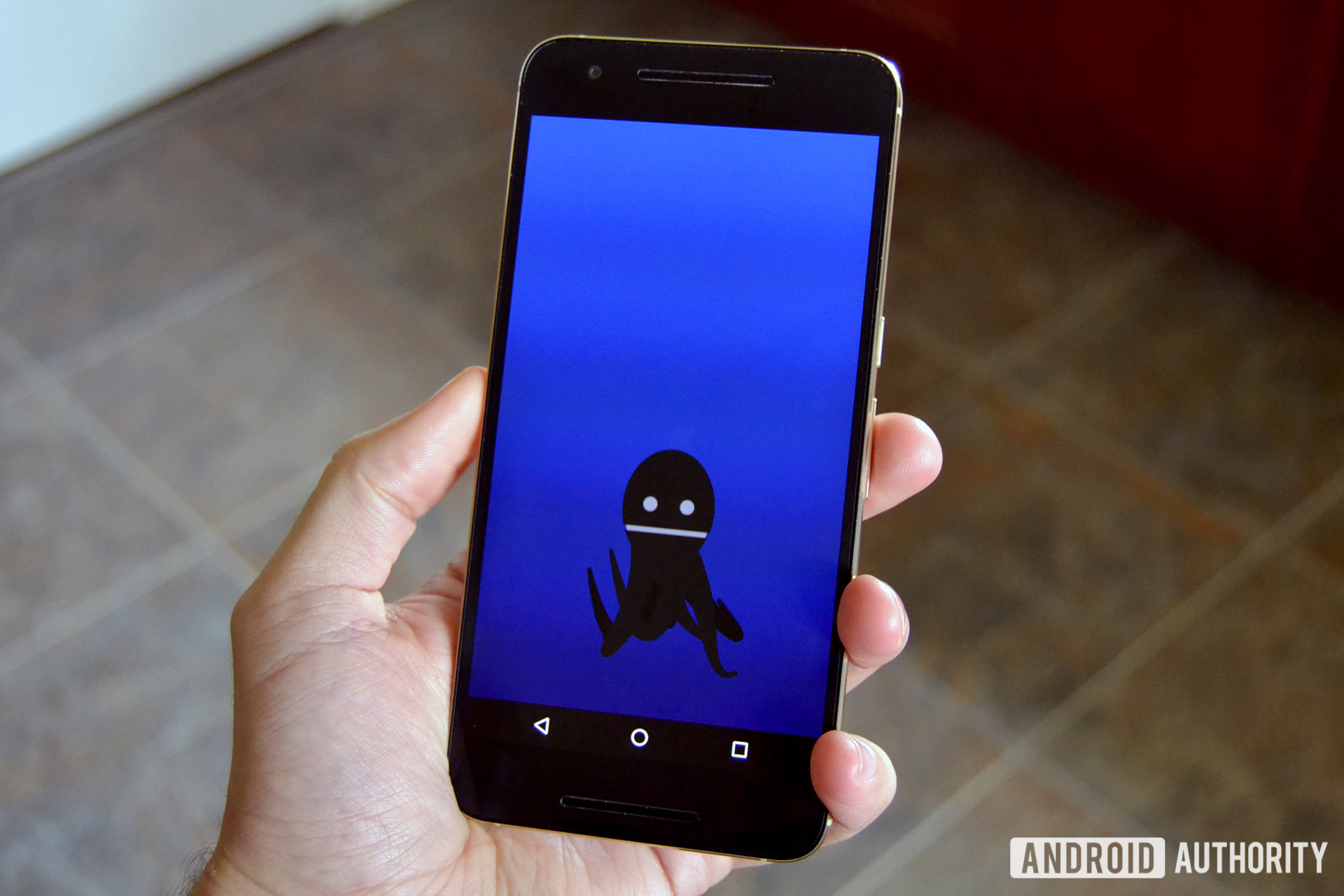
The Android 8 Octopus Easter egg is a hidden interactive animation found within the Android 8.0 and 8.1 Oreo operating systems. It features a floating, stretchable black octopus in a dark blue sea, serving as a playful pun on the version number "8" and the "Octo-" prefix. To access it, users must navigate to the Android version in their settings and perform a specific sequence of taps and long-presses on the Oreo-themed logo.
Even in 2026, as we look back on the legacy of mobile operating systems, the Android 8.0 "Oreo" release remains a pivotal moment in Google’s history. While most users remember it for the introduction of Project Treble or refined notification channels, enthusiasts often recall the peculiar choice for its hidden secret: a deep-sea cephalopod. This guide provides an exhaustive breakdown of why the octopus exists, how to find it, and its place in the broader timeline of Android's cultural quirks.
The Logic Behind the Octopus: Why Not a Cookie?
When Google announced that the "O" in Android 8 would stand for Oreo, the tech community expected an Easter egg involving the famous chocolate sandwich cookie. Instead, they were met with a floating black octopus. This led to immediate confusion, but the reasoning is rooted in a simple linguistic and numerical pun.
An octopus has eight tentacles. Android 8.0 was the eighth major iteration of the platform. The prefix "octo-" is derived from the Greek and Latin words for "eight." Therefore, an octopus became the perfect mathematical mascot for the version, even if it didn't align with the dessert-based branding.
Furthermore, this was a period where Google was experimenting with different types of Easter eggs. Previous versions like Android 7.0 (Nougat) featured a complex "Neko" cat-collecting game inspired by Neko Atsume. In contrast, the Octopus was a return to a simpler, physics-based toy, focusing on the tactile nature of the newly refined touch gestures in Oreo.
Step-by-Step: How to Access the Android 8 Easter Egg
Accessing the Easter egg is a multi-stage process that has become a tradition for Android power users. While the menu locations have slightly shifted in modern versions of the OS, the logic for Android 8.0 and 8.1 remains consistent on most "stock" devices.
1. Navigate to the System Settings
Open the Settings app on your device. Scroll to the bottom and select System. From there, tap on About phone. In some manufacturer skins (like older versions of Samsung’s Experience UI or LG’s software), this might be located under a "Software Information" submenu.
2. Trigger the Oreo Logo
Locate the entry labeled Android version. Tap this entry rapidly and repeatedly (usually three to five times). If done correctly, the screen will transition to a large, stylized orange circle (the "O") on a colorful background.
3. Activate the "O" Interaction
Once the "O" logo is visible, you are not finished. You must tap the center of the "O" several times quickly and then immediately long-press (hold your finger down) on the center. The device will likely vibrate, and the screen will fade into a dark blue "underwater" environment.
4. Playing with the Octopus
The octopus will appear on the screen. You can interact with it in several ways:
- Dragging: Grab the octopus’s head to move it around the screen.
- Stretching: The legs are programmed with basic physics; they will trail behind and stretch as you move the head.
- Resizing: In some sub-versions, the octopus changes size depending on how you orient the screen or how many times you re-enter the activity.
Technical Specifications and Behavior
The Android 8 Octopus is more than just a static image; it is a dedicated "Activity" within the Android SystemUI. From a developer's perspective, it serves as a demonstration of the platform's ability to handle fluid, physics-based animations without significant CPU overhead.
| Feature | Specification |
|---|---|
| Asset Type | Vector-based sprite with physics attachments |
| Primary Color | #000000 (Black) with "Android Green" eyes in some versions |
| Background | Deep Blue Gradient (#001122 to #004466) |
| Leg Count | 8 (Fully articulated) |
| Interactive Elements | Multi-touch drag, stretch physics, buoyancy simulation |
| System Requirement | Android 8.0 (API 26) or Android 8.1 (API 27) |
The octopus’s legs are particularly interesting. Each leg consists of several segments that follow a "leader" segment attached to the head. This uses an inverse kinematics-lite approach, allowing the legs to look natural as they drift in the simulated current. When you let go of the octopus, it slowly floats toward the top of the screen, mimicking the buoyancy of an underwater creature.
The Evolution of Android Easter Eggs: Contextualizing Oreo
To understand why the octopus was significant, one must look at what came before and after. Google has used Easter eggs to highlight different capabilities of the OS or simply to lean into internet culture.
The Legacy of "Android Neko" (Android 7)
In Android 7.0 Nougat, the Easter egg was a complex mini-game located in the Quick Settings tray. Users would place a "dish" of food to attract virtual cats. It was a high bar for interactivity. When Oreo launched with just a floating octopus, some fans felt it was a "step back," but others appreciated the simplicity and the focus on the version number itself.
The Transition to Android 9 Pie and Beyond
Following Oreo, Android 9 Pie introduced a trippy, psychedelic "P" logo with concentric moving circles that acted as a drawing pad on certain devices. By Android 10, the Easter eggs shifted toward logic puzzles (nonograms). The Octopus remains unique because it is the only time Google used a living creature (other than the Android robot itself) as the primary focus of the secret menu.
Troubleshooting Common Access Issues
If you are running Android 8.0 or 8.1 but cannot see the octopus, there are several reasons why this might occur.
- Manufacturer Overlays: Companies like Samsung, Huawei, or Xiaomi often heavily modify the "About Phone" section. While most preserve the Easter egg, the tapping sequence might be slightly different, or the animation might be replaced by the manufacturer's own logo.
- Touch Sensitivity: The long-press after the rapid taps is the most common point of failure. If you release too quickly, the system resets the counter, and you must start tapping again.
- System UI Bugs: In early developer previews of Oreo, the octopus was known to occasionally crash the System UI if moved too quickly. Ensure your device is updated to the latest available 8.1 security patch to ensure a smooth experience.
The Cultural Impact: "Octopus" as a Code Name Rumor
Before the official "Oreo" branding was confirmed, there was significant speculation that the OS would be called "Android Octopus." In the world of tech leaks, Google often leaves "breadcrumbs." During the beta stages of Android 8, the appearance of the octopus fueled rumors that Google was moving away from sweet treats toward a sea-life naming convention.
Of course, the Oreo partnership was eventually unveiled (marking the second time Google partnered with a commercial brand after Android 4.4 KitKat). The octopus was kept in the final build as a nod to those early rumors and as a permanent tribute to the number 8.
Comparing Android 8.0 and 8.1 Easter Egg Variations
While the core Easter egg is the same, there are subtle differences between the 8.0 and 8.1 versions. In Android 8.0, the octopus is often larger relative to the screen size. In the 8.1 update, Google refined the physics slightly, making the legs feel more fluid and less prone to "clipping" through the head of the sprite. Additionally, on some Pixel devices, the 8.1 version features an octopus that can occasionally change its size if you rotate the device from portrait to landscape while the animation is active.
Expert Analysis: Why This Matters in 2026
From the perspective of 2026, the Android 8 Octopus is a relic of an era when mobile OS development still felt deeply personal and experimental. Today’s operating systems are highly polished and corporate, with fewer "useless" features hidden in the code. The Octopus represents a time when engineers were encouraged to include "whimsy" in the software.
Moreover, it serves as a benchmark for mobile hardware progression. In 2017, rendering the physics of those eight legs in real-time was a minor but notable test of a phone’s UI rendering capabilities. Today, even the most basic entry-level smartphone can render such an animation without a single dropped frame, but it started with these small, hidden experiments.
Frequently Asked Questions
Can I get the Android 8 octopus on a newer version of Android?
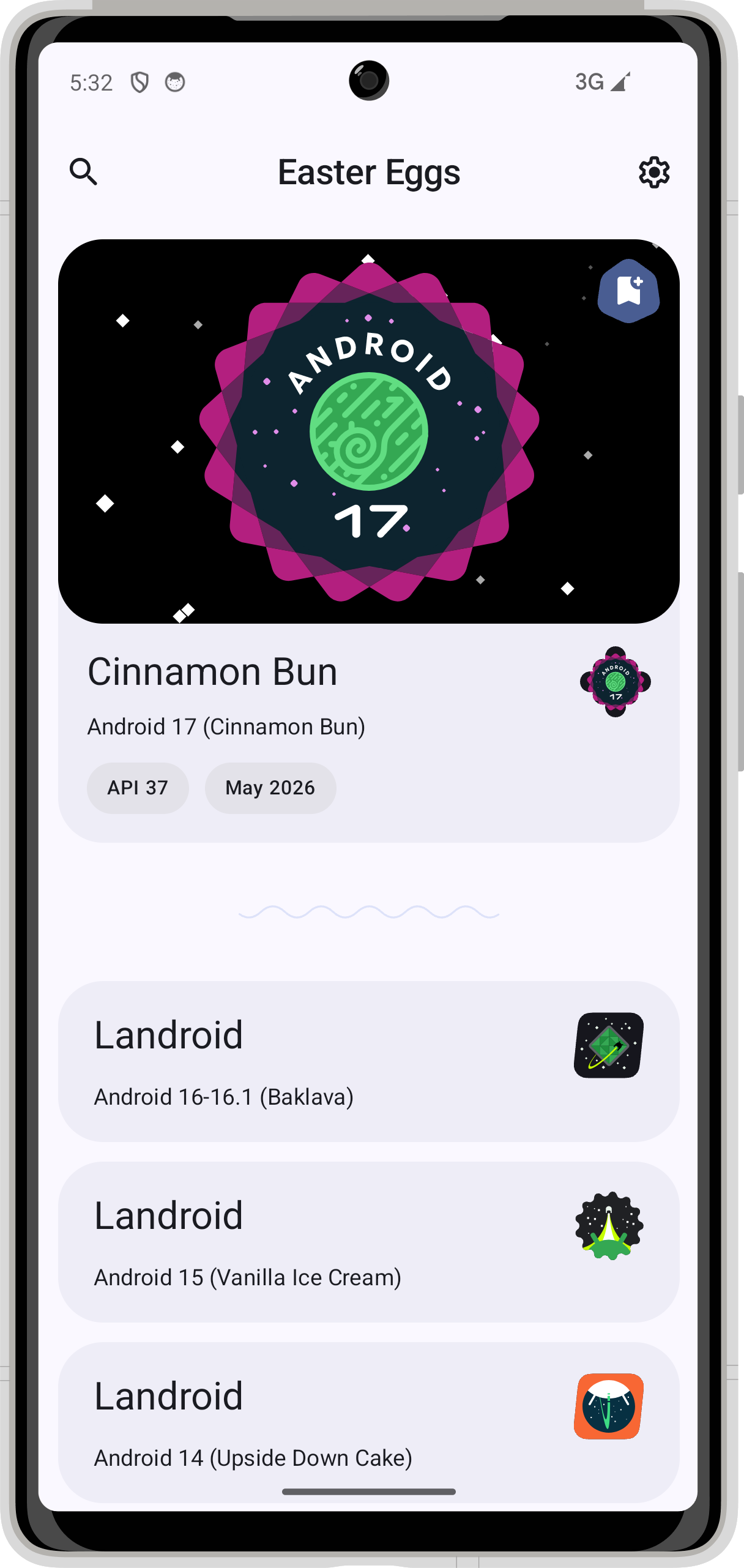
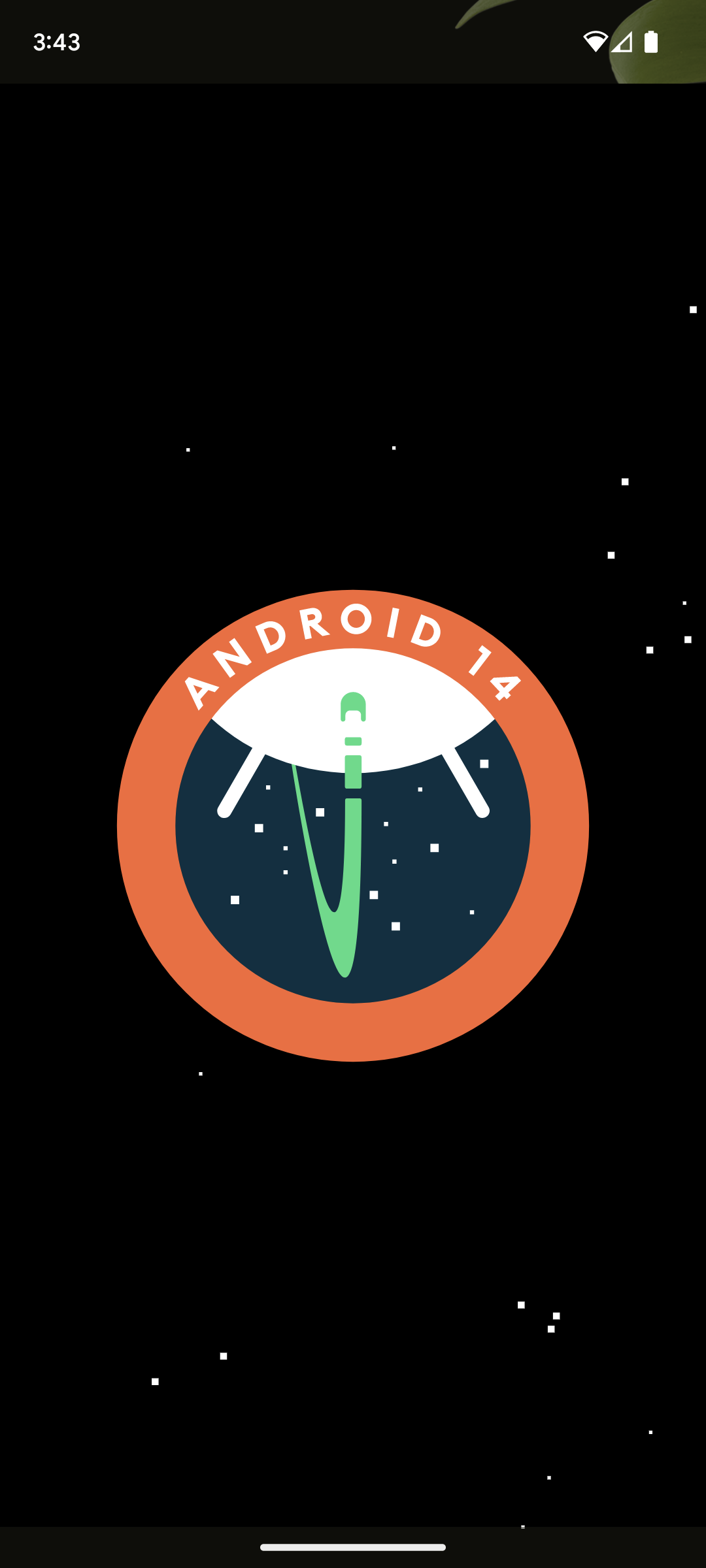
You cannot natively access the octopus Easter egg on versions like Android 14 or 15 by tapping the version number, as those have their own unique secrets (such as the space exploration game in Android 14). However, there are third-party apps on the Play Store, such as "Android Easter Egg Collection," which archive all previous versions, allowing you to play with the octopus on modern hardware.
Does the octopus have a name?
Google has never officially named the octopus. Within the Android community, it is simply referred to as "the Oreo Octopus." Some developers have jokingly referred to it as "Octy" in forum discussions, but no official documentation exists to support a formal name.
Why does the octopus have yellow eyes?
The yellow/white eyes are designed to provide a high contrast against the black body and the dark blue background. This ensures that the "face" of the character is visible even when the brightness is low, maintaining the "creepy but cute" aesthetic Google was aiming for.
Is there a hidden game inside the octopus animation?
No. Unlike the Flappy Bird clone in Android 5.0 (Lollipop) or the cat-catcher in Android 7.0, the octopus is purely a physics toy. There are no points to score, no levels to achieve, and no "win" state. Its purpose is entirely aesthetic and interactive.
Does the octopus Easter egg drain the battery?
While the animation uses the GPU to render the physics of the tentacles, it only runs when the Activity is active on your screen. Once you exit the Easter egg menu, the process is killed by the Android system. It has no impact on background battery life.
Practical Recommendation for Enthusiasts
If you still own a device running Android 8.0 or 8.1, or if you are using an emulator for historical research, the octopus Easter egg is a must-see. It represents one of the last "pure" physics-based secrets before Google shifted toward more complex, logic-heavy puzzles. For those on newer devices, downloading an "Easter Egg Collector" app is the best way to experience this piece of mobile history. It’s a reminder that even in the structured world of software engineering, there is always room for a bit of numerical wordplay and a floating deep-sea friend.