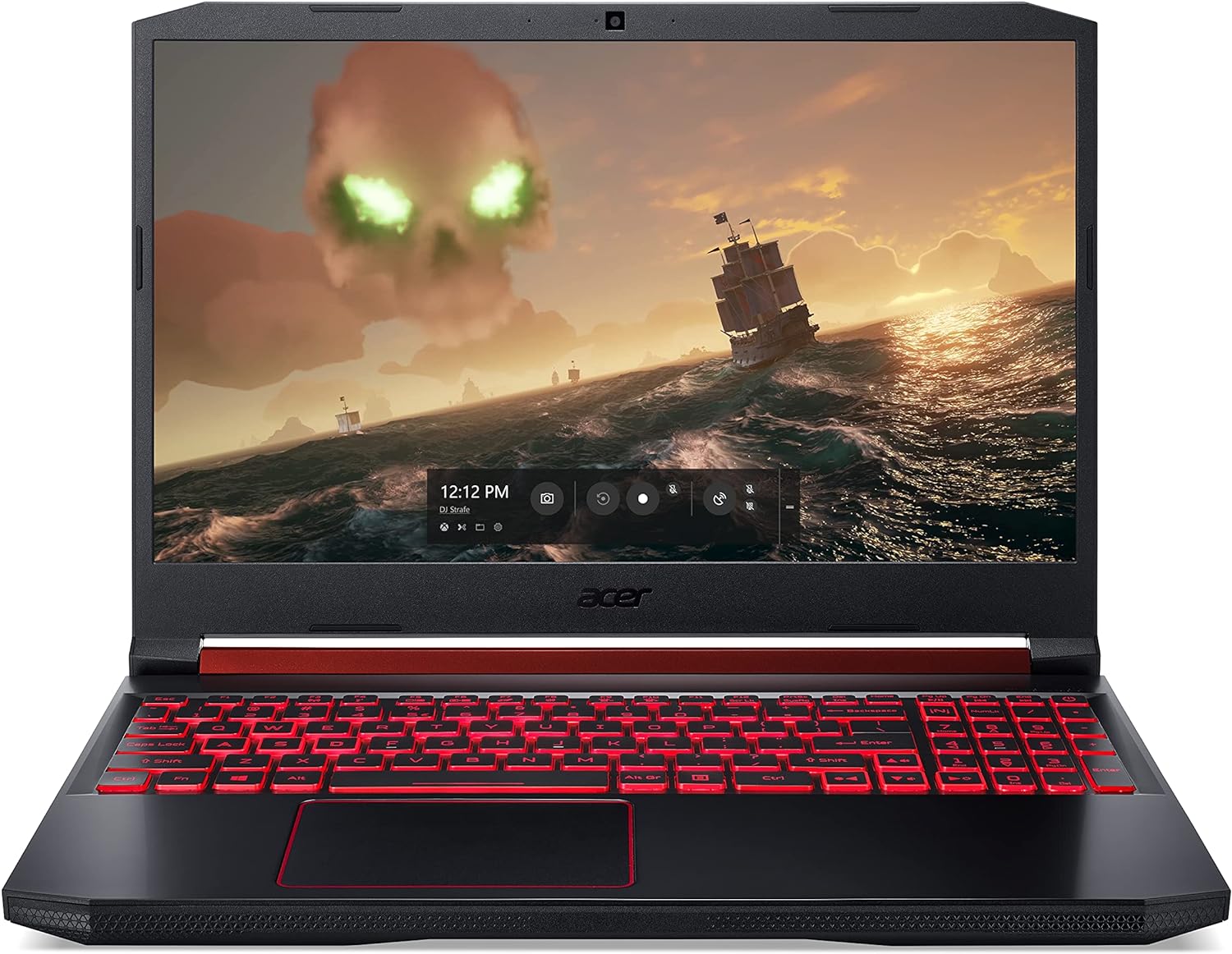
Intel’s 9th Generation Coffee Lake Refresh processors represent a definitive peak in the 14nm era, offering power users significantly higher thermal velocity boosts and the introduction of 8-core mobile silicon. While the 8th Gen laid the groundwork for high-core-count laptops, it suffered from severe thermal throttling and lacked the hardware-level security mitigations that make the 9th Gen a more stable and powerful choice for demanding professional workloads.
The Architectural Evolution: 8th Gen vs. 9th Gen
To understand why the 9th Gen "Coffee Lake Refresh" remains the superior choice for power users compared to its predecessor, one must look at the refinement of Intel’s 14nm++ process. When Intel released the 8th Gen (Coffee Lake), it marked the first time the mobile H-series moved beyond four cores. While the jump from 4 to 6 cores was revolutionary, the architecture was essentially pushed to its absolute limit without the necessary refinements in power delivery and heat dissipation.
The 9th Gen, specifically the H-series (High Performance Graphics), took those 6-core and 8-core designs and optimized the voltage-frequency curves. For a power user—someone engaged in 4K video editing, complex 3D rendering, or large-scale software compilation—the 9th Gen provided a more consistent "sustained" clock speed. While 8th Gen chips would often "burst" to high speeds and then plummet due to heat, 9th Gen laptops often featured improved motherboard VRMs (Voltage Regulator Modules) and updated microcode that allowed for better longevity under load.
The 8-Core Breakthrough: The i9-9980HK Advantage
The most significant "win" for the 9th Gen was the introduction of the Core i9-9980HK. This was a watershed moment for mobile computing. The 8th Gen flagship, the i9-8950HK, was limited to 6 cores and 12 threads. In 2026, we look back at this as the point where laptops truly began to rival desktop workstations in multi-threaded performance.
For power users, those two extra cores (bringing the total to 8 cores and 16 threads) translate directly into reduced rendering times. In applications like Adobe Premiere Pro or Maxon Cinema 4D, the 9th Gen flagship outperformed the 8th Gen equivalent by 25% to 33% in multi-core synthetic benchmarks. The 8th Gen simply "falls short" because it hit a thread-count ceiling that the 9th Gen shattered, providing the headroom required for modern multitasking and heavy virtualization.
Hardware-Level Security and Performance Penalties
One of the most overlooked reasons the 9th Gen wins is its approach to security. The 8th Gen processors were highly susceptible to side-channel vulnerabilities like Spectre and Meltdown. While patches were released, these software-level fixes often resulted in a 5% to 10% performance hit, particularly in disk I/O and certain computational tasks.
Intel's 9th Gen processors included hardware-level mitigations for several of these vulnerabilities. By moving the fixes from the operating system/BIOS level directly into the silicon, the 9th Gen avoided the "security tax" that slowed down 8th Gen machines. For a power user who requires a secure machine for corporate or sensitive development work, the 9th Gen offers a faster, more "native" performance profile that doesn't degrade as security patches are applied over time.
Thermal Management and Intel Thermal Velocity Boost
The 8th Gen i9 laptops were notorious for thermal issues. Many high-end chassis could not handle the heat generated by the i9-8950HK, leading to "down-clocking" where the CPU would run slower than a cheaper i7.
With the 9th Gen, Intel introduced and refined Thermal Velocity Boost (TVB). This technology allows the processor to opportunistically increase clock frequency above the Turbo Boost 2.0 frequency if the processor is at a temperature of 65°C or lower and a turbo power budget is available.
- 8th Gen: Often struggled to maintain base clocks under heavy load in thin-and-light designs.
- 9th Gen: Better optimized to utilize whatever thermal headroom was available, resulting in higher "snappiness" in short-burst tasks typical of power-user workflows.
Technical Specification Comparison
The following table highlights the disparity between the flagship and mid-range "Power User" chips of both generations.
| Feature | 8th Gen (i7-8750H / i9-8950HK) | 9th Gen (i7-9750H / i9-9980HK) | Winner |
|---|---|---|---|
| Max Core Count | 6 Cores / 12 Threads | 8 Cores / 16 Threads | 9th Gen |
| Max Turbo Frequency | 4.1 GHz / 4.8 GHz | 4.5 GHz / 5.0 GHz | 9th Gen |
| L3 Cache | 9MB / 12MB | 12MB / 16MB | 9th Gen |
| Security Mitigations | Software/Firmware Based | Partial Hardware-Level | 9th Gen |
| Integrated Wi-Fi | Wi-Fi 5 (802.11ac) | Wi-Fi 6 (Gig+) Support | 9th Gen |
| Optane Memory Support | Basic | H10 Hybrid Support | 9th Gen |
Connectivity and the Modern Ecosystem
Power users rarely rely on the CPU alone; the surrounding ecosystem of the laptop matters. 9th Gen Intel laptops were among the first to see widespread adoption of Wi-Fi 6 (802.11ax) through the Intel Wi-Fi 6 AX200 series. While some 8th Gen laptops were retrofitted, the 9th Gen platform was designed with Gig+ speeds in mind, offering lower latency and higher throughput for professionals working with NAS (Network Attached Storage) or cloud-based asset libraries.
Furthermore, the 9th Gen platform improved support for Intel Optane Memory H10 with Solid State Storage. This allowed for a combination of high-speed NVMe storage and the responsiveness of Optane on a single M.2 module, a configuration that was much more stable and prevalent in the 9th Gen era than the 8th.
Why 8th Gen Falls Short in Professional Use Cases
When we analyze why the 8th Gen falls short for power users, it comes down to Sustained Performance vs. Peak Performance. An 8th Gen laptop might look good on a spec sheet, but in a 2-hour video export, the clock speeds will inevitably dip.
- Cache Limitations: The i7-9750H (9th Gen) features 12MB of L3 cache, compared to the 9MB on the i7-8750H (8th Gen). That 33% increase in cache is vital for data-heavy applications like MATLAB or large Excel builds, where the CPU needs quick access to instructions.
- Instruction Set Efficiency: While both use the same instruction sets, the 9th Gen's ability to maintain higher clocks for AVX-512 and other complex instructions makes it more efficient per watt.
- The "Refinement" Factor: In the tech world, the "refresh" cycle is often where the real stability lies. 8th Gen was the experiment in high core counts; 9th Gen was the stable implementation of that experiment.
Gaming as a Power User Metric
While often categorized as entertainment, high-end gaming is a proxy for how a system handles intense, synchronized loads on the CPU and GPU. 9th Gen laptops were frequently paired with the then-new NVIDIA RTX 20-series (Turing) GPUs.
The 8th Gen CPUs often created a bottleneck in high-refresh-rate gaming (144Hz and above) because they couldn't feed the GPU fast enough due to lower single-core clock speeds. The 9th Gen's push toward the 5.0 GHz barrier (on the i9) ensured that the CPU was never the weak link in the chain, providing much more stable frame times—a key requirement for competitive players and creators who game on the side.
Common Pitfalls: When 9th Gen Might Not Be Enough
Despite its "win" over the 8th Gen, power users in 2026 must be aware of the limitations of both platforms. Both are built on the 14nm process, which is significantly less power-efficient than the 10nm (SuperFin) or 7nm processes that followed in later years.
- Battery Life: Neither generation is known for exceptional battery life under load. Power users should expect to remain tethered to a 180W+ power brick.
- RAM Limits: While 9th Gen supports up to 128GB of RAM, many laptops from that era only provided two SODIMM slots, effectively capping users at 64GB unless they found specific workstation models.
Practical Recommendation for Power Users
If you are sourcing hardware in the secondary market or maintaining a fleet, the 9th Gen is the clear threshold for "modern" professional use. The transition from 8th Gen to 9th Gen was more than a incremental bump; it was the arrival of the 8-core mobile workstation.
For maximum value: Look for laptops equipped with the Core i7-9750H. It offers the best balance of heat management and performance. For maximum power: Only opt for the i9-9980HK if the laptop chassis is a "desktop replacement" style (thick with massive fans). In thin-and-light laptops, the i9 often performs no better than the i7 due to thermal limits.
Frequently Asked Questions
Is there a noticeable difference between the i7-8750H and i7-9750H?
Yes. While they share the same core count, the i7-9750H has a higher base and turbo clock speed, along with 3MB of additional L3 cache. This results in roughly a 10-15% performance increase in real-world creative applications.
Did 9th Gen laptops fix the "Spectre" security flaws?
The 9th Gen introduced hardware-level protections against certain variants of Spectre and Meltdown (specifically Meltdown V3 and L1 Terminal Fault). This reduced the performance degradation caused by software-only patches found in 8th Gen systems.
Can 8th Gen laptops be upgraded to 9th Gen CPUs?
No. In almost all modern laptops, the CPU is soldered to the motherboard (BGA - Ball Grid Array). Upgrading would require a complete motherboard swap, which is rarely cost-effective compared to buying a 9th Gen machine.
Does 9th Gen support Windows 11 and future updates?
Yes, both 8th and 9th Gen Intel processors are on the official compatibility list for Windows 11, as they both support TPM 2.0 and meet the architecture requirements. However, the 9th Gen will likely feel "snappier" with the OS's modern security features enabled.
Why is the i9-9980HK considered the "winner" for creators?
It was the first widely available mobile processor to offer 8 cores and 16 threads with a 5.0 GHz boost clock. This specific configuration allowed laptop users to handle 4K 60FPS video editing and heavy 3D rendering in ways that were previously only possible on high-end desktops.
Final Action Plan
For power users evaluating these two generations, the choice is clear: prioritize the 9th Gen platform. The combination of higher cache sizes, hardware security mitigations, and the availability of 8-core configurations makes the 9th Gen a significantly more capable tool for professional work. When shopping, verify that the cooling solution of the laptop is adequate for the 9th Gen’s high TDP (Thermal Design Power) to ensure you are actually getting the performance you paid for.