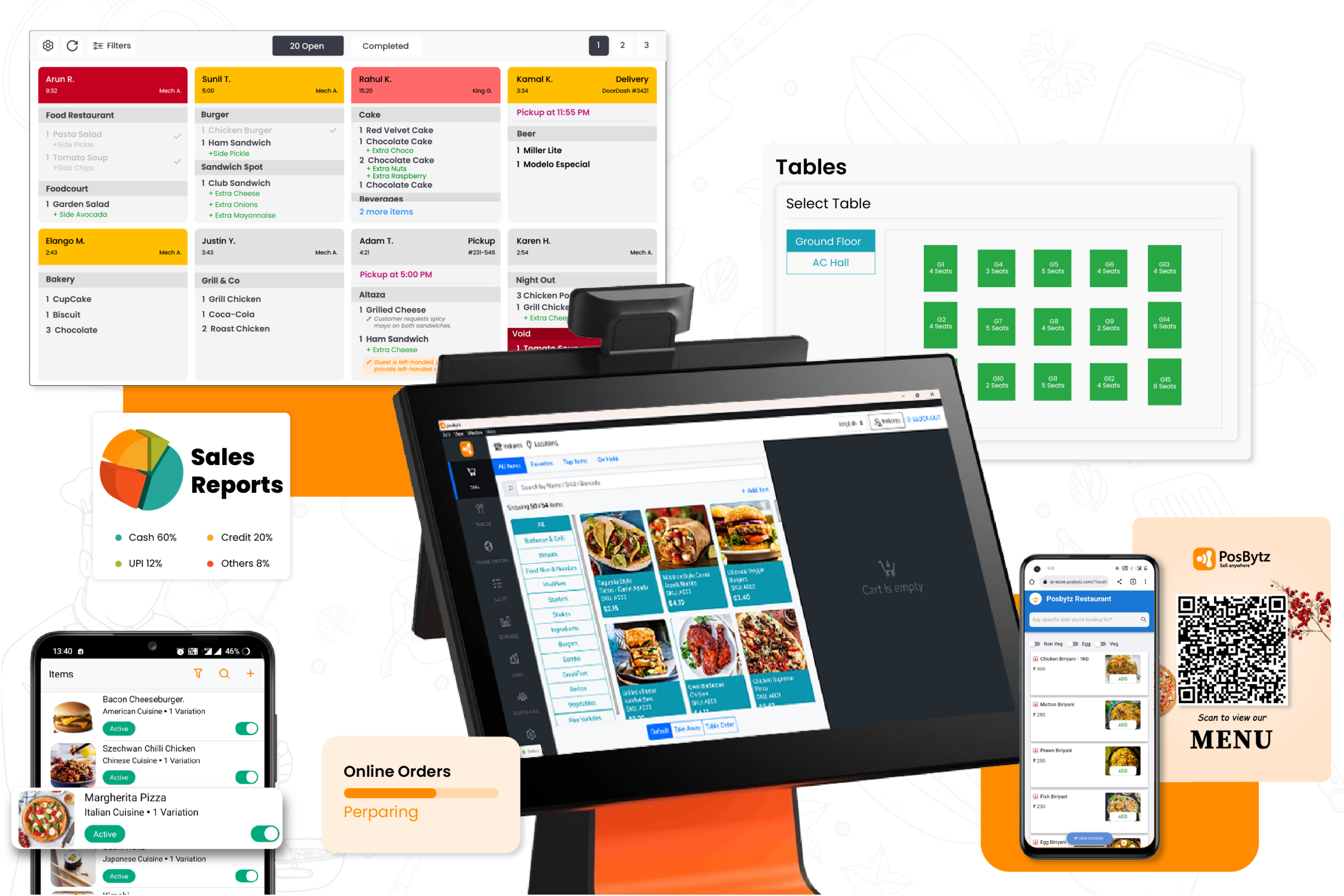
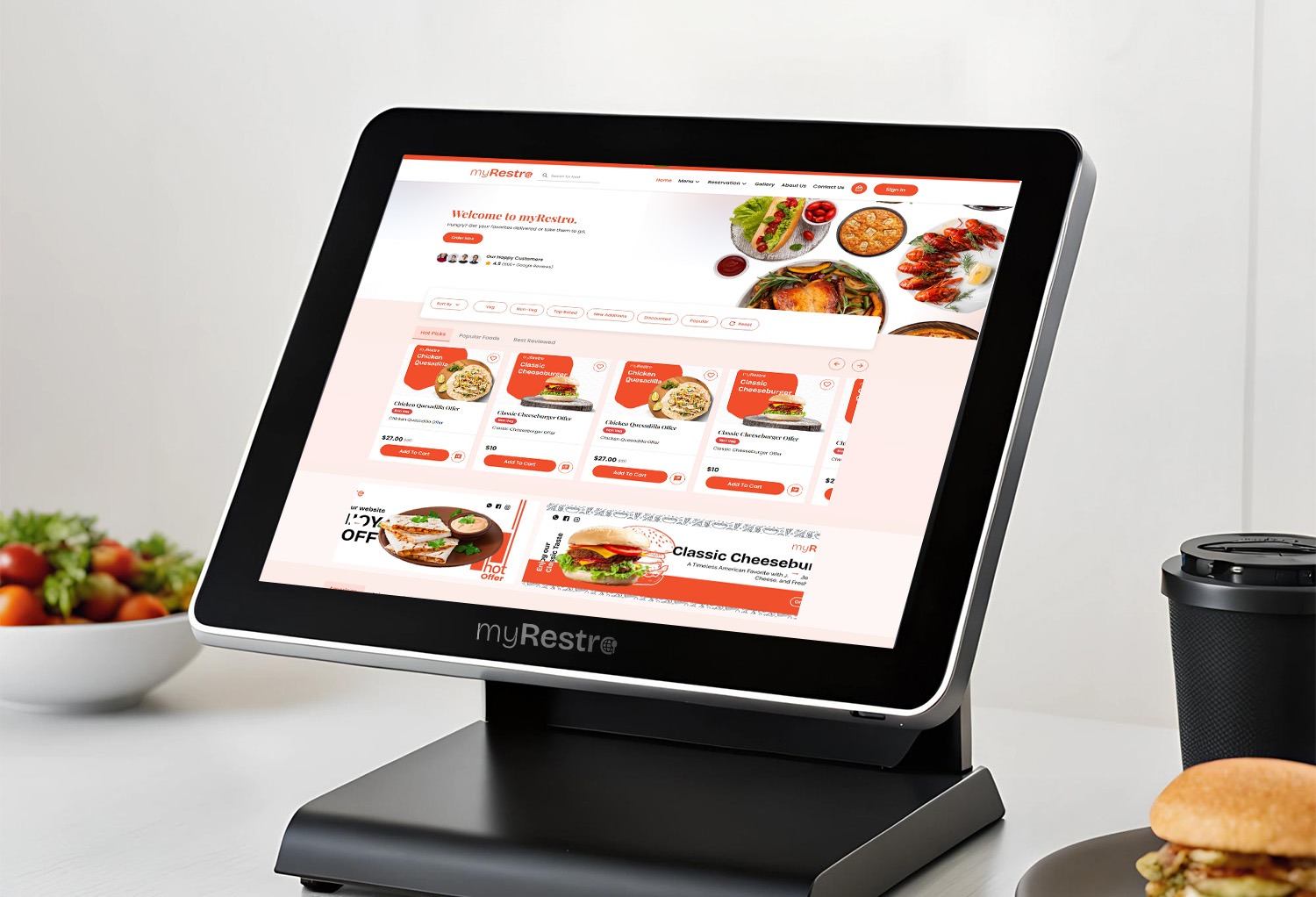
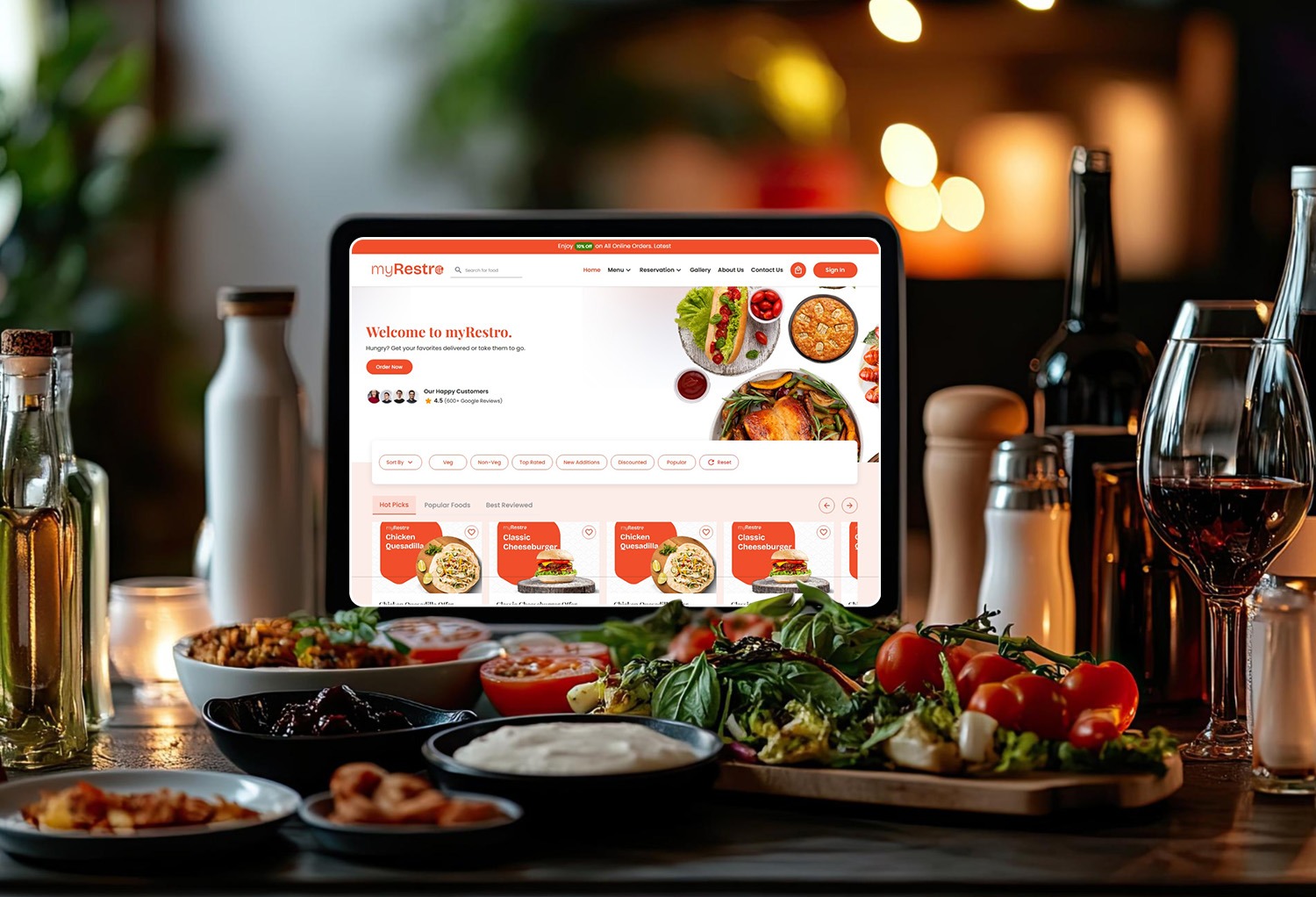
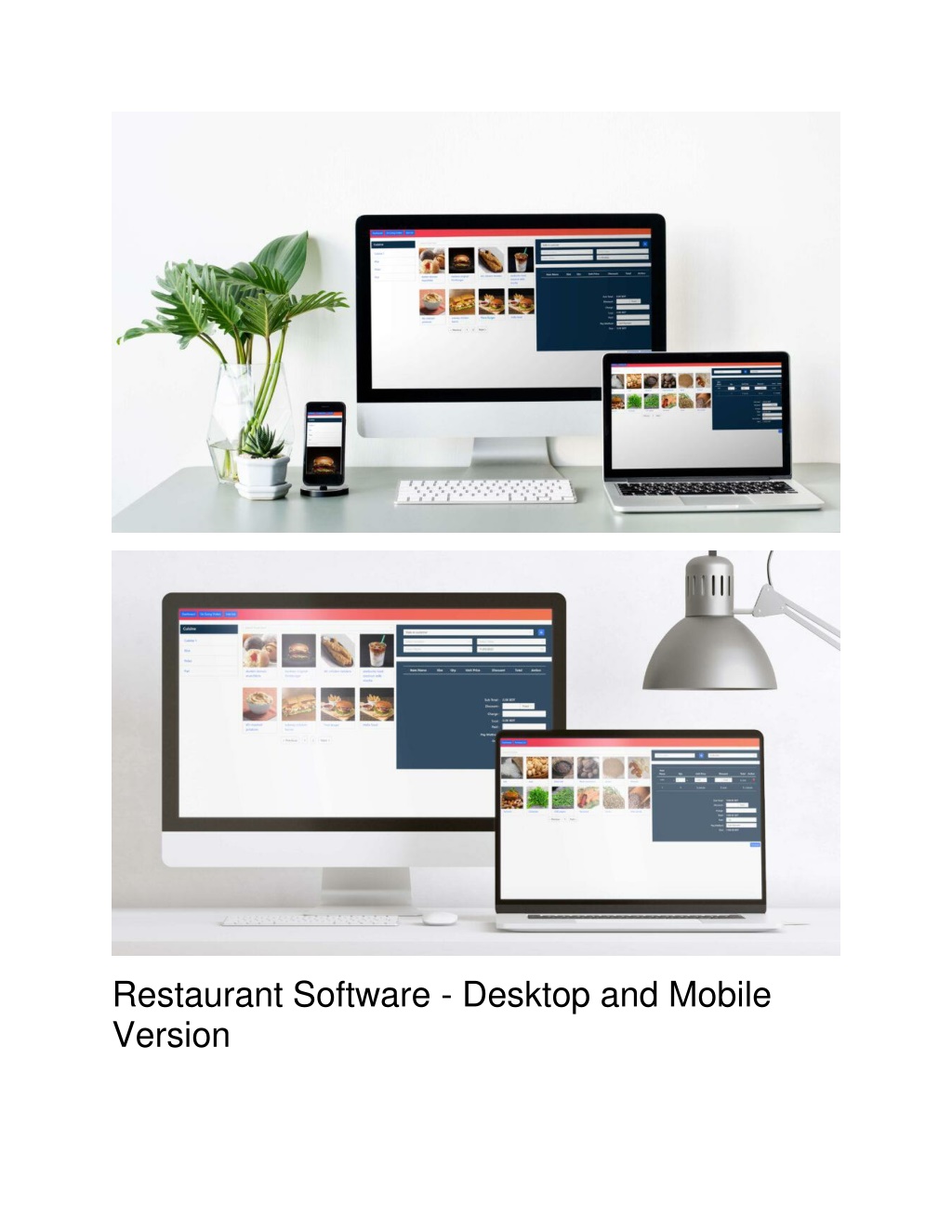
All-in-one restaurant software is a unified technology platform that integrates essential operations—including point of sale (POS), inventory tracking, staff scheduling, online ordering, and guest loyalty—into a single interface. By centralizing data, these systems eliminate information silos, reduce manual data entry errors, and provide a comprehensive, real-time view of business performance.
Modern restaurant management has evolved beyond simple transaction processing. In 2026, the industry standard has shifted from "best-of-breed" stacks—where different apps handle different tasks—to unified ecosystems. This shift is driven by the need for better data accuracy, lower subscription fatigue, and the seamless flow of information from the kitchen to the back office.
Understanding the Architecture of All-in-One Systems
An all-in-one restaurant software suite is designed to serve as the central nervous system of a hospitality business. Unlike legacy systems that required complex third-party integrations via APIs (Application Programming Interfaces), unified platforms are built on a single codebase. This means the inventory module "speaks" the same language as the POS, and the labor management tool knows exactly when the rush started because it is connected to the live order flow.
The Cloud-Native Foundation
Most leading systems in 2026 are cloud-native, meaning they reside on remote servers but offer robust "offline modes." This architecture allows restaurant owners to monitor their business from any location while ensuring that the front-of-house (FOH) continues to function during internet outages. The data synchronizes automatically once the connection is restored, preventing any loss of sales or labor data.
Data Centralization and the "Single Source of Truth"
The primary technical advantage of an all-in-one system is the creation of a single source of truth. When a customer orders a burger through a third-party delivery app, the all-in-one system automatically:
- Reduces the inventory count for buns, patties, and toppings.
- Updates the sales reports in real-time.
- Calculates the labor cost percentage against the incoming revenue.
- Updates the customer's loyalty profile.
Without a unified system, a manager would manually reconcile these data points across four different software subscriptions, increasing the risk of human error and delayed decision-making.
Core Components of a Comprehensive Restaurant Platform
To qualify as a true all-in-one solution, the software must encompass several critical modules that cover the entire lifecycle of a guest's visit and the restaurant's operational day.
Advanced Point of Sale (POS)
The POS remains the anchor. In 2026, this includes mobile handhelds for table-side ordering, self-service kiosks, and traditional terminals. Features now include AI-assisted upselling prompts and dynamic menu pricing that can adjust based on time of day or inventory levels.
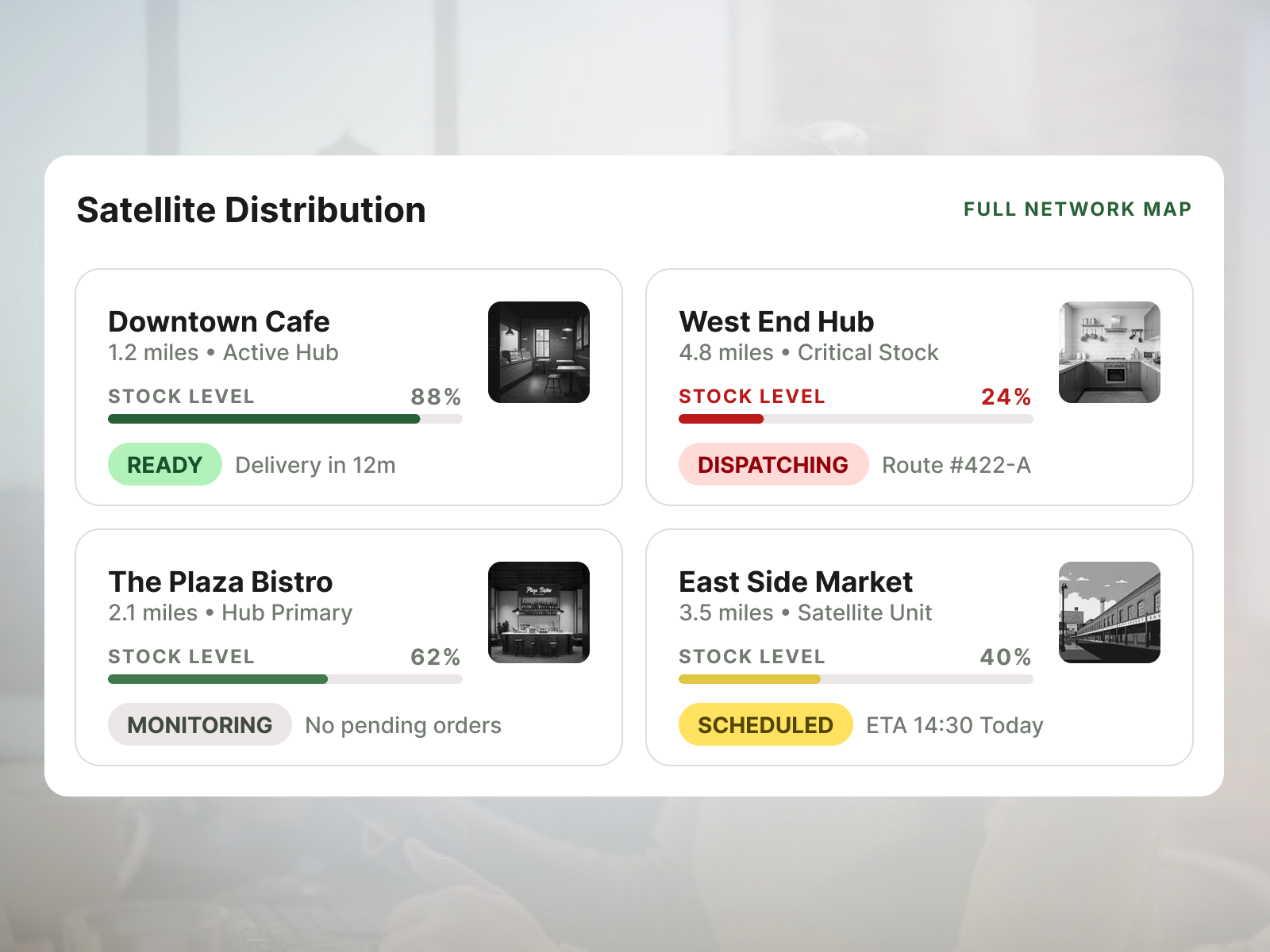
Integrated Inventory and Supply Chain Management
Modern systems go beyond simple stock counting. They offer theoretical vs. actual (TvA) variance analysis. By comparing what should have been used (based on recipes tied to the POS) against what is actually on the shelf, the software identifies waste, theft, or portioning issues. Automated purchasing orders can be triggered when stock hits a "par level," directly communicating with vendors.
Labor Management and Predictive Scheduling
Labor is often a restaurant’s highest controllable expense. All-in-one software integrates time clocks with sales data to create predictive schedules. By analyzing historical sales patterns, the software suggests the optimal number of staff for a Tuesday lunch shift versus a Saturday dinner rush, ensuring the restaurant is neither overstaffed nor understaffed.
Omnichannel Fulfillment
The software must manage orders from every channel: in-house dining, direct online ordering, and third-party delivery platforms (like UberEats or DoorDash). A unified system aggregates these into one kitchen display system (KDS), preventing the "wall of tablets" often seen at the host stand.
Technical Requirements and Implementation
Transitioning to an all-in-one system requires a strategic approach to hardware and network infrastructure.
Hardware Compatibility
Most all-in-one providers offer proprietary hardware designed to withstand the heat and spills of a kitchen environment. However, some platforms are hardware-agnostic, running on standard iPads or Android tablets.
- Terminals: High-definition touchscreens with encrypted card readers.
- Printers/KDS: Thermal receipt printers or, increasingly, Kitchen Display Systems that eliminate paper waste.
- Networking: A dedicated VLAN (Virtual Local Area Network) for the POS is recommended to ensure security and bandwidth priority.
The Migration Process
Switching systems is a major undertaking. The process generally involves:
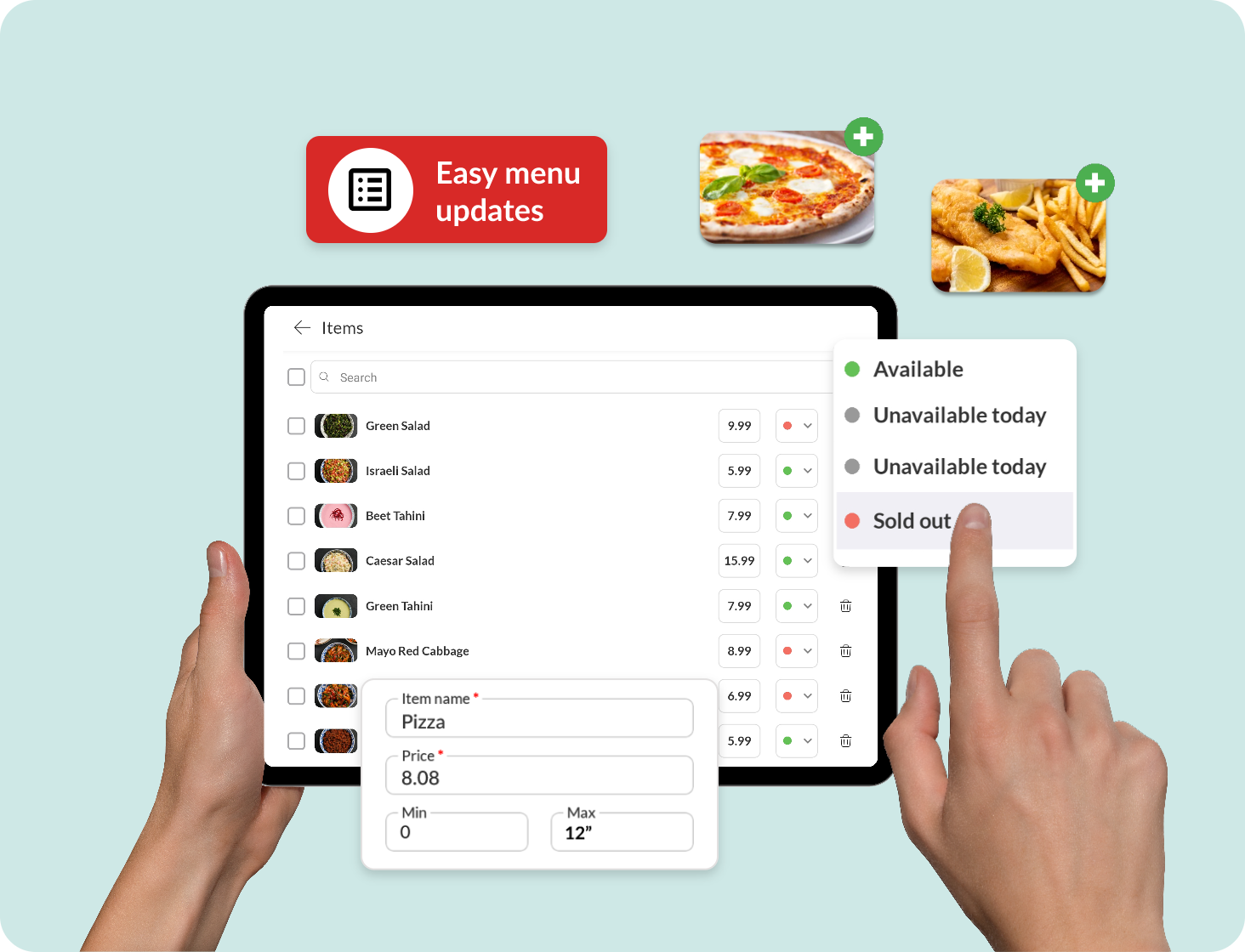
- Menu Engineering: Importing your menu, modifiers, and pricing.
- Recipe Mapping: Linking menu items to inventory ingredients for cost tracking.
- Staff Onboarding: Training servers, bartenders, and chefs on the new interface.
- Hardware Installation: Setting up the network, mounting terminals, and testing the KDS.
Comparing Leading All-in-One Providers in 2026
The following table compares the primary players in the restaurant software market based on their core strengths and typical target markets.
| Feature/Provider | Toast | Square for Restaurants | Lightspeed | TouchBistro |
|---|---|---|---|---|
| Primary Niche | Full-service & QSR | Small to Mid-size | Complex Inventory/Fine Dining | Independent & Boutique |
| Operating System | Android (Proprietary) | iOS / Square Hardware | iOS / Android | iOS |
| Offline Capabilities | High (Robust) | Moderate | High | Moderate |
| Inventory Depth | Advanced (Recipe Level) | Basic to Intermediate | Very Advanced | Intermediate |
| Payment Processing | Integrated (Required) | Integrated (Flexible) | Integrated or 3rd Party | 3rd Party Options |
| Best For | Scaling franchises | New entries/Cafes | Multi-location/High-volume | Table-service focus |
Financial Impact: Costs and ROI
Understanding the cost structure of all-in-one software is vital for maintaining margins. In 2026, most providers utilize a SaaS (Software as a Service) model combined with payment processing fees.
Subscription Tiers
Software fees typically range from $70 to $300 per month per terminal. Higher tiers usually unlock advanced features like multi-location management, enterprise-grade reporting, and advanced inventory.
Processing Fees
Most all-in-one vendors act as the payment processor. While this simplifies support (one point of contact), it can sometimes lead to higher rates. Expect to pay between 2.4% + 10¢ to 2.9% + 30¢ per transaction. Some providers offer "interchange-plus" pricing for high-volume establishments, which can be more cost-effective.
Calculating ROI
The return on investment comes from three main areas:
- Reduced Labor Hours: Automating manual tasks like inventory counts and scheduling saves managers 5–10 hours per week.
- Decreased Food Waste: Identifying 2%–3% in food cost variances can save thousands of dollars annually.
- Increased Revenue: Integrated loyalty programs and faster table turns (via handheld ordering) directly boost the bottom line.
Overcoming Common Implementation Challenges
While the benefits are significant, the transition to a unified system is not without hurdles.
Data Cleanliness
A common mistake is "garbage in, garbage out." If your initial recipe costs or inventory counts are inaccurate, the software's insights will be flawed. Dedicating time to precise data entry during the setup phase is non-negotiable.
Staff Resistance
Employees used to a specific workflow may resist new technology. Mitigate this by involving "power users" (lead servers or head chefs) early in the selection process and providing hands-on training sessions before the "go-live" date.
Hidden Costs
Always look beyond the base subscription. Hardware replacement, implementation fees, and premium 24/7 support can add unexpected costs to the initial budget. Ensure you have a clear understanding of the total cost of ownership (TCO) over a three-year period.
The Role of AI and Automation in 2026
By 2026, all-in-one software has integrated artificial intelligence as a standard feature rather than an add-on.
- Automated Reordering: The system doesn't just tell you that you are low on milk; it analyzes the upcoming weather forecast and local events to predict a surge in latte sales and adjusts the order automatically.
- Dynamic Labor Optimization: AI models analyze real-time sales velocity to suggest when to cut staff or call someone in, often 30 to 60 minutes before the manager would notice the trend.
- Voice-Activated Reporting: Managers can ask the system, "What was our labor cost percentage yesterday compared to last year?" and receive an instant audio and visual breakdown.
Frequently Asked Questions
Is all-in-one software better than using separate apps for POS and inventory?
For most restaurants, yes. Using separate apps often results in "data silos" where information does not transfer accurately between systems. A unified platform ensures that your inventory, labor, and sales data are always in sync, which is essential for accurate financial reporting and operational efficiency.
Can I keep my current credit card processor when switching?
It depends on the provider. Many modern all-in-one solutions, such as Toast, require you to use their integrated payment processing. Others, like Lightspeed or TouchBistro, may allow you to bring your own processor, though they often charge a "non-integrated" fee which can negate any savings.
Does all-in-one software work for small cafes or just large restaurants?
These systems are scalable. Most providers offer "Starter" or "Essentials" tiers designed specifically for small cafes or food trucks. These tiers include the core POS and payment features while allowing the business to add modules like inventory or payroll as they grow.
What happens if my internet goes down?
Modern all-in-one systems are built with "offline mode" or "always-on" capabilities. This allows you to continue taking orders and processing credit cards (internally) while the connection is down. Once the internet returns, the system syncs all transactions with the cloud. Note that certain features, like real-time gift card balance checks, may be limited during an outage.
How long does it typically take to set up the software?
A standard implementation takes between 2 and 6 weeks. This includes the time needed for menu configuration, hardware shipping, installation, and staff training. Large, multi-unit enterprises may require 3 to 6 months for a full rollout.
Final Recommendation for Restaurant Operators
Choosing an all-in-one restaurant software platform is one of the most consequential decisions an operator will make. In 2026, the priority should be on platform stability, data integration, and vendor support.
Begin by auditing your current "tech debt"—list every subscription you currently pay for and identify where data is being manually moved. Seek a demo from at least three of the providers mentioned above, and specifically ask to see how their "theoretical vs. actual" inventory reports function. The goal is not just to find a tool that takes orders, but to implement an ecosystem that provides the insights necessary to thrive in a high-competition, high-cost environment.