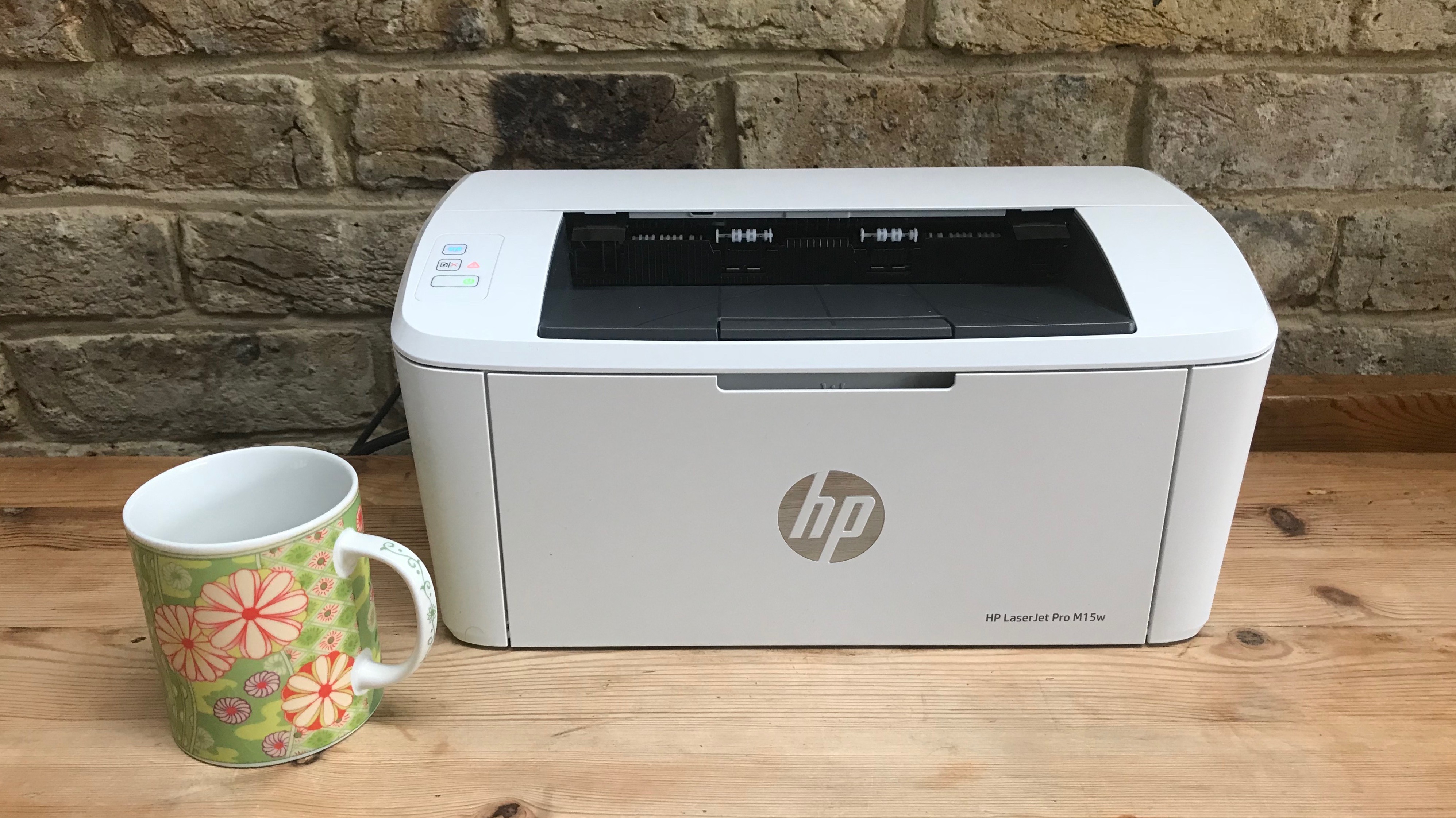
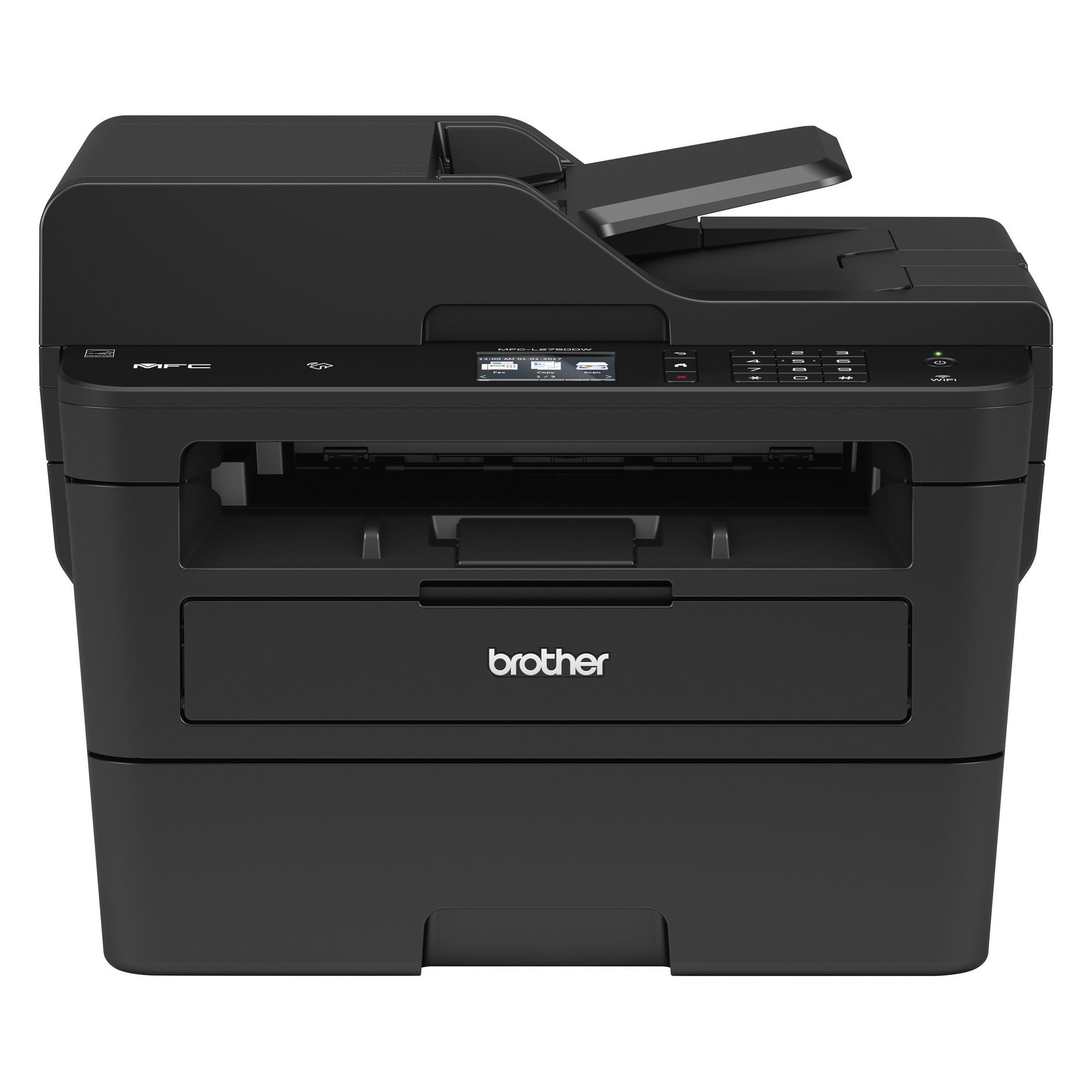
Choosing the right all-in-one laser printer involves balancing initial hardware costs against long-term toner expenses while prioritizing features like automatic duplexing, wireless connectivity, and high-speed scanning. For home use, these devices offer superior text clarity and significantly lower maintenance compared to inkjet alternatives, making them the standard for remote professionals and students.
In 2026, the home office landscape has evolved to demand hardware that is as reliable as enterprise-grade machinery but compact enough for a residential setting. The all-in-one (AIO) laser printer—capable of printing, scanning, copying, and often faxing—remains the cornerstone of efficient document management. Unlike inkjets, which suffer from clogged print heads and expensive liquid cartridges, laser printers utilize toner powder that does not dry out, ensuring the device is ready to work even after weeks of inactivity.
The Laser Advantage: Why Home Users Are Switching
The primary reason home users opt for laser technology over inkjet is the Total Cost of Ownership (TCO). While an inkjet printer might have a lower entry price, the cost per page (CPP) is often five to ten times higher than that of a laser printer. Laser toner cartridges are rated for thousands of pages, whereas standard ink cartridges often yield only a few hundred.
Beyond the financial metrics, the physical quality of the output is a major factor. Laser printers use a high-heat process to fuse plastic-based toner particles onto the paper. This results in crisp, smudge-proof text that does not bleed when highlighted or exposed to moisture. For legal documents, school reports, or business correspondence, the professional finish of a laser printer is unmatched. Furthermore, laser printers are inherently faster. Even entry-level home models in 2026 consistently deliver 25 to 35 pages per minute (PPM), allowing users to handle high-volume tasks without the "wait-and-watch" frustration common with older printing technologies.
Essential Features for the Modern Home Office
When evaluating an all-in-one laser printer, several technical specifications dictate how well the machine will serve your daily workflow. It is important to look past the marketing jargon and focus on the components that impact productivity.
Automatic Document Feeder (ADF) vs. Flatbed Scanning
An all-in-one printer is defined by its scanning capability. A flatbed scanner requires you to lift the lid and place every page manually, which is fine for occasional ID cards or book pages. However, for those scanning multi-page contracts or tax documents, an Automatic Document Feeder (ADF) is non-negotiable. Modern mid-range home printers now feature "Single-Pass Duplex Scanning," which uses two scanning sensors to capture both sides of a page simultaneously, cutting scanning time in half.
Wireless Connectivity and Cloud Integration
In 2026, the necessity for a physical USB tether is almost non-existent. Most home laser printers support Wi-Fi 6 (802.11ax), which provides more stable connections in crowded residential environments. Look for machines that support:
- Apple AirPrint and Mopria: For driverless printing from iOS and Android devices.
- Direct Cloud Scanning: The ability to scan a document and send it directly to Google Drive, Dropbox, or OneDrive without turning on a computer.
- WPA3 Security: Ensuring that your printer does not become a weak point in your home network security.
Duplexing (Double-Sided Printing)
Automatic duplexing allows the printer to flip the paper internally to print on both sides. This is not just an environmental consideration; it effectively cuts your paper costs by 50% and reduces the bulk of large documents. In 2026, automatic duplexing is a standard feature on almost all laser printers, though some ultra-compact models may still require manual flipping.
Monochrome vs. Color: Identifying Your True Needs
One of the most significant decisions is whether to purchase a monochrome (black and white) or a color laser printer. This decision should be based on your primary document type rather than a desire for "versatility."
Monochrome All-in-Ones are the workhorses of the home office. They are generally smaller, faster, and much cheaper to maintain. If 90% of your printing consists of text-based documents, shipping labels, or manuscripts, a monochrome laser is the most logical choice. The toner replacement is simple, usually involving only one cartridge.
Color All-in-Ones utilize four separate toner cartridges (Cyan, Magenta, Yellow, and Black). These machines are larger and more complex. While they produce excellent charts, presentations, and color-coded reports, they are not designed for high-end photography. If you need to print lab-quality photos, a specialized photo inkjet is still superior. However, for a home business that requires branded letterhead or colorful marketing flyers, a color laser printer provides a professional sheen that ink cannot replicate.
Understanding the Maintenance Cycle
A laser printer is a sophisticated piece of electro-photographic machinery. Understanding its components helps in troubleshooting and budgeting.
- Toner Cartridge: This holds the plastic powder. In many modern Brother and HP models, the toner is a separate unit from the drum.
- Drum Unit: This is the heart of the printer. It uses static electricity to "draw" the image before transferring toner to the paper. Drums usually last for 12,000 to 30,000 pages and are more expensive than toner.
- Fuser Assembly: This heating element melts the toner into the paper fibers. It rarely needs replacement in the first five years of home use but is the reason laser printers consume more power than inkjets during the actual print cycle.
To ensure longevity, it is vital to keep the printer in a dust-free environment and use high-quality paper. Dust is the enemy of the corona wire and the laser lens, often leading to streaks or faded spots on the printed page.
Comparison of Home Laser Printer Profiles
| User Profile | Recommended Model Type | Key Feature | Average Pages Per Month |
|---|---|---|---|
| The Student | Compact Monochrome AIO | Small footprint, Wi-Fi Direct | 50 - 200 |
| Remote Professional | High-Speed Monochrome AIO | 50-sheet ADF, Duplex Scan | 300 - 1,000 |
| Creative Small Business | Color Laser AIO | High DPI, Pantone Matching | 200 - 500 |
| Occasional User | Basic Monochrome AIO | Long-life toner (doesn't dry) | 10 - 50 |
Total Cost of Ownership (TCO) Analysis
When shopping, do not be misled by the "sticker price." A $199 printer might use cartridges that cost $80 and only last for 1,000 pages (8 cents per page). Conversely, a $350 printer might use $100 cartridges that last for 5,000 pages (2 cents per page).
In the 2026 market, many manufacturers have introduced "Tank" or "Continuous Toner" systems. Similar to the EcoTank inkjets of the previous decade, these laser printers allow users to pour toner into a reservoir or use high-capacity refill kits. While the upfront cost of these machines is higher, the cost per page can drop to less than half a cent, making them the most economical choice for anyone printing more than 2,000 pages per year.
Security Considerations for Home Printing
As more people work from home, printers have become a target for network intrusions. A laser printer is a networked computer with its own OS and storage. In 2026, security is a paramount concern. Ensure your chosen model offers:
- Firmware Signing: The printer will only install official updates from the manufacturer, preventing malware.
- Encrypted Storage: If the printer has internal memory for print jobs, it should be encrypted so that sensitive data cannot be retrieved if the machine is stolen or sold.
- Secure Print: This feature requires a PIN to be entered at the machine before a sensitive document is printed, preventing papers from sitting unattended in the output tray.
Official guidance on securing home peripherals can be found through the National Institute of Standards and Technology (NIST), which provides frameworks for securing IoT devices in residential settings.
Common Myths About Home Laser Printers
Myth 1: Laser printers are too loud. Modern laser printers include "Quiet Mode" settings. While they are louder than inkjets during the initial warm-up (due to the cooling fans and fuser), they complete the job so much faster that the total noise duration is often lower.
Myth 2: Laser printers use too much electricity. While the fuser requires significant energy to heat up (sometimes 400-600 watts), they spend the vast majority of their time in "Deep Sleep" or "Eco Mode," consuming less than 1 watt. Over a year, the energy cost difference between a laser and an inkjet is usually less than the price of a single cup of coffee.
Myth 3: You can't print labels or envelopes. Most all-in-one laser printers have a "Multi-Purpose Tray" or a manual feed slot specifically designed for thicker media. Because the paper path is straighter in these slots, you can easily print high-quality labels and envelopes without jams.
Troubleshooting Common Issues
Despite their reliability, laser printers can encounter specific mechanical hurdles.
- Ghosting: If you see a faint "shadow" of a previous image repeated down the page, it usually indicates the drum or fuser is failing to clean itself or maintain the correct temperature.
- Paper Jams: This is often caused by humidity. Paper that has absorbed moisture from the air tends to curl when heated by the fuser, leading to jams. Store your paper in a dry, cool place.
- Vertical Lines: A persistent vertical line on a scan usually means there is a tiny speck of dust or white-out on the narrow strip of glass used by the ADF. Cleaning this glass with a lint-free cloth usually solves the problem.
For official troubleshooting steps and driver updates, always refer to the manufacturer's support pages, such as the Brother Solutions Center or HP Customer Support.
Frequently Asked Questions
Can I print photos on a laser printer?
You can print photos, but the quality will not match an inkjet. Laser printers use dots of plastic powder, which cannot blend colors as smoothly as liquid ink. Furthermore, you cannot use traditional glossy inkjet photo paper in a laser printer; the high heat of the fuser will melt the coating and ruin the machine. You must use specialized "Laser Photo Paper."
How long does toner last if I don't use it?
Unlike ink, which evaporates and clogs the print head, toner is a dry powder. It is incredibly stable and can last for several years inside the cartridge as long as it is kept away from extreme humidity. This makes laser printers the perfect choice for people who only print once every few weeks.
Is it worth buying third-party toner?
Third-party (compatible) toner is significantly cheaper than original equipment manufacturer (OEM) toner. However, in 2026, many manufacturers use "chip-locking" technology that may disable the printer if a non-genuine cartridge is detected. Additionally, low-quality toner can leak, potentially damaging the drum and voiding your warranty. If you choose third-party, only buy from reputable brands with a guarantee.
What is the difference between an AIO and a Multifunction Printer (MFP)?
In common usage, there is no difference. "All-in-One" is the term typically used for consumer and home-office markets, while "Multifunction Printer" (MFP) is the terminology used in corporate and enterprise environments. Both refer to a device that can print, scan, copy, and fax.
Do I need a laser printer with a fax function in 2026?
While traditional phone-line faxing is rare, many "all-in-one" models still include it. More importantly, many now offer "PC-Fax" or "Internet Fax," which allows you to send digital documents as faxes via your internet connection. If you deal with legal, medical, or government agencies, having a built-in fax capability is still a valuable asset.
Final Recommendation for Home Users
If you are looking for a reliable, low-maintenance solution for a home office, a monochrome all-in-one laser printer with an ADF and Wi-Fi 6 is the most practical investment. It provides the best balance of speed, text quality, and long-term savings. For those who specifically require color for business materials, look for a color laser model with "High-Yield" toner options to keep your operating costs manageable. Before purchasing, check the manufacturer's website for the most recent driver compatibility with your operating system to ensure a seamless setup.