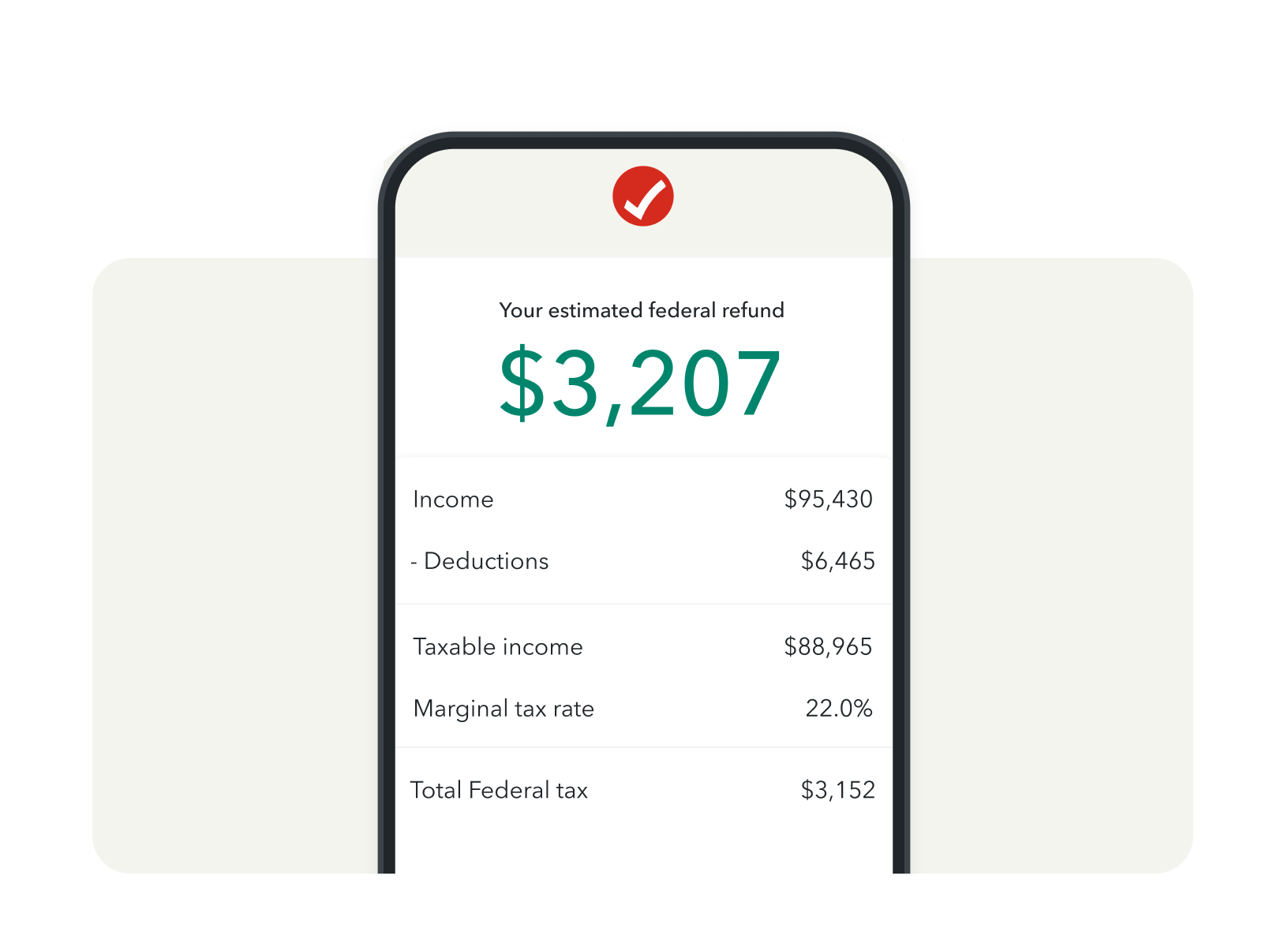
The AARP Tax Estimator is a specialized digital tool designed to help taxpayers—particularly those aged 50 and older—calculate their projected federal income tax liability. By inputting specific financial data regarding income, deductions, and credits, users can generate a reliable estimate of their tax outcome for the 2025 tax year, assisting in proactive financial planning, withholding adjustments, and retirement contribution strategy.
Understanding the Role of Tax Estimators in Financial Planning
Tax estimation is a cornerstone of effective personal finance, especially for retirees or those nearing retirement who may have complex income streams. The AARP Tax Estimator acts as a simplified interface for navigating the complexities of the Internal Revenue Code. Unlike professional tax preparation software, which is designed for filing, an estimator is built for forecasting.
In the 2026 calendar year, taxpayers are typically reviewing their completed 2025 returns or planning for the 2026 cycle. Using an estimator allows a taxpayer to see the "what-if" scenarios of their financial life. For example, if you are considering taking a larger distribution from an Individual Retirement Account (IRA) or selling stocks, using the estimator helps you understand the immediate tax impact before you finalize those transactions. This tool serves as a bridge between your current financial state and your end-of-year tax reality, reducing the likelihood of unexpected tax bills or underpayment penalties.
Eligibility and Prerequisites for Usage
The AARP Tax Estimator is generally available to the public, though some features may be highlighted for AARP members. You do not necessarily need to be an AARP member to utilize basic tax calculation tools hosted on, or provided by, organizations aligned with AARP resources, but having a clear understanding of your financial documentation is the primary requirement.
Before you begin the estimation process, you should gather the following documents and figures:
- W-2 and 1099 Forms: Even if these are from the previous year, they provide the baseline for your current income.
- Investment Records: Interest statements (1099-INT) and dividend statements (1099-DIV).
- Retirement Plan Details: Documentation regarding your Required Minimum Distributions (RMDs), pension payments, and Social Security benefit statements.
- Deduction Estimates: A summary of potential itemized deductions, including mortgage interest, charitable contributions, and medical expenses that exceed the standard deduction threshold.
- Withholding Data: Your most recent paystub to see how much federal income tax has been withheld year-to-date.
Having these documents on hand allows for a higher degree of accuracy. The tool is only as precise as the data you input; omitting a significant source of income or forgetting a major tax credit will result in a misleading estimate.
Step-by-Step Usage Guide
To use the AARP Tax Estimator effectively, follow a logical workflow. The interface is designed to walk you through the primary components of your tax return:
- Filing Status Selection: Start by identifying your filing status (Single, Married Filing Jointly, Head of Household, etc.). This determines your standard deduction and your tax bracket.
- Income Entry: Enter all taxable income. Be meticulous regarding Social Security benefits, as only a portion may be taxable depending on your "combined income." Input pension amounts, IRA distributions, and wages separately.
- Adjustments to Income: Account for above-the-line deductions, such as contributions to a traditional IRA or health savings account (HSA) contributions. These reduce your Adjusted Gross Income (AGI).
- Deductions and Credits: Decide between taking the standard deduction or itemizing. The estimator will usually guide you toward the higher of the two. Ensure you include relevant tax credits, such as the Credit for the Elderly or the Disabled, if applicable.
- Reviewing the Result: The system will calculate your estimated tax liability and compare it against the taxes you have already paid through withholding or estimated tax payments.
Key Factors Impacting 2025 Tax Calculations
Tax rules are subject to annual inflation adjustments. When using the 2025 estimator, it is vital to account for specific parameters that define that tax year.
- Standard Deduction: For 2025, the standard deduction amounts were adjusted for inflation, which directly affects how much income is shielded from tax.
- Tax Brackets: The marginal tax brackets (10%, 12%, 22%, 24%, 32%, 35%, and 37%) remain, but the income thresholds for these brackets are higher than in previous years due to annual indexing.
- Social Security Taxation: Because Social Security benefits are taxed based on "combined income" thresholds that are not indexed for inflation, more retirees find themselves pushed into taxable brackets for their benefits each year.
- Capital Gains Rates: Long-term capital gains remain taxed at preferential rates (0%, 15%, or 20%) based on your total taxable income.
Comparison of Tax Preparation Resources
Many taxpayers weigh the benefits of a simple estimator against full-service tax preparation software or human professional assistance. The table below outlines how an estimator fits into the broader tax landscape.
| Feature | Tax Estimator (e.g., AARP) | Tax Software (e.g., TurboTax) | Professional CPA/EA |
|---|---|---|---|
| Primary Goal | Planning & Forecasting | Accurate Filing | Tax Strategy & Advocacy |
| Data Input | Estimates & Projections | Exact Tax Document Entry | Comprehensive Financial Review |
| Cost | Free/Included in Membership | Paid (Per Return) | High (Hourly/Flat Fee) |
| Complexity | Low - Intermediate | Intermediate - High | High |
| Binding Authority | None (Educational Only) | Limited (Software Guarantee) | Full (IRS Representation) |
Troubleshooting Common Discrepancies
If your estimate significantly differs from your final tax bill, it is usually due to one of several common errors. First, check your Social Security benefit math. Many users fail to calculate the "combined income" correctly, which determines the taxable portion of their benefits.
Second, verify your withholding. If you are still working, ensure the estimator uses your annual gross salary, not just the amount earned to date. If the tool asks for "withholding to date," ensure you are not accidentally entering the full year's estimated withholding.
Third, look for missing credits. If you have significant medical expenses, ensure you are accounting for the 7.5% AGI threshold requirement before you can deduct them. If the estimator shows a massive deficit, double-check that you have included all refundable credits for which you might qualify, such as energy-efficient home improvement credits.
Frequently Asked Questions
1. Is the AARP Tax Estimator a substitute for official tax preparation software? No. An estimator is a planning tool used to project your tax liability throughout the year. It does not generate the forms required to file a return with the IRS, nor does it provide the legal protections of tax preparation software that tracks official IRS filing requirements.
2. Why is my estimated tax so different from my withholding? Tax withholding is often based on the assumption that you work the full year. If your income is irregular, such as from part-time work or seasonal dividends, your employer's withholding might not cover the tax liability on those "extra" earnings. Use the estimator to determine if you need to submit an estimated tax payment to the IRS.
3. Does the estimator account for state taxes? Most federal tax estimators, including those provided by AARP, focus exclusively on federal income tax. State income tax rules vary significantly, and you will need a separate, state-specific tool or professional guidance to estimate your state tax liability accurately.
4. How often should I update my tax estimate? You should rerun your estimate whenever you experience a major life change, such as retiring, selling a home, receiving a large inheritance, or changing your pension distribution strategy. At a minimum, checking once per quarter—or during mid-year in June—is a best practice.
5. What should I do if the estimator shows I owe a large amount of money? If the result shows a significant underpayment, you can increase your withholding on your W-4 form (if employed), initiate or increase estimated tax payments, or look for legal ways to lower your taxable income, such as increasing contributions to a tax-deferred retirement account before the end of the year.
Strategic Next Actions
After using the AARP Tax Estimator, your next step should be action-oriented. If the estimator reveals that your current trajectory will result in a significant tax refund, you may want to decrease your withholding to put more money into your pocket monthly. Conversely, if you are facing a potential tax bill, look into making estimated tax payments to avoid underpayment penalties when you file.
Always treat the results as a projection, not a definitive legal statement. For complex scenarios—such as navigating the sale of business assets, complex estate planning, or international income—consult with a qualified tax professional (such as a CPA or Enrolled Agent) who can apply the estimator’s output to a broader financial strategy.