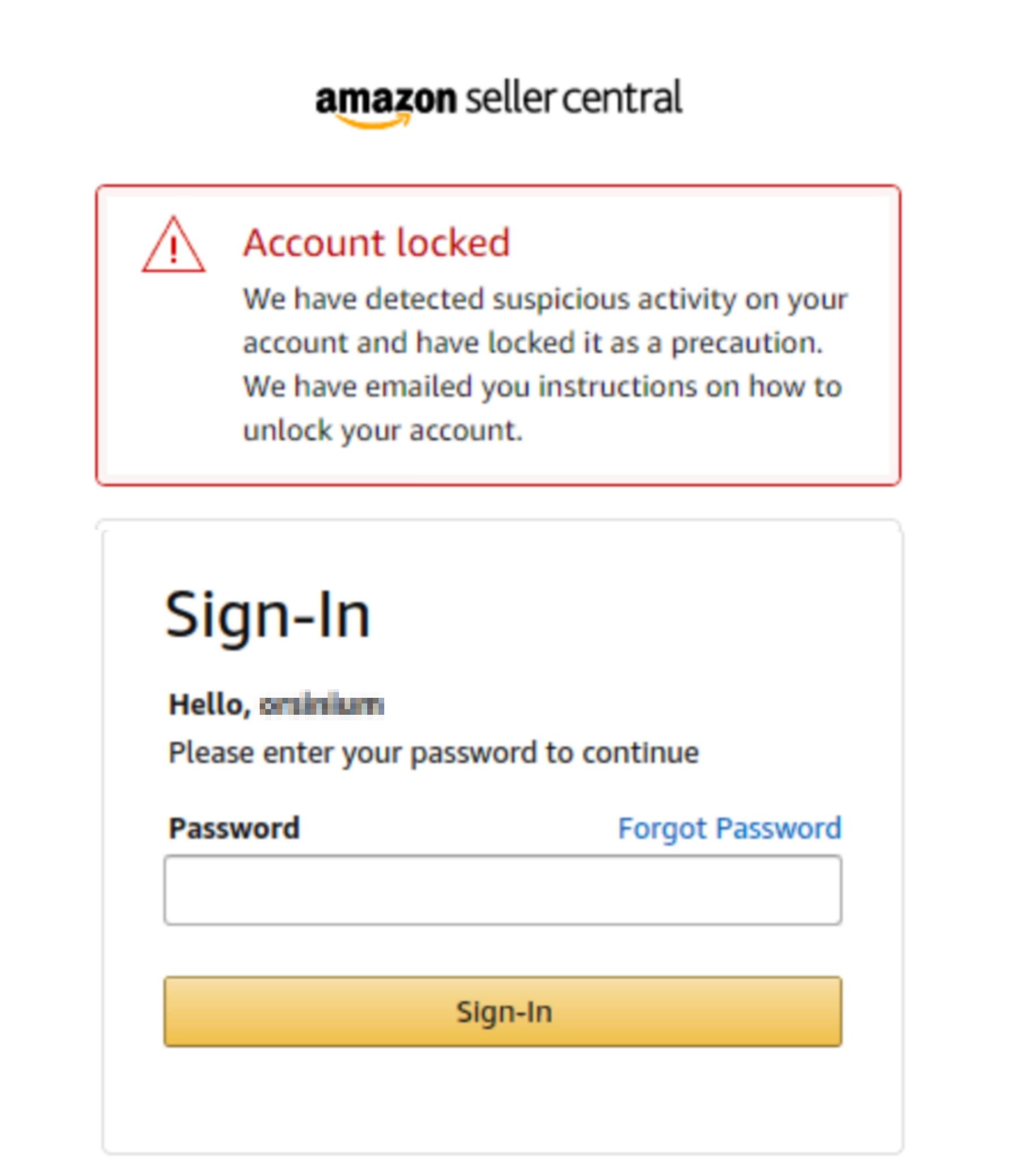
If your Amazon account is locked temporarily, it is usually due to suspicious activity, billing discrepancies, or a potential security breach. To regain access, you must typically provide proof of identity or verify your payment method through Amazon’s secure upload portal. Most accounts are reviewed and restored within 24 to 48 hours after submitting the required documentation.
Having your Amazon account locked can be a significant disruption, especially if you rely on the platform for Prime benefits, Kindle libraries, AWS management, or business-critical deliveries. In 2026, Amazon’s security protocols have become increasingly automated, utilizing sophisticated machine learning to detect patterns that deviate from your standard user behavior. While these measures are designed to protect your financial data and personal information, they can sometimes trigger "false positives," leaving legitimate users locked out of their own digital ecosystem.
Understanding the "Temporary Lock" Status
When Amazon places a temporary hold on an account, it is fundamentally a defensive maneuver. Unlike a permanent ban—which is usually the result of severe policy violations like review manipulation or platform abuse—a temporary lock is often a "soft" barrier intended to verify the person behind the screen.
When the lock is triggered, you will typically receive an email from an address ending in @amazon.com (such as account-confirmation@amazon.com or address-verification@amazon.com). Simultaneously, attempting to log in will result in a message stating that the account has been locked for security reasons. During this period, all pending orders are usually placed on hold or canceled, and access to digital services like Prime Video or Alexa-enabled devices may be restricted.
Primary Reasons for an Amazon Account Lockout
Amazon rarely provides a granular explanation in the initial notification due to security concerns; revealing the exact trigger could help actual fraudsters bypass the system. However, most temporary locks fall into one of the following categories.
1. Billing and Identity Discrepancies
The most common cause for a lockout is a mismatch between the information on your Amazon account and the records held by your financial institution. If you recently moved and updated your shipping address but failed to update the billing address for your credit card, Amazon’s fraud detection system may flag the next purchase. In 2026, banks and retailers share more real-time verification data, and even a minor discrepancy in a ZIP code or a misspelled street name can trigger a security hold.
2. Unusual Order Patterns (Velocity Logic)
Amazon builds a profile of your spending habits over time. If you suddenly place a high-value order (such as a $3,000 workstation or multiple high-end electronics) on an account that usually buys household essentials, the system may intervene. This is especially true for new accounts that attempt to make large purchases immediately after registration. This "velocity check" is designed to prevent stolen credit cards from being "burnt" quickly on expensive, resalable items.
3. Gift Card Anomalies
Gift cards are a high-risk area for fraud. If you add a large gift card balance—particularly one purchased from a third-party reseller rather than a major retailer—Amazon may lock your account until you can prove the source of the funds. This is part of Amazon’s compliance with anti-money laundering (AML) regulations and its efforts to combat common "grandparent scams" or "IRS scams" where victims are coerced into buying gift cards.
4. Compromised Credentials
If Amazon detects a login attempt from a suspicious IP address, a new device in a different country, or via a known "proxy" or VPN service often used by malicious actors, they will lock the account to prevent unauthorized access. In 2026, credential stuffing (using passwords leaked from other websites) remains a major threat, and Amazon may preemptively lock your account if they find your login details on a "breach list" circulating on the dark web.
Step-by-Step Guide to Unlocking Your Account
Regaining access requires a systematic approach. Do not attempt to create a second account while the first is locked, as this is a violation of Amazon’s Terms of Service and can lead to both accounts being permanently banned.
Step 1: Check Your Email for Official Instructions
The first step is always to locate the official communication from Amazon. This email will contain a specific link to a secure portal where you can upload documents. Avoid clicking links in emails that look suspicious; instead, go directly to Amazon.com and try to log in. If the account is locked, the site will redirect you to the same verification instructions.
Step 2: Prepare Your Documentation
Amazon usually requires one or more of the following to verify your identity and payment method:
- A copy of your government-issued ID: This confirms your name and address.
- A recent billing statement: For the credit or debit card used on the account. Ensure the statement shows the last four digits of the card number, your name, and your billing address.
- Proof of Gift Card Purchase: If the lock was related to a gift card, you might need a photo of the physical card and the original store receipt.
Step 3: Upload via the Secure Portal
When uploading documents, ensure the images are clear and all four corners of the document are visible. You may black out most of the credit card number and your specific transaction history for privacy, but the name, address, and last four digits of the card must be legible. Amazon’s automated document verification (OCR) will reject blurry or poorly lit photos, which can extend the lockout period.
Step 4: Monitor the Review Period
Once submitted, an Account Specialist will review the information. While the automated system handles the initial lock, the unlock process involves human oversight or more advanced secondary verification. In 2026, the standard turnaround is 24 to 48 hours. You will receive an email once the review is complete.
| Lockout Reason | Required Evidence | Estimated Resolution Time |
|---|---|---|
| Billing Mismatch | Credit card statement showing name and address. | 24 Hours |
| Suspicious Login | ID verification and 2FA reset. | 12-24 Hours |
| Gift Card Fraud | Original store receipt and photo of the card back. | 2-5 Business Days |
| High-Value Order | Verification of payment method and phone confirmation. | 24-48 Hours |
| Policy Violation | Written appeal or explanation of activity. | 5-10 Business Days |
Common Documentation Errors to Avoid
The most frustrating part of a "temporary" lock is having it extended because your submitted documents were rejected. To ensure a first-time success, adhere to these guidelines:
- Avoid Digital Statements if Possible: While PDF statements are often accepted, a high-resolution photo of a physical, mailed statement is frequently processed faster because it is harder to forge using image editing software.
- Consistency is Key: The name on your ID must match the name on the Amazon account and the name on the credit card statement exactly. If you have recently changed your name or use a nickname, you may need to provide supplemental evidence (like a marriage certificate).
- Do Not Use "Virtual" Cards for Verification: If you use a single-use virtual credit card (like those from certain fintech apps), providing a statement is difficult. In these cases, you may need to provide a screenshot of the app’s card management screen showing the link between the virtual card and your real identity.
Dealing with Gift Card Lockouts
If your account was locked immediately after redeeming a gift card, the verification process is more stringent. Amazon has intensified its crackdown on the "grey market" for gift cards. If you purchased a card from an unauthorized reseller at a discount, there is a high probability the card was originally purchased with a stolen credit card.
If you are a victim of this, your only recourse is to provide the original receipt from a legitimate retailer (like a grocery store or pharmacy). If you cannot provide this, the funds may be confiscated, and the account could potentially move from "temporarily locked" to "permanently closed."
Advanced Troubleshooting and Escalation
If 48 hours have passed and you have not heard back, or if your documentation was rejected despite being accurate, you may need to escalate the issue.
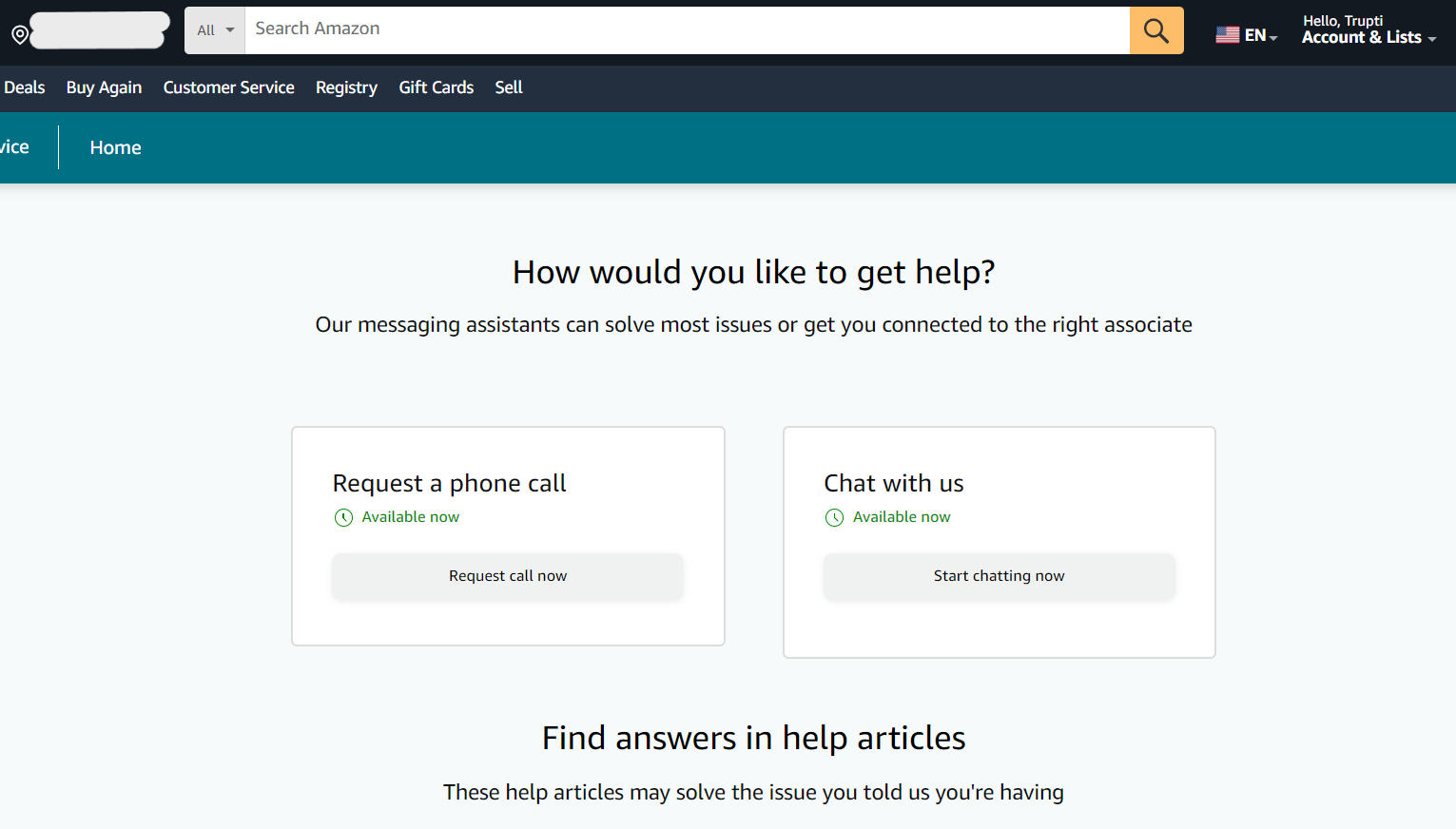
- Contact via Telephone: While general customer service agents often cannot see the details of a security lock, they can confirm if your documents were received and add a "note" to the case. Ask to be transferred to the Account Specialist team, though be aware they often only communicate via email for security reasons.
- Social Media: Sometimes reaching out to the official Amazon Help accounts on platforms like X (formerly Twitter) can nudge a delayed case. They cannot unlock the account but can verify the status of the internal ticket.
- The Executive Team: In extreme cases where an account is wrongly locked and standard channels fail, users have historically emailed the executive customer relations team. While the specific addresses change, a polite, factual email to Amazon’s executive leadership can sometimes result in a manual review by a senior specialist.
How to Prevent Future Account Holds
Once your account is restored, taking proactive steps can prevent the system from flagging you again in the future.
- Enable Two-Factor Authentication (2FA): Accounts with 2FA enabled are significantly less likely to be locked for "suspicious login" reasons because the system has a secondary way to verify you.
- Maintain an Updated Profile: Keep your phone number and email address current. If Amazon sees a suspicious purchase, they may attempt to send a "Did you make this purchase?" text. If you respond "Yes" immediately, the account won't be locked.
- Avoid Public VPNs for Shopping: If you must use a VPN, use a dedicated IP. Switching between different global IP addresses while logged into Amazon is a major red flag for their security AI.
- Add "Backup" Payment Methods: Having more than one verified card on file can help. If one card triggers a billing alert, the presence of other established, long-term payment methods can serve as a "trust signal" for your account.
Frequently Asked Questions
Can I still access my Kindle books or Audible while my account is locked?
Usually, no. A temporary lock restricts access to the entire Amazon ecosystem, including digital content. This is because the license for that content is tied to your active account status. Once the account is verified and unlocked, your entire library will be restored immediately.
Why did Amazon lock my account if I have been a customer for 10 years?
Longevity provides some protection, but it does not make an account immune. In fact, "aged" accounts are prime targets for hackers because they often have higher credit limits and established trust. Amazon may lock an old account even faster than a new one if it detects a sudden, massive shift in behavior.
Does a locked account cancel my Prime membership?
A temporary lock does not cancel the membership, but it does suspend your ability to use the benefits. You will not be refunded for the days the account was locked, but the subscription will remain active and resume as soon as the lock is lifted.
What happens to the orders I just placed?
In most cases, if an account is locked within minutes of an order being placed, Amazon will cancel the order to prevent fraud. You will not be charged, or the "pending" authorization on your credit card will drop off within 3–5 business days. Once the account is unlocked, you will likely need to re-order the items.
Is my personal data safe while the account is locked?
Yes. The lock is actually a protective measure for your data. By freezing the account, Amazon prevents unauthorized users from seeing your address, changing your password, or using your saved payment methods.
Final Recommendation
If you find yourself facing an "Amazon account locked temporarily" notification, the best course of action is patience and precision. Do not panic and attempt to bypass the system by calling repeatedly or submitting incomplete documents. Gather your most recent bank statement, ensure it matches your Amazon profile, and submit it through the official portal. In the 2026 landscape of automated retail security, following the established protocol is the fastest—and often only—way to restore your access.