Appointy is a robust online scheduling software designed to automate appointment booking, staff management, and payment processing for service-based businesses. Reviews generally highlight its ease of use, generous free tier, and strong integration capabilities. It is particularly effective for small to mid-sized enterprises (SMEs) seeking to reduce administrative overhead and eliminate double-bookings through 24/7 automated scheduling.
Understanding Appointy’s Role in Business Operations
As of 2026, the landscape of administrative software has shifted toward full automation, and Appointy remains a central player in the niche of appointment-driven workflows. At its core, the platform serves as a bridge between a business’s availability and the client’s need for convenience. Unlike manual entry systems, Appointy provides a digital interface where clients can view real-time availability and secure their slots without direct interaction with staff.
The software caters to a diverse range of industries, including health and wellness, education, professional services, and government institutions. By centralizing the calendar, Appointy addresses the primary pain points of scheduling: human error in time-slot allocation, the high cost of dedicated receptionists, and the friction of back-and-forth communication regarding availability.
Core Features and Technical Capabilities
To understand why Appointy receives high marks in professional reviews, one must examine the specific modules that constitute the platform. It is not merely a calendar; it is a business management suite that handles logistics, marketing, and revenue.
1. 24/7 Online Booking and Self-Service
The most praised feature in user reviews is the self-service portal. Businesses can embed a booking widget directly onto their website or use a standalone Appointy-hosted page. This allows clients to book appointments at their convenience, even outside of operational hours. The system automatically adjusts for time zones, which is essential for businesses offering virtual consultations or tutoring services.
2. Automated Reminders and Notifications
Reducing "no-shows" is a critical metric for any service provider. Appointy automates the dispatch of SMS and email reminders. Reviews often point out that the ability to customize these messages allows businesses to maintain their brand voice while ensuring clients have all necessary information, such as preparation instructions or location details, before their arrival.
3. Payment Processing and Financial Integration
Appointy integrates with major payment gateways, including Stripe, PayPal, and Square. This allows businesses to require full or partial deposits at the time of booking. By securing payment upfront, service providers significantly lower the financial risk of last-minute cancellations. The system also supports the sale of gift vouchers and the management of recurring memberships, providing a steady stream of predictable revenue.
4. Staff and Resource Management
For businesses with multiple employees or specialized equipment (like a specific massage room or a high-end photography studio), Appointy’s resource management tool is invaluable. It prevents "double-booking" by ensuring that a staff member or a physical room is only assigned to one appointment at a time. Business owners can set individual schedules for different staff members, allowing for flexible working hours and shift rotations.
User Experience: Ease of Setup and Management
A common theme in Appointy reviews is the platform's accessibility for non-technical users. The "Setup Wizard" guides new administrators through the process of defining services, setting prices, and configuring staff roles.
Integration with External Calendars
Appointy’s two-way synchronization with Google Calendar, iCal, and Outlook is a frequently cited technical advantage. This means that if a staff member marks a personal event on their Google Calendar, that time slot is automatically blocked off on the Appointy booking page. Conversely, new bookings in Appointy appear instantly on the staff member’s personal device. This synchronization is critical for maintaining an accurate view of one's daily agenda across multiple platforms.
Mobile Application Performance
In 2026, mobile-first management is the standard. Appointy offers dedicated apps for both iOS and Android. While early versions of the app faced criticism for limited functionality compared to the desktop version, recent updates have streamlined the interface. Business owners can now view their entire day's schedule, accept payments via mobile, and communicate with clients directly from their smartphones.
Pricing Structures and Tiered Value
Appointy operates on a tiered subscription model, which allows it to scale alongside a growing business. Understanding these tiers is essential for determining the software's long-term value.
| Feature Tier | Target Audience | Key Capabilities | Price Point (Estimated 2026) |
|---|---|---|---|
| Free | Solopreneurs | 1 Staff, 5 Services, 100 Appointments/month | $0 (Forever) |
| Growth | Small Teams | Unlimited Services, Automated Reminders | ~$19.99 /month |
| Professional | Mid-sized Clinics | Staff Login, Gift Vouchers, Group Bookings | ~$49.99 /month |
| Enterprise | Multi-location/Corp | Custom Domain, Dedicated Support, API Access | ~$79.99 /month |
Note: Pricing may vary based on annual billing cycles or regional promotions. Users should consult the official Appointy website for the most current rates.
Analysis of the Free Version
The "Free" tier is often cited in reviews as one of the most generous in the industry. While it limits the number of appointments and services, it does not hide essential scheduling logic behind a paywall. This makes it an excellent entry point for new businesses testing the waters of digital transformation.
Enterprise and Custom Needs
For larger organizations, the Enterprise tier offers white-labeling capabilities. This allows a business to remove Appointy branding and use their own domain name, providing a seamless brand experience for the customer. The availability of a robust API also means that developers can build custom integrations with existing ERP or CRM systems.
Synthesis of User Reviews: Pros and Cons
To provide a balanced perspective, it is necessary to aggregate the most common feedback from professional reviews and verified user testimonials.
The Advantages (Pros)
- Intuitive Interface: Most users report a very short learning curve. The layout is logical, and the dashboard provides a clear overview of the day's tasks.
- Social Media Integration: Appointy allows for a "Book Now" button on Facebook and Instagram, meeting customers where they spend most of their time.
- Flexible Customization: From intake forms to specific booking rules (e.g., "cannot book less than 2 hours in advance"), the software offers deep control over the client journey.
- Customer Support: While response times can vary, the availability of live chat and an extensive knowledge base is frequently mentioned as a positive.
The Drawbacks (Cons)
- UI Aesthetics: Some reviews suggest that the backend interface feels slightly dated compared to modern minimalist competitors like Calendly.
- Limited Marketing Automation: While it handles basic email marketing, it may not replace a dedicated CRM like Salesforce or HubSpot for complex lead-nurturing campaigns.
- Advanced Reporting: Users looking for highly granular financial analytics might find the native reporting tools a bit basic, though data can usually be exported for further analysis.
Comparisons with Industry Competitors
When evaluating Appointy reviews, it is helpful to see how it stands against other major players in the scheduling space.
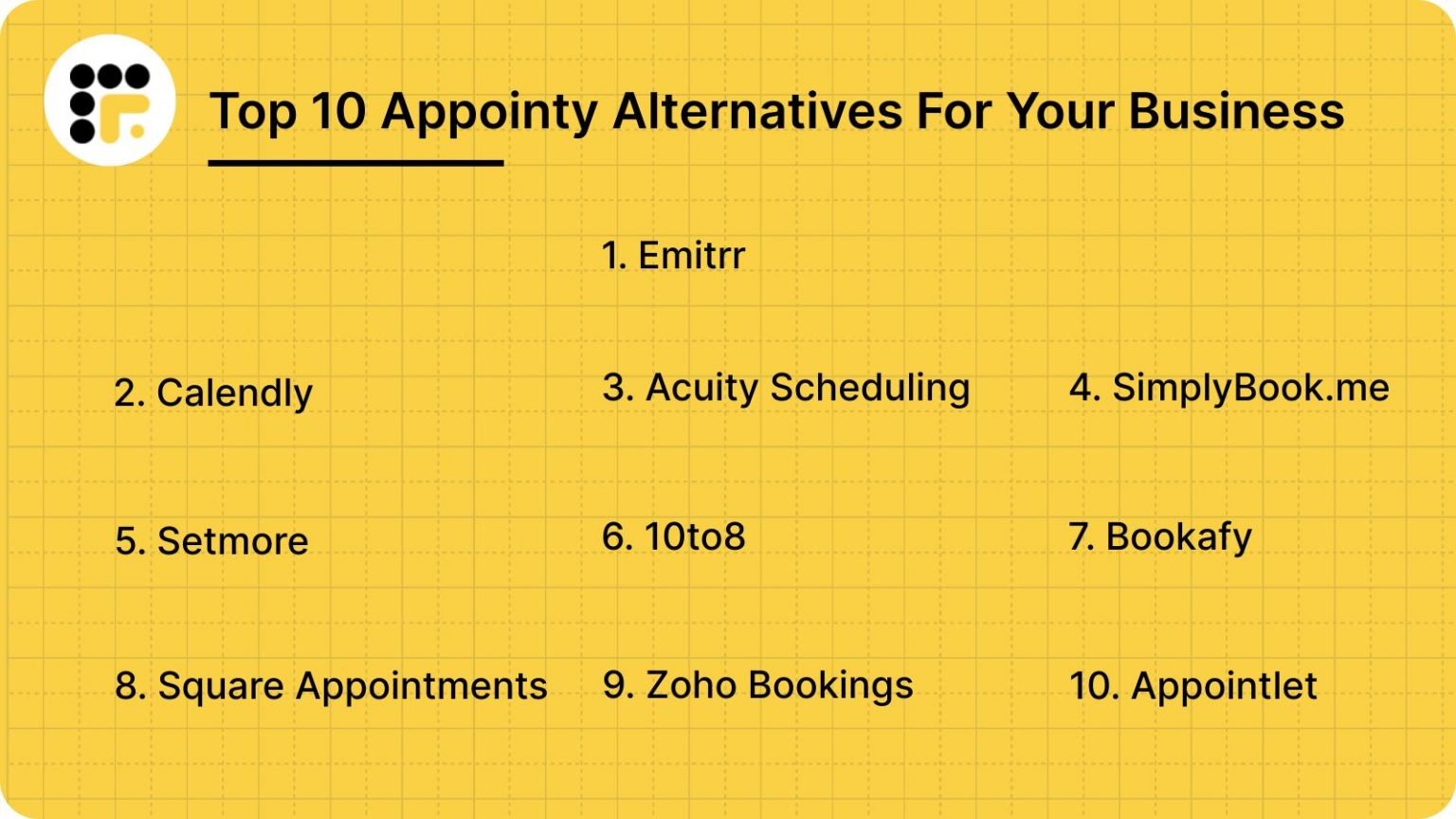
- Appointy vs. Acuity Scheduling: Acuity is often preferred for its highly customizable CSS and advanced intake forms, but Appointy is generally considered more straightforward for businesses that don't need heavy styling.
- Appointy vs. Calendly: Calendly excels at simple 1-on-1 meeting links. However, Appointy provides a more comprehensive suite for "brick-and-mortar" services, including staff management and point-of-sale features that Calendly lacks.
- Appointy vs. Booksy: Booksy is heavily optimized for the hair and beauty industry with a strong consumer-facing marketplace. Appointy is more versatile across different sectors like education and government.
Troubleshooting and Technical Considerations
Even with highly-rated software, users may encounter technical hurdles. Awareness of these common issues can improve the implementation process.
- Time Zone Discrepancies: If a business owner travels, they must ensure their "Business Time Zone" remains fixed in the settings. Otherwise, the booking page might display incorrect slots to local customers.
- Sync Delays: Occasionally, there may be a slight lag (usually 1-5 minutes) between an appointment being booked in Appointy and it appearing on a synced Google Calendar. This is typically a limitation of the external provider's API.
- Payment Gateway Onboarding: Users must have an active and verified account with a provider like Stripe before they can accept payments. This is a prerequisite that sometimes surprises new business owners.
Strategic Implementation: How to Get the Most Out of Appointy
To maximize the ROI (Return on Investment) from an Appointy subscription, businesses should follow a structured rollout plan.
Phase 1: Configuration. Define every service clearly with duration and buffer times. Buffer times are essential; they allow staff to clean up or prepare for the next client, preventing a "domino effect" of delays if one appointment runs long.
Phase 2: Client Intake. Use the custom intake forms to gather necessary data before the client arrives. This might include medical history for a clinic or learning objectives for a tutor. Having this data beforehand saves time during the actual appointment.
Phase 3: Marketing Integration. Ensure the booking link is present in every digital touchpoint: email signatures, social media profiles, and Google My Business listings. The fewer clicks it takes for a customer to book, the higher the conversion rate.
Frequently Asked Questions
Is Appointy secure for handling sensitive client data?
Yes, Appointy employs industry-standard encryption and is compliant with major data protection regulations. For businesses in the healthcare sector, it is important to verify specific HIPAA compliance settings, which are often available on higher-tier plans. They use SSL encryption to ensure that all data transmitted between the client's browser and their servers is secure.
Can I manage multiple locations with one Appointy account?
Yes, the Enterprise plan is specifically designed for multi-location management. It allows administrators to oversee different branches from a single dashboard while giving local managers control over their specific staff and schedules. This centralized visibility is a key reason why large organizations provide positive reviews for the platform.
Does Appointy support group bookings or classes?
Appointy is well-suited for group bookings. Whether it is a yoga class, a webinar, or a group tour, administrators can set a maximum capacity for a specific time slot. Once the limit is reached, the slot is automatically marked as "Full" on the public booking page.
What happens if I want to cancel my subscription?
Appointy typically offers a "no-contract" monthly subscription, allowing users to cancel at any time. It is recommended to export your client database and appointment history before cancelling to ensure you retain your business records. Reviews indicate that the cancellation process is straightforward and does not involve hidden fees.
Does Appointy work offline?
No, Appointy is a cloud-based SaaS (Software as a Service) platform. It requires a stable internet connection to sync appointments and process bookings. If your internet goes down, you can still access your schedule via the mobile app using cellular data.
Can I customize the booking widget to match my brand?
While the Free and Growth tiers offer limited customization, the Professional and Enterprise tiers provide more control over colors, logos, and the overall "look and feel." The Enterprise tier allows for complete white-labeling, which removes all "Powered by Appointy" branding.
Final Recommendation
Appointy remains a top-tier choice for businesses that prioritize functional simplicity and robust automation. Based on comprehensive reviews in 2026, it is most highly recommended for service providers who need to manage multiple staff members and want to reduce the administrative burden of manual scheduling. While the interface may not be the most cutting-edge in the market, its reliability and feature-to-price ratio make it a solid investment for long-term operational efficiency.
For those undecided, starting with the Free version provides a risk-free opportunity to map out your services and see how your clients respond to the convenience of online booking.