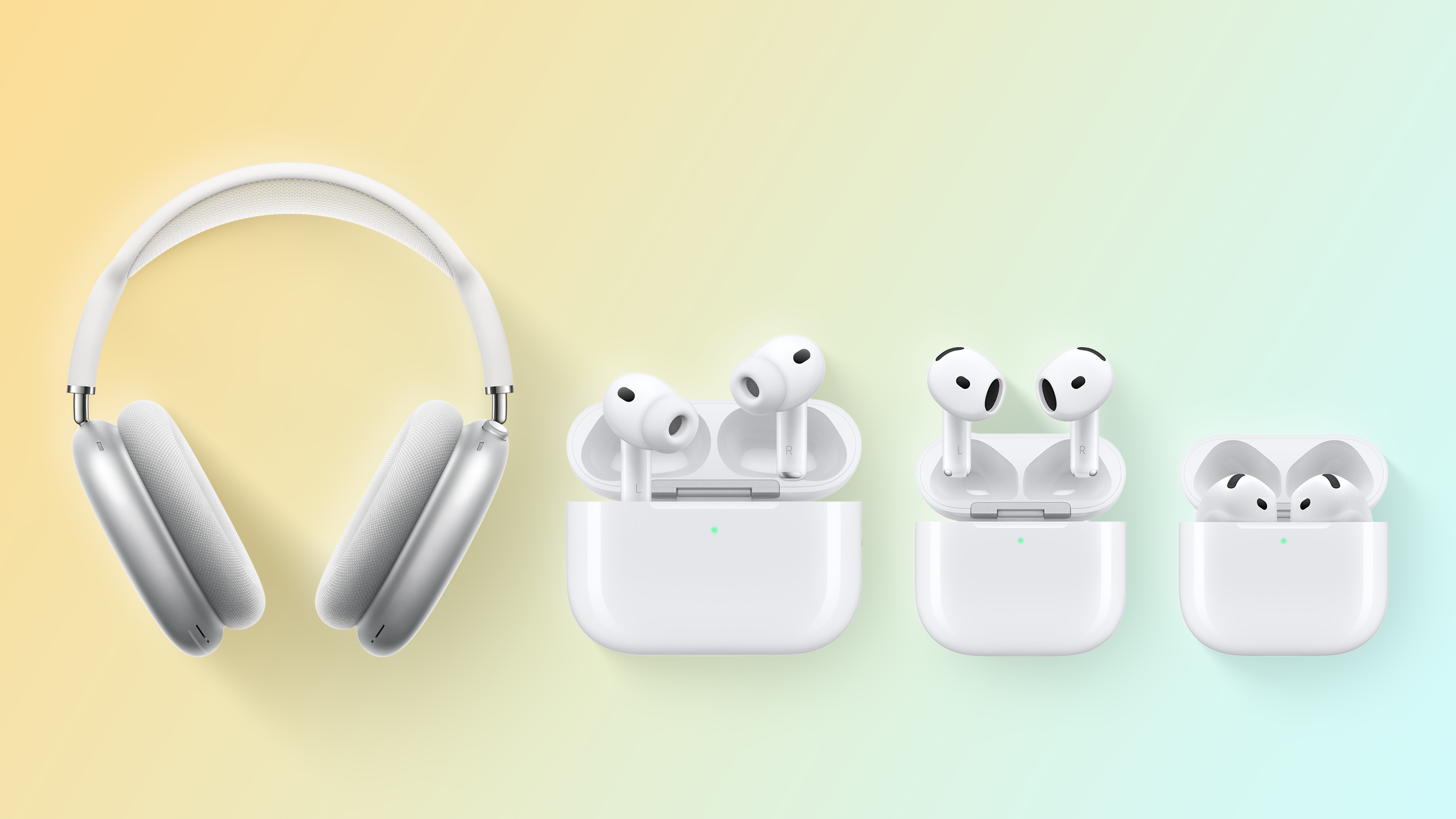
AirPods Pro options consist of two main hardware generations and three distinct charging case variations. Choosing the right pair involves distinguishing between the original 2019 model and the superior 2nd Generation, which is further divided by Lightning or USB-C charging ports and specific software-driven features like Adaptive Audio and clinical-grade Hearing Aid functionality.
Navigating the landscape of Apple’s premium earbuds can be surprisingly complex. Since the debut of the line in 2019, the "Pro" moniker has represented the pinnacle of Apple’s personal audio engineering, offering Active Noise Cancellation (ANC), Transparency mode, and deep integration into the Apple ecosystem. However, as of 2026, the market contains various iterations that look nearly identical but offer vastly different internal hardware, charging capabilities, and long-term software support. Understanding these nuances is essential for ensuring you have the hardware necessary for modern features like Lossless Audio or Hearing Health assistance.
The Evolution of the AirPods Pro Lineage
The AirPods Pro series is divided into two primary generations, but three significant "releases" define the product's history. To understand your options, you must first distinguish between the fundamental architectural changes of the 1st and 2nd Generations.
AirPods Pro (1st Generation, 2019–2021)
The original AirPods Pro revolutionized the true wireless earbud market by introducing a compact form factor with effective ANC. Powered by the H1 chip, these buds utilized a dual-microphone system to neutralize external noise. They originally shipped with a Lightning-only charging case. In 2021, Apple updated this generation by including a MagSafe-compatible charging case as the standard, though the earbuds themselves remained unchanged.
AirPods Pro (2nd Generation, 2022–Present)
The 2nd Generation marked a significant leap in performance. Equipped with the H2 chip, these models offer up to twice the noise cancellation of their predecessors. This generation also introduced on-bud volume controls (via a capacitive touch layer on the stems) and significantly improved battery life. While the exterior looks similar to the 1st Gen, the internal acoustics and processing power represent a complete overhaul.
Comparing the Three Charging Case Variations
The "options" for AirPods Pro are often defined by the case provided. The case is not just a battery; it houses the logic for the Find My network and dictates how you interface with your existing cables and chargers.
1. The Original Lightning Case (1st Gen Only)
This case relies entirely on a Lightning cable for wired charging. It lacks a built-in speaker and does not have a lanyard loop. While it supports Qi-certified wireless chargers, it does not magnetically "lock" into place on MagSafe chargers.
2. The MagSafe Lightning Case (1st & 2nd Gen)
Introduced in late 2021, this version added magnets to the back of the case to align perfectly with MagSafe chargers. For the 2nd Generation version of this case, Apple added a built-in speaker to emit a chime for Find My tracking and a metal lanyard loop on the side. It also included the U1 chip, enabling Precision Finding, which guides you to the case’s exact location using an iPhone.
3. The USB-C MagSafe Case (2023 Refresh)
In late 2023, Apple updated the 2nd Generation AirPods Pro to include a USB-C charging port. This was not merely a port swap; the 2nd Gen (USB-C) model also introduced an IP54 rating for both the earbuds and the case, offering improved dust resistance over the previous IPX4 rating. Furthermore, this specific hardware revision enabled 20-bit, 48kHz Lossless Audio with ultra-low latency specifically for use with the Apple Vision Pro.
Hardware Specifications and Technical Depth
To decide between the available options, one must look at the internal hardware, which dictates the audio quality and the sophistication of the noise management.
| Feature | 1st Gen (2019/2021) | 2nd Gen (Lightning) | 2nd Gen (USB-C) |
|---|---|---|---|
| Processor | H1 Chip | H2 Chip | H2 Chip |
| Connectivity | Bluetooth 5.0 | Bluetooth 5.3 | Bluetooth 5.3 |
| ANC Performance | Standard | 2x Stronger | 2x Stronger |
| Charging Port | Lightning | Lightning | USB-C |
| Dust/Water Resistance | IPX4 (Sweat/Water) | IPX4 (Sweat/Water) | IP54 (Dust/Sweat/Water) |
| Find My Tech | Proximity Only | U1 Chip (Precision) | U1/U2 Chip (Precision) |
| Lossless Audio | No | No | Yes (with Vision Pro) |
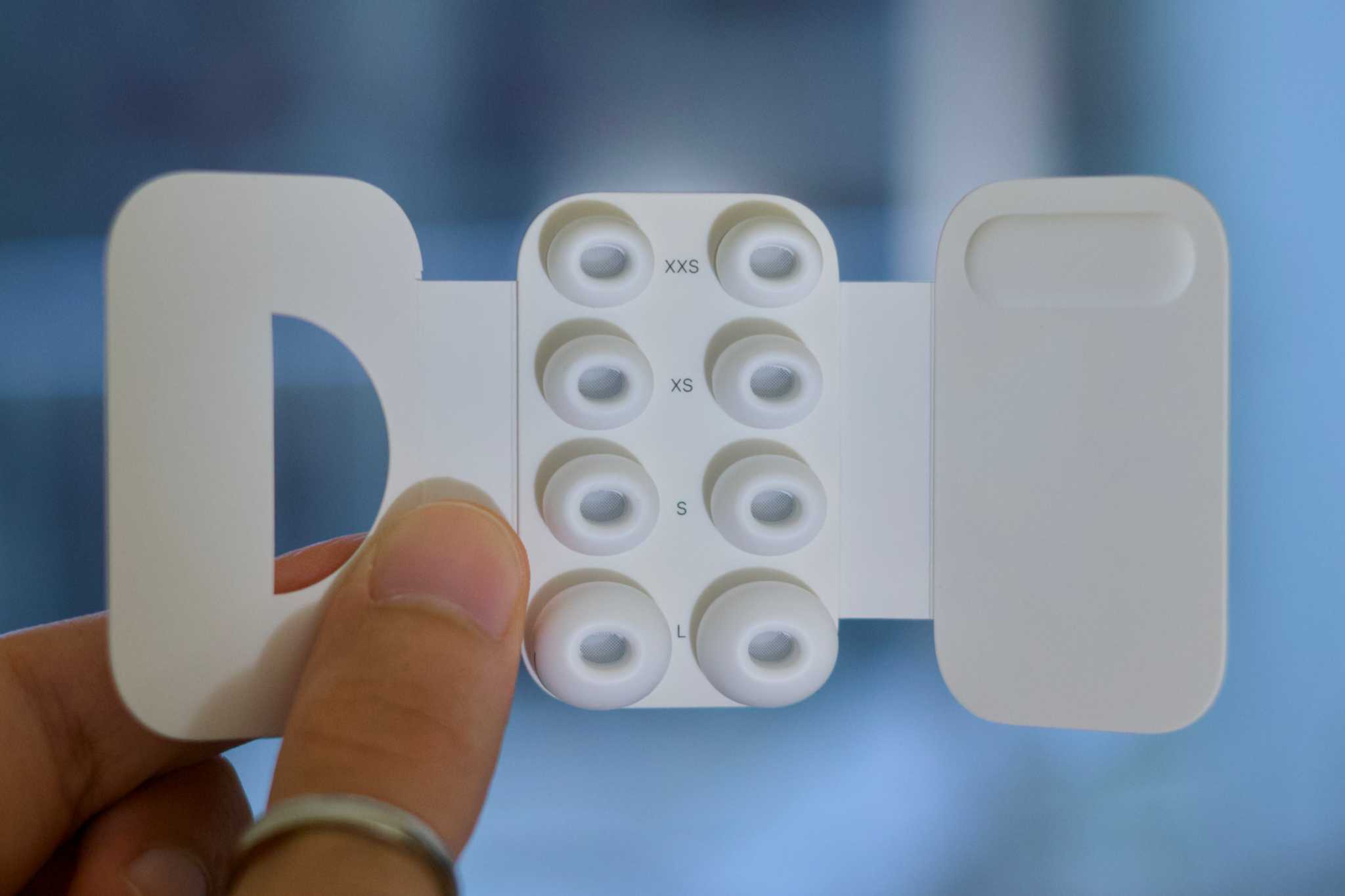
| Ear Tip Sizes | S, M, L | XS, S, M, L | XS, S, M, L |
The Impact of the H2 Chip
The transition from the H1 to the H2 chip is the most consequential choice a buyer can make. The H2 chip uses computational algorithms to process sound more quickly, which results in Adaptive Audio. This feature dynamically blends Transparency mode and Active Noise Cancellation based on the noise levels in your environment. For example, if you are walking past a construction site, the H2 chip will instantly suppress the loud machinery while still letting you hear the ambient sounds of traffic for safety.
Acoustic Architecture and Driver Design
The 2nd Generation models feature a new low-distortion audio driver and a custom amplifier. This hardware combination provides richer bass and clearer sound across a wider frequency range. While the 1st Gen is still a capable performer, it lacks the dynamic range and "Personalized Spatial Audio" refinements found in the H2-powered models.
Software Features: The 2024 and 2025 Updates
By 2026, the feature set for AirPods Pro has expanded significantly through software updates, particularly for the 2nd Generation models. These features are generally not available on the 1st Generation due to the processing limitations of the H1 chip.
Hearing Health and Clinical-Grade Support
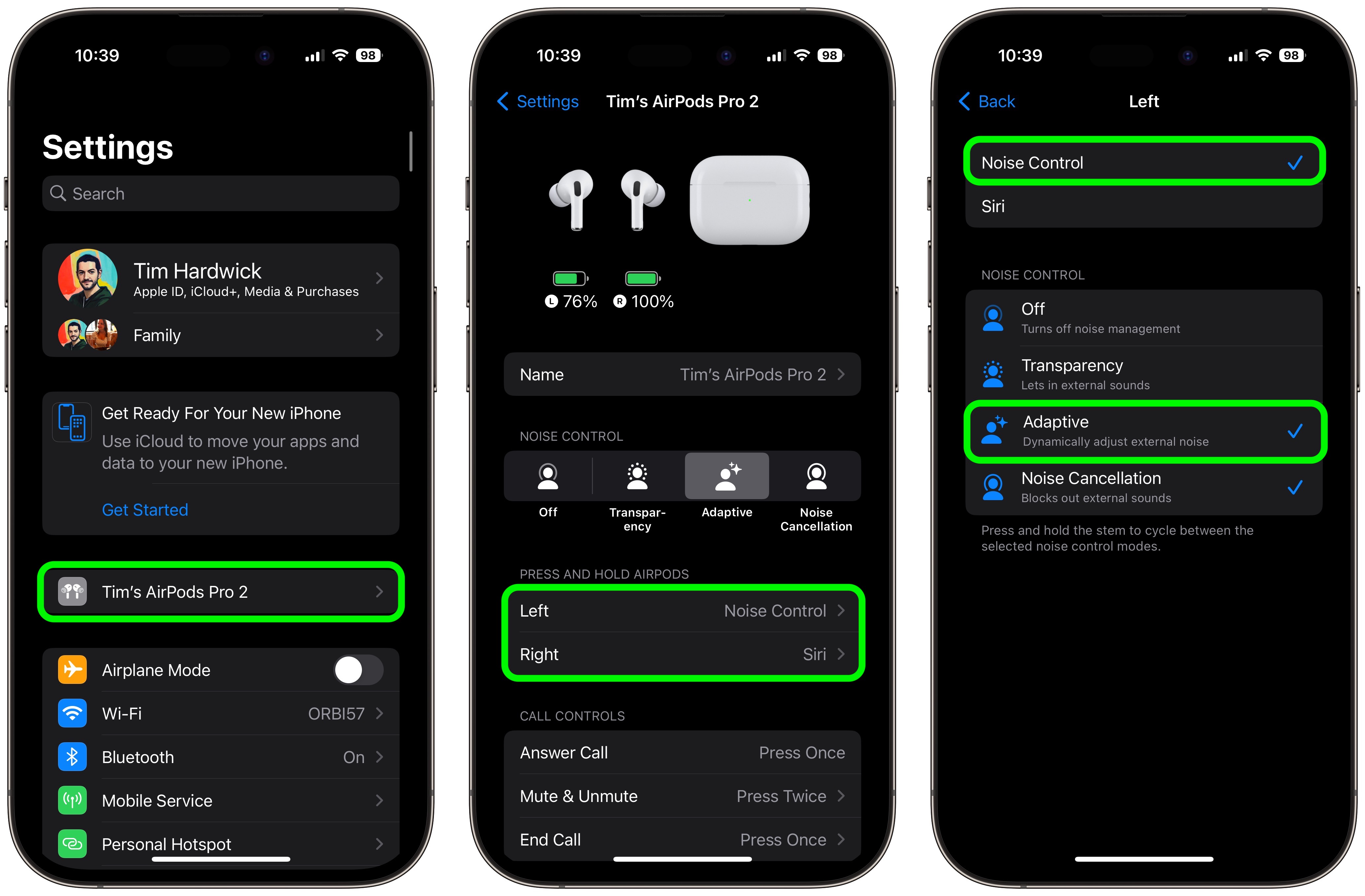
In late 2024, Apple received FDA authorization for the AirPods Pro 2 to function as a clinical-grade, over-the-counter (OTC) hearing aid. This software-based option allows users with mild-to-moderate hearing loss to take a validated hearing test on their iPhone and apply the results to their earbuds. The earbuds then act as a hearing aid, boosting specific frequencies in real-time. This is a massive differentiator for those comparing the Pro line to standard AirPods or older Pro models.
Conversation Awareness
This feature automatically lowers the volume of your media and enhances the voices of people speaking in front of you the moment you start talking. It utilizes the H2 chip’s ability to recognize your voice patterns and distinguish them from background noise.
Personalized Volume
Using machine learning, your AirPods Pro 2 learn your listening preferences over time. If you consistently lower the volume in a quiet office but raise it in a noisy gym, the earbuds will begin to make these adjustments automatically, reducing the need for manual interaction with your device.
Choosing the Right Option for Your Ecosystem
When selecting between AirPods Pro options, you must consider your existing hardware ecosystem and your primary use cases.
For the Modern iPhone User
If you own an iPhone 15 or newer, the AirPods Pro 2 (USB-C) is the logical choice. The unification of the charging cable means you can use the same USB-C cable for your Mac, iPad, iPhone, and AirPods. Additionally, the USB-C version allows you to charge your AirPods directly from your iPhone using a USB-C to USB-C cable.
For the Budget-Conscious or Refurbished Market
The 1st Generation AirPods Pro are widely available on the secondary market. They remain excellent for basic ANC and high-quality phone calls. However, they lack the "Precision Finding" speaker in the case, meaning if you lose them in a couch cushion, you cannot "ping" the case to make a loud sound. They also do not support the latest Hearing Health features or Adaptive Audio.
For the Vision Pro Owner
If you utilize Apple’s spatial computing platform, the USB-C 2nd Gen model is the only option that supports the 5GHz proprietary wireless audio protocol required for Lossless Audio. This reduces latency significantly, ensuring that what you see in the headset is perfectly synced with what you hear, a critical factor for avoiding motion sickness in virtual environments.
Common Mistakes and Troubleshooting
When navigating AirPods Pro options, buyers often confuse the 2nd Gen Lightning model with the 1st Gen MagSafe model. Always check the bottom of the case for the speaker holes next to the charging port; if there are no speaker holes, it is a 1st Generation model, regardless of whether it has MagSafe magnets.
Verifying Authenticity
Due to their popularity, AirPods Pro are among the most counterfeited tech products in the world. When buying an "option" from a third-party seller, verify the serial number on Apple’s official coverage website. However, be aware that high-end fakes now clone valid serial numbers. The most reliable way to verify a 2nd Gen model is to test the Precision Finding or Firmware Updates. Fakes almost never support the U1-based directional finding or the ability to update firmware through iOS settings.
Maintenance and Longevity
All AirPods Pro options use lithium-ion batteries that degrade over time. To extend the life of your choice, ensure "Optimized Battery Charging" is enabled in your Bluetooth settings. This feature allows the earbuds to wait to finish charging past 80% until you need to use them, reducing the chemical aging of the cells.
FAQ
Can I buy a USB-C case separately for my Lightning AirPods Pro 2?Yes, Apple sells the USB-C MagSafe Charging Case as a standalone accessory. However, it is only compatible with the 2nd Generation earbuds. It will not work with 1st Generation AirPods Pro. Upgrading the case provides the new charging port and the IP54 rating for the case itself, but it does not add Lossless Audio support to the older 2nd Gen buds, as that hardware change is located within the earbuds themselves.
Do all AirPods Pro options support Spatial Audio?All versions of the AirPods Pro support basic Spatial Audio and Dolby Atmos. However, "Personalized Spatial Audio," which uses the TrueDepth camera on your iPhone to map your ear shape for a custom sound profile, is significantly more effective on the 2nd Generation models due to the H2 chip's improved processing of the HRTF (Head-Related Transfer Function) data.
What is the difference between IPX4 and IP54?The "X" in IPX4 means the device has not been tested for dust resistance, while it is rated for water splashes from any direction. The "5" in IP54 indicates that the device is protected against limited dust ingress that could interfere with operation. The 2nd Gen USB-C model is the only version with this official dust-resistance rating, making it the better option for hikers or those in dusty environments.
How do I know if my AirPods Pro 2 support the Hearing Aid feature?The Hearing Aid feature is a software update for all 2nd Generation AirPods Pro (both Lightning and USB-C versions). To use it, you must be running at least iOS 18 or later on your iPhone. You can check your model number in Settings > Bluetooth > [Your AirPods] > About. 2nd Gen models will have model numbers A2931, A2698, A2699, A3047, A3048, or A3049.
Practical Recommendation
As of 2026, the AirPods Pro (2nd Generation) with the USB-C MagSafe Case is the definitive option for most users. It offers the most robust durability (IP54), the most versatile charging options, and the hardware necessary for the latest Hearing Health and Lossless Audio features. If you are currently using the 1st Generation model and find the battery life or noise cancellation lacking, the jump to the 2nd Generation is significant enough to justify the upgrade. For those who already own the 2nd Generation Lightning version, the only reason to switch to the USB-C version is for Vision Pro compatibility or the convenience of universal charging cables.