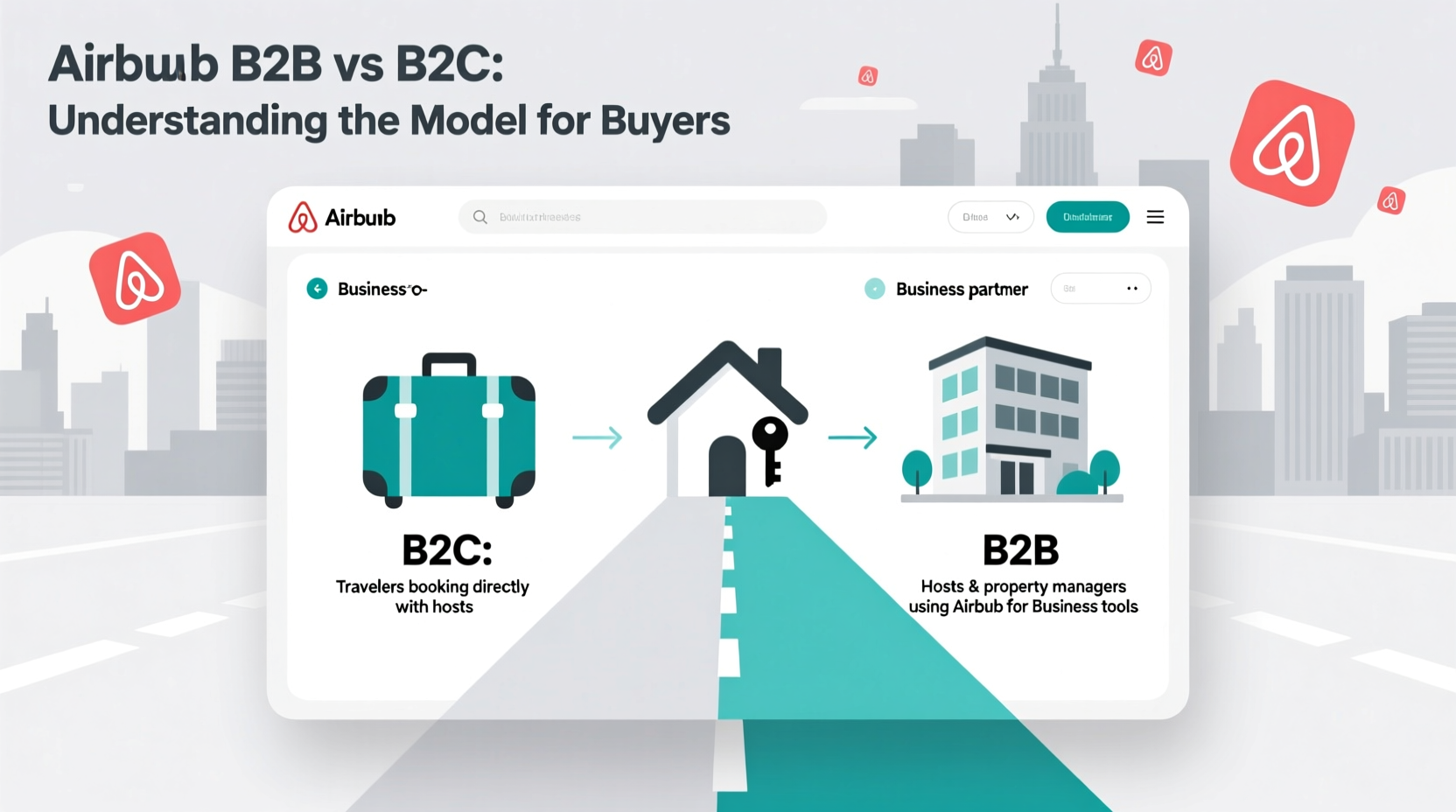
Airbnb for Work provides a specialized ecosystem designed to help companies manage corporate travel through a centralized dashboard. By utilizing listings that meet specific "Business Travel Ready" criteria—including high-speed Wi-Fi, dedicated workspaces, and self-check-in—organizations can offer employees flexible accommodations while maintaining strict oversight of budgets, safety, and expense reporting.
The Evolution of Business Travel Ready Standards
In the early stages of its corporate expansion, Airbnb introduced the "Business Travel Ready" badge to help travelers identify listings that met a specific threshold of professionalism and utility. By 2026, this concept has evolved into a sophisticated set of filters and automated requirements within the Airbnb for Work platform.
Companies no longer search for a simple badge; instead, the platform uses algorithmic verification to ensure that listings presented to corporate travelers meet rigorous standards. This evolution reflects a shift from "home-sharing" to a "professionalized inventory" model where business-ready properties must provide a friction-less experience comparable to high-end hotels but with the space and local feel of a private residence.
For a company to be "ready" to use Airbnb for business, it must integrate its corporate profile with the platform. This allows for centralized billing and real-time tracking of employee movements—a critical component of modern corporate responsibility known as duty of care.
Core Requirements for Business-Ready Listings
For a listing to be considered suitable for corporate travel in 2026, it must adhere to a specific set of amenity and performance standards. These requirements are designed to eliminate the common pain points associated with non-traditional accommodations, such as difficult check-ins or unreliable internet.
1. Essential Amenities and Infrastructure
Business travelers have non-negotiable needs. Every property designated as business-ready must include:
- High-Speed Connectivity: Reliable Wi-Fi with a minimum tested speed (typically 100 Mbps or higher) is mandatory. In 2026, many business-ready listings also provide mesh network systems to ensure coverage throughout the entire property.
- Dedicated Workspace: A desk or table specifically designated for laptop use, accompanied by an ergonomic chair and accessible power outlets.
- Self-Check-In Facilities: To accommodate late arrivals or changing flight schedules, listings must feature a smart lock, keypad, or a 24-hour building staff member.
- Essential Utilities: This includes irons, hair dryers, hangers, and "essentials" (shampoo, soap, and fresh linens).
2. Host Performance Metrics
Airbnb enforces strict quality control on hosts who cater to the business segment. To remain visible in the business-filtered search, hosts must maintain:
- High Ratings: A consistent overall rating (usually 4.8 or higher).
- Responsiveness: A high response rate, ensuring that employee queries are answered within a few hours.
- Low Cancellation Rates: Reliability is paramount; hosts who cancel on business travelers are often removed from the corporate-ready tier.
The Airbnb for Work Dashboard: Features for Companies
The primary tool for companies is the Airbnb for Work dashboard. This interface is separate from the standard traveler view and provides travel managers with the administrative tools necessary to oversee a global workforce.
Centralized Billing and Payments
One of the greatest hurdles for corporate travel has traditionally been the reimbursement process. The dashboard allows companies to:
- Add Corporate Credit Cards: Store a central payment method so employees do not have to pay out-of-pocket.
- Monthly Invoicing: For larger enterprises, Airbnb offers consolidated monthly invoicing, simplifying the work for accounting departments.
- Direct Expensing: Integration with platforms like SAP Concur, Expensify, and Workday ensures that every booking is automatically logged in the company’s financial system.
Duty of Care and Security
In 2026, "Duty of Care" is a legal and ethical requirement for most medium-to-large organizations. Companies must know where their employees are and be able to reach them in case of an emergency. The Airbnb dashboard provides a real-time map of all active bookings, listing the exact address and contact information for the host and the guest.
Furthermore, Airbnb’s partnership with safety organizations ensures that business-ready listings are equipped with smoke detectors, carbon monoxide monitors, and, in many jurisdictions, fire extinguishers.
Comparing Business Accommodations: 2026 Landscape
Deciding whether to use Airbnb for Work or stick with traditional hotel chains depends on the nature of the trip. The following table compares the key features of traditional corporate hotels versus Airbnb Business Ready listings.
| Feature | Traditional Corporate Hotel | Airbnb Business Ready Listing |
|---|---|---|
| Space & Privacy | Limited to one room; shared common areas. | Entire homes or apartments; private kitchens. |
| Billing Integration | Direct billing or corporate cards. | Dashboard integration; Concur/Expensify sync. |
| On-site Services | Room service, gym, front desk. | Self-catering; neighborhood-specific amenities. |
| Consistency | High; standardized rooms. | Variable; relies on host "Ready" status. |
| Cost Efficiency | High for 1-night stays; expensive for groups. | Significant savings for long-term or group stays. |
| Location | Primarily business districts. | Wide range; residential and suburban access. |
How to Set Up Your Company for Airbnb Business Travel
Transitioning your organization to a "Business Travel Ready" status involves a few administrative steps. Following this sequence ensures that your employees can book immediately while remaining within the company’s travel policy.
Step 1: Create the Company Profile
An administrator must visit the Airbnb for Work landing page and register the company using an official work email domain. This domain verification ensures that only authorized employees can join the corporate account.
Step 2: Establish Travel Policies
The dashboard allows managers to set "guardrails." You can define:
- Price Caps: Limit the maximum nightly rate an employee can book.
- Property Types: Restrict bookings to "Entire Homes" to ensure privacy.
- Approval Workflows: Require a manager's digital sign-off before a booking is finalized.
Step 3: Invite Employees
Employees can be invited via a unique link or by uploading a CSV file of work email addresses. Once an employee joins, they can toggle between "Personal" and "Work" profiles on their existing Airbnb app. This separation ensures that personal vacation data remains private while work trips are automatically reported to the company.
Step 4: Monitor and Optimize
Use the "Reporting" tab in the dashboard to analyze travel spend. In 2026, these reports include carbon footprint tracking, helping companies meet their ESG (Environmental, Social, and Governance) targets by choosing properties with sustainable certifications.
Common Challenges and Troubleshooting
Even with a robust system, corporate travel managers may encounter issues. Addressing these proactively ensures a smooth experience for the traveling workforce.
- Employee Compliance: Some employees may forget to toggle the "Work" switch, leading to personal billing. Managers should provide a brief training session or a PDF guide on how to use the "Work" toggle during the checkout process.
- Host Cancellations: While rare for business-ready listings, they do happen. In such cases, the Airbnb for Work support team provides a 24/7 priority line to help rebook the employee in a comparable or upgraded listing immediately.
- VAT and Tax Documentation: In certain international jurisdictions, obtaining a formal VAT invoice from an individual host can be difficult. Using the "Airbnb for Work" centralized billing feature usually resolves this, as Airbnb generates the necessary tax documentation on behalf of the host.
Practical Recommendations for 2026 Corporate Travel
For companies looking to maximize the value of their travel budget, consider the following strategies:
- Prioritize Long-Term Stays: Airbnb listings typically offer significant weekly and monthly discounts. For projects lasting more than 14 days, the cost savings compared to a hotel are often 30-50%.
- Focus on Team Offsites: Use the platform to book large homes with multiple bedrooms and meeting spaces for departmental retreats. This is often more productive and cheaper than renting hotel conference rooms.
- Audit Security Settings: Regularly check the "Duty of Care" dashboard to ensure that all traveling employees have updated their emergency contact information within the app.
FAQ: Frequently Asked Questions
What is the difference between Airbnb and Airbnb for Work?
Airbnb for Work is a suite of administrative and reporting tools built on top of the standard Airbnb platform. It allows companies to manage employee bookings through a central dashboard, provides automated expensing, and offers access to listings that meet specific "business-ready" criteria, such as workspaces and self-check-in.
Are Airbnb listings safe for female solo travelers on business?
Safety is a core priority for the "Business Travel Ready" designation. These listings are verified for essential safety equipment like smoke and carbon monoxide detectors. Additionally, the dashboard allows the company to track the traveler’s location, and the 24/7 support line provides immediate assistance if any safety concerns arise during a stay.
Can I earn loyalty points or rewards with Airbnb for Work?
As of 2026, Airbnb does not operate a traditional points-based loyalty program like major hotel chains. However, many corporate credit cards used on the platform offer travel rewards, and the savings realized by the company often outweigh the value of individual hotel points.
How does the centralized billing work for international travel?
When a company sets up centralized billing, Airbnb handles the currency conversion and payment processing. The company is billed in its home currency or through a pre-negotiated arrangement, while the host is paid in their local currency. This eliminates the need for employees to manage foreign exchange for their accommodations.
Is there a fee for a company to join Airbnb for Work?
There is no sign-up fee or subscription cost for a company to use the Airbnb for Work dashboard. The platform generates revenue through the standard service fees applied to each booking, meaning companies get the administrative tools and duty-of-care features at no additional overhead.
What happens if an employee damages a property?
Every booking is covered by AirCover for Hosts, which includes $3 million in property damage protection and $1 million in liability insurance. If an employee accidentally damages a property, the host works through the Airbnb Resolution Center. The company’s corporate liability is generally protected, though specific internal policies should dictate how the company handles employee negligence.