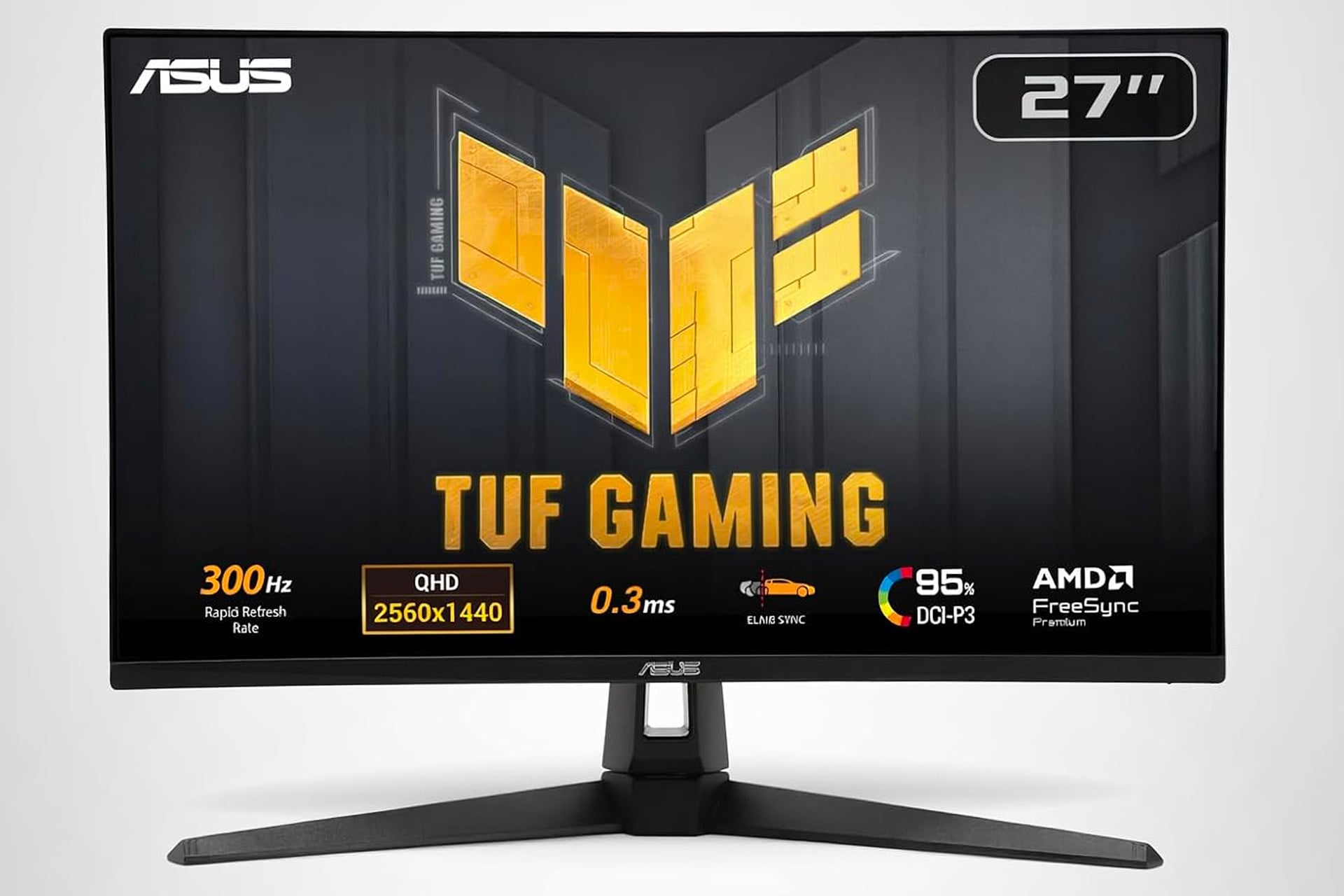
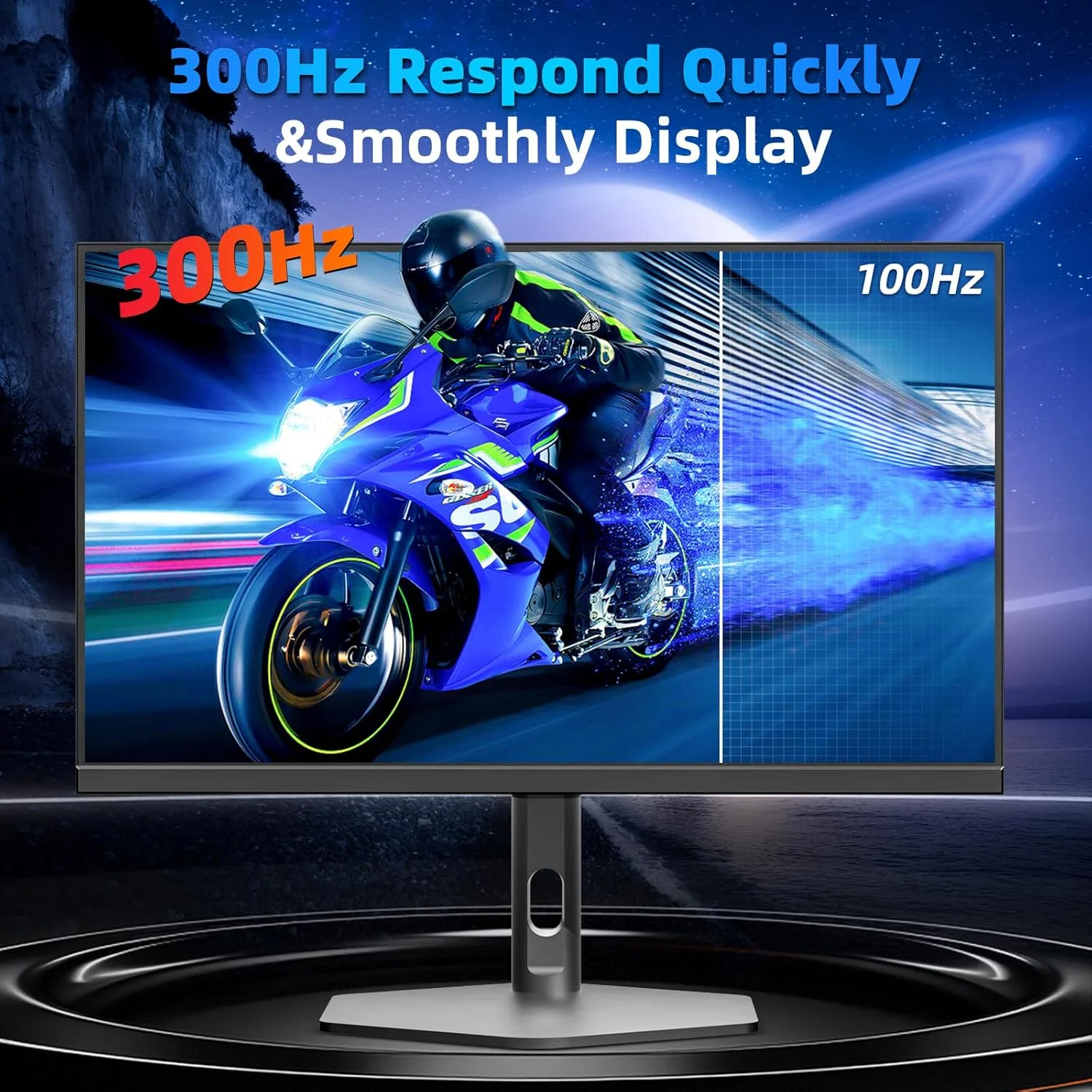
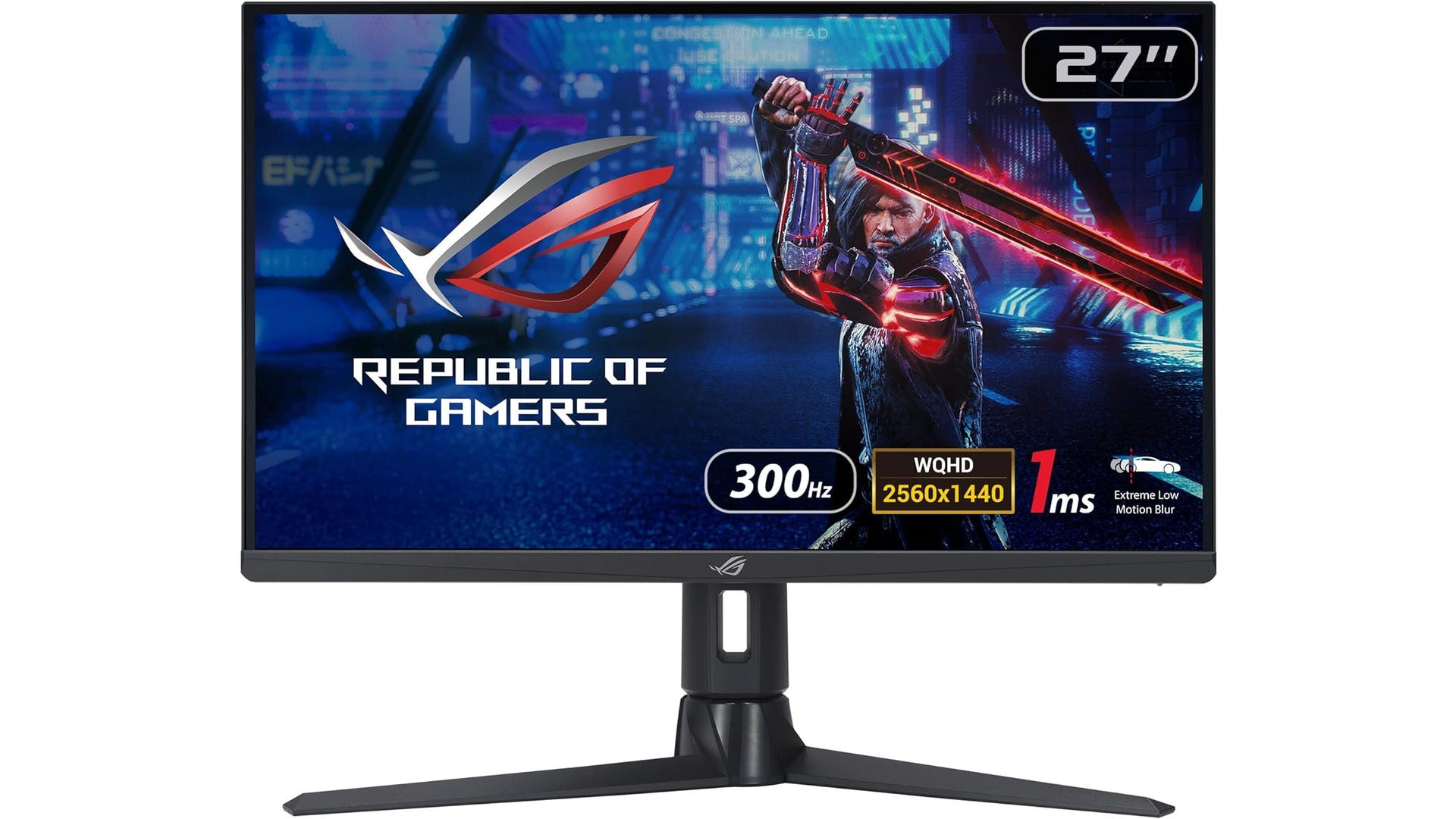
A 1440p 300Hz monitor is considered overkill for most users because the hardware required to maintain 300 frames per second at QHD resolution is extremely expensive, and the perceived fluid difference between 240Hz and 300Hz is negligible for non-professional gamers. Most users find better value in higher resolutions or superior panel technologies like OLED.
The Technical Reality of 1440p at 300Hz
To understand why 300Hz at a 1440p resolution is often unnecessary, we must first look at the sheer amount of data being processed. A 1440p (2560 x 1440) display contains approximately 3.7 million pixels. Refreshing those pixels 300 times every second requires a monitor to handle over 1.1 billion pixels per second.
In 2026, while display interfaces like DisplayPort 2.1 and HDMI 2.1 have become standard, the bandwidth required to push uncompressed 1440p at 300Hz with 10-bit color depth pushes these limits. Users often have to rely on Display Stream Compression (DSC) to achieve these speeds, which, while visually lossless to most, adds a layer of processing complexity.
Furthermore, the "jump" in refresh rate is subject to the law of diminishing returns. The transition from 60Hz to 144Hz is transformative, reducing frame time from 16.67ms to 6.94ms. However, the move from 240Hz (4.17ms) to 300Hz (3.33ms) offers a delta of only 0.84 milliseconds. For the vast majority of human eyes, this sub-millisecond difference is impossible to detect during active gameplay.
The Hardware Bottleneck: CPU and GPU Requirements
Even with the flagship graphics cards of 2026, such as the NVIDIA GeForce RTX 50-series or the AMD Radeon RX 8000/9000 series, hitting a stable 300 FPS at 1440p is a monumental task for any game that isn't a low-fidelity "esports" title.
The GPU Struggle
In modern AAA titles featuring heavy Ray Tracing or Path Tracing, even high-end GPUs struggle to maintain 144 FPS at 1440p without heavy reliance on upscaling technologies like DLSS 4.0 or FSR 4. For these cinematic games, a 300Hz refresh rate is effectively wasted because the GPU cannot produce enough frames to match the monitor's capability. If your GPU is only outputting 120 FPS, a 300Hz monitor provides no benefit over a 144Hz or 165Hz model.
The CPU Limitation
High refresh rate gaming is as much a CPU challenge as it is a GPU challenge. To achieve 300 FPS, the CPU must calculate game logic and prepare frames fast enough for the GPU to render them. In many open-world or simulation-heavy games, modern CPUs hit a "draw call" limit long before they reach 300 FPS. This results in a CPU bottleneck where, regardless of how low you set your graphical settings, the frame rate will not rise, making the 300Hz ceiling irrelevant.
The Myth of the Competitive Edge for Casual Gamers
A common justification for purchasing 300Hz displays is the promise of improved performance in competitive shooters like Counter-Strike 3, Valorant, or Apex Legends. While it is true that higher refresh rates reduce input lag and motion blur, the benefit follows a steep curve of diminishing returns.
Professional esports athletes, who train for thousands of hours to develop elite reaction times, may find a marginal benefit in the 3.33ms frame window of 300Hz. However, for the average "Gold" or "Platinum" ranked player, their own biological reaction time (typically 200ms to 250ms) is the primary bottleneck. Spending an extra $300 to $500 on a 300Hz panel will not realistically improve a casual player's win rate or accuracy when compared to a standard 144Hz or 240Hz display.
Motion Clarity: Refresh Rate vs. Response Time
It is vital to distinguish between refresh rate (Hz) and response time (GtG). A high refresh rate alone does not guarantee a clear image. If a 300Hz monitor uses a mediocre IPS or VA panel with slow pixel response times, the result is "ghosting"—where a trail of blur follows moving objects.
In 2026, OLED technology has revolutionized this discussion. An OLED panel with a 240Hz refresh rate often provides better motion clarity than a 300Hz or even 360Hz LCD panel. This is because OLED pixels can switch states almost instantaneously (0.03ms), whereas LCD pixels require time to physically shift crystals. For most users, investing in a 240Hz OLED is a far better use of funds than chasing a 300Hz LCD, as the OLED offers superior contrast, colors, and actual perceived clarity.
Cost-Benefit Analysis: Where Your Money Should Go
When building a setup in 2026, the price premium for a 1440p 300Hz monitor is often significant. This "enthusiast tax" could be better spent on other components that yield a more tangible improvement in the user experience.
| Feature | 1440p 144-165Hz | 1440p 240Hz | 1440p 300Hz+ |
|---|---|---|---|
| Target User | Casual/AAA Gamer | Competitive Gamer | Pro-Esports/Enthusiast |
| GPU Requirement | Mid-range (RTX 5070) | High-end (RTX 5080) | Extreme (RTX 5090) |
| Motion Clarity | Good | Excellent | Exceptional (if OLED) |
| Price Point | Budget-Friendly | Mid-to-High | Premium/Luxury |
| Value Rating | High | Balanced | Low for most |
Instead of the 300Hz premium, users should consider:
- 4K Resolution: Moving from 1440p to 4K provides a massive jump in pixel density and image sharpness that is immediately visible in every task, from gaming to browsing.
- HDR Performance: A monitor with true HDR1000 certification and local dimming (or OLED) will provide a more "next-gen" visual experience than a slight bump in smoothness.
- Ultrawide Aspect Ratios: A 34-inch or 49-inch ultrawide offers better immersion and more screen real estate for productivity.
Power Consumption and Environmental Impact
An often-overlooked factor is the power draw. Driving a monitor at 300Hz requires more energy than lower refresh rates, both for the panel itself and the GPU required to push those frames. In an era where energy efficiency and thermal management are increasingly important, running a system at maximum capacity to hit 300 FPS generates significant heat. For many users, the trade-off of a louder, hotter room for a sub-millisecond improvement in frame delivery is simply not worth it.
When is 1440p 300Hz Actually the Right Choice?
While "overkill for most," there is a specific niche where these monitors make sense. If you satisfy all the following criteria, you might be the exception:
- Esports Focus: You spend 90% of your time in titles like Valorant, Overwatch 3, or League of Legends where hitting 300+ FPS is actually possible.
- Top-Tier Hardware: You own a flagship GPU and a CPU with high cache (like the AMD Ryzen 9000X3D series) specifically designed to eliminate bottlenecks.
- Physiological Sensitivity: You are among the small percentage of humans who are hyper-sensitive to flicker and motion blur (often referred to as "motion sickness" in lower-refresh scenarios).
Common Mistakes When Buying High-Refresh Monitors
Many users purchase a 300Hz monitor but fail to set it up correctly, rendering the purchase useless.
- Wrong Cable: Using an older HDMI or DisplayPort cable that doesn't support the required bandwidth, causing the monitor to default to 60Hz or 120Hz.
- Windows Settings: Forgetting to change the refresh rate in the Windows Advanced Display settings.
- Sync Conflicts: Improperly configuring G-Sync or FreeSync, which can lead to tearing or stuttering if the frame rate fluctuates below the 300Hz ceiling.
Frequently Asked Questions
Can the human eye even see 300Hz?
The human eye does not "see" in frames per second, but it can perceive smoothness and motion clarity. While most people can easily see the difference between 60Hz and 144Hz, the ability to distinguish between 240Hz and 300Hz is extremely limited and usually requires side-by-side comparison under controlled conditions.
Does 300Hz reduce input lag significantly?
Technically, yes. A 300Hz monitor refreshes the image every 3.33ms, whereas a 144Hz monitor refreshes every 6.94ms. This saves about 3.6ms of end-to-end system latency. While this is a measurable technical improvement, it is rarely the deciding factor in gaming performance for non-professionals.
Is 1440p still the "sweet spot" in 2026?
Yes, 1440p remains the sweet spot for 27-inch monitors because it offers high pixel density without being as demanding as 4K. However, the "sweet spot" for refresh rate has settled at 165Hz to 240Hz. 300Hz moves beyond the sweet spot into the "luxury enthusiast" category.
Should I choose 1440p 300Hz IPS or 1440p 240Hz OLED?
In almost every scenario, the 240Hz OLED is the superior choice. The near-instant response times of OLED provide better motion clarity than a 300Hz IPS panel, with the added benefit of infinite contrast ratios and more vibrant colors.
Do I need a specific GPU for a 300Hz monitor?
To utilize a 300Hz monitor in anything other than basic desktop tasks, you need a high-end GPU from 2024 or later. Even then, you will likely only hit 300 FPS in optimized competitive games. For AAA titles, you would need significant upscaling and frame generation.
Practical Recommendation
If you are currently looking at a 1440p 300Hz monitor, pause and evaluate your priorities. For the majority of gamers and professionals in 2026, a 1440p 240Hz OLED or a 4K 144Hz/165Hz display offers a much more significant and noticeable upgrade to your daily experience.
Unless you are an aspiring professional esports player with the hardware to back it up, the 300Hz ceiling is a marketing number that provides very little real-world utility. Focus instead on panel quality, color accuracy, and HDR capabilities, which will provide a visual "wow" factor that raw hertz cannot match.