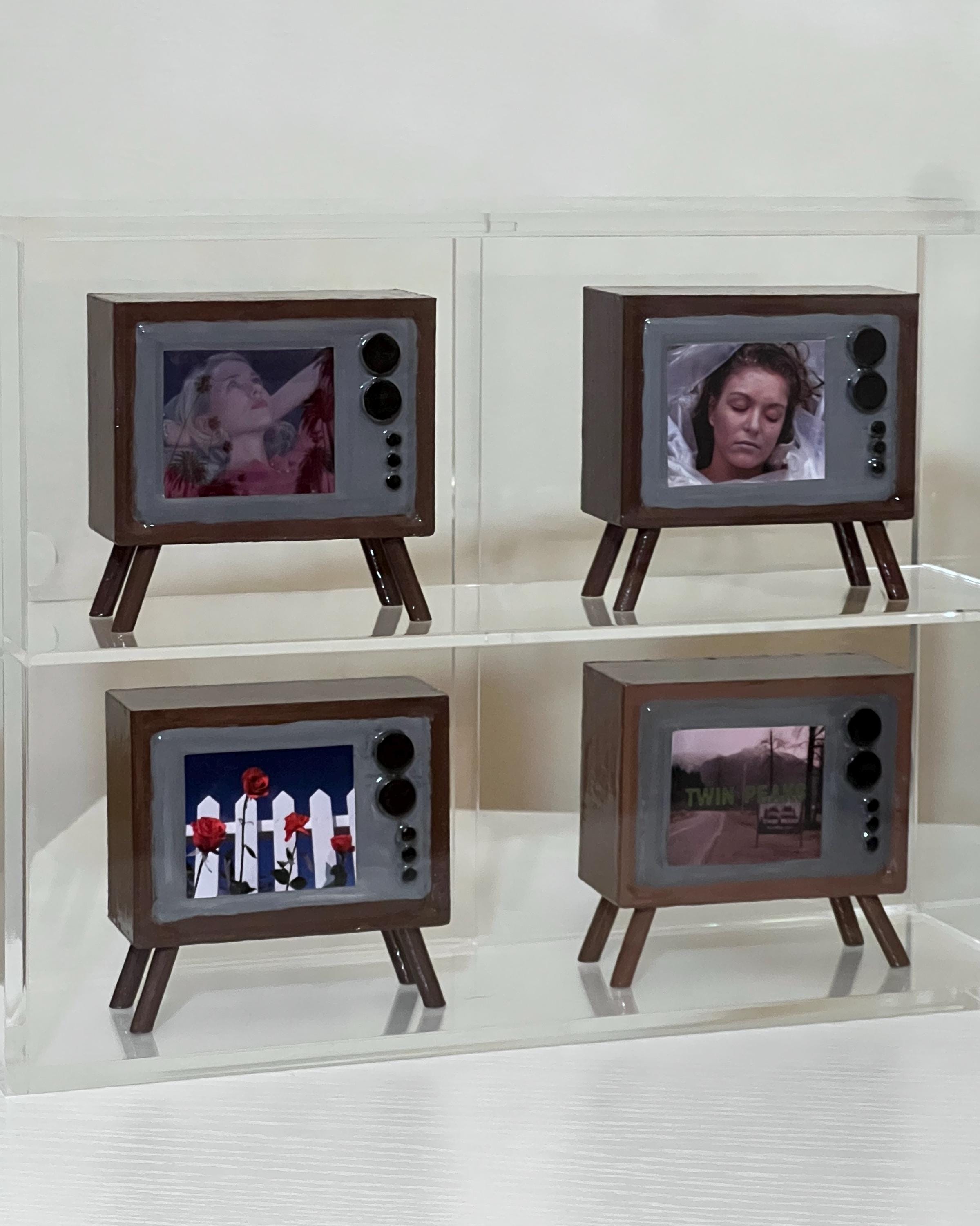
Watching 90s TV movies in 2026 requires balancing nostalgic content with high-definition hardware. To enjoy these titles, you must navigate fragmented streaming rights, utilize AI-driven upscaling technology to improve standard-definition signals, and decide between original 4:3 aspect ratios or modern widescreen crops to fit contemporary 4K and 8K displays.
The 1990s represented a unique era for television cinema. Before the "Prestige TV" boom of the 2000s, the "Movie of the Week" was a staple of broadcast networks like ABC, NBC, and CBS, alongside the burgeoning cable dominance of Lifetime, USA Network, and the Disney Channel. These films were produced under specific technical constraints—primarily standard definition (SD) resolution and a 4:3 aspect ratio—designed for cathode-ray tube (CRT) televisions. Bringing these films into a modern 2026 home environment involves more than just hitting "play"; it requires a technical understanding of how to bridge the gap between analog-era production and digital-era consumption.
The Evolution of 90s TV Movie Distribution
In 2026, the availability of 90s TV movies is split across three primary channels: major streaming platforms, digital boutiques, and the surviving physical media market. Unlike theatrical releases from the same era, which often receive 4K restorations, TV movies frequently languish in studio vaults due to complex licensing agreements involving defunct production companies and music rights.
Streaming Giants and Curated Libraries
Mainstream services have recognized the value of "comfort viewing." Disney+ remains the definitive home for 90s Disney Channel Original Movies (DCOMs) like Brink! (1998) or Halloweentown (1998). Meanwhile, platforms like Peacock and Paramount+ have digitized large swaths of the made-for-TV thrillers and procedural dramas that originally aired on their parent networks.
However, many TV movies are "orphaned." If a film was produced by a company that was later sold or liquidated, the rights may be tied up in legal limbo. This has led to the rise of niche streaming services and YouTube-hosted archives where lower-quality transfers are often the only way to view specific titles.
The Physical Media Renaissance
For the enthusiast, DVD remains the most reliable format for 90s TV movies. Very few made-for-TV films have transitioned to Blu-ray, as the original 16mm or 35mm film elements are often lost, leaving only the SD broadcast masters. In 2026, boutique labels like Shout! Factory or Vinegar Syndrome occasionally release "lost" TV movies, often with AI-enhanced transfers that provide a cleaner look than original broadcasts.
Technical Requirements for Modern Viewing
The primary hurdle in watching 90s content on a 2026 4K or 8K television is the resolution mismatch. An SD broadcast (480i) contains roughly 300,000 pixels, while a 4K display contains over 8 million. Without proper handling, these films can appear "muddy" or pixelated.
AI Upscaling and Post-Processing
Modern televisions from manufacturers like Sony and LG utilize advanced AI upscaling chips. By 2026, these processors have become adept at "filling in" missing data by analyzing surrounding pixels and applying neural networks trained on high-resolution film grain. To optimize 90s TV movies:
- Enable Reality Creation or Super Resolution: These settings sharpen edges without adding significant digital noise.
- Adjust Motion Smoothing: TV movies were often shot at 24 frames per second but broadcast at 30 or 60. Modern "Soap Opera Effect" settings can ruin the cinematic feel of a 90s drama; it is generally recommended to turn motion interpolation off.
- Color Correction: 90s TV movies often have a "warm" or slightly yellow tint due to the lighting styles of the time. Calibrating your TV to a "Cinema" or "Filmmaker" mode helps preserve the intended color palette.
Managing the 4:3 Aspect Ratio
Almost all 90s TV movies were filmed for "square" TVs. On a modern 16:9 widescreen, this results in "pillarboxing"—black bars on the left and right. While it is tempting to use "Stretch" or "Zoom" modes to fill the screen, this distorts the image or cuts off vital visual information (like actors' heads or feet). For the most authentic experience, viewers should maintain the original aspect ratio. Modern OLED screens are particularly good for this, as the "perfect blacks" of the pillarboxes blend seamlessly into the TV bezel, making the 4:3 frame feel intentional rather than limited.
Sourcing and Organizing a Digital Collection
Because 90s TV movies frequently disappear from streaming services due to expiring licenses, many collectors prefer to build private digital libraries using software like Plex or Jellyfin.
Digitizing Legacy Media
If you own DVDs of 90s classics, "ripping" them into a high-quality digital format (such as H.265 or AV1) allows you to apply software-based upscaling. Tools like Topaz Video AI have become consumer-standard by 2026, allowing users to take a 480p DVD and upscale it to a respectable 1080p or even 4K by reconstructing textures.
Comparison of Viewing Methods in 2026
| Method | Visual Quality | Availability | Cost | Best For |
|---|---|---|---|---|
| Mainstream Streaming | Moderate (720p/1080p) | Limited/Rotating | Monthly Subscription | Casual viewing of popular DCOMs/Thrillers |
| Physical DVD | Native (480p) | High (Secondary Market) | One-time Purchase | Rarities and consistent access |
| AI-Upscaled Digital | High (Enhanced 1080p+) | User-Dependent | High (Software/Time) | Home Theater enthusiasts |
| Niche Archives/YT | Low (Variable) | Highest for "Orphan" films | Free/Ad-supported | Research and obscure "lost" media |
Integrating Retro Aesthetics into Modern Decor
Beyond the screen, the "modern home" of 2026 often incorporates 90s nostalgia through interior design and peripheral hardware.
The Return of the CRT
A subset of purists maintains "retro corners" featuring actual 1990s CRT televisions (like the Sony Trinitron). These sets provide the "mask" and "scanlines" that 90s TV movies were designed for, hiding the flaws of low-resolution production. In a modern home, these are often placed on minimalist credenzas, serving as both functional tech and sculptural art.
Smart Lighting Synchronization
Modern smart lighting systems (like Philips Hue) can be synchronized with the colors on the screen. When watching a 90s disaster TV movie or a moody supernatural thriller, the ambient lighting can extend the color palette of the 4:3 frame into the rest of the room, reducing eye strain and making the smaller aspect ratio feel more immersive.
Challenges of Audio Restoration
While visual resolution is a known issue, audio for 90s TV movies presents its own challenges. Most were recorded in stereo or early Dolby Surround. Unlike theatrical films of the 90s, they rarely have dedicated 5.1 or Atmos tracks.
When playing these through a modern soundbar or 7.1.4 system, the "Center Spread" or "Music" modes are often more effective than "Movie" modes. Modern "AI Sound Pro" features can help isolate dialogue, which is crucial since older TV mixes often had inconsistent levels between background music and speech.
Preservation and Legal Considerations
As we move further into the late 2020s, the physical tapes (Betacam SP, D2) used for 90s TV movies are physically degrading. This makes the "modern home" a vital link in the preservation chain.
- The Internet Archive: A crucial resource for 90s TV movies that never received a digital release. Many users upload home-recorded VHS copies of original broadcasts, preserving the commercials and "Up Next" bumpers that provide historical context.
- Copyright Fair Use: While downloading copyrighted material remains illegal, the "format shifting" of movies you already own (DVD to digital) is generally considered acceptable for personal use in many jurisdictions, provided no DRM is bypassed for commercial gain.
Frequently Asked Questions
Why do 90s TV movies look "blurry" on my 4K TV?
This is due to the vast difference in pixel density. A 90s TV movie has a vertical resolution of 480 lines, while a 4K TV has 2,160. Without high-quality upscaling, the TV simply "stretches" the small image to fit the large screen, which softens the edges and creates a blurry effect. Using a dedicated upscaler or a TV with a high-end AI processor can mitigate this.
Can I watch 90s TV movies in widescreen?
While most modern TVs allow you to "Zoom" or "Stretch" the image to 16:9, it is not recommended. Stretching makes people look wider than they are, while zooming cuts off about 25% of the top and bottom of the frame. To see the movie as the director intended, you should watch it in its original 4:3 ratio with black bars on the sides.
Where can I find "lost" 90s TV movies that aren't on Netflix?
Check niche platforms like The Internet Archive or YouTube, where enthusiasts often upload broadcast-recorded versions. Additionally, boutique physical media sites and eBay are excellent sources for out-of-print DVDs.
Do I need a special cable to watch old movies on new TVs?
If you are using a modern streaming device or a Blu-ray player, a standard High-Speed HDMI cable is sufficient. However, if you are trying to connect an original 90s VHS player or DVD player to a 2026 TV, you will likely need an RCA-to-HDMI converter or a dedicated upscaler like the Retrotink to translate the analog signal into a digital one your TV can read.
Are 90s TV movies being remastered in 4K?
Very few are. Remastering requires the original film negative. Many TV movies were edited on videotape (Standard Definition) even if they were shot on film. If the "film-to-tape" transfer was done in 1995, the resolution is permanently capped at SD unless a studio goes back to the original film canisters, which is a costly process rarely granted to television movies.
Next Steps for Enthusiasts
To start your journey into 90s TV movie curation, first audit your current hardware's upscaling capabilities. If your television's native processing is unsatisfactory, consider an external AI upscaling device. Begin building your library by checking local thrift stores or online marketplaces for DVDs, as these often contain the highest-quality uncompressed SD video available. Finally, explore community-driven databases like Letterboxd to find curated lists of 90s TV films to ensure you don't miss hidden gems of the era.