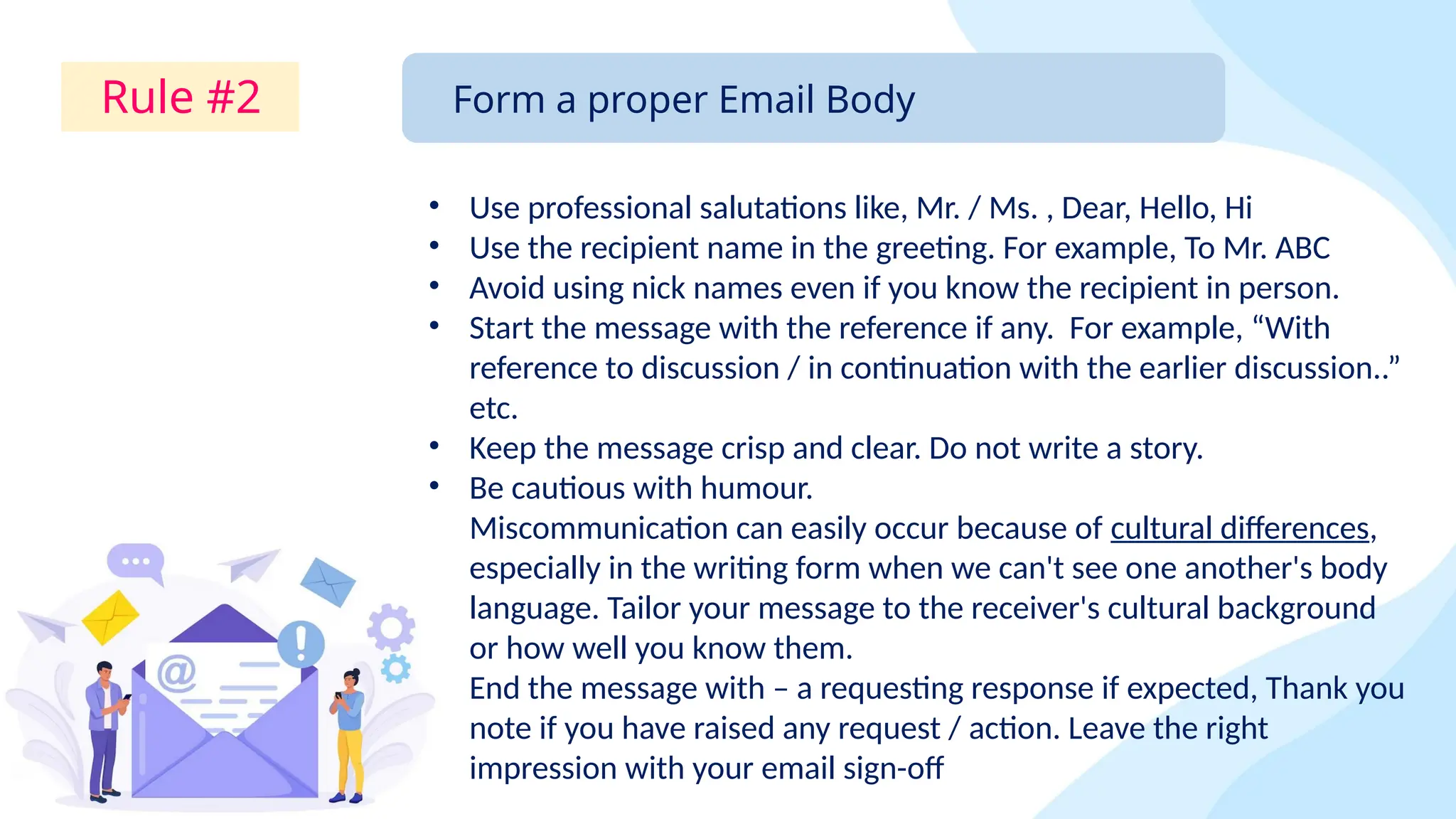
Effective email communication in 2026 relies on the strategic use of the CC (Carbon Copy) field to maintain transparency and ensure accountability without cluttering inboxes. By placing primary recipients in the "To" field and secondary stakeholders in the "CC" field, you distinguish between those required to take action and those who simply need to stay informed.
Understanding the Role of CC in Modern Professional Workflows
The term "CC" originates from the physical use of carbon paper to create duplicates of written documents. In the digital environment of 2026, the Carbon Copy field serves as a vital tool for organizational transparency. While the primary recipient (the "To" field) is the individual expected to respond or complete a task, the CC field is reserved for people who need to witness the exchange for context, awareness, or documentation purposes.
Misusing the CC field is one of the leading causes of "email fatigue," a condition where professionals are overwhelmed by the sheer volume of non-essential messages. According to recent workplace productivity studies, the average professional receives dozens of "FYI" (For Your Information) emails daily that do not actually pertain to their core responsibilities. Mastering the CC function is therefore not just about etiquette; it is about protecting the cognitive bandwidth of your colleagues and ensuring that critical information reaches the right eyes without becoming digital noise.
To use CC effectively, one must understand the implicit hierarchy of an email header. When a name appears in the CC line, it signals: "I do not expect a response from you, but I want you to be aware that this conversation is happening." This distinction prevents the common confusion where multiple people assume they are responsible for a single task, leading to duplicated efforts or, conversely, a situation where everyone assumes someone else is handling it.
Comparing To, CC, and BCC: A Technical Breakdown
Before diving into specific examples, it is essential to define the boundaries between the three primary address fields. Each has a specific psychological and functional impact on the recipient.
| Field | Primary Purpose | Visibility | Expected Action |
|---|---|---|---|
| To | Directing the message to the primary actor or respondent. | Visible to all recipients. | High; a response or specific action is required. |
| CC | Keeping secondary stakeholders informed of the progress. | Visible to all recipients. | Low; awareness only, no immediate action required. |
| BCC | Sharing information discreetly or protecting privacy in mass mailings. | Hidden from other recipients. | None; used for record-keeping or blind oversight. |
As of 2026, most advanced email clients, such as Microsoft Outlook and Google Workspace, offer "Smart CC" suggestions based on organizational charts and previous thread history. However, these AI-driven tools cannot replace the nuanced judgment required to decide who actually belongs in the loop.
5 Practical CC Examples for Professional Clarity
The following examples represent the most common and effective scenarios for using the CC field in a professional setting. Each example includes a breakdown of why the CC is necessary and how to structure the email for maximum clarity.
1. Keeping a Manager Informed of Progress
One of the most frequent uses of the CC field is to keep a supervisor or project lead updated on a specific task without requiring them to participate in the nitty-gritty details of the exchange. This provides a "paper trail" of your productivity and ensures the manager is prepared if they are asked about the project by upper management.
The Scenario: You are sending a weekly status report or a specific deliverable to a client or a cross-functional partner.
Structure:
- To: The client or project partner.
- CC: Your direct manager.
- Context: Mentioning the CC in the body of the email can sometimes help. For example: "I’ve copied [Manager Name] here so they are aware of the timeline we’ve discussed."
Why this works: It creates accountability. When the primary recipient sees your manager in the CC field, they understand that the commitment made in the email is "on the record." It also saves you from having to forward the email to your manager later, which would create a second, redundant thread.
2. The Formal Introduction or Hand-off
In 2026’s collaborative economy, hand-offs between departments or from sales to account management are critical transition points. Using the CC field during an introduction allows for a smooth "passing of the baton."
The Scenario: A salesperson has closed a deal and is introducing the new client to the Account Manager who will handle the day-to-day relationship.
Structure:
- To: The Client.
- CC: The Account Manager.
- Context: "I am looping in [Account Manager Name], who will be your primary point of contact moving forward. They are copied here to ensure a seamless transition."
Why this works: It validates the new contact person. By CCing the Account Manager, the salesperson is effectively transferring their hard-earned trust to the next person in the chain. The Account Manager can then "Reply All" to acknowledge the introduction, and in subsequent emails, move the salesperson to the CC field (or remove them entirely) once the transition is complete.
3. Cross-Departmental Collaboration and Stakeholder Awareness
When working on projects that require input from multiple departments—such as Marketing, Legal, and IT—the CC field ensures that no one is blindsided by decisions made in a silo.
The Scenario: You are requesting a technical change from the IT department that might affect the Marketing team’s current campaign.
Structure:
- To: The IT Project Lead.
- CC: The Marketing Manager.
- Context: "I’m requesting the server migration for Friday. I’ve CC’d [Marketing Manager] to ensure this doesn’t conflict with the upcoming product launch."
Why this works: It encourages proactive problem-solving. If the Marketing Manager sees a conflict, they can jump into the thread. If not, they have been kept "in the loop" without being expected to manage the technical details of the IT request. This is essential for maintaining organizational transparency.
4. Confirming Verbal Agreements or Meeting Minutes
In a fast-paced work environment, verbal agreements made in hallways or over video calls can easily be forgotten or misinterpreted. Following up with an email and CCing relevant parties "hardens" the agreement into a documented fact.
The Scenario: After a quick "stand-up" meeting, you want to confirm the three action items agreed upon.
Structure:
- To: The person responsible for the actions.
- CC: Other meeting participants.
- Context: "Following up on our chat just now—here are the steps we agreed upon. CC’ing the rest of the team for visibility."
Why this works: It serves as a neutral record. By CCing the other participants, you are essentially asking, "Does everyone agree this is what was said?" It prevents "he-said, she-said" scenarios later in the project lifecycle.
5. Strategic Visibility for Escalation
While it should be used sparingly, CCing a higher-level executive can be a legitimate way to signal the importance of a request that has been ignored or delayed. This is often referred to as "gentle escalation."
The Scenario: You have requested a mandatory safety report from a vendor three times, and the deadline has passed.
Structure:
- To: The Vendor Representative.
- CC: The Vendor’s Regional Manager (and perhaps your own Department Head).
- Context: "We still haven't received the safety certification required for the site launch. I've copied our respective leads here to see if we can expedite this process before the deadline tomorrow."
Why this works: It changes the "energy" of the request. The primary recipient is now aware that their lack of response is visible to their superiors. However, this tactic should be used as a last resort; overusing it can damage professional relationships and make you appear unable to handle tasks independently.
The Etiquette of "Reply All" and Removing People from CC
One of the most complex aspects of CCing in 2026 is knowing when to stop. Threads often grow bloated with CC’d individuals who no longer need to be there.
Moving to BCC for "Thank You"
If you were CC'd on an introduction and want to thank the person who introduced you without cluttering their inbox with the subsequent conversation, a professional move is to move them to BCC. In your reply, state: "Moving [Name] to BCC to save their inbox." This informs everyone that the person is being moved out of the active conversation.
The "Reply All" Filter
Before hitting "Reply All," ask yourself: "Does every single person on this CC list need to see my response?" If you are simply saying "Thanks!" or "Got it!", the answer is usually no. Direct those short acknowledgments only to the sender. This practice is a cornerstone of modern email etiquette.
Impact of Excessive CCing on Productivity
The psychological weight of a crowded inbox cannot be overstated. When a person is CC'd on too many irrelevant emails, they begin to develop "filter blindness." They may start creating automated rules to move CC'd emails to a folder they never check, which defeats the purpose of the CC field entirely.
In 2026, many organizations have implemented "CC-Light" policies, encouraging employees to use project management tools like Slack, Microsoft Teams, or Asana for "looping in" people, reserving email only for formal, external, or high-stakes communication. If a conversation requires more than three "Reply All" exchanges, it is usually a sign that the medium should shift from email to a synchronous meeting or a dedicated collaboration channel.
Technical Best Practices for 2026 Email Systems
Modern email clients have evolved to help users manage CCs. Here are some technical tips to stay organized:
- Thread Muting: If you are CC'd on a thread that has devolved into a conversation you no longer need to follow, use the "Mute" or "Ignore Thread" feature. This allows the conversation to continue for others without popping up in your primary inbox.
- @Mentions vs. CC: In many 2026 versions of Outlook and Gmail, using an @mention (e.g., @JohnDoe) within the body of the email will automatically add that person to the CC field. This is often clearer because it highlights exactly why that person is being added to the conversation.
- Automated Summaries: AI integration in email now allows CC'd recipients to view a "tl;dr" (Too Long; Didn't Read) summary of a long thread before they decide to dive into the details.
Troubleshooting Common CC Issues
| Problem | Cause | Solution |
|---|---|---|
| Recipient ignores the email. | They were in the CC field but should have been in the "To" field. | Move the person to the "To" field and explicitly state the action required. |
| Too many "Reply All" messages. | Lack of clear instruction on who should respond. | Add a line: "No need for everyone to reply; I only need a confirmation from [Name]." |
| Accidental disclosure. | Using CC when BCC was required for privacy. | Recall the message (if possible) and resend using BCC, apologizing for the privacy breach. |
Frequently Asked Questions
Is it ever okay to CC someone’s boss as a threat?
No. CCing a supervisor should be used for visibility and project alignment, not as a tool for intimidation. If there is a performance issue or a conflict, it is better handled through a direct conversation or HR channels. "Weaponized CCing" often backfires, damaging your reputation more than the recipient's.
Should I CC myself on important emails?
In 2026, this is largely unnecessary as all sent emails are stored in your "Sent" folder and are searchable across devices. However, some people still CC themselves to trigger a "reminder" in their inbox. A better alternative is using the "Remind Me" or "Snooze" feature available in most modern email clients.
What is the maximum number of people I should CC?
There is no hard limit, but once you exceed 5-7 people in the CC field, the email loses its focus. If you need to inform a large group, consider using a distribution list or posting the update to a shared project space or internal newsfeed.
Does CCing someone make them legally responsible for the information?
In many corporate and legal contexts, CCing an individual serves as "constructive notice." This means you can demonstrate that the person was provided with the information. However, legal responsibility depends on their job role and the nature of the information. For sensitive legal matters, always consult with your compliance department regarding official notice requirements.
How do I handle a "Reply All" chain that I shouldn't be on?
The most professional way is to reply to the sender only (not "Reply All") and say, "Hi [Name], I don’t think I need to be on this thread moving forward. Could you please remove me from the CC list for future replies? Thanks!"
Final Recommendation: The "CC Audit"
To maintain clear communication, perform a "CC Audit" before hitting send. Look at every name in the CC field and ask: "If this person didn't receive this email, would it negatively impact the project or their ability to do their job?" If the answer is no, remove them. By being intentional with your CCs, you build a reputation as a precise, respectful communicator who values the time and attention of their colleagues.
For high-priority projects, consider a brief 2026-style "header note" such as: Action required by: [Name in To field] | Info only: [Names in CC field]. This small addition eliminates ambiguity and ensures that your communication is as effective as possible.