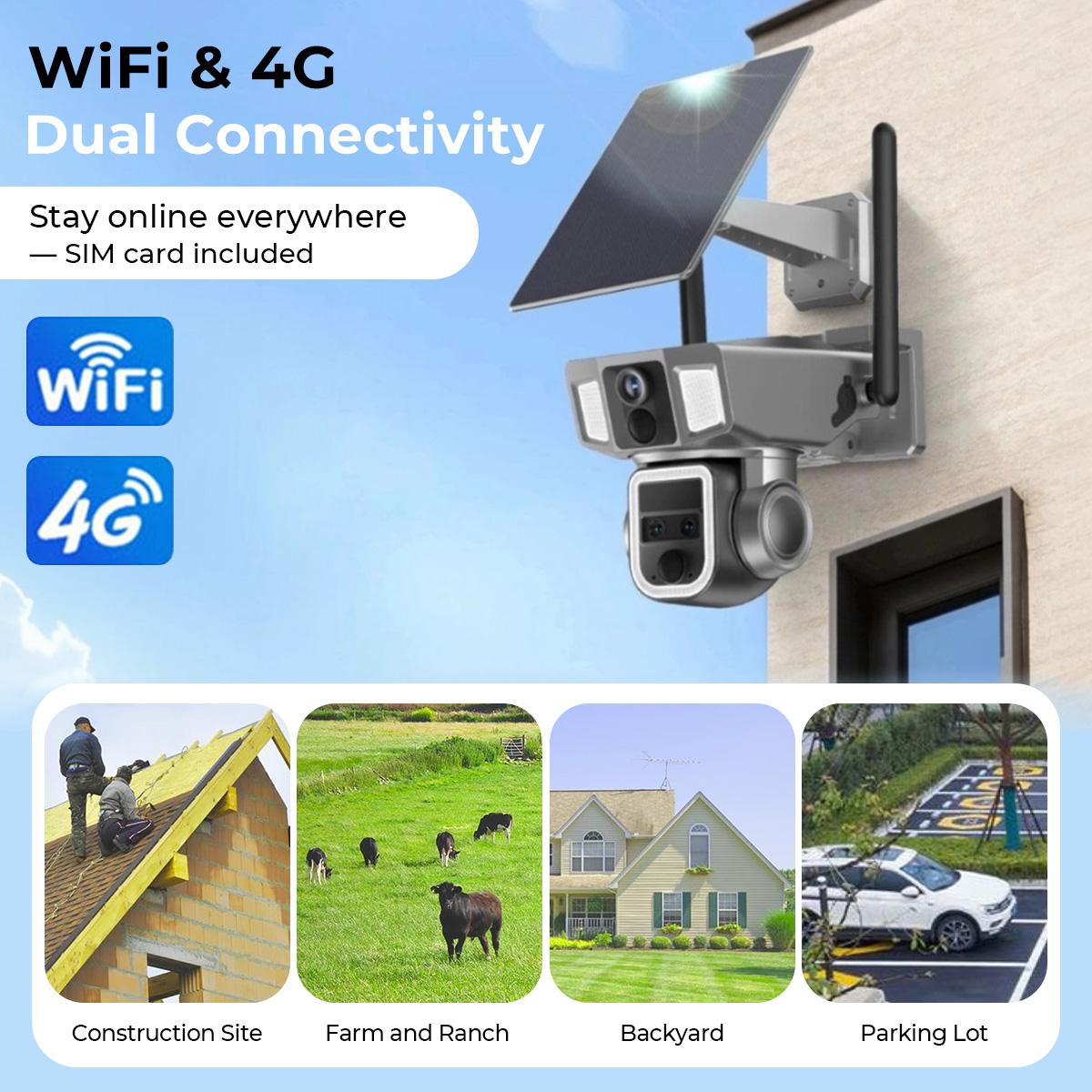
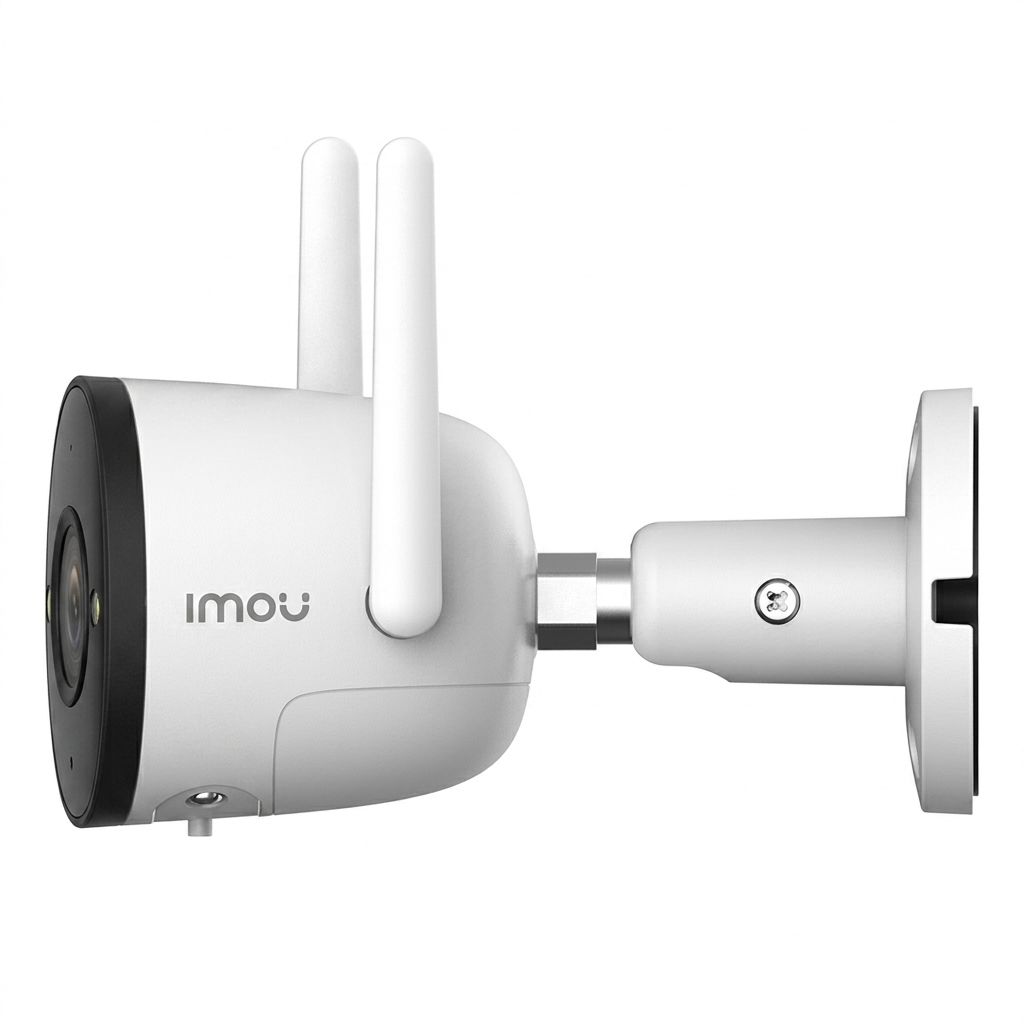
A single Wi-Fi outdoor security camera with a free 30-day cloud storage plan is an entry-level surveillance solution designed to monitor a specific perimeter area while storing recorded footage on a remote server. This setup typically provides a one-month trial of premium features—such as person detection and extended video history—allowing users to evaluate the service before committing to a paid subscription or switching to local microSD storage.
The landscape of home security in 2026 has evolved significantly, making the "single camera" setup more powerful and intelligent than ever before. Whether you are looking to monitor a front porch, a driveway, or a backyard, understanding the nuances of hardware specifications and the intricacies of cloud storage terms is essential to ensuring your property remains protected without unexpected costs.
Understanding the Value of the 30-Day Cloud Trial
When purchasing a Wi-Fi outdoor security camera that advertises "free 30-day cloud," it is vital to distinguish between a rolling 30-day storage window and a 30-day free trial.
In 2026, very few manufacturers offer a permanent, free-for-life 30-day cloud history. Most modern brands, such as Arlo, Ring, and Nest, utilize the 30-day mark as a "Premium Trial." During this period, the camera uploads motion-triggered events to the manufacturer’s encrypted servers. Users can access, download, and share these clips from anywhere in the world via a smartphone app.
What Happens After 30 Days?
Once the initial 30-day period expires, users generally face three paths:
- Paid Subscription: Transitioning to a monthly or annual fee to maintain the 30-day (or longer) storage window and advanced AI features.
- Local Storage: Utilizing an onboard microSD card slot. While this eliminates monthly fees, it lacks the off-site redundancy of the cloud; if a thief steals the camera, they also steal the footage.
- Limited Free Tier: Some brands revert to a "snapshot" only mode or a very brief (e.g., 1-hour or 1-day) rolling window of low-resolution clips.
The 30-day window is the industry "sweet spot" because it covers the typical duration of a vacation or a long billing cycle, giving homeowners ample time to review footage if an incident occurs while they are away.
Essential Technical Specifications for 2026
Outdoor cameras face harsher conditions and higher performance demands than indoor models. When selecting a single unit, the following technical benchmarks should be met to ensure the hardware is future-proof.
1. Resolution and Image Sensor Quality
By 2026, 1080p (Full HD) is considered the absolute minimum, while 2K (QHD) and 4K (UHD) have become the standard for outdoor surveillance. High resolution is not just about a "pretty picture"; it determines the "digital zoom" capability. A 4K sensor allows you to zoom in on a license plate or a face at 20 feet without the image becoming a mosaic of unidentifiable pixels. Look for sensors with high dynamic range (HDR) to manage the harsh shadows and bright sunlight common in outdoor environments.
2. Wi-Fi Connectivity and Throughput
Reliability depends entirely on the wireless connection. Modern cameras now support Wi-Fi 6 (802.11ax), which offers better congestion management. This is critical if you have multiple smart devices in your home.
- 2.4 GHz vs. 5 GHz: 2.4 GHz offers better range and penetration through exterior walls (stucco, brick, siding), while 5 GHz offers higher speeds for 4K streaming. Dual-band cameras are preferred as they can toggle between frequencies based on signal strength.
3. Weatherproofing (IP Ratings)
An outdoor camera must survive rain, snow, and heat. Check the Ingress Protection (IP) rating.
- IP65: Dust-tight and protected against water jets (standard rain).
- IP66: Protected against powerful water jets (heavy storms).
- IP67: Can withstand temporary immersion in water. For most residential uses, IP65 or IP66 is sufficient.
4. Night Vision Technologies
Security incidents frequently occur under the cover of darkness. In 2026, "Infrared Night Vision" (black and white) is being supplemented by Full-Color Night Vision. This is achieved either through high-sensitivity sensors (Starlight sensors) that require very little ambient light or through integrated LED spotlights that illuminate the area when motion is detected.
Power Delivery Models: Wired vs. Battery vs. Solar
The "1 Wi-Fi Outdoor Camera" category is split into three primary power configurations, each affecting how the camera interacts with the cloud.
| Power Type | Installation Difficulty | Reliability | Continuous Recording |
|---|---|---|---|
| Hardwired (AC Power) | High (Requires outlet/wiring) | Highest | Supported (CVR) |
| Battery-Powered | Low (No wires) | Moderate (Requires charging) | Motion-only events |
| Solar-Powered | Moderate (Requires sun exposure) | High (In sunny climates) | Motion-only events |
The Impact on Cloud Storage
Hardwired cameras are often capable of Continuous Video Recording (CVR), where every second is uploaded to the cloud. Battery and solar cameras usually only record "Events." This distinction is critical: if a crime occurs but doesn't trigger the motion sensor, a battery camera will have no record, whereas a CVR-enabled wired camera will have the entire sequence stored in the 30-day cloud history.
AI and Advanced Detection Features
The "Free 30-day Cloud" trial almost always includes access to the manufacturer’s AI suite. In 2026, these algorithms are highly sophisticated, moving beyond simple motion detection (which can be triggered by a blowing leaf) to Edge-AI Processing.
- Person and Vehicle Recognition: The camera can distinguish between a neighbor walking their dog and a car pulling into the driveway.
- Package Detection: Specialized AI that monitors the porch and alerts you specifically when a parcel is delivered or moved.
- Pet/Animal Filtering: Reduces "nuisance" notifications caused by nocturnal animals.
- Activity Zones: Allows you to mask out high-traffic areas (like a public sidewalk) so the camera only records events that occur on your actual property.
Privacy and Data Security Standards
With footage stored in the cloud, data security is paramount. When choosing a camera, verify that the manufacturer adheres to modern encryption standards.
- End-to-End Encryption (E2EE): This ensures that only you, on your authorized mobile device, can view the footage. Even the service provider cannot access the video files on their servers.
- Two-Factor Authentication (2FA): Never use a security camera system that doesn't require a secondary code (via SMS or an Authenticator app) to log in.
- Data Residency: Check where the cloud servers are located. Some users prefer manufacturers that store data on servers within their own country or jurisdiction to ensure compliance with local privacy laws like the GDPR or CCPA.
Installation and Placement Strategy
A single camera's effectiveness is dictated by its placement. To maximize the utility of your 30-day cloud storage, follow these best practices:
- Height: Mount the camera 8 to 10 feet above the ground. This is high enough to be out of reach of vandals but low enough to capture clear facial details.
- Angle: Avoid pointing the camera directly at the sun, which can "blind" the sensor. Angle it slightly downward to capture the ground near the entry point.
- Wi-Fi Strength: Before drilling holes, use your smartphone to check the Wi-Fi signal strength at the intended mounting location. If the signal is weak, the 4K video will fail to upload to the cloud, resulting in choppy or lost footage. You may need a Wi-Fi extender or a Mesh node placed near the exterior wall.
Comparison of Leading Features (2026 Standards)
The following table compares the typical profiles of a single outdoor Wi-Fi camera unit with cloud capabilities.
| Feature | Entry-Level Model | Professional-Grade Model |
|---|---|---|
| Resolution | 2K (1440p) | 4K (2160p) |
| Field of View | 110° - 130° | 160° - 180° (Wide Angle) |
| Audio | Half-duplex (Walkie-talkie) | Full-duplex (Natural conversation) |
| Siren | 80-90 dB | 100+ dB with Strobe |
| Storage Backup | MicroSD only | MicroSD + Internal Flash |
| Smart Home | Basic Alexa/Google | Matter & Thread Integration |
Troubleshooting Common Cloud Connectivity Issues
Even the best Wi-Fi cameras can encounter issues syncing with the cloud. If your 30-day history shows gaps or "No Video Found" messages, consider these common culprits:
- Upload Speed (Bandwidth): Most users focus on download speed, but cloud cameras require robust upload speed. A 4K camera needs at least 4-5 Mbps of dedicated upload bandwidth. If your home network is congested, the camera may drop frames.
- Firmware Mismatch: Ensure the camera firmware and the mobile app are both updated to the latest 2026 versions. Manufacturers frequently release patches to improve cloud handshake protocols.
- Router Firewalls: Some high-security routers may block the specific ports used by the camera to communicate with the cloud server. Check the manufacturer’s support documentation for required port forwarding settings.
Frequently Asked Questions
Can I use the camera without a Wi-Fi connection?
No. A "Wi-Fi Outdoor Security Camera" requires a wireless internet connection to function. While some models can record to an internal SD card without the internet, you will not be able to access the "30-day cloud" features, receive real-time alerts, or view the live feed remotely. For areas without Wi-Fi, you would need a 4G/5G LTE cellular camera.
Does the "Free 30-Day Cloud" mean it only records for one month?
Generally, the "30 days" refers to the storage duration, not the lifespan of the service. It means that on any given day, you can look back and see what happened up to 30 days ago. On day 31, the footage from day 1 is deleted to make room for new recordings. However, as noted previously, this is often a trial. After the trial, you may lose the ability to store anything in the cloud unless you subscribe.
Will the camera work during a power outage?
If it is a wired camera, it will turn off unless connected to an Uninterruptible Power Supply (UPS). If it is a battery or solar-powered camera, it will continue to function and record to a local SD card, but it will not be able to upload to the cloud until your home Wi-Fi router is back online.
How much data does a 4K camera use on the cloud?
A 4K camera recording 20-30 motion events per day can consume between 30GB and 60GB of data per month. If you have a data cap on your home internet plan, you should monitor your usage or lower the camera's bit-rate settings in the app.
Is cloud storage safer than an SD card?
Cloud storage is generally considered safer from a security perspective because the footage is stored off-site. If an intruder destroys or steals the camera, the evidence of the crime is already safely on the server. Local SD card storage is "safer" for privacy-conscious users who do not want their video data leaving their local network.
Final Recommendation
When purchasing a 1 Wi-Fi outdoor security camera with free 30-day cloud, your primary focus should be on the post-trial transition plan. Verify if the camera has a microSD card slot as a fallback. For the best experience in 2026, look for a model with 4K resolution and Wi-Fi 6 compatibility to ensure that the hardware can keep up with the high data demands of cloud syncing.
Prioritize brands that offer "Person Detection" as part of their basic package, as this significantly reduces the number of false alerts you have to sift through in your cloud timeline. If you live in an area with high activity, a hardwired unit with a 30-day cloud subscription is the most reliable way to ensure you never miss a critical moment.