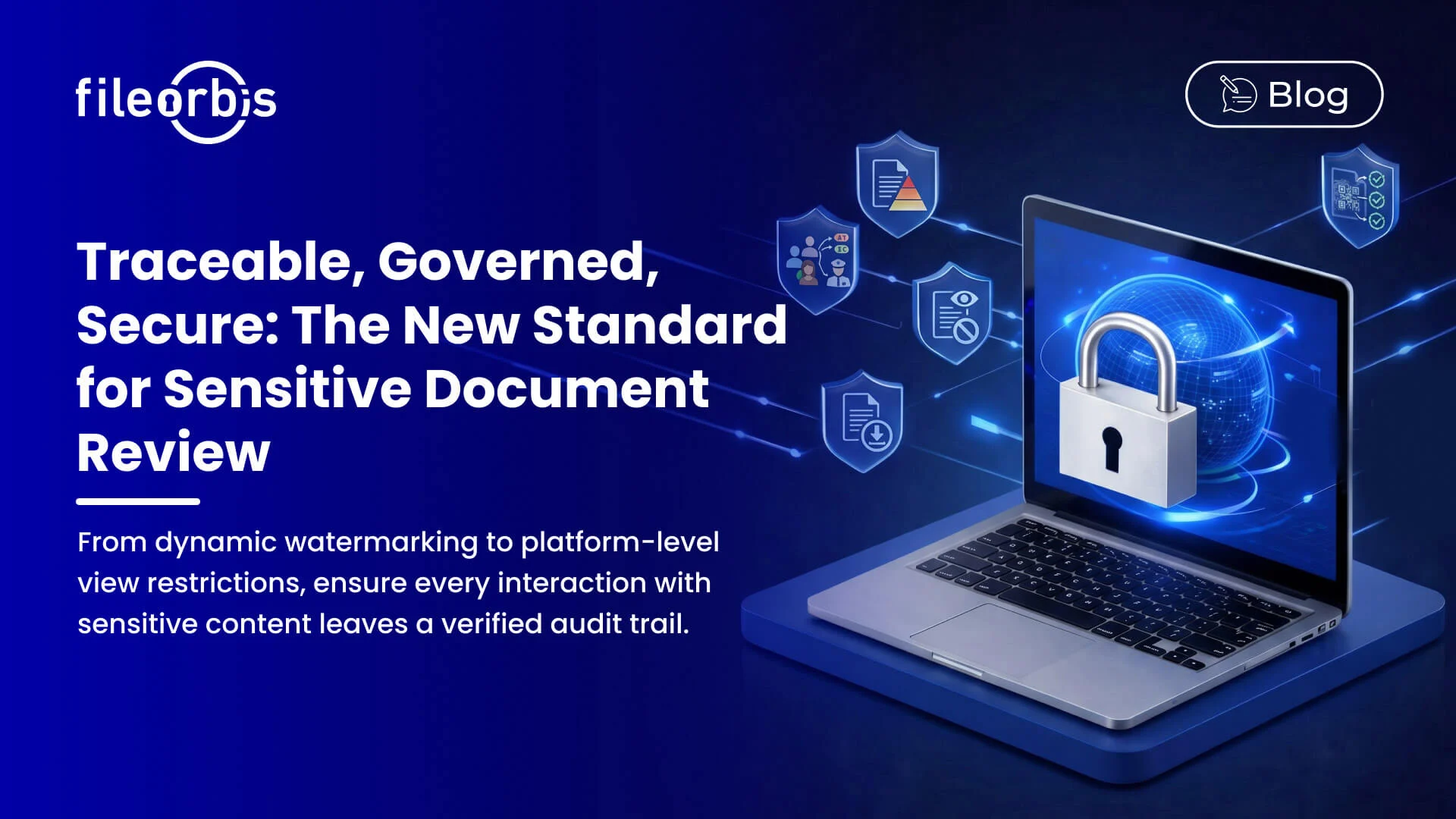
Adobe Cloud provides a highly secure environment for sensitive documents, meeting rigorous international standards such as SOC 2 Type 2, ISO 27001, and HIPAA. By utilizing AES-256 encryption for data at rest and TLS 1.2+ for data in transit, it offers robust protection against unauthorized access. For most enterprises, legal practices, and healthcare providers, Adobe's multi-layered security architecture and compliance certifications make it a safe choice for handling confidential information.
Understanding the Adobe Cloud Ecosystem in 2026
To evaluate whether Adobe Cloud is secure enough for your most sensitive materials, it is essential to define what "Adobe Cloud" encompasses in the current technological landscape of 2026. Adobe has transitioned from a software-as-a-product model to a comprehensive cloud-native ecosystem. This includes the Adobe Document Cloud (primarily Acrobat and Adobe Sign), Creative Cloud, and Experience Cloud.
When professionals ask about document security, they are typically referring to the Document Cloud. This environment handles PDF workflows, electronic signatures, and collaborative reviews. In 2026, these services are no longer just storage buckets; they are active processing environments where artificial intelligence (AI) assistants help summarize, analyze, and format data. Consequently, the security perimeter has expanded to include not only the storage of bits and bytes but also the privacy of the metadata and the integrity of the AI models interacting with those documents.
Core Infrastructure and Data Encryption Protocols
The foundation of Adobe’s security lies in its physical and virtual infrastructure. Adobe utilizes world-class data center providers (primarily Amazon Web Services and Microsoft Azure) that are hardened against physical and digital intrusions. However, the software layer managed by Adobe is where the specific document protections reside.
Encryption at Rest and in Transit
Adobe employs AES-256 encryption for all documents stored within its cloud environment. Advanced Encryption Standard (AES) with a 256-bit key is the industry standard used by government agencies to protect "Top Secret" information. Even if a malicious actor were to gain access to the physical storage media, the data would remain unreadable without the corresponding decryption keys.
For data in transit—the movement of files between your local device and Adobe’s servers—Adobe mandates the use of Transport Layer Security (TLS) 1.2 or higher. This ensures that documents cannot be intercepted or modified via "man-in-the-middle" attacks during the upload or download process. In 2026, Adobe has largely deprecated older, vulnerable protocols, ensuring that users on outdated systems are prompted to upgrade before sensitive transfers can occur.
Key Management Systems
For enterprise clients, Adobe offers sophisticated key management options. While Adobe manages keys by default, larger organizations often opt for "Bring Your Own Key" (BYOK) configurations. This allows the organization to retain absolute control over the encryption keys, meaning even Adobe employees cannot access the content of the documents without explicit permission and key release from the client’s security team.
Compliance Standards and Regulatory Certifications
The most objective way to determine if Adobe Cloud is secure enough for sensitive documents is to review its third-party certifications. These audits are conducted by independent bodies to verify that Adobe follows the security claims it makes.
- SOC 2 Type 2: This report focuses on the Five Trust Services Criteria: security, availability, processing integrity, confidentiality, and privacy. Adobe undergoes annual audits to maintain this status.
- ISO/IEC 27001: This is the international gold standard for information security management systems (ISMS). It proves that Adobe has a systematic approach to managing sensitive company information.
- HIPAA (Health Insurance Portability and Accountability Act): For healthcare providers, Adobe offers Business Associate Agreements (BAAs). This confirms that Adobe Document Cloud meets the administrative, physical, and technical safeguards required to handle Protected Health Information (PHI).
- GDPR (General Data Protection Regulation): Adobe remains fully compliant with EU data protection laws, providing users with the necessary tools to exercise their "right to be forgotten" and ensuring data residency requirements are met through regional data centers.
- FedRAMP (Federal Risk and Authorization Management Program): Adobe holds "Moderate" and "High" authorizations for various services, making it suitable for United States government agencies that handle sensitive but unclassified data.
Detailed compliance information can be found at the Adobe Trust Center, which serves as the central repository for their security whitepapers and audit summaries.
Identity Management and Access Controls
Security is not just about locking the door; it is about knowing exactly who has a key and when they use it. In 2026, Adobe has integrated Zero Trust Architecture principles into its cloud offerings. This means that "trust" is never assumed based on a user's location or previous login; it must be verified at every step.
Multi-Factor Authentication (MFA)
Adobe Creative Cloud and Document Cloud support various MFA methods, including SMS codes, email verification, and authenticator apps. For higher security tiers, Adobe supports hardware security keys (like YubiKeys). Implementing MFA is the single most effective step a user can take to prevent unauthorized access to sensitive documents, as it mitigates the risk of stolen passwords.
Single Sign-On (SSO) and Directory Integration
Enterprises can link Adobe Cloud to their existing identity providers (IdP) such as Microsoft Entra ID (formerly Azure AD), Okta, or Google Workspace. This allows IT administrators to revoke access instantly if an employee leaves the company, ensuring that sensitive documents do not remain accessible on personal accounts. It also allows for the enforcement of conditional access policies—for example, requiring that documents only be opened from company-managed IP addresses.
Advanced Document Protection Features
Beyond the infrastructure, Adobe Acrobat provides tools that allow users to secure the documents themselves. This "content-level" security travels with the file, even if it is downloaded or shared outside of the Adobe ecosystem.
Redaction vs. Masking
One of the most common mistakes in document security is "masking" text with a black box instead of truly redacting it. Adobe’s professional redaction tools permanently remove the underlying text and metadata from the PDF. In 2026, the Sanitize Document feature is more powerful than ever, automatically scanning for hidden layers, overlapping objects, and embedded indices that could inadvertently leak sensitive information.
Password Protection and Certificate Encryption
Users can apply "Open Passwords" to prevent unauthorized viewing and "Permissions Passwords" to restrict printing, editing, or copying content. For even higher security, certificate-based encryption allows a user to encrypt a document so that only specific individuals with a verified digital certificate can open it, bypassing the vulnerabilities associated with shared passwords.
Adobe Sign and Legal Validity
For sensitive contracts, Adobe Sign provides a secure, eIDAS-compliant environment. Each signature is accompanied by a comprehensive Audit Trail that records the signer’s email, IP address, and timestamp. This creates a legally binding chain of custody that is often more secure than traditional paper signatures.
Security Feature Comparison Table (2026)
The following table outlines the security features available across different Adobe Document Cloud tiers to help organizations choose the appropriate level of protection.
| Security Feature | Acrobat Standard | Acrobat Pro | Acrobat for Enterprise |
|---|---|---|---|
| AES-256 Encryption | Yes | Yes | Yes |
| Password Protection | Yes | Yes | Yes |
| Permanent Redaction | No | Yes | Yes |
| MFA Support | Yes | Yes | Yes |
| SSO Integration | No | Optional | Yes |
| Adobe Sign (Standard) | Yes | Yes | Yes |
| Sandboxed Protection | Yes | Yes | Yes |
| Asset Retention Policies | No | No | Yes |
| Dedicated Encryption Keys | No | No | Optional (BYOK) |
Potential Vulnerabilities and User Responsibilities
While Adobe Cloud provides the tools for high security, the platform is only as secure as the person using it. "Security enough" is often a matter of configuration rather than the platform's inherent capabilities.
- Human Error: The most common breach involves a user accidentally sharing a public link to a sensitive folder rather than inviting specific collaborators. Adobe has introduced "link expiration" and "restricted access" by default in 2026 to mitigate this, but user vigilance is still required.
- Phishing: Attackers frequently spoof Adobe "Shared Document" notifications to steal credentials. Users must be trained to verify the sender’s address and use official Adobe apps rather than clicking links in unsolicited emails.
- Third-Party Plugins: Integrating unverified third-party plugins into Acrobat can create backdoors. Organizations should use the Adobe Admin Console to restrict which plugins can be installed on corporate machines.
- AI Privacy: With the 2026 integration of AI assistants, users often worry if their sensitive data is used to train Adobe's models. Adobe’s current policy states that for enterprise and teams customers, data uploaded for AI processing is not used to train their base models (like Firefly or Sensei) without explicit opt-in, but this setting should be verified by IT administrators.
Comparison: Adobe Cloud vs. Microsoft 365 and Google Workspace
When deciding if Adobe is secure enough, it is helpful to compare it to other market leaders. Microsoft 365 (OneDrive/SharePoint) and Google Workspace offer similar encryption and compliance standards.
- Adobe’s Advantage: Adobe remains the specialist in document integrity. While Microsoft and Google are excellent for collaborative drafting, Adobe’s tools for redaction, digital signatures (Adobe Sign), and PDF/A archiving are more robust. Adobe’s security is "document-centric," whereas Microsoft’s is "ecosystem-centric."
- The Hybrid Approach: Most secure organizations do not choose one over the other. They use Microsoft 365 for internal collaboration and Adobe Document Cloud for the final, secure distribution and signing of sensitive external documents.
Industry-Specific Suitability
Legal Professionals
For legal teams, the "Sanitize Document" and redaction features are non-negotiable. Adobe Cloud meets the requirements for most court systems and satisfies the ethical obligation of "reasonable care" in protecting client confidentiality. The ability to lock a document from further editing while maintaining an audit trail is essential for evidentiary integrity.
Healthcare (HIPAA)
Under a signed BAA, Adobe Cloud is secure enough for medical records. The platform allows for secure sharing of lab results and patient intake forms while maintaining the administrative safeguards required by the Department of Health and Human Services (HHS).
Financial Services
With SOC 2 and ISO certifications, Adobe satisfies the rigorous security demands of the financial sector. The platform's ability to integrate with Data Loss Prevention (DLP) tools allows banks to ensure that social security numbers or account details are never shared outside the organization unintentionally.
Frequently Asked Questions
Can Adobe employees see my sensitive documents?
In standard configurations, Adobe employees do not have access to your files. Access is strictly controlled through "Least Privilege" protocols and is only granted for troubleshooting purposes with your explicit permission. For Enterprise customers using custom encryption keys, Adobe has no technical means to view the content of the documents.
Is it safer to store documents on a local hard drive than in Adobe Cloud?
Generally, no. Local hard drives are vulnerable to physical theft, hardware failure, and local malware (like ransomware). Adobe Cloud provides geographic redundancy (backups in multiple locations) and sophisticated versioning, which allows you to recover files even if your local computer is compromised.
Does Adobe use my sensitive documents to train its AI?
As of 2026, Adobe's standard Enterprise and Teams agreements include privacy protections that prevent customer data from being used for machine learning or model training without consent. For individual users, it is important to review the "Privacy Preferences" in the Adobe account settings to opt-out of "Product Improvement" programs that might involve data analysis.
What happens to my documents if I cancel my subscription?
Adobe typically provides a grace period (often 30 to 60 days) during which you can download your files. After this period, the data is marked for deletion. It is the user's responsibility to export sensitive materials before the account is closed to ensure data continuity.
Are Adobe's mobile apps as secure as the desktop versions?
Yes, the Adobe Acrobat mobile app uses the same encryption standards and supports MFA/Biometric login (FaceID/Fingerprint). However, the security of the mobile app is also dependent on the security of the device itself. A "jailbroken" or unpatched phone could potentially compromise the app's security.
Practical Recommendation
Adobe Cloud is more than secure enough for sensitive documents, provided you leverage the enterprise-grade features available. To maximize security in 2026, organizations should:
- Enable SSO and MFA: Centralize identity management and require a second form of authentication.
- Standardize on Acrobat Pro or Enterprise: Standard versions lack the critical redaction tools necessary for true sensitive data management.
- Configure Admin Policies: Use the Adobe Admin Console to disable public link sharing and restrict AI processing for certain high-security user groups if necessary.
- Audit Regularly: Periodically review the Adobe Trust Center for updated SOC 3 reports or certification renewals to ensure the platform continues to meet your regulatory requirements.
By combining Adobe’s robust infrastructure with proactive user policies, you can confidently manage even the most confidential documents in a cloud environment.