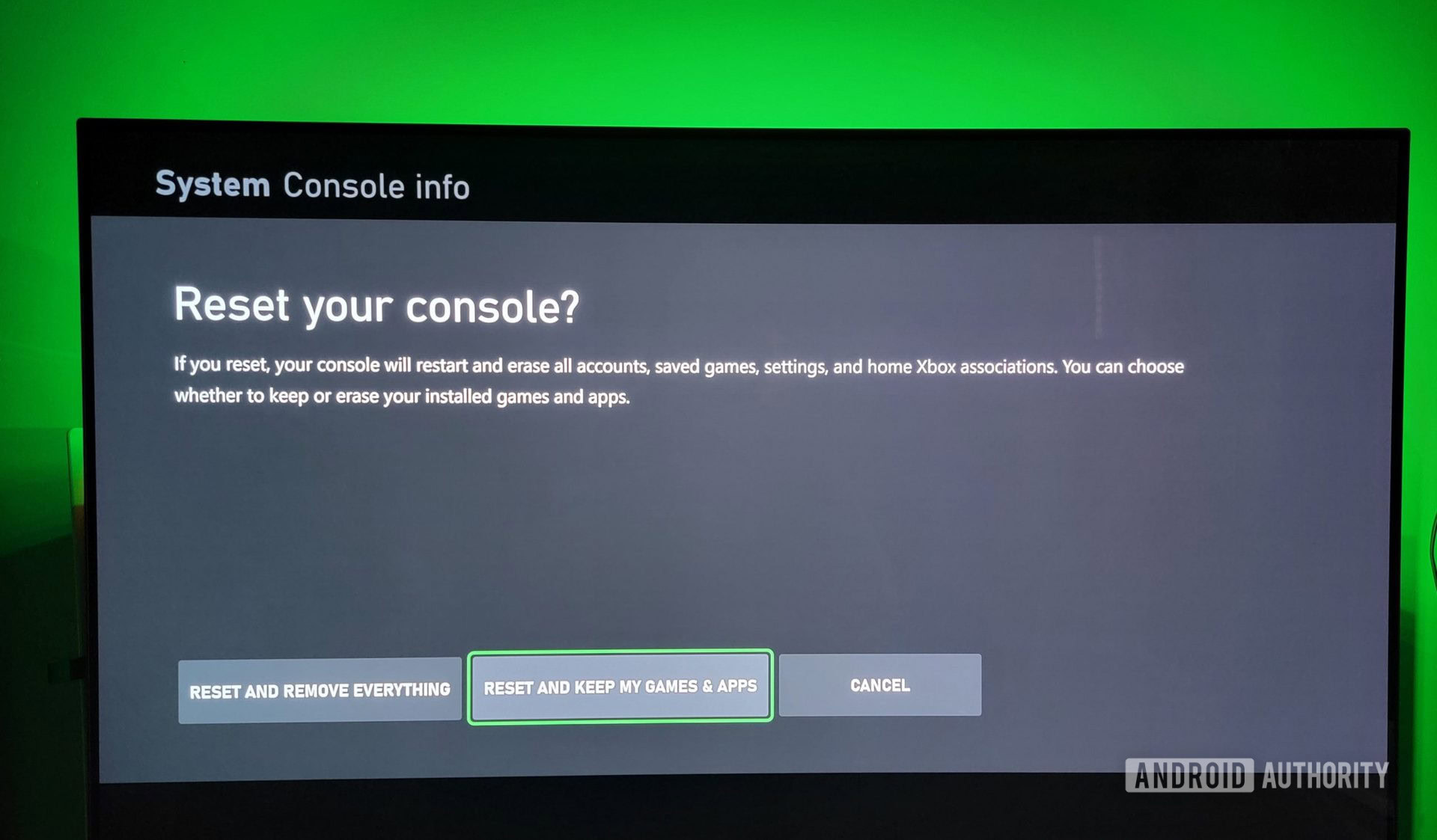
Resetting an Xbox 360 password typically involves recovering or updating the associated Microsoft account credentials via security verification methods, resetting parental controls through a specific sequence of console buttons, or using security question prompts if managing an older offline profile. Because the Xbox 360 relies heavily on legacy Xbox Live and Microsoft account infrastructures, access recovery often requires shifting to a modern web browser to manage security proofs, alias updates, and password resets.
Understanding Xbox 360 Password Management and Security Infrastructure
The Xbox 360 remains a beloved legacy console, but managing its security credentials can sometimes present unique hurdles. Over the lifecycle of the hardware, Microsoft transitioned authentication from basic console-saved gamertags to robust Microsoft account integration. When you attempt to access an Xbox Live profile, download a profile from the cloud, or adjust administrative restrictions, you may run into password roadblocks.
Authentication issues generally fall into two distinct categories: Microsoft account password issues (governing sign-in, purchases, and cloud storage) and console-specific parental control passcodes (governing restricted content ratings and system settings). Addressing these challenges requires understanding how legacy hardware communicates with modern identity servers. Before attempting any reset procedure, ensure you have access to a secondary device—such as a smartphone, tablet, or computer—along with access to your alternate email address or phone number for two-step verification.
Method 1: Resetting Your Microsoft Account Password Online
For the vast majority of users, the password required to sign into an Xbox 360 profile is the standard password for the associated Microsoft account. If you cannot remember this password, attempting to enter it repeatedly on the console will lock your profile out temporarily. The most efficient fix is to change the password through an external web browser.
- Navigate to the official Microsoft Account Recovery page on a computer or mobile device.
- Enter the email address, phone number, or Skype name associated with your Xbox 360 profile.
- Complete the security verification challenge by having a security code sent to your registered alternate email address or mobile phone via SMS.
- Input the security code accurately into the verification prompt on your screen.
- Create a new, strong password that meets Microsoft's character requirements, ensuring it includes a mix of uppercase letters, lowercase letters, numbers, and symbols.
- Return to your Xbox 360, select Sign In, enter your updated password, and choose Save Password if you want the console to remember it for future sessions.
Method 2: Recovering Your Account Using Security Information and Recovery Codes
If you no longer have access to the phone number or alternate email address linked to your Microsoft account, standard automated resets will fail. Microsoft provides alternative identity verification pathways to help you regain control of your account without losing your digital purchases, achievements, and save files.
- Go to the Microsoft account sign-in helper or account recovery page and enter your account identifier.
- When prompted to verify your identity, select I don't have any of these if you cannot access your listed phone or email proofs.
- Follow the on-screen prompts to provide an active, alternative email address where Microsoft support can reach you.
- Fill out the account recovery questionnaire as thoroughly as possible. You will be asked to supply historical data, such as recent email subject lines from services you used, billing details from past subscriptions, and Xbox console IDs if applicable.
- Submit the form and wait for an automated response, which typically arrives within 24 to 48 hours. Once verified, you will receive a secure link to reset your credentials.
Method 3: Resetting Parental Control Passcodes via Microsoft Support
Parents and guardians frequently encounter a secondary type of password on the Xbox 360: the parental control passcode. This is a four-button sequence (using the X, Y, LB, RB, LT, RT, and D-pad inputs) designed to restrict access to mature games, apps, and system settings. If this passcode is lost, standard account recovery online will not automatically clear it.
- Gather your console's unique identification details, including the console serial number (found on a sticker on the back of the device and under the system settings menu) and the console ID (found under System Settings > Console Settings > System Info).
- Contact official Xbox Support via their online web chat or telephone support channels.
- Verify your ownership of the hardware by providing the serial number, console ID, and proof of the Microsoft account registered to the system.
- Once identity and ownership are successfully verified, a support representative will provide a specific, time-sensitive reset code or a button combination sequence tailored to your console.
- Turn on your Xbox 360, navigate to the parental controls area, and enter the provided reset sequence to clear the forgotten passcode and establish a new one.
Method 4: Clearing and Re-Downloading Your Profile Locally
Sometimes the password issue is not tied to a forgotten Microsoft account, but rather to a corrupted profile cache or credential mismatch stored locally on the Xbox 360 hard drive or internal memory unit. Re-downloading your profile forces the console to authenticate fresh tokens directly from the live servers.
- From the Xbox 360 dashboard, navigate to Settings and select System.
- Select Storage, then choose your primary storage device (usually Hard Drive).
- Select Profiles, locate the gamertag experiencing login loops or password rejections, and select Delete. Choose Delete Profile Only to preserve your game saves and achievements.
- Return to the main dashboard and press the Guide button on your controller.
- Select Download Profile (if this option does not appear, sign out of any currently active profile first).
- Enter the correct Microsoft account email and your current password. The system will download your profile data fresh from the cloud, resolving local credential conflicts.
Method 5: Using Security Questions for Offline Legacy Profiles
For older profiles that were originally created offline or migrated from the original Xbox without being fully tied to a modern Microsoft account backend, legacy security questions sometimes govern password resets.
- Attempt to sign into the legacy offline profile on the Xbox 360 dashboard.
- When prompted for a password that you cannot recall, select the Forgot Password or hint option if available in the legacy interface.
- Answer the pre-configured security question that was established when the profile was first created.
- Upon entering the correct answer, the system will prompt you to enter a new password directly on the console without requiring an internet connection or external verification.
- Note: Because Microsoft has systematically retired older authentication layers for legacy offline profiles, many of these accounts have been forced through automated migration wizards that require a modern email and password reset sequence as outlined in Method 1.
Comparative Overview of Xbox 360 Password Reset Methods
To help you decide which path is most appropriate for your specific situation, the following table compares the primary reset pathways based on target credential type, required prerequisites, and estimated completion time.
| Method | Target Credential Type | Primary Prerequisite | Estimated Time | Success Rate |
|---|---|---|---|---|
| Online Account Reset | Microsoft Account / Xbox Live | Access to backup phone/email | 5–10 Minutes | High |
| Account Recovery Form | Microsoft Account (No Access to Proofs) | Historical account knowledge | 24–48 Hours | Moderate |
| Parental Control Reset | Console Restriction Passcode | Console Serial Number & ID | 15–30 Minutes | High (via Support) |
| Profile Redownload | Local Profile Cache / Token | Active internet connection & password | 5–10 Minutes | High |
| Legacy Security Questions | Offline / Legacy Profiles | Pre-established security answers | 5 Minutes | Low (Mostly Retired) |
Frequently Asked Questions
Can I reset my Xbox 360 password directly on the console?
While you can input a newly recovered password on the console, you cannot complete a full security reset or change a forgotten Microsoft account password directly through the Xbox 360 dashboard interface. You must use a smartphone, tablet, or computer to access the Microsoft account management portal because older console firmware cannot process modern two-factor authentication and security protocols.
What happens to my game saves if I delete my profile to fix a password issue?
When you delete your profile from the console storage, make sure you select Delete Profile Only rather than Delete Profile and Items. This ensures that your game saves, earned achievements, and downloadable content remain intact on the hard drive. Once you re-download your profile using your working credentials, it will automatically link back to your existing save files and game history.
Why does my Xbox 360 keep rejecting my new password?
If your password is correct but the console repeatedly rejects it, your console's software may be outdated, or your account may require an App Password if you have two-step verification enabled. Ensure your Xbox 360 has the latest system update installed, or generate a unique app-specific password via your online Microsoft account settings page to use specifically on legacy hardware.
How do I bypass parental controls if I bought a used Xbox 360?
If you purchased a used Xbox 360 that came with an active parental control passcode set by the previous owner, you cannot guess the combination. Your only option is to contact Xbox Support, provide them with the console serial number and console ID, and request an official override code. Alternatively, you can perform a factory reset of the storage device if you do not care about preserving existing user data, though administrative codes sometimes persist depending on the system firmware version.
Is Xbox Live still active for the Xbox 360 in 2026?
While the dedicated Xbox 360 marketplace store closed in July 2024, online multiplayer connectivity, profile management, and the ability to download previously purchased games and DLC remain operational through Microsoft's legacy infrastructure. Account authentication and password management services continue to function for existing profiles.
Final Recommendations
When managing security credentials for legacy hardware like the Xbox 360, patience is essential. Always begin by attempting a standard password reset via a web browser using your verified phone or email proofs. If you encounter persistent authentication loops, clearing the local profile cache and re-downloading your account will usually resolve token mismatches. For administrative or parental lockouts, reaching out directly to official support channels with your console's serial number remains the safest path forward. Keep your recovery proofs updated to prevent future lockouts and ensure uninterrupted access to your digital library.