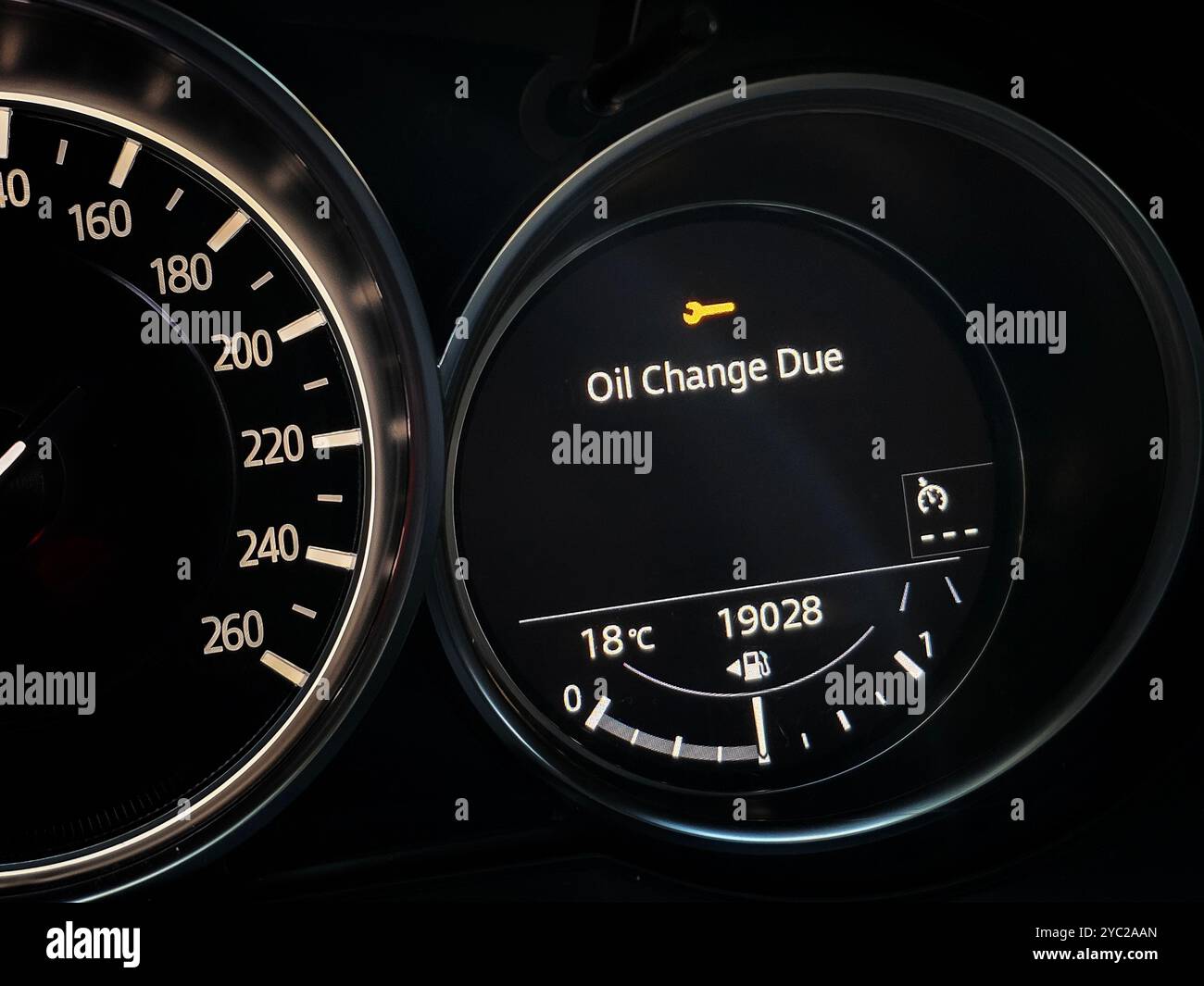
Resetting the oil change light on a BMW X5 involves accessing the hidden instrument cluster or iDrive menu using a specific sequence of pressing the start button, trip odometer, and steering wheel controls. This service interval reset clears the dashboard reminder once you have completed a fluid and filter change.
Understanding the BMW Condition Based Service (CBS) System
Modern vehicles, including the luxury midsize BMW X5 lineup spanning generations from the E53 and E70 through the modern F15 and G05 platforms, utilize an advanced maintenance tracking mechanism known as Condition Based Service (CBS). Unlike older automotive architectures that relied on simple, static mileage counters—such as every 3,000 or 5,000 miles—the CBS architecture monitors the actual operating conditions of the engine. It evaluates thermal cycles, fuel consumption, average speed, engine load, and overall driving style to dynamically calculate the remaining useful life of vital fluids and wear components.
When you change the engine oil and filter on your BMW X5, the physical maintenance is complete, but the onboard computer remains entirely unaware that the fresh fluid is inside the pan. The CBS module does not automatically detect a new oil filter or clean synthetic oil. Therefore, the dashboard service indicator, often displayed as a vehicle icon on a lift or a dedicated text warning, will continue to persist until you manually trigger a service reset procedure. Failing to clear this light creates confusion during future maintenance intervals, making it difficult to track when the next service is genuinely due.
Furthermore, understanding your specific BMW X5 generation is critical before initiating any dashboard procedure. Over the production years, BMW transitioned from physical instrument cluster buttons and simple ignition key turns to push-button start architectures, multi-controller iDrive infotainment displays, and fully digital Live Cockpit Professional instrument clusters. While the underlying goal remains identical—telling the CBS computer that a service has been performed—the exact button sequences, menu layouts, and prerequisites vary significantly depending on whether your X5 was built in 2005, 2012, or 2026.
Prerequisites and Safety Preparations Before You Begin
Before you step inside your BMW X5 to tackle the service reset light, you must ensure that several basic prerequisites are met. Skipping these initial steps can lead to a failed reset attempt, locking you out of the service menu or forcing you to restart the electronic handshake sequence from the beginning.
First and foremost, verify that the actual maintenance has been completed. Resetting the oil change light without replacing the oil and filter is detrimental to the engine's long-term health. BMW X5 engines—whether you drive a traditional inline-six petrol engine, a high-output twin-turbo V8, or a clean diesel variant—rely heavily on precise lubrication specifications, such as BMW Longlife approvals (LL-01, LL-04, or LL-14FE+ depending on the model year). Ensure the oil level is correct, the drain plug and new filter housing are properly torqued, and there are no active leaks.
Second, prepare the vehicle's electrical state. For most manual cluster-reset procedures, the vehicle must be in terminal position 15 (ignition on, engine off). If your BMW X5 features a traditional mechanical key or a slot-style electronic key fob, insert the key into the dash slot without pressing the brake pedal, then press the Start/Stop engine button once. For push-to-start smart keys, simply press the Start/Stop button once or twice without touching the brake pedal until the dashboard illuminates and the auxiliary electronics activate. Do not start the engine unless specifically directed by a diagnostic scanning workflow, as running the engine will lock out the instrument cluster service menu.
Finally, ensure all vehicle doors are closed, and auxiliary accessories such as the radio, blower fan, and headlights are turned off or set to manual off. Minimizing electrical draw ensures stable voltage across the instrument cluster and the Central Information Display (CID), preventing unexpected reboots or interruptions while navigating the service sub-menus.
Step-by-Step Guide: Resetting the Oil Service Light
Depending on the electronic architecture of your BMW X5, you will typically use either the instrument cluster trip odometer button method (common on older models and basic trims) or the iDrive infotainment interface method (standard on modern generations). Below is the comprehensive, universal step-by-step procedure focusing on the instrument cluster method, which applies widely across multiple generations when performed with precision.
Step 1: Engage the Ignition Without Starting the Engine
Sit in the driver's seat of your BMW X5, ensure all doors are securely closed, and keep your foot firmly off the brake pedal. Press the Start/Stop engine button once (or insert your key fob and press the start button) to turn on the vehicle's ignition. You will see the instrument cluster light up, illuminating the digital mileage readout and warning lights. Wait a few seconds for the initial check-control messages to cycle through and clear from the screen.
Step 2: Press and Hold the Trip Odometer Button
Locate the trip odometer reset stem or button positioned on the lower left-hand side of the instrument cluster glass or bezel. Press and firmly hold this button down. Do not release it. Within approximately 5 to 10 seconds, the main mileage display will change, cycling past initial warning screens until a secret service menu or specific maintenance icon (such as the oil can or brake fluid symbol) appears on the display panel.
Step 3: Navigate the Hidden Service Menu
Once the service menu appears on your instrument cluster, release the trip odometer button momentarily, then press it repeatedly in quick, short taps to cycle through the various maintenance items stored in the CBS system. Look closely at the small text or icons until the engine oil service icon is highlighted on the screen.
Step 4: Initiate the Reset Command
When the engine oil change icon is actively highlighted, press and hold the trip odometer button down again for approximately 3 to 5 seconds. You will notice the text or the service interval mileage counter begin to flash. This flashing indicates that the vehicle's computer is prepared to overwrite the previous service data. Release the button, then immediately press and hold it down for another 3 to 5 seconds until the display reads "Reset?" or "Resetting..." or until the mileage updates to the next standard interval (such as 10,000 miles or 15,000 kilometers).
Step 5: Verify Successful Completion and Turn Off Ignition
Once the screen indicates that the reset has successfully completed—often displaying a visual checkmark or updating the service due date and distance—turn off the vehicle's ignition by pressing the Start/Stop button once more. Wait a few seconds, then restart the vehicle normally to confirm that the dashboard oil service warning light has been completely extinguished.
| BMW X5 Generation | Primary Reset Method | Secondary Reset Method | Typical Maintenance Interval |
|---|---|---|---|
| E53 (1999–2006) | Cluster Button / Pin 7 Grounding | Peak Tool Diagnostic Scanner | 15,000 miles / 12 months |
| E70 (2007–2013) | Instrument Cluster Odometer Stem | iDrive Controller Menu | 10,000 miles / 12 months |
| F15 (2014–2018) | Instrument Cluster / iDrive Menu | OBD-II Diagnostic Tool | 10,000 miles / 12 months |
| G05 (2019–2026) | iDrive Infotainment System Menu | Professional Diagnostic Scanner | 10,000 miles / 12 months |
Alternative Reset Methods: Using the iDrive System
Modern BMW X5 models—particularly those equipped with iDrive 6, iDrive 7, or newer curved display iterations found in recent production years—often allow you to perform a CBS oil service reset directly through the central infotainment screen without ever touching the instrument cluster buttons. This method is exceptionally streamlined if your vehicle supports it.
To utilize the iDrive system for an oil reset, turn on the vehicle's ignition without starting the engine. Using the iDrive controller knob or touchscreen, navigate to "My Vehicle" or "Apps," then select "Vehicle Status." From there, navigate to the "Required Service" or "CBS Data" menu. You will see a list of vehicle service items, including engine oil, vehicle check, and brake fluids.
Highlight the engine oil entry. If the vehicle has calculated that a reset is permissible based on sensor data and elapsed time, pressing the controller button will reveal an option labeled "Reset required" or "Perform reset." Select this prompt and confirm your choice. The system will display a progress bar, and once complete, it will update the next service due date and mileage automatically. Note that if you attempt to reset the oil light too soon after a previous reset without driving enough miles, the system may grey out the option, requiring a diagnostic tool to force an overwrite.
Troubleshooting Common Reset Failures
Many DIY enthusiasts encounter hurdles when attempting to clear their BMW X5 service lights. If your reset attempt fails, examine the following common pitfalls and troubleshooting solutions:
- Foot on the Brake Error: Accidentally pressing the brake pedal while turning on the ignition starts the engine. When the engine is running, the instrument cluster locks out the CBS maintenance menu for safety reasons. Turn off the car and repeat the sequence with your feet entirely away from the pedals.
- Timing of Button Presses: The window to release and re-press the trip odometer button is narrow. If you hold the button too long or let go too quickly, the menu will revert to the standard odometer display. Practice the rhythm of holding for 5 seconds, releasing, and holding again.
- Locked Out Service Intervals: BMW's CBS computer sometimes locks out manual resets if a service is attempted significantly ahead of schedule or if the vehicle's internal clock and mileage counters detect an anomaly. In these cases, utilizing a dedicated BMW-compatible OBD-II diagnostic tool or visiting a local service specialist is necessary to clear the interval via software coding.
Frequently Asked Questions
Can I reset the oil change light on my BMW X5 without any special tools?
Yes, on most BMW X5 models, you can reset the oil service light manually using the trip odometer button on the instrument cluster or through the iDrive infotainment menu. However, certain model years or locked out systems may require a basic OBD-II diagnostic scanner capable of resetting CBS data.
How often should I reset my BMW X5 oil service interval?
You should only reset the oil change light immediately after performing a complete oil and filter change. Resetting the light prematurely without changing the oil will cause the Condition Based Service computer to miscalculate your engine fluid health, risking premature engine wear.
Why won't my BMW X5 instrument cluster enter the hidden service menu?
This is typically caused by having the engine running, failing to hold the trip odometer button long enough, or having a door open. Ensure the ignition is in position 15 (engine off, electronics on), all doors are closed, and your foot is off the brake pedal before holding the button.
What kind of oil does a BMW X5 require after an oil change?
BMW X5 vehicles require high-performance synthetic oils that meet strict manufacturer approvals, such as BMW Longlife-01 (LL-01) for older gasoline engines, LL-04 for diesels, or newer specifications like LL-14FE+ for recent models. Always check your owner's manual or under-hood sticker for exact viscosities and certifications.
Does disconnecting the battery reset the oil change light on a BMW X5?
No, disconnecting the vehicle battery will not reset the oil change light. The CBS maintenance data is stored in non-volatile memory within the instrument cluster and Car Memory modules, meaning it persists safely through complete electrical power loss.
Final Recommendation and Next Actions
Once you have successfully reset the oil change light on your BMW X5, double-check the instrument cluster to ensure the next service due mileage and date display accurately. Log the date, mileage, and oil specification used in your personal vehicle maintenance records for future reference and resale value preservation. If you encounter persistent technical glitches or locked CBS counters, connect a specialized BMW diagnostic tool or consult a certified technician to verify your vehicle's electronic health.