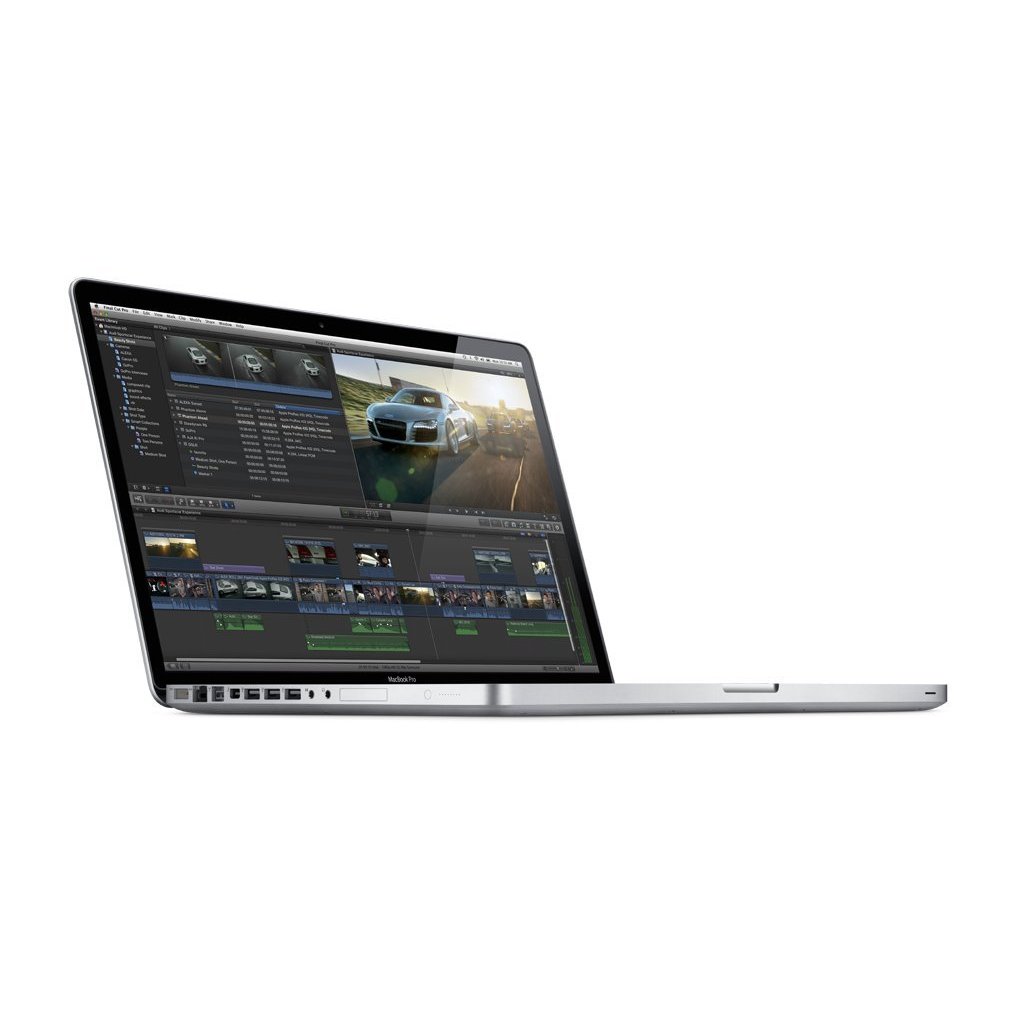
Although Apple did not release a specific "2011" model, the Mac Pro sold throughout that year was the Mid 2010 (MacPro5,1) workstation. It remains a landmark in modular computing, featuring dual-processor options, massive RAM capacity, and extensive PCIe expandability, making it a favorite for enthusiasts and collectors in 2026.
The Identity of the "2011" Mac Pro
To understand the 2011 Mac Pro, one must first resolve a common naming ambiguity. Apple’s release cycle for the "classic" tower (the silver "Cheese Grater" design) skipped the 2011 calendar year for new hardware refreshes. The machines purchased new in 2011 were technically the Mid 2010 models, identified by the model identifier MacPro5,1. This version was so successful and robust that Apple continued to sell it with minor tweaks until the "Mid 2012" refresh, which was eventually succeeded by the "Trash Can" Mac Pro in late 2013.
The MacPro5,1 architecture was a significant leap over the 2009 (4,1) predecessor. It introduced the Intel "Westmere" processor microarchitecture, which allowed for up to 12 physical cores on a dual-socket system. In 2026, while these machines are no longer viable for high-end professional 8K video editing or modern AAA gaming, they serve as exceptional home servers, specialized audio workstations, and educational tools for learning computer hardware.
Core Technical Specifications and Architecture
The 2011-era Mac Pro was built on the Intel Nehalem and Westmere-EP architectures using the LGA 1366 socket. This platform was designed for server-grade stability and high-bandwidth data throughput.
Processor Configurations
The machine was offered in two primary configurations: single-processor (quad-core or hex-core) and dual-processor (eight-core or twelve-core).
- Single-Socket Models: These units featured four DIMM slots for memory and utilized either a 2.8GHz Quad-Core Intel Xeon W3530 or a more powerful 3.2GHz Quad-Core W3565. High-end single-socket configurations often used the 3.33GHz 6-Core Intel Xeon W3680.
- Dual-Socket Models: These utilized two separate processor trays. They shipped with dual 2.4GHz 4-Core E5620 CPUs or dual 2.66GHz 6-Core X5650 CPUs. Because these CPUs support Hyper-Threading, a top-tier dual-socket build provides 24 virtual threads, a massive amount of parallel processing power for the era.
Memory (RAM) Capabilities
One of the most enduring features of the 2011-era Mac Pro is its memory controller. The Westmere processors feature an integrated triple-channel memory controller.
- Single-CPU: Supports up to 48GB or 64GB of DDR3 ECC RAM, depending on the specific DIMM density used.
- Dual-CPU: Supports up to 128GB of DDR3 ECC RAM across eight slots. In 2026, the cost of DDR3 ECC memory is negligible on the used market, making it easy to max out these machines for pennies on the dollar compared to modern unified memory prices.
Expansion and I/O
The chassis is famous for its tool-less entry and modularity.
- PCIe Slots: It contains four full-length PCI Express 2.0 slots. While PCIe 2.0 is significantly slower than the PCIe 5.0 standards of 2026, it still provides enough bandwidth for 10GbE networking cards, SATA III controllers, and even mid-range NVMe storage adapters.
- Storage Bays: Four internal 3.5-inch cable-free SATA drive bays allow for easy HDD or SSD installation.
- Optical Bays: Two 5.25-inch optical drive bays are available, which many users now convert into additional SSD mounts or Blu-ray burners.
Building for Performance: Modernizing the 2011 Mac Pro
If you are acquiring or "rebuilding" a Mac Pro from this era in 2026, several bottlenecks must be addressed to make the machine responsive. The factory configuration is severely limited by 2011-era storage and graphics technology.
The Storage Bottleneck (SATA II vs. NVMe)
The native drive bays in the Mac Pro are SATA II (3Gbps). This limits even the fastest modern SATA SSDs to about 270MB/s. To achieve modern performance, builders must use the PCIe slots. By installing an NVMe M.2 SSD on a PCIe adapter card, the system can achieve speeds up to 1,500MB/s (limited by the PCIe 2.0 bus). While this is slower than the 7,000MB/s+ speeds seen in modern Macs, the reduction in seek time makes macOS feel snappy and modern. Note that booting from NVMe requires a specific firmware version (144.0.0.0.0), which was originally part of the macOS Mojave update.
Graphics Processing (GPU) Upgrades
The original ATI Radeon HD 5770 or 5870 cards are now obsolete. They lack Metal support, which is a requirement for running any version of macOS beyond 10.13 High Sierra. To build a performant 2011 Mac Pro today, users typically look for:
- AMD Radeon RX 580 (8GB): The "gold standard" for this machine. It is natively supported in macOS Mojave and offers excellent performance for 1080p video tasks.
- AMD Radeon RX Vega 56/64: Requires a power modification (often called the "Pixlas Mod") because the Mac Pro's logic board cannot safely provide the wattage these cards demand through the standard PCIe power headers.
- AMD Radeon VII or RX 6000 Series: These can be used in conjunction with unofficial bootloaders to provide substantial compute power for OpenCL or Metal-based rendering.
CPU Swapping
For those with the dual-processor tray, upgrading to dual Intel Xeon X5690 processors (3.46GHz 6-Core each) represents the pinnacle of this platform's power. This upgrade provides 12 cores and 24 threads. It is important to note that the single-CPU models use "lidded" CPUs (with the integrated heat spreader), while some early dual-CPU models used "delidded" CPUs. Builders must verify their specific processor tray type before purchasing replacements to avoid damaging the socket pins.
Performance Comparison Table (Estimated 2026 Context)
The following table compares a stock 2011-era configuration against a fully "Maxed Out" modern build.
| Feature | Stock 2011 Configuration | 2026 Performance Build |
|---|---|---|
| Processor | Quad-Core 2.8GHz Xeon | Dual 6-Core 3.46GHz Xeon (X5690) |
| Memory | 6GB or 8GB DDR3 ECC | 128GB DDR3 ECC |
| GPU | ATI Radeon HD 5770 (1GB) | AMD Radeon RX 580 (8GB) |
| Primary Storage | 1TB HDD (SATA II) | 2TB NVMe SSD (via PCIe Card) |
| Storage Speed | ~100 MB/s | ~1,500 MB/s |
| USB Support | USB 2.0 Only | USB 3.0 / USB-C (via PCIe Card) |
| Max Native OS | macOS 10.13 High Sierra | macOS 10.14 Mojave (Official) |
| Max Unofficial OS | N/A | macOS 14 Sonoma (via OCLP) |
Software Compatibility and the OpenCore Legacy Patcher
As of 2026, the 2011 Mac Pro is officially unsupported by Apple’s latest operating systems. The final official version it can run is macOS 10.14 Mojave, provided a Metal-compatible GPU is installed. Mojave is the last version to support 32-bit applications, making the 2011 Mac Pro a vital tool for users who need to run legacy software that won't work on Apple Silicon.
However, the community has developed the OpenCore Legacy Patcher (OCLP). This software injects necessary drivers and firmware emulation to allow these older towers to run modern versions of macOS, such as Monterey, Ventura, or even Sonoma.
- Stability: While OCLP is remarkably stable, modern macOS versions are optimized for the AVX2 instruction set, which the 2011-era Xeons lack. This means some specific tasks (like certain Zoom background filters or highly specific encryption routines) may be slow or non-functional.
- Firmware: Ensuring your Mac Pro is on the latest firmware (144.0.0.0.0) is critical before attempting any modern OS installation. This firmware is available through the official Apple Mojave installer.
Practical Use Cases in 2026
Why would someone choose a 2011-era Mac Pro over a modern Mac Mini or Studio? The answer usually lies in niche utility and cost-to-storage ratios.
- Home Lab and Virtualization: With 128GB of RAM, this machine can host dozens of lightweight Linux virtual machines or Docker containers. It serves as an excellent Proxmox or ESXi node.
- File Server (NAS): The four internal bays can easily hold 80TB+ of raw storage (using 20TB drives). Combined with a 10GbE PCIe card, it becomes a high-speed file server for a home office.
- Legacy Audio Production: Many professional audio interfaces from the 2010s used FireWire 800 or specific PCIe cards. This Mac Pro has native FireWire 800 ports, making it the perfect bridge for vintage studio gear.
- Hardware Learning: For students, the 5,1 Mac Pro is one of the most accessible machines to learn about CPU socketing, RAM configurations, and PCIe lanes without the high stakes of modern, soldered-down components.
Limitations and Thermal Considerations
While powerful for its age, the 2011 Mac Pro has significant drawbacks in a 2026 environment.
- Power Consumption: These machines are "power hungry." A dual-CPU model can pull 200W–300W at idle and over 500W under load. Compared to an M2 or M3 Mac that uses a fraction of that energy, the Mac Pro is expensive to leave running 24/7.
- Heat: The "Cheese Grater" design is excellent for airflow, but the machine still generates considerable heat. It is not ideal for small, unventilated rooms.
- Instruction Sets: As mentioned, the lack of AVX/AVX2 instructions in the Westmere CPUs is a growing "wall" for modern software. Some applications simply refuse to launch on hardware this old, regardless of the operating system.
FAQ: Common Questions About the 2011 Mac Pro
Can I install Windows 11 on a 2011 Mac Pro?
Yes, but it requires a bypass of the TPM 2.0 and Secure Boot requirements. This can be done using tools like Rufus to create the installation media. Because the Mac Pro uses a standard Intel architecture, Windows 11 actually runs quite well on it, often feeling faster than macOS due to better legacy driver support for the Xeon platform.
What is the "5,1 Flash" and do I need it?
If you have a 2009 Mac Pro (4,1), you can "flash" its firmware to the 5,1 version. This allows it to use the newer Westmere CPUs found in the 2010/2011 models. If your machine was manufactured in 2011, it is already a 5,1 and does not need this specific flash, though it may still need the 144.0.0.0.0 firmware update for NVMe support.
Is the 2011 Mac Pro still good for video editing?
It is capable of 1080p and simple 4K editing in Final Cut Pro or DaVinci Resolve, provided you have an RX 580 GPU and an SSD. However, it lacks the hardware-accelerated H.264 and HEVC encoders/decoders found in modern T2-equipped or Apple Silicon Macs. This means export times will be significantly longer.
Can I add Thunderbolt ports to this model?
No. Thunderbolt requires integration with the logic board and CPU architecture that the 2011 Mac Pro does not have. While there are some niche "Titan Ridge" PCIe cards that can provide limited Thunderbolt functionality under very specific conditions, it is generally considered unreliable and not recommended for most users.
How do I get USB 3.0 on this machine?
The easiest way is to install a 4-port USB 3.0 PCIe card. Look for cards that are "macOS native" (using the Fresco Logic FL1100 chipset), which do not require additional drivers to work in macOS. This is a highly recommended upgrade as the built-in USB 2.0 ports are extremely slow for modern external drives.
Final Recommendation
For the average user in 2026, the 2011 Mac Pro (5,1) is not a primary computer. Its high power draw and lack of modern instruction sets make it a poor choice for daily office work or web browsing. However, for hobbyists, server administrators, and legacy audio engineers, it remains a masterpiece of industrial design.
If you plan to build one, prioritize a dual-CPU tray, upgrade to 128GB of RAM, and install an NVMe boot drive. This combination ensures the machine remains a functional and impressive piece of computing history that can still handle heavy multi-threaded workloads when called upon.