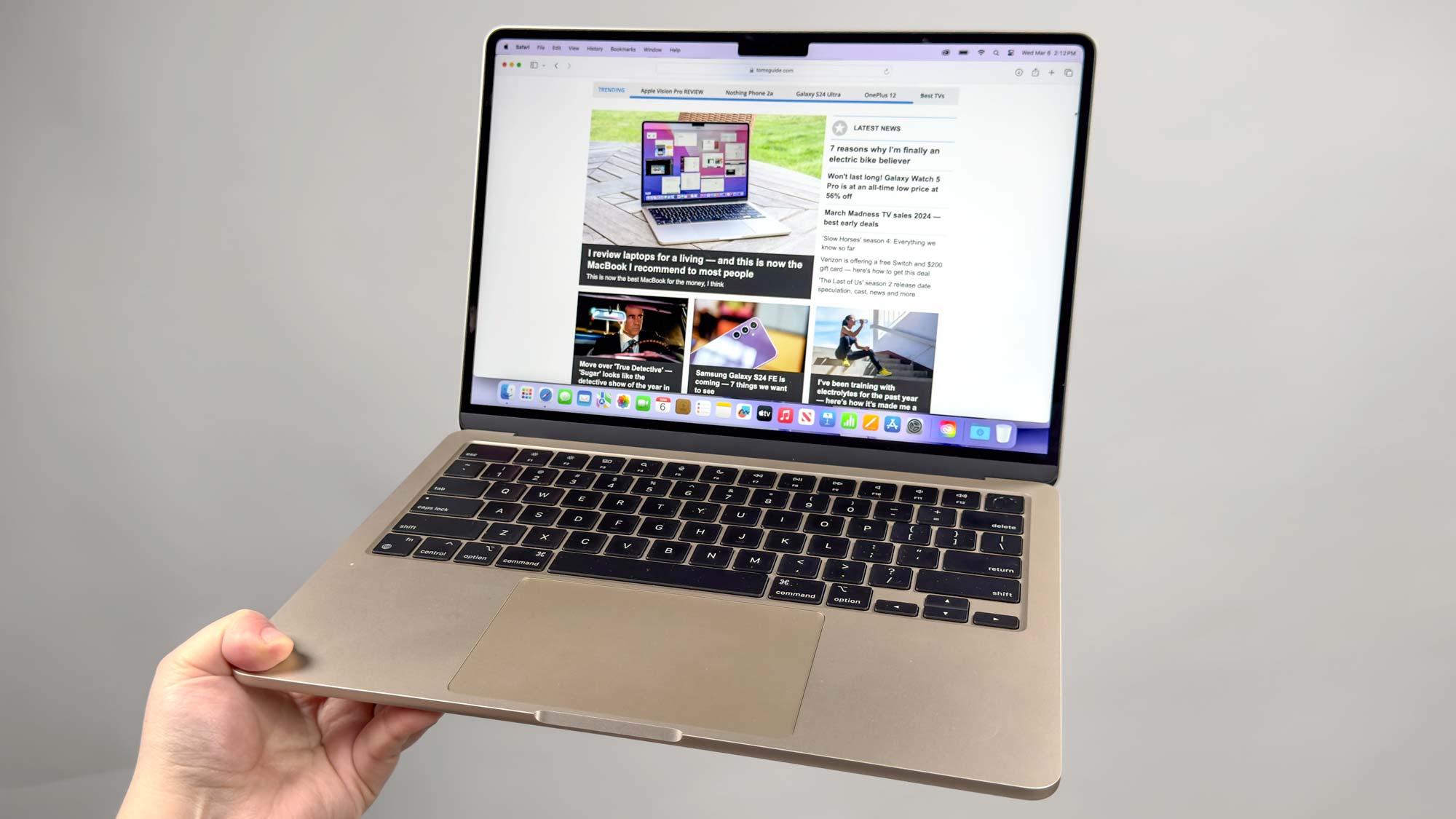
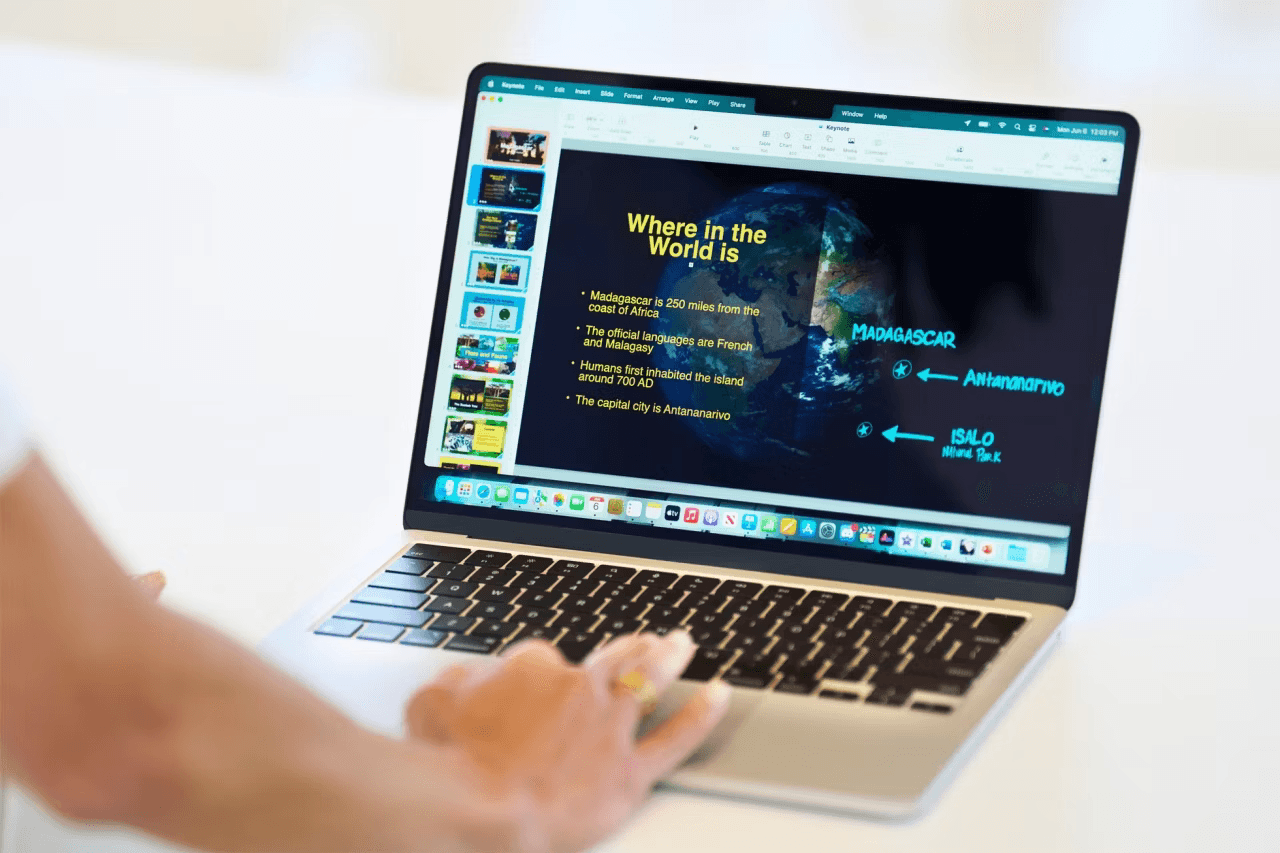
Even in 2026, the 2015 MacBook Air remains a viable machine for light productivity, education, and distraction-free writing due to its legendary scissor-switch keyboard, upgradeable NVMe storage, and the ability to run modern macOS versions via community-developed patches like OpenCore Legacy Patcher.
Understanding the 2015 MacBook Air in 2026
By 2026, the 2015 MacBook Air has officially entered its second decade of existence. In the fast-moving world of personal computing, an eleven-year-old laptop is often considered "vintage" or "obsolete." However, this specific model occupies a unique niche in Apple’s hardware history. It was the last of the "classic" MacBook Air design language—a design that prioritized functional ports, a reliable typing experience, and a level of user-serviceability that vanished in subsequent iterations.
While it cannot compete with the raw power of Apple Silicon (M1, M2, M3, and beyond) or the vivid Liquid Retina displays of modern units, the 2015 MacBook Air (Model A1466 for the 13-inch and A1465 for the 11-inch) still offers enough utility for specific workflows. Whether you are a student on a strict budget, a writer seeking a tactile keyboard, or a hobbyist looking for a reliable Linux machine, this hardware continues to prove its worth.
1. The Superiority of the Scissor-Switch Keyboard and Legacy Ports
One of the most compelling reasons to keep or acquire a 2015 MacBook Air in 2026 is the physical interface. Between 2016 and 2019, Apple transitioned to the "butterfly" keyboard mechanism, which was plagued by reliability issues and shallow key travel. The 2015 MacBook Air features the traditional scissor-switch mechanism with 1.0mm to 1.3mm of travel. For long-form writers and coders, this keyboard provides a tactile feedback and durability that many still prefer over contemporary alternatives.
Beyond the keyboard, the 2015 model represents the pinnacle of "no-dongle" convenience. In 2026, where almost every modern laptop relies exclusively on USB-C or Thunderbolt 4, the inclusion of dedicated, full-sized ports on the 2015 Air is a breath of fresh air for specific users.
- MagSafe 2: The magnetic charging connector remains one of the best safety features ever designed for a laptop, preventing the device from being pulled off a desk if someone trips over the cable.
- USB 3.0 (Type-A): Two dedicated USB-A ports allow for the direct connection of legacy thumb drives, mice, and printers without requiring adapters.
- SDXC Card Slot (13-inch only): For photographers using older DSLR or mirrorless cameras, the ability to pop a card directly into the laptop is a significant workflow advantage.
- Thunderbolt 2 / Mini DisplayPort: While dated, this port is still perfectly capable of driving a 1080p or 1440p external monitor for a home office setup.
2. Extended Software Life via OpenCore Legacy Patcher (OCLP)
Officially, Apple ceased software support for the 2015 MacBook Air with macOS 12 Monterey. By 2026, Monterey no longer receives regular security updates, which would normally render the machine unsafe for internet-connected use. However, the developer community has created the OpenCore Legacy Patcher (OCLP), a sophisticated tool that allows older Macs to run modern versions of macOS, such as Ventura, Sonoma, and even subsequent versions released through 2025.
Because the 2015 MacBook Air uses an Intel Broadwell processor with Metal-supported graphics (Intel HD Graphics 6000), it handles modern macOS UI animations and features surprisingly well.
Running a modern OS provides several benefits:
- Security Compliance: Users can install the latest security patches to protect against modern vulnerabilities.
- App Compatibility: Many essential apps, such as Microsoft 365, Adobe Creative Cloud, and modern web browsers, require a version of macOS newer than Monterey. OCLP bridges this gap.
- iCloud Integration: Modern macOS versions ensure that features like Universal Control, Shared Photo Libraries, and Safari Sync continue to work seamlessly with your 2026 iPhone or iPad.
3. The Last Era of User-Upgradeable Storage
In 2026, the "right to repair" is a major talking point in the tech industry. Modern MacBooks have their SSDs and RAM soldered directly to the logic board, meaning the configuration you buy is the one you are stuck with forever. The 2015 MacBook Air is different. While the RAM is soldered (usually at 4GB or 8GB), the SSD is a removable module.
Apple used a proprietary PCIe connector, but in 2026, inexpensive third-party adapters (such as those from Sintech) are widely available. These adapters allow users to install standard, high-speed NVMe M.2 SSDs. This means you can take a base-model 128GB MacBook Air and upgrade it to 1TB or 2TB of modern storage for a very low cost.
This upgradeability provides three distinct advantages:
- Cost Efficiency: You can purchase a used, low-storage unit for a pittance and upgrade it to a massive storage capacity yourself.
- Performance: Modern NVMe drives often offer faster read/write speeds than the original Apple-supplied SSDs from 2015, giving the system a noticeable "snappiness" boost.
- Data Recovery: If the logic board fails, you can physically remove the SSD to recover your data—a feat nearly impossible on modern, soldered MacBooks without expensive professional services.
4. A Perfect Candidate for Linux and ChromeOS Flex
If macOS eventually becomes too heavy for the dual-core Intel i5 or i7 processors, the 2015 MacBook Air excels as a secondary machine running alternative operating systems. The Intel architecture used in this era is exceptionally well-supported by the Linux kernel.
Distributions like Linux Mint, Ubuntu, or Fedora run beautifully on this hardware. Linux is significantly less resource-intensive than modern macOS, often resulting in faster boot times and better battery life for basic tasks. Furthermore, Google’s ChromeOS Flex can transform a 2015 MacBook Air into a high-end Chromebook.
This makes the device ideal for:
- A "Distraction-Free" Writing Machine: Loading a lightweight Linux distro with a simple text editor like Obsidian or FocusWriter.
- A Dedicated Web Terminal: Using ChromeOS Flex for a secure, fast browsing experience that is perfect for children or seniors.
- A Home Server: The low power consumption of the Broadwell chip makes it a decent candidate for running a lightweight Plex server, a Pi-hole, or a local file storage node.
5. Unmatched Build Quality for the Used Price Bracket
In 2026, the market for entry-level laptops is flooded with plastic-chassis machines that feel flimsy and exhibit significant keyboard flex. Even an eleven-year-old MacBook Air maintains its structural integrity due to its unibody aluminum construction.
The durability of this chassis means that "well-loved" units often still function perfectly despite cosmetic scratches. For students or professionals who need a machine that can be tossed into a backpack daily without fear of the hinges snapping or the screen bezel cracking, the 2015 Air remains superior to almost any new $200-$300 Windows laptop available today.
Comparative Value: 2015 MacBook Air vs. 2026 Entry-Level Laptops
| Feature | 2015 MacBook Air (Upgraded) | Typical 2026 Budget Laptop ($250) |
|---|---|---|
| Chassis Material | CNC Machined Aluminum | Polycarbonate (Plastic) |
| Keyboard | Scissor-switch (High Durability) | Membrane (Often Mushy) |
| Storage | Upgradeable NVMe SSD | Soldered eMMC or slow NVMe |
| Trackpad | Glass Multi-Touch (Mechanical) | Plastic (Often unreliable) |
| Charging | MagSafe 2 (Magnetic) | Barrel Jack or USB-C |
| Secondary Market Price | $80 - $130 | $250+ (New) |
Practical Maintenance for Longevity
To keep a 2015 MacBook Air useful in 2026, a small amount of maintenance is required. Because this is an Intel-based Mac, it generates more heat than modern M-series chips and relies on an internal fan for cooling.
Battery Health and Replacement
By 2026, the original battery is likely near the end of its chemical life. Fortunately, the 2015 MacBook Air is one of the easiest laptops to service. You only need a P5 Pentalobe screwdriver to remove the bottom case and a T5 Torx to remove the battery. Third-party replacement batteries from reputable brands like OWC or iFixit can restore the "all-day" battery life that made this machine famous.
Thermal Management and Repasting
The thermal paste between the CPU and the heat sink dries out over a decade. If the fan on your MacBook Air is constantly spinning at high speeds or the bottom feels excessively hot, it may be time to "repaste" the processor. Applying a fresh layer of high-quality thermal compound (like Arctic Silver 5 or Noctua NT-H1) can significantly lower operating temperatures and prevent thermal throttling, allowing the aging Intel chip to maintain its maximum clock speeds.
Screen Limitations
The primary drawback of the 2015 Air is its TN (Twisted Nematic) display panel. With a resolution of 1440x900 on the 13-inch model, it lacks the sharpness and color accuracy of modern IPS Retina displays. In 2026, this screen is best suited for text-based work rather than color-critical photo or video editing. For users who find the screen lacking, connecting the laptop to a cheap external 1080p monitor via the Mini DisplayPort is a highly effective solution.
FAQ
Can a 2015 MacBook Air run 4K video in 2026? The 2015 MacBook Air struggles with 4K video playback, particularly in modern codecs like AV1 or HEVC (H.265). While it can technically output to a 4K display at 30Hz via Thunderbolt 2, the experience is often laggy. It is much better suited for 1080p streaming on platforms like YouTube or Netflix.
Is 4GB of RAM enough for a MacBook Air in 2026? 4GB of RAM is very restrictive in 2026. While macOS can use "swap memory" on the SSD to compensate, a 4GB model will struggle with more than 5-10 browser tabs. If you are looking to buy one, prioritize the 8GB model, as the RAM cannot be upgraded after purchase.
Will the 2015 MacBook Air work with modern iPhones? Yes. As long as you are running macOS Monterey or a newer version via OCLP, the laptop will sync perfectly with modern iPhones for backups, photo syncing, and iMessage. You may need a USB-C to USB-A cable or adapter to physically plug the phone into the laptop.
Is it safe to use a 2015 MacBook Air for online banking? It is only safe if you are running a supported operating system. If you are still on macOS Monterey, you should ensure your browser (Chrome or Firefox) is updated to the latest version. However, for maximum security in 2026, using OpenCore Legacy Patcher to move to a newer, security-patched version of macOS is highly recommended.
Can I use the 2015 MacBook Air for Zoom or Microsoft Teams? Yes, but with caveats. The 720p FaceTime camera is functional but looks grainy by 2026 standards. The dual microphones are excellent, but the Intel processor will work hard during video calls, meaning the fan will likely spin up to maximum speed to keep the system cool.
Practical Recommendation
If you currently own a 2015 MacBook Air, do not discard it. With a $30 battery replacement and a $50 NVMe SSD upgrade, you can transform it into a highly capable secondary machine. It remains an elite choice for students who need a durable laptop for note-taking, or for writers who value the tactile response of the classic Apple keyboard.
However, if you are looking to perform heavy video editing, 3D rendering, or intensive multitasking, this machine will show its age. In those cases, the 2015 Air serves best as a dedicated "focus" device—one that you use specifically for writing or light browsing, away from the distractions of a more powerful, multi-purpose workstation.