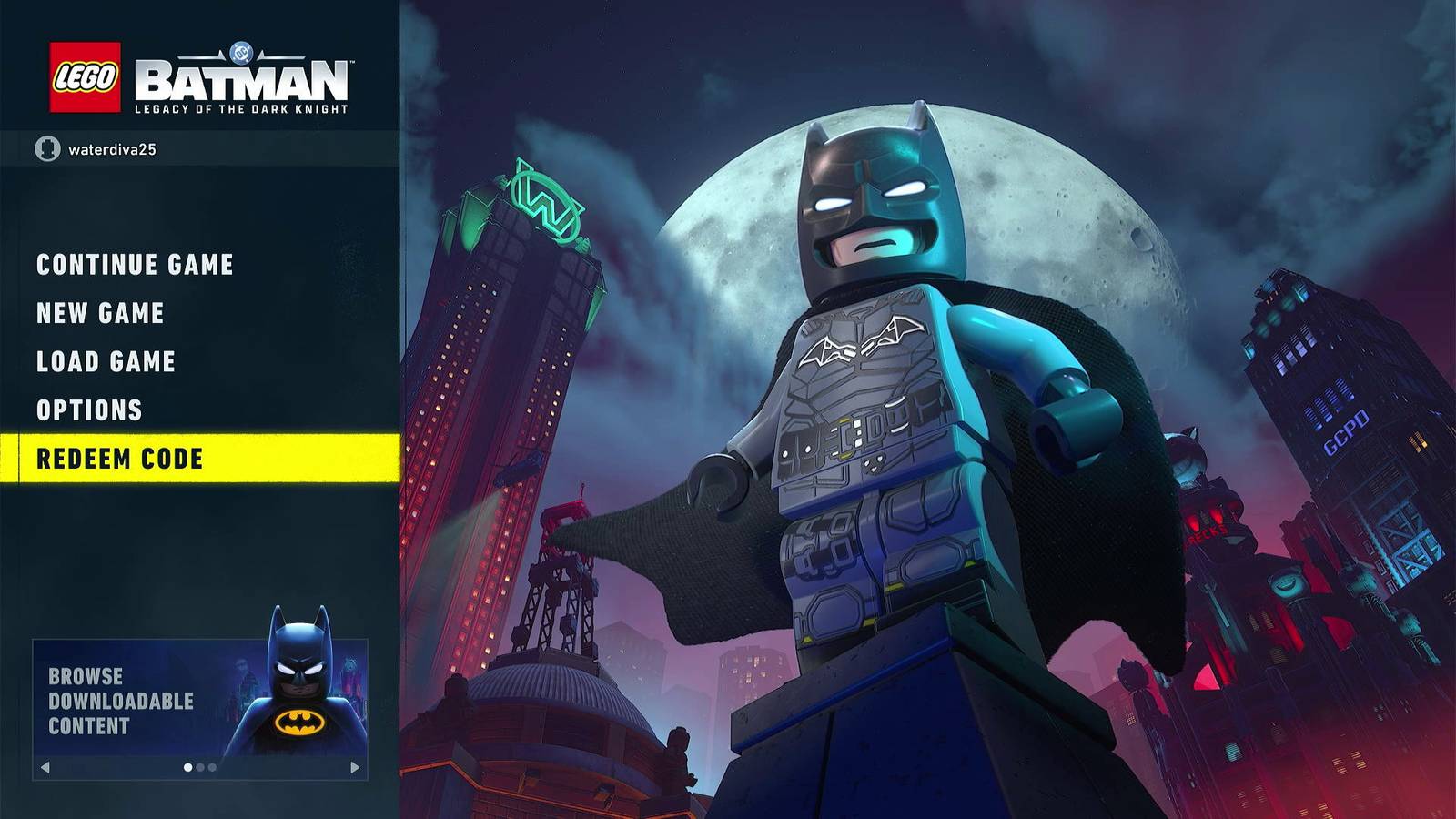
Cheats and extra codes in LEGO Batman 2: DC Super Heroes allow players to instantly unlock hidden characters, vehicles, and gameplay modifiers without spending studs. By entering specific alphanumeric sequences into the game's cheat terminal or pause menu, players can bypass lengthy unlock requirements, experiment with character abilities early, and alter their open-world Gotham City experience.
Understanding the Cheat Code System in LEGO Batman 2
The LEGO video game franchise developed by Traveller's Tales has long featured a robust system of hidden cheat codes. In LEGO Batman 2: DC Super Heroes, this system serves as a bridge between standard progression and sandbox experimentation. While the primary design loop of the game encourages players to explore Gotham City, collect millions of studs, and purchase characters organically through gameplay, the developers included a backdoor mechanism via secret codes.
These codes are alphanumeric strings consisting of letters and numbers. When typed correctly into the game's designated input fields, they override the standard locks on specific content. It is important to note how these codes interact with game saves. Once a cheat code is entered and the corresponding item or modifier is unlocked, the game registers that unlock permanently to your save file, provided you save your progress. However, toggleable modifiers—such as invincibility or score multipliers—will need to be turned back on via the extras menu each time you load a fresh session, even though they remain permanently available for activation.
Furthermore, using cheat codes does not disable the game's achievement or trophy tracking system on platforms like Xbox, PlayStation, Nintendo, or PC. This player-friendly design choice allows completionists and casual gamers alike to utilize shortcuts without sacrificing their overall progression milestones or platform accomplishments.
Prerequisites and Where to Enter Codes
Before you can successfully input extra codes in LEGO Batman 2: DC Super Heroes, you must know where the terminal is located and understand the basic requirements for code entry. There are two primary methods to input codes within the game, giving players flexibility depending on their current progress.
Method 1: The Batcave Terminal
Early in the game, players gain access to the Batcave, which acts as the central hub. Within the Batcave, players can explore various computer consoles and interactive workstations.
- Walk up to the main batcomputer terminal area.
- Look for the console designated for cheat entry (often represented by a prompt to enter a password or code).
- Open the entry screen using your controller or keyboard prompt.
- Type in the desired code using the on-screen virtual keyboard.
Method 2: The Pause Menu Cheat Option
If you are out exploring the open world of Gotham City or replaying a story mission, you do not need to fast-travel back to the Batcave to enter a code.
- Press the pause button on your controller or keyboard.
- Select the "Extras" option from the pause menu.
- Within the Extras screen, select the "Enter Code" option.
- Input the code using the pop-up keyboard interface.
If a code is entered correctly, a confirmation message will appear on the screen, often accompanied by a distinct audio cue, and the unlocked item will become immediately available for purchase or selection. If an invalid code is entered, the game will notify you that the code does not exist.
Detailed Breakdown of 5 Notable Extra Codes
While LEGO Batman 2 features numerous codes for various characters and gameplay tweaks, examining five prominent codes reveals how they impact the gameplay experience, traversal mechanics, and combat dynamics.
1. Clark Kent (Code: NX5TWK)
Entering the code NX5TWK immediately unlocks Clark Kent as a selectable character in free play mode. While Superman is a powerhouse capable of flight, heat vision, and invulnerability, his alter ego Clark Kent offers a humorous contrast. Clark Kent lacks Superman's extraordinary superpowers; he moves like a standard civilian character, cannot fly, and relies on basic melee animations.
Gameplay Impact: Unlocking Clark Kent early allows players to experience humorous roleplaying scenarios in Gotham City. Because he is unlocked via code rather than standard token collection, players can walk the streets of Gotham as a mild-mannered reporter long before completing the story requirements that naturally introduce him.
2. Mime (Code: ZXGXZJ)
The Mime character code (ZXGXZJ) adds a unique, highly stylized adversary to your character roster. In the LEGO DC universe, the Mime brings distinct animations and pantomime-based attacks that set him apart from standard street thugs or major villains.
Gameplay Impact: The Mime functions primarily as a cosmetic and fun diversion for free play exploration. For players seeking to populate their character wheel with niche villains from Batman’s rogue gallery without hunting down hidden character tokens across the open world, this code provides an instant shortcut.
3. Ra's al Ghul (Code: RM4PTAB)
Ra's al Ghul is a legendary adversary in the Batman mythos, known for his martial arts prowess and leadership of the League of Assassins. Entering the code RM4PTAB unlocks him for your roster.
Gameplay Impact: Unlike standard henchmen, Ra's al Ghul possesses advanced combat animations and unique traversal capabilities suited for martial artists. Unlocking him early via code gives players access to a high-tier combatant who can handle large mobs of enemies efficiently during free-roam cleanup or while gathering studs across Gotham City.
4. Commissioner Gordon (Code: DTPVW2)
James Gordon is the stalwart police commissioner of the Gotham City Police Department. By entering DTPVW2, players unlock Gordon as a playable character.
Gameplay Impact: Commissioner Gordon represents the law enforcement perspective in a game dominated by costumed vigilantes and supervillains. Having him playable adds depth to cooperative sessions where one player can patrol Gotham as the Commissioner while the other plays as Batman or Robin.
5. Extra Hearts (Code: NX5TWK Variant / Modifier Focus)
Note: While character codes dominate standard lists, gameplay modifiers like Heart Upgrades fundamentally change survival dynamics. To illustrate modifier codes, we look at functional durability modifiers. Activating gameplay modifiers through secret inputs or purchasing them via studs alters the fundamental rules of engagement.
Gameplay Impact: Modifiers allow players to tailor the difficulty of the game to their preference. Whether neutralizing enemy damage or multiplying stud drops, these extra codes transform LEGO Batman 2 from a standard platformer into an open-ended sandbox where experimentation takes center stage.
Comparison of Character vs. Modifier Codes
Understanding how character unlocks differ from gameplay modifiers helps players prioritize which codes to enter first based on their personal playstyle.
| Code Type | Primary Function | Persistence Across Sessions | Impact on Open-World Exploration |
|---|---|---|---|
| Character Unlocks | Adds specific heroes or villains (e.g., Clark Kent, Ra's al Ghul) to the character selection wheel. | Permanent once entered and saved to the game file. | Allows immediate use of unique character abilities (martial arts, civilian status) in free play. |
| Vehicle Unlocks | Grants access to specialized cars, planes, or boats without finding map tokens. | Permanent once entered and saved to the game file. | Provides instant traversal options across Gotham City without needing to earn studs first. |
| Gameplay Modifiers | Alters rules (e.g., invincibility, score multipliers, extra hearts). | Permanently unlocked in the Extras menu, but must be toggled on manually each session. | Removes core survival challenges or accelerates stud accumulation for 100% completion. |
Common Mistakes and Troubleshooting
When entering extra codes in LEGO Batman 2: DC Super Heroes, players occasionally run into issues where a code does not work. Reviewing these common pitfalls ensures a smooth experience:
- Typing Errors: The most common mistake is confusing letters with numbers. For example, the letter 'O' is frequently confused with the number '0', and the letter 'I' with the number '1'. Double-check your character strings carefully.
- Capitalization: While most modern systems handle input case-insensitively, it is always best to enter codes using uppercase letters exactly as documented to avoid syntax rejection by the game engine.
- Saving Progress: If you enter a code, unlock a character, and immediately quit the game without triggering an autosave or performing a manual save, the unlock may be lost. Always ensure your game saves after code entry.
- Story Mode Restrictions: Certain characters and open-world features cannot be fully utilized until you have completed the initial introductory levels of the game. If a code is accepted but the character cannot be selected, complete the current mission and return to free play mode.
Frequently Asked Questions
Do cheat codes disable achievements or trophies in LEGO Batman 2?
No. Entering cheat codes for characters, vehicles, or extras does not block, disable, or restrict achievements, trophies, or 100% completion tracking on any gaming platform. You are free to use them without penalty.
Can I enter codes before finishing the main story campaign?
Yes. You can access the pause menu cheat option or visit the Batcave terminal to enter codes at almost any point after the game's opening tutorial sections, allowing you to use unlocked characters during free-roam segments.
Why won't my gameplay modifier stay active after I restart the game?
While unlocking a modifier code makes it permanently available in your Extras menu, the game design requires you to manually toggle active modifiers back on each time you launch a fresh gameplay session.
Are there codes for infinite studs in LEGO Batman 2?
There are no direct "infinite stud" codes. However, you can input codes or find multipliers (such as Stud multipliers) that drastically increase the speed at which you accumulate currency during gameplay.
Where is the fastest place to enter codes if I am in the middle of a level?
You do not need to leave your current mission. Simply press pause, navigate to the "Extras" menu, select "Enter Code," and type your alphanumeric string directly into the virtual keyboard.
Conclusion
Utilizing extra codes in LEGO Batman 2: DC Super Heroes provides an efficient way to unlock rare characters, experiment with unique abilities, and customize your open-world experience across Gotham City. By verifying your inputs, understanding where to enter codes via the pause menu or Batcave terminal, and saving your game properly, you can instantly expand your roster and dive straight into sandbox gameplay without unnecessary grinding.