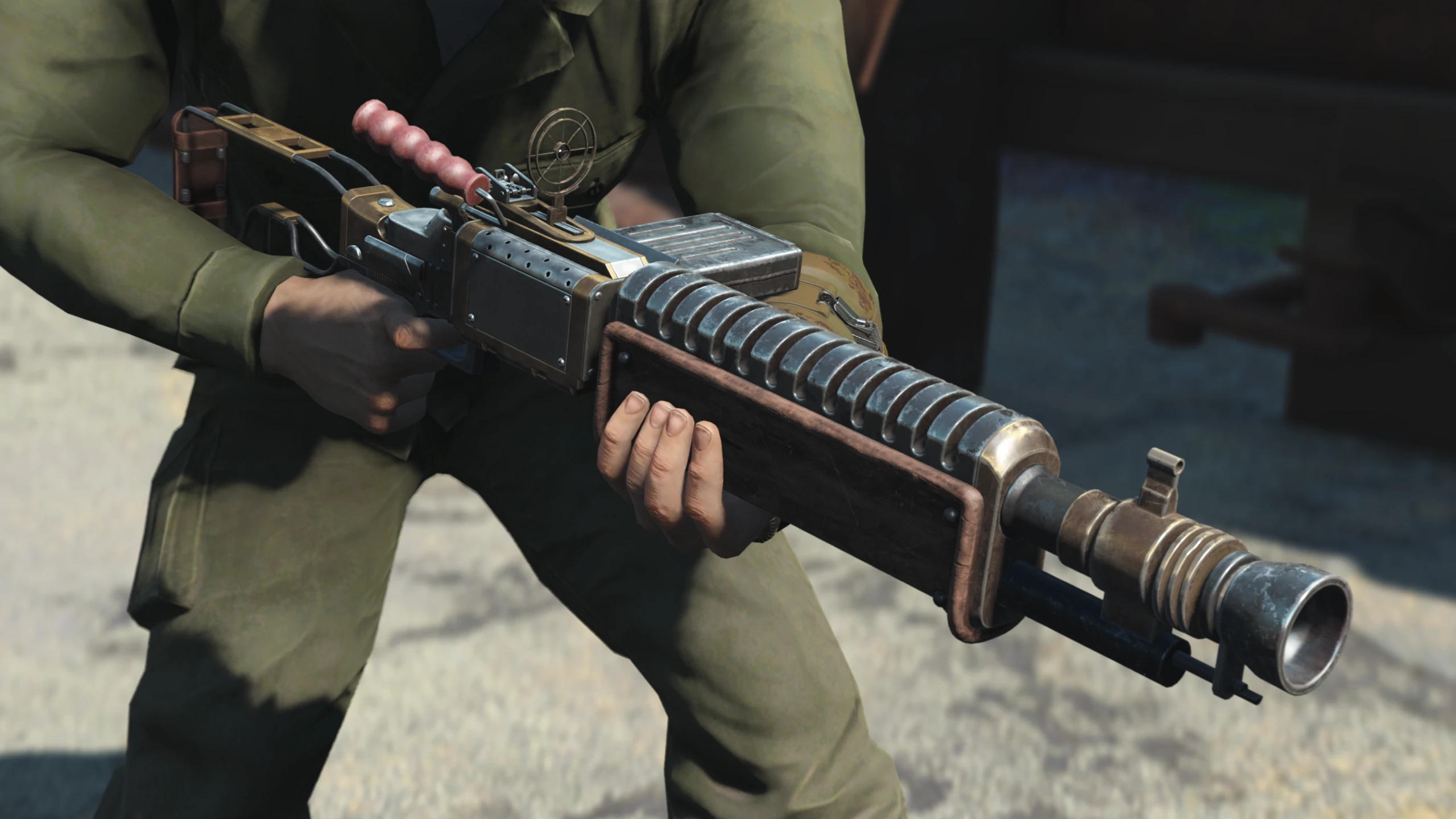
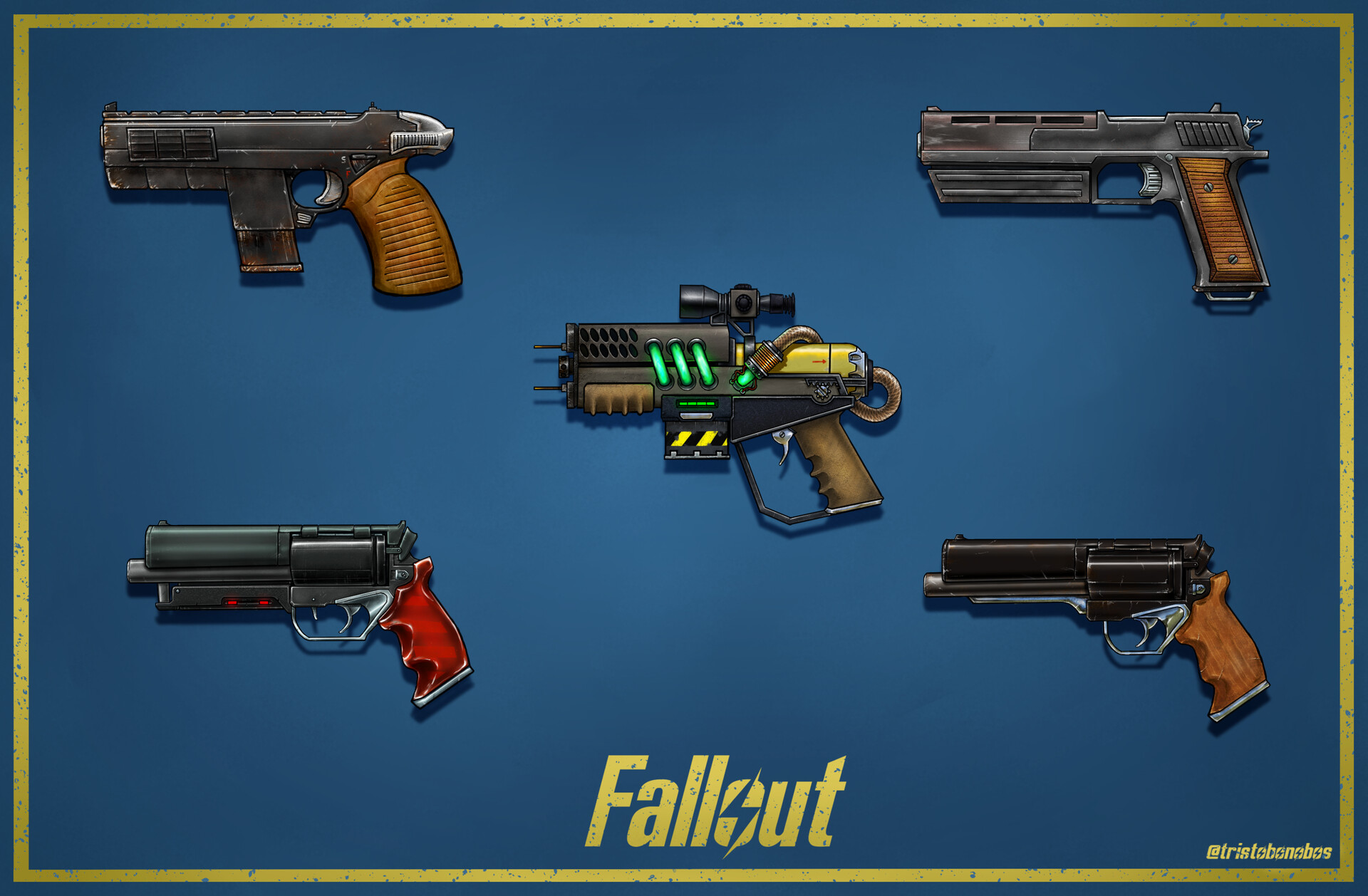
Enhancing your combat experience in Fallout 4 through weapon modifications requires understanding the underlying engine mechanics and scripting systems. Essential features—ranging from custom animation sets and leveled list integration to dynamic weapon keywords and high-resolution texture optimization—ensure that new firearms function seamlessly within the existing Commonwealth ecosystem while maintaining immersive, balanced, and stable gameplay.
The Foundation of Weapon Modding in Fallout 4
Fallout 4 utilizes the Creation Engine, a framework that handles items through a complex hierarchy of records. When you install weapon mods, you are not merely adding a new 3D model; you are injecting new data records into the game’s leveled lists, modifying hit-scan or projectile physics, and often introducing custom scripted behaviors.
For a weapon mod to be considered "essential" or high-quality, it must go beyond simple aesthetics. It must respect the game's internal economy, balance, and scripting standards. Players frequently encounter crashes or "bloated" save files when using poorly optimized mods that fail to implement standard Bethesda-style weapon record structures.
1. Professional Animation Sets
Modern weapon mods for Fallout 4 are defined by their animation quality. Unlike early mods that recycled base-game skeletons, top-tier weapon mods in 2026 feature bespoke, custom-animated reload, inspection, and fire cycles.
- The Benefit: Custom animations break the monotony of the standard combat loops. High-quality mods utilize unique reload animations that account for the state of the weapon (e.g., tactical reloads when a round remains in the chamber versus empty reloads).
- The Technical Aspect: These animations are achieved through the use of the "Animation Graph" files. Ensuring a mod uses custom skeletons prevents "limp-wristing" or clipping, where the character’s fingers drift away from the trigger guard or magazine during movement.
2. Leveled List Integration via Scripting
The most disruptive issue in modded Fallout 4 is the "static" item issue. If a modded gun only appears in one chest, it loses its utility for a long-term playthrough.
- Dynamic Injection: Excellent mods use small scripts (often via the FO4 Script Extender or F4SE) to inject weapons into the game’s leveled lists dynamically. This ensures that Raiders, Gunners, and vendors in the Commonwealth begin carrying the modded weapon naturally as your character levels up.
- Avoiding Conflicts: By using scripts to add items rather than directly editing core game files, these mods remain compatible with other popular additions, preventing the dreaded "mod conflict" that forces players to use complex merge patches.
3. Comprehensive Attachment Support (Modularization)
A firearm is rarely just one static object; it is an assembly of components. Essential weapon mods provide modularity through the workbench system.
- Versatility: Look for mods that allow for diverse configurations, such as switching between long and short barrels, tactical stocks, and various muzzle devices like suppressors or compensators.
- Visual Fidelity: These attachments should not just provide stat changes; they should visually alter the gun’s 3D model. If a mod adds a "Long Recon Scope," you should be able to see that scope mounted on the firearm in both first and third-person perspectives.
4. Custom Soundscapes
Sound design is arguably as important as visual design for immersion. Standard Fallout 4 sound design is functional but often lacks the "punch" or mechanical grit expected of modern firearms.
- Layered Audio: The best mods utilize custom-recorded or high-fidelity audio samples that include distinct sounds for the mechanical bolt cycle, the spent casing ejection, and the distant "thump" of the projectile.
- Environmental Cues: Advanced weapon mods include attenuation settings, ensuring the gun sounds different when fired in a tight interior space (reverberation) compared to the open wasteland.
5. Dynamic Weapon Keywords (Weapon Keyword Resource)
Fallout 4 uses a system called "keywords" to categorize weapons for perks (like Rifleman or Commando) and for interaction with other mods.
- Why it Matters: If a modded gun lacks the correct keyword (e.g.,
WeaponTypeRifle), your character's combat perks will not apply damage bonuses. - Compatibility: Essential mods adopt the community-standard keywords (often found in the AWKCR or NewCalibers frameworks). This ensures that your modded gun behaves as intended with damage-rebalancing mods or tactical overhaul suites.
6. Optimized Texture Maps
High-resolution 4K textures look impressive in screenshots but can cause significant performance degradation, particularly on consoles or older PCs.
- Performance Balance: A well-made mod includes 2K or 1K textures that provide crisp, clean visuals without pushing the game engine's VRAM limits.
- PBR Materials: Modern mods employ Physically Based Rendering (PBR) materials. This ensures that the metal, wood, and plastic components of the weapon react realistically to the game’s lighting engine, preventing the weapon from appearing "flat" or "plastic" in the Commonwealth sunlight.
7. Integrated "See-Through" Scopes
The standard Fallout 4 scope system uses a static 2D overlay that obscures the periphery of your vision.
- Technical Implementation: This feature allows for true optics where the view through the scope is a high-magnification version of the game world, rather than a blacked-out screen with a reticle.
- Gameplay Impact: This is essential for tactical gameplay, as it allows you to maintain situational awareness while aiming at long distances.
8. Custom Ammo Type Support
If you are adding a modern firearm, it rarely makes sense for it to shoot "5mm" or "Pipe Gun" ammunition.
- Realism: Essential mods often introduce (or support) standardized ammo types like 5.56mm, .308, or even new custom calibers.
- Economy: These mods often come with integration for the crafting system, allowing players to manufacture this ammunition at the Chemistry Station, ensuring the gun is viable for the entire duration of a "Survival Mode" playthrough.
9. Third-Person Animation Sync
Many gun mods focus exclusively on the "First Person" experience. However, a significant portion of the Fallout 4 player base utilizes third-person perspectives.
- Consistency: A high-quality mod includes third-person animations that match the weapon’s weight and size. If your character carries a massive sniper rifle, they should hold it with a distinct stance compared to a compact submachine gun.
- Visibility: This ensures that NPCs using the weapon don't have "floaty" or glitched animations, which can break immersion during combat encounters.
10. Balanced Damage and Range Stats
A common trap with user-created weapon mods is "power creep," where a modded weapon renders all vanilla firearms useless.
- Internal Balance: Essential mods are calibrated to fit within the game’s existing damage curves. They offer advantages in specific scenarios—such as high accuracy for long-range engagements—without trivializing the game's high-level challenges.
- Verification: You should always check the mod’s "ReadMe" or community discussions to see if the author has provided a "Vanilla-Balanced" patch to keep the mod aligned with the standard difficulty curve.
Comparison of Standard vs. Premium Weapon Mods
| Feature | Standard Mod | Premium/Essential Mod |
|---|---|---|
| Animation | Recycled Vanilla | Bespoke/Custom Skeleton |
| Leveled List | Manual/Static | Scripted/Dynamic Injection |
| Optics | 2D Overlay Scopes | See-Through/True Optics |
| Compatibility | High Conflict Risk | Keyword-Compliant |
| Performance | Unoptimized Textures | LOD/Mip-Map Optimized |
Frequently Asked Questions (FAQ)
1. Will installing weapon mods break my current save file? Generally, no, provided you install them correctly. Always keep a backup save from before the installation. Use a mod manager to ensure the "load order" does not override critical game files.
2. How do I fix "invisible" gun models?
This usually occurs due to an "Archive Invalidation" issue. Ensure your Fallout4Custom.ini file is configured correctly to load loose files, or use a modern mod manager that automates this configuration.
3. Do I need the Fallout 4 Script Extender (F4SE) for these mods? Some of the most advanced weapon mods require F4SE to handle complex scripting, such as dynamic attachments or custom fire modes. Check the individual mod's requirements section on the site from which you downloaded it.
4. Can I remove a weapon mod mid-playthrough? It is highly recommended not to remove weapon mods during an active save, especially if they use scripted injection. Doing so can leave "orphaned" scripts in your save file, leading to instability.
5. How do I balance modded weapons with my survival build? Many weapon mods offer a "patch" in the installer. Look for options labeled "Realistic Damage" or "Survival Patch" to adjust the weapon's damage output to match the higher lethality of Survival Mode.
Recommendation for Best Results
To ensure the best stability and experience, focus on downloading mods from well-maintained repositories like Nexus Mods. Prioritize creators who provide frequent updates and include comprehensive "Mod Configuration Menu" (MCM) support, as this allows you to tweak the weapon's features, damage, and spawn rates in-game without needing to edit game files manually. Always verify your load order using a tool like LOOT to prevent unforeseen conflicts.