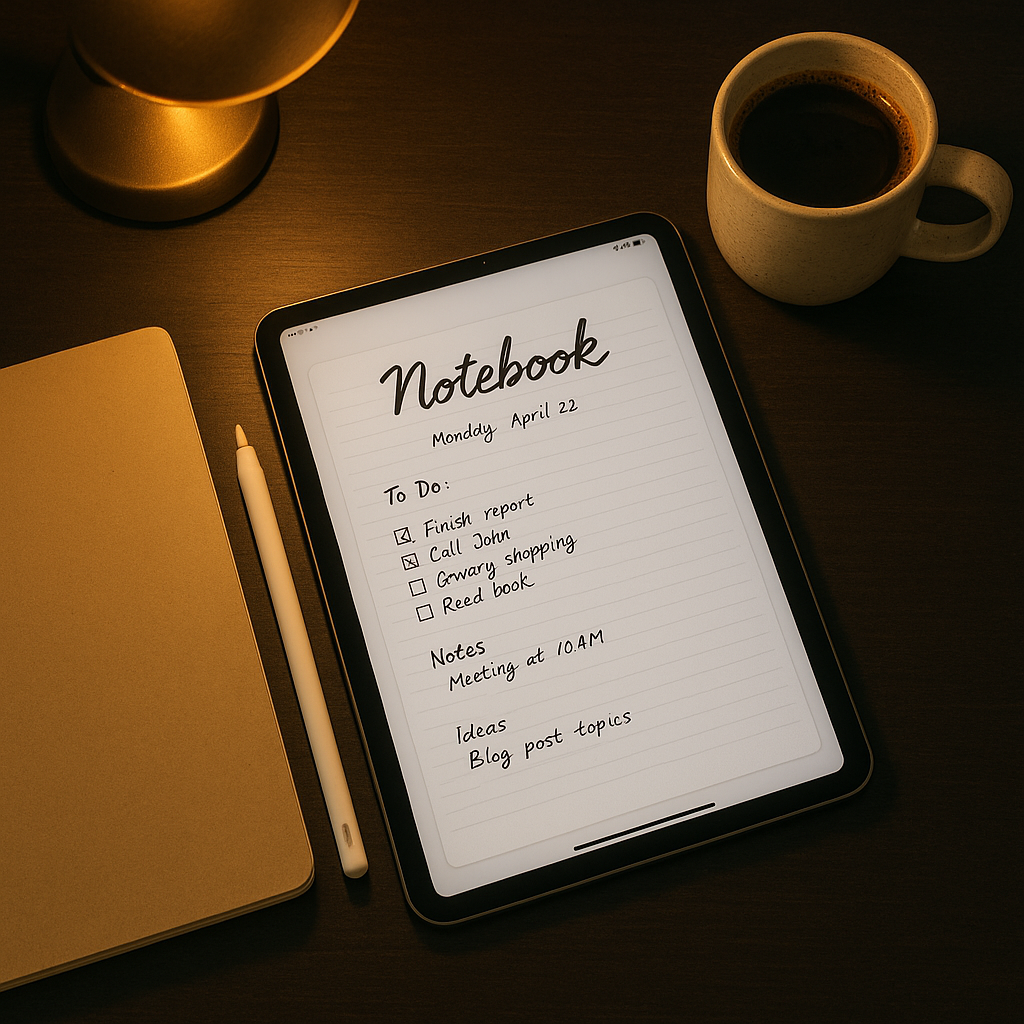
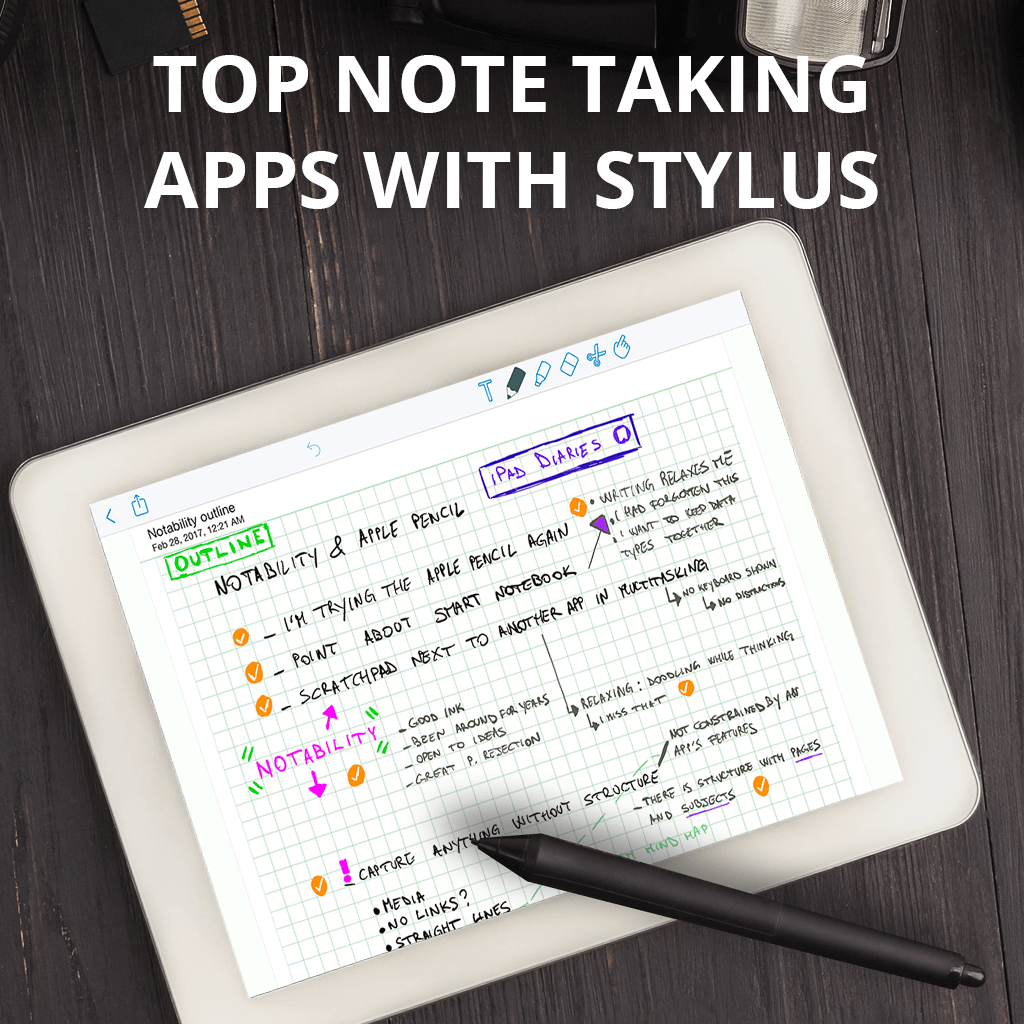
The optimal iPad experience for handwriting combines precise latency, intuitive gesture controls, and robust organization. By leveraging the Apple Pencil and iPadOS, users can transform their tablets into digital notebooks that outperform paper in searchability and versatility. The best apps for this purpose prioritize stroke pressure, palm rejection, and seamless cloud integration to ensure your notes remain accessible across all your devices.
Understanding the Digital Handwriting Experience
Transitioning from traditional pen and paper to an iPad requires a shift in how you perceive digital ink. Unlike standard text processors, note-taking apps designed for handwriting are fundamentally built around the coordinate system of your iPad's screen and the tilt/pressure sensitivity of the Apple Pencil.
To achieve a natural feel, these applications must address "latency"—the minute delay between your pencil tip making contact with the screen and the line appearing. Modern iPad models have reduced this to nearly imperceptible levels, but the software must be capable of rendering that data instantly. Furthermore, palm rejection—the ability of the software to ignore the weight of your hand resting on the screen while you write—is no longer a "feature" but a prerequisite for any professional-grade application.
Criteria for Selection
When evaluating applications for this guide, we focused on five distinct pillars of performance:
- Writing Feel and Ink Engine: How the digital ink responds to pressure, speed, and brush settings.
- Organization System: The ease of creating notebooks, folders, and using tags to find specific pages later.
- Cross-Platform Syncing: Reliability of data transfer between iPad, iPhone, and Mac via iCloud or proprietary services.
- PDF Annotation Capability: The ability to import documents and write directly over them without loss of fidelity.
- Feature Density vs. Usability: Whether the interface remains clean enough for focus while providing advanced tools like shape recognition or lasso selection.
1. GoodNotes 6
GoodNotes has long stood as a benchmark for iPad note-taking. As of 2026, it continues to lead due to its balance of aesthetic customization and structural organization. It excels in its folder-based hierarchy, which mirrors physical filing cabinets, making it ideal for students or professionals managing large volumes of documentation.
The app’s proprietary ink engine provides a satisfying, varied line weight that mimics fountain pens. Beyond basic writing, GoodNotes 6 introduced AI-powered features such as "Spellcheck" for handwritten text and the ability to search your own handwriting across multiple notebooks. Its "Study Sets" feature also allows users to create flashcards, making it the premier choice for academic environments.
2. Notability
Notability is distinguished by its unique approach to "Audio Sync." This feature records audio while you write; if you tap on a word you wrote during a lecture or meeting, the app will play back the exact audio that was being recorded at the moment you put that word on the page.
For users who prioritize accuracy in meeting minutes or complex lecture notes, this integration is unparalleled. The app utilizes a "multinote" view, allowing you to have two notebooks open side-by-side on the same screen, which is essential for cross-referencing information without constant app switching.
3. Nebo
Nebo represents the "smart" evolution of handwriting. While other apps focus on capturing ink as an image, Nebo is built on a recognition engine that converts your handwriting into digital text in real-time with near-perfect accuracy. This makes it the most effective tool for users who need to translate handwritten thoughts into formal reports or email-ready text.
The app supports a "freeform" canvas and a "document" view. The document view acts like a smart word processor where handwriting flows like typed text—if you insert a word, the existing sentences shift to accommodate it. It is arguably the best application for those who want the tactile benefit of handwriting with the logistical efficiency of a keyboard-based workflow.
4. Apple Notes
Often overlooked because it comes pre-installed on every iPad, Apple Notes has evolved into a powerhouse for casual and power users alike. Because it is deeply integrated into iPadOS, it features the lowest possible latency and the most consistent performance regarding system-wide search.
Using the Quick Note feature, you can swipe from the corner of your screen at any time to jot down a thought, regardless of which app you are currently using. Its iCloud synchronization is essentially instantaneous, and the fact that it is free makes it the most accessible entry point for anyone starting their digital note-taking journey.
5. CollaNote
CollaNote has gained a loyal following due to its high-performance vector-based ink engine and its collaborative features. Unlike many subscription-based apps, CollaNote offers a robust free tier that includes most of its advanced capabilities, such as customizable brush types and advanced layers.
Its "Whiteboard" mode is specifically designed for real-time collaboration. Multiple users can join a document via a link and write simultaneously, which makes it an excellent tool for brainstorming sessions. The app also features a variety of templates, including music notation, engineering grids, and planners, which are often locked behind paywalls in competing applications.
Comparison of Key Features
| App | Primary Strength | Best For | Offline Sync |
|---|---|---|---|
| GoodNotes 6 | Organization | Students & Researchers | Excellent |
| Notability | Audio Recording | Lectures & Meetings | Reliable |
| Nebo | Handwriting-to-Text | Professional Writers | Good |
| Apple Notes | Deep OS Integration | Casual Notes & Tasks | Instant |
| CollaNote | Collaboration | Brainstorming Teams | Good |
Technical Considerations for Success
Before committing to one application, consider your hardware requirements. All these apps require an Apple Pencil (1st or 2nd generation, or Pro) for true pressure sensitivity. While you can use third-party capacitive styluses, they lack the "Palm Rejection" capabilities that allow you to rest your hand on the screen while writing.
Furthermore, storage management is a factor. If you plan to import hundreds of PDFs or record hours of high-quality audio in Notability, your iCloud storage will fill rapidly. Ensure your iCloud subscription matches your storage usage, or regularly export your notebooks to local storage or external drives to keep your iPad's local capacity healthy.
Troubleshooting Common Issues
- Palm Rejection Failure: If the app is detecting your palm, check your iPad's "Settings > Apple Pencil" menu. Ensure that "Only Draw with Apple Pencil" is toggled on if your specific app supports it.
- Laggy Ink: If the pen stroke feels delayed, close background applications that are resource-intensive, such as video editors or high-frame-rate games. Always ensure your iPadOS is updated to the latest version, as Apple frequently pushes optimizations for pencil input.
- Sync Errors: If notes are not appearing on your other devices, check your iCloud settings and ensure the specific app has permission to access your iCloud Drive. Never force-close the app while it is in the middle of a sync process, as this can corrupt the database.
Frequently Asked Questions
Does the iPad screen feel too slippery for handwriting? Many users find the glass surface to be less tactile than paper. Using a "matte" or "paper-like" screen protector adds friction, which provides a more realistic tactile experience for the pencil tip.
Are these apps subscription-based? Most professional-grade note-taking apps have moved to a "Freemium" or subscription model to cover the costs of cloud syncing and AI development. Always check the App Store for the current pricing structure, as it can change based on regional markets.
Can I export my handwritten notes to Word or PDF? Yes. All five apps mentioned support PDF export, and several (like Nebo and GoodNotes) support exporting to Word formats, though the conversion quality depends heavily on your handwriting legibility.
Is it possible to use a keyboard and handwriting simultaneously? All of these apps are designed to work in tandem with the Apple Magic Keyboard or other Bluetooth keyboards. You can switch between typing and handwriting seamlessly in a single note.
Can I lose my notes if the app company closes? This is a risk with any proprietary software. It is a professional best practice to perform a manual export of your essential notes to PDF or a standard format like .zip periodically.
Final Recommendation
For most users, GoodNotes 6 offers the most balanced feature set for day-to-day organization. If you are a student, the audio-syncing capabilities of Notability are hard to beat. If you require your notes to be formatted as professional, clean digital text, Nebo is the most efficient choice. Start with the built-in Apple Notes to determine your specific workflow needs before investing in a premium subscription. Regardless of your choice, the key to success is consistency—digitize your workflow once, and you will find your information far more accessible than physical notebooks ever allowed.