Replacing the battery in a 2020 Ford Expedition typically costs between $200 and $450 in total parts and professional labor, depending on whether you choose an aftermarket or original equipment manufacturer (OEM) part and where you have the service performed.
When your 2020 Ford Expedition fails to crank or begins showing electrical anomalies such as dimming interior lights, erratic dashboard warnings, or sluggish power window operations, the culprit is often a failing battery. Modern full-size SUVs like the Expedition rely heavily on complex electrical architectures, advanced infotainment systems, and electronic power-assist features. Because of this, understanding the true scope of 2020 Ford Expedition battery replacement costs involves looking beyond a simple hardware swap to account for AGM battery requirements, auxiliary battery configurations, labor fees, and electronic system resets.
Understanding the 2020 Ford Expedition Power System
The 2020 Ford Expedition is a sophisticated vehicle equipped with extensive electronics, including the Ford SYNC 3 infotainment interface, multiple USB charging ports, power-folding seats, advanced driver-assistance systems (ADAS), and an automatic Start-Stop system. These features demand a tremendous amount of electrical energy, particularly when the engine is shut off at a traffic light.
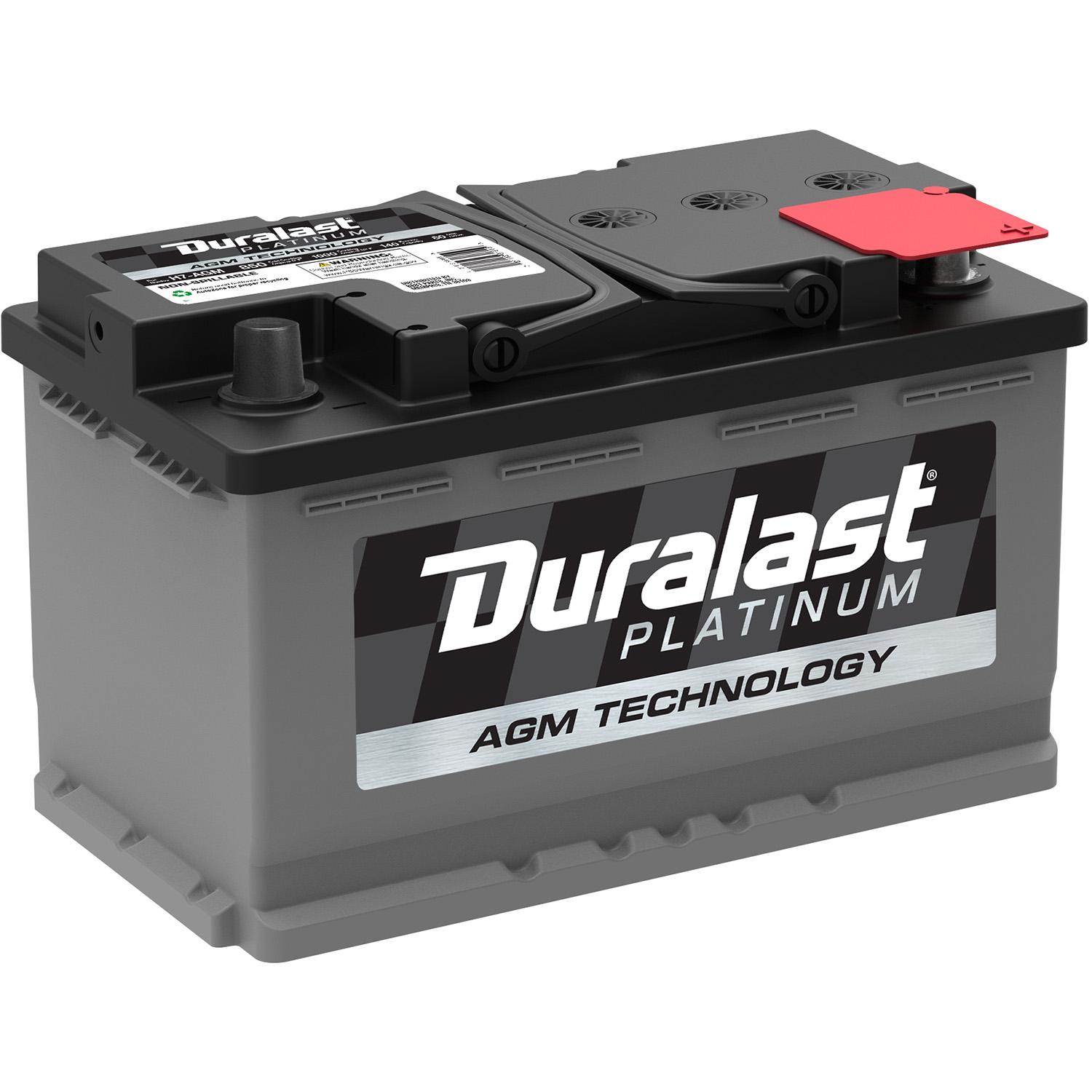
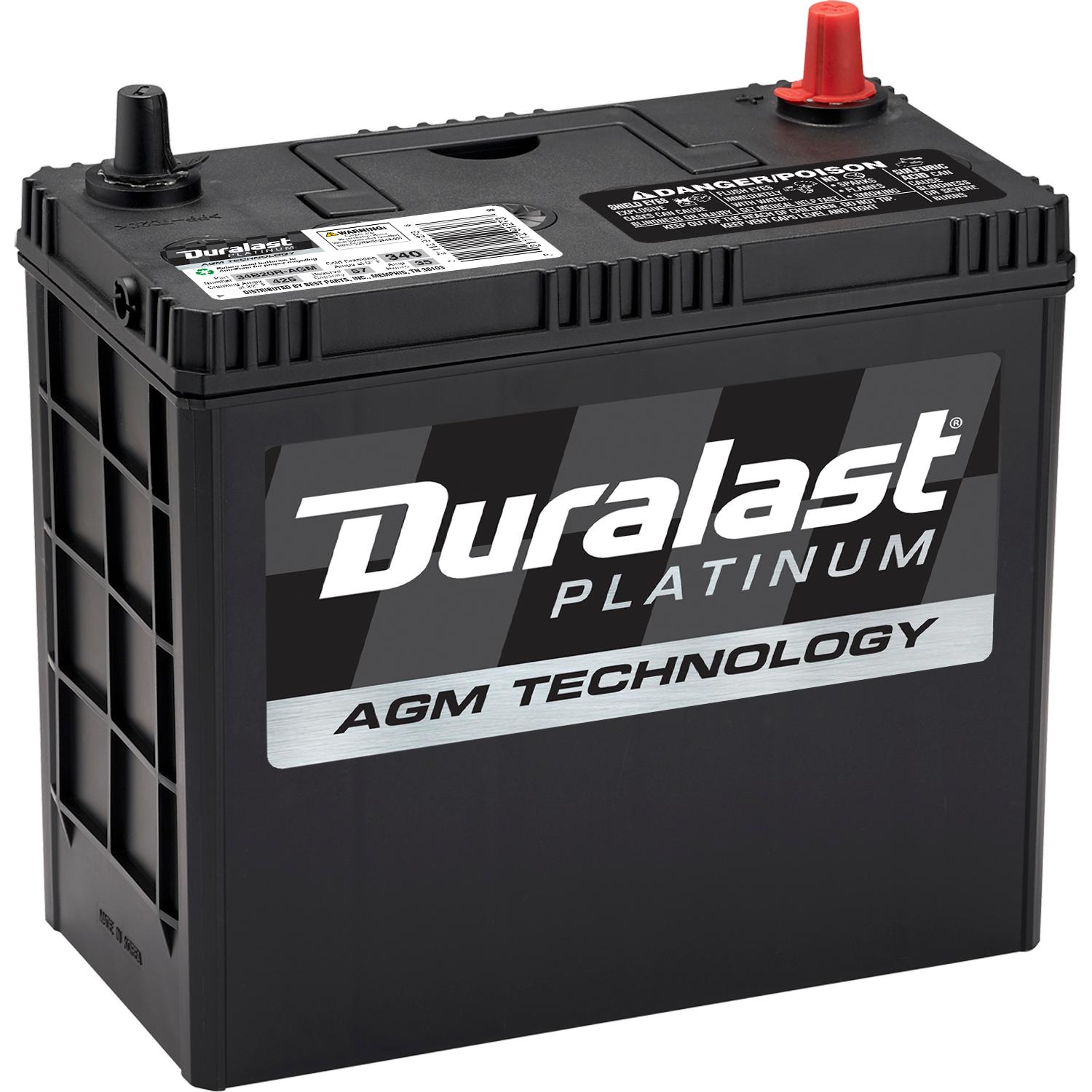
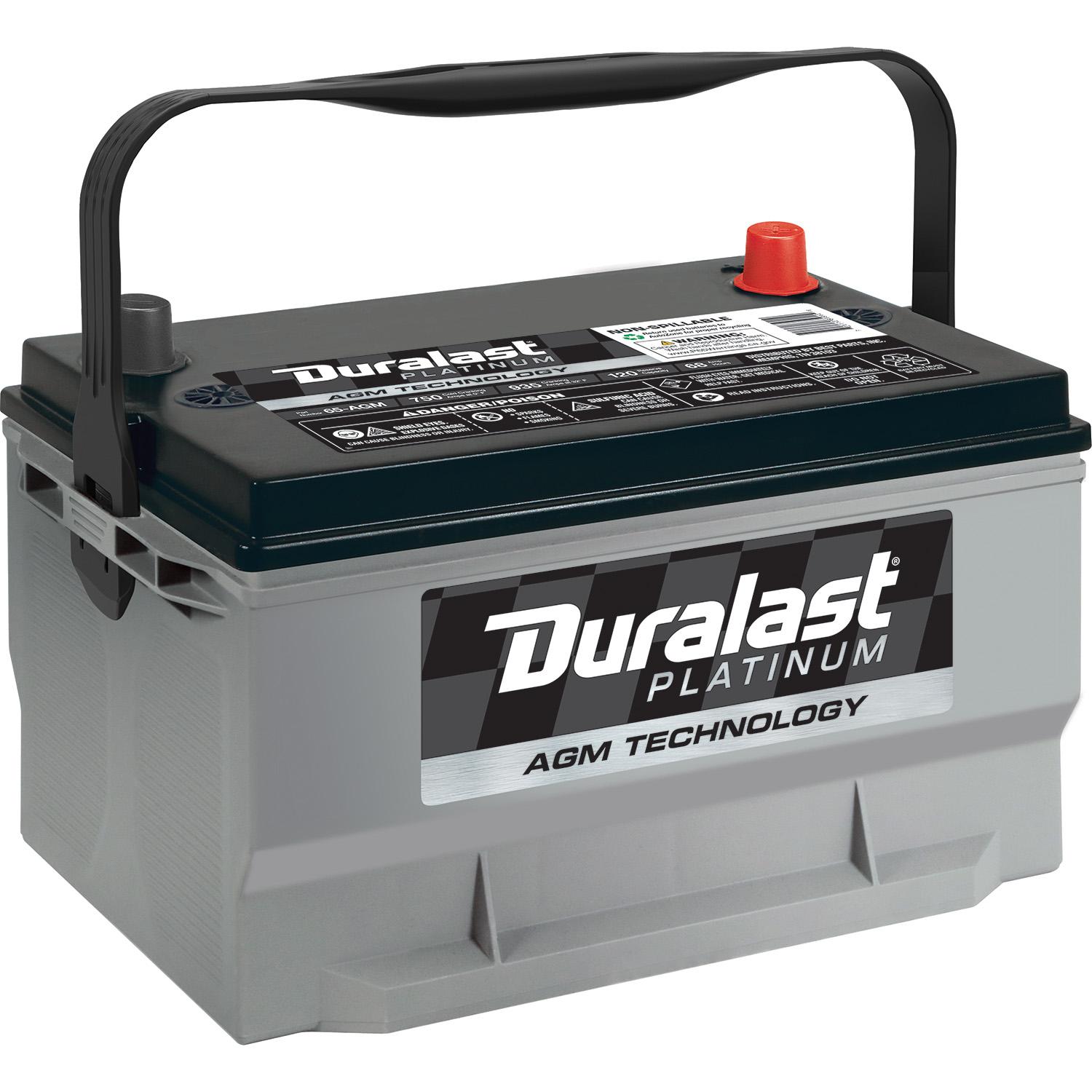
To handle these demands, Ford engineered the 2020 Expedition to use an Absorbed Glass Mat (AGM) battery rather than a traditional flooded lead-acid battery. AGM batteries are designed to withstand deep cycling, resist vibration, and provide reliable power for high-draw electrical accessories. Consequently, the replacement cost for an Expedition battery is higher than it would be for a smaller sedan or an older truck that uses a standard flooded battery.
Furthermore, many modern Ford vehicles incorporate dual-battery setups or specialized auxiliary batteries to support accessory power while the main engine is off. While the main cranking battery handles heavy engine starts, understanding your vehicle's specific trim level (such as the XL, XLT, Limited, King Ranch, or Platinum) is vital because certain optional equipment packages can influence the exact battery group size and electrical capacity required.
Breakdown of Battery Replacement Costs
When budgeting for a new battery, you must separate the cost of the hardware from the labor charged by a mechanic, dealership, or mobile service.
Part Costs: OEM vs. Aftermarket
The battery itself represents the largest single line item. For a 2020 Ford Expedition, the factory specification typically requires a Group 49 (H8) or Group 94R (H7) AGM battery, depending on regional specifications, towing packages, and specific factory options.
- OEM Ford / Motorcraft Batteries: Purchasing a replacement battery directly from a Ford dealership or a certified Motorcraft parts supplier typically costs between $200 and $300. These batteries are built to exact factory specifications, carry a reliable manufacturer warranty, and match the original performance profile of your SUV.
- Aftermarket Premium AGM Batteries: National auto parts retailers offer high-end AGM options from brands like DieHard, Optima, and Odyssey. These usually range from $180 to $270. They often feature extended replacement warranties (such as 3-year or 4-year free replacement periods) and comparable or superior cold-cranking amps (CCA).
- Economy Flooded Batteries: While it is technically possible to install a standard flooded lead-acid battery instead of an AGM battery, doing so is strongly discouraged. A standard battery will degrade rapidly under the heavy electrical load of a 2020 Expedition and may cause issues with the factory Auto Start-Stop system.
Labor Costs and Professional Installation
If you choose not to replace the battery yourself, professional installation fees will apply.
- Independent Repair Shops: Local mechanics usually charge between $40 and $80 in labor. Because replacing the battery in an Expedition requires navigating tight engine bay clearances and occasionally removing air filter housing components or cowl trim, shops generally bill for roughly 0.5 to 1 hour of labor.
- Dealership Service Centers: Ford dealerships typically charge $100 to $170 for labor and diagnostic checks. While more expensive, dealerships have factory-trained technicians who can seamlessly handle the Battery Monitoring System (BMS) reset procedure.
- Mobile Mechanics and Auto Parts Stores: Many major auto parts chains (such as AutoZone, Advance Auto Parts, and O'Reilly Auto Parts) offer free battery installation if you purchase the battery from them, provided the battery location is easily accessible. However, due to the tight confines of the Expedition engine bay, some store locations may decline to install it or charge a minor service fee.
| Replacement Option | Estimated Part Cost | Estimated Labor Cost | Total Estimated Cost | Warranty Coverage |
|---|---|---|---|---|
| DIY Aftermarket AGM | $180 – $270 | $0 (Self-Installed) | $180 – $270 | 3 to 4 Years |
| Auto Parts Store Service | $180 – $270 | $0 – $30 | $180 – $300 | 3 to 4 Years |
| Independent Mechanic (AGM) | $200 – $280 | $50 – $90 | $250 – $370 | Varies by Shop |
| Ford Dealership (OEM AGM) | $220 – $300 | $100 – $170 | $320 – $470 | 3-Year Factory Warranty |
Signs Your 2020 Ford Expedition Needs a New Battery
Recognizing the early symptoms of battery failure can prevent you from getting stranded. Modern vehicle batteries do not always fail with a dramatic click; instead, they often exhibit gradual performance degradation.
- Slow Crank Times: When you press the ignition button, the starter motor sounds sluggish or takes longer than usual to turn the 3.5L EcoBoost V6 engine over.
- Start-Stop System Deactivation: The vehicle's onboard computer constantly monitors battery state-of-charge. If the battery health drops below a specific threshold, the vehicle will automatically disable the Auto Start-Stop feature, and a notification may appear on the instrument cluster.
- Electrical Glitches and Warnings: Dimming headlights at idle, delayed power window operation, or random error messages regarding the ABS, charging system, or AdvanceTrac stability control often point to low system voltage.
- Visible Corrosion and Age: Visually inspect the battery terminals for white, green, or blue powdery buildup. Furthermore, if the battery is more than four to five years old, its chemical capacity has likely degraded beyond reliable operating limits.
The Importance of the Battery Monitoring System (BMS) Reset
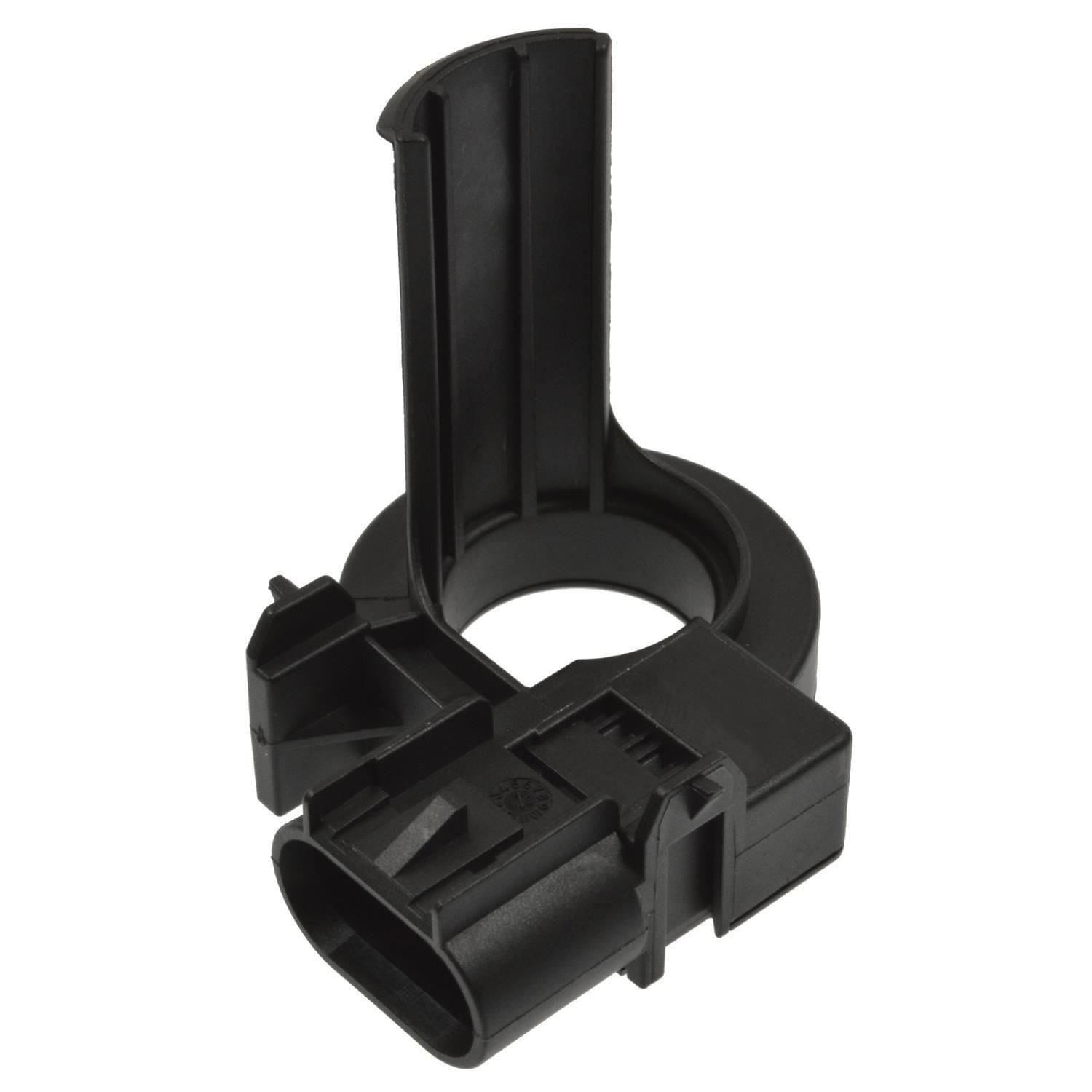
A critical technical detail often overlooked by DIYers is the Ford Battery Monitoring System (BMS). The 2020 Expedition features a current sensor attached to the negative battery terminal that tracks the battery's age, state of charge, and temperature over time.
When you install a brand-new battery, the vehicle's computer still assumes the old, degraded battery is attached. If you do not perform a BMS reset, the charging system may undercharge or overcharge the new battery, drastically shortening its lifespan.
How to Perform a Manual BMS Reset
If you replace the battery yourself, you can reset the BMS without a professional scan tool by following a specific sequence:
- Switch the ignition on (engine off, dashboard lights illuminated).
- Flash the high-beam headlights 5 times.
- Press and release the brake pedal 3 times.
- Watch the battery warning light on the instrument cluster. If the reset was successful, the battery icon will flash 3 times within a short window.
Alternatively, professional shops and dealerships use an OBD-II diagnostic tool to instantly reset the BMS parameters within the Powertrain Control Module (PCM).
Step-by-Step DIY Battery Replacement Guide
If you prefer to change the battery yourself to save on labor costs, preparation and safety are essential.
Tools and Equipment Needed
- New Group 49 (H8) AGM Battery
- 10mm and 13mm sockets with a ratchet and extension
- Terminal puller (optional, in case of tight corrosion)
- Wire brush or terminal cleaning spray
- Safety glasses and protective gloves
- Memory saver (optional, to retain radio presets and seat memories)
Replacement Procedure
- Park Safely: Park on a level surface, engage the parking brake, turn off the ignition, and remove the key fob from proximity to the vehicle.
- Access the Battery: Open the hood and locate the battery on the passenger side of the engine bay. Remove any plastic covers or air intake ducting necessary to gain clear access to the terminal clamps and hold-down bracket.
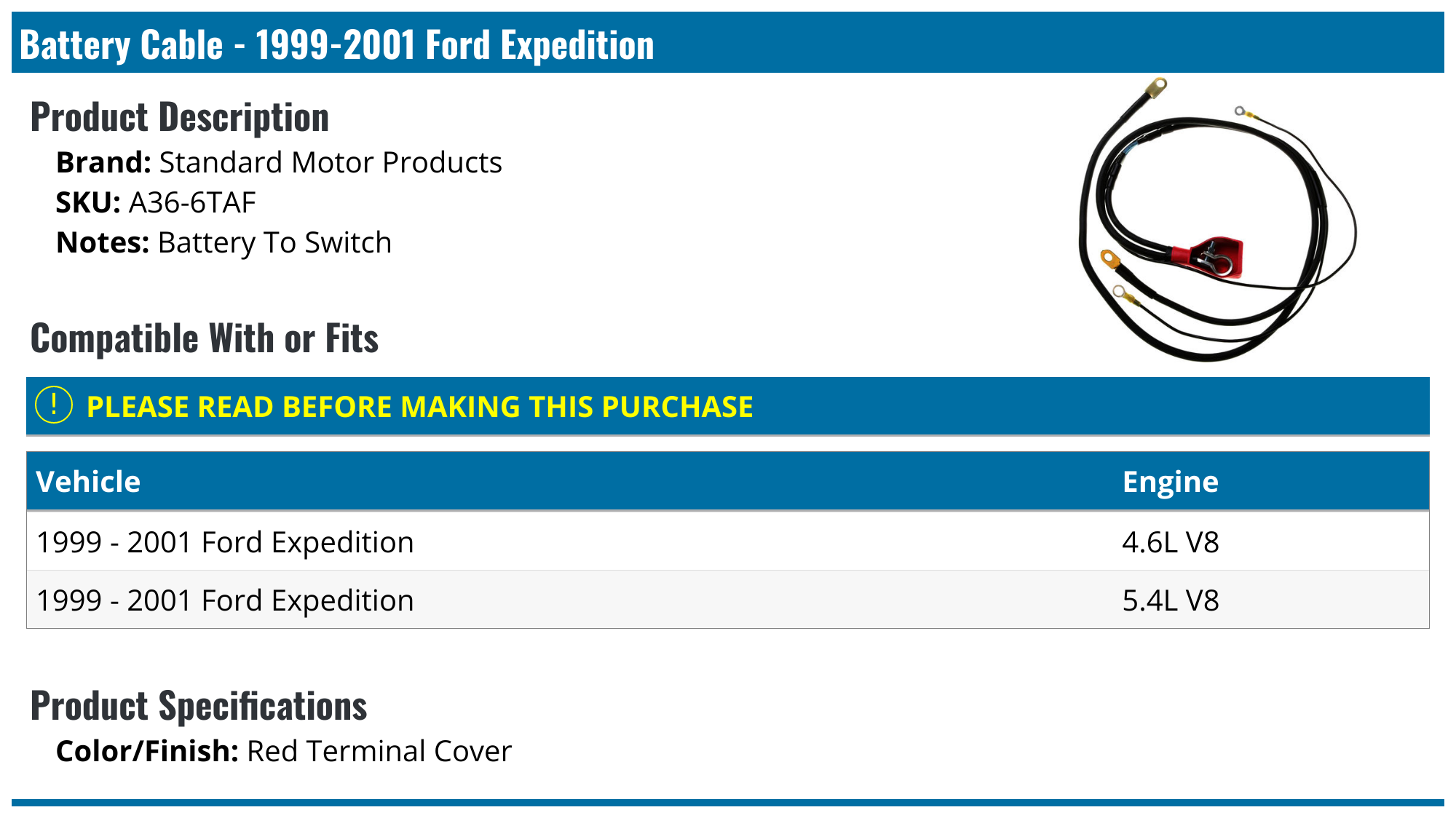
- Disconnect the Negative Terminal: Loosen the nut on the negative (black) terminal using a 10mm socket, lift the cable away, and tuck it aside safely so it cannot spring back and touch metal.
- Disconnect the Positive Terminal: Open the protective cover on the positive (red) terminal, loosen the nut, and disconnect the cable.
- Remove the Hold-Down Clamp: Use a 13mm socket with an extension to remove the bolt securing the battery wedge clamp at the base of the battery tray.
- Lift Out the Old Battery: Carefully lift the heavy battery straight up and out of the engine bay. (AGM batteries are exceptionally heavy, often weighing upwards of 50 pounds).
- Clean the Tray and Terminals: Inspect the battery tray for debris or corrosion. Clean the cable terminals with a wire brush.
- Install the New Battery: Place the new AGM battery securely into the tray. Reinstall the bottom hold-down clamp and tighten it securely.
- Connect Terminals: Attach the positive (red) terminal first and tighten it, followed by the negative (black) terminal.
- Perform the BMS Reset: Execute the manual BMS reset sequence or connect an OBD-II scan tool to reset the charging parameters.
Frequently Asked Questions
Can I use a standard lead-acid battery in my 2020 Ford Expedition to save money?
While it is physically possible to fit a standard flooded battery into the tray, it is strongly discouraged. The 2020 Expedition relies on an AGM battery to handle heavy accessory loads and the frequent engine cycling of the Auto Start-Stop system. A standard battery will wear out quickly and may cause electronic faults.
How long does a factory battery last in a 2020 Ford Expedition?
An OEM AGM battery typically lasts between 4 and 6 years. However, vehicle usage patterns heavily influence this lifespan. Frequent short trips prevent the alternator from fully charging the battery, while extreme ambient temperatures (both freezing winters and scorching summers) accelerate chemical degradation.
Will replacing the battery erase my radio presets and seat memories?
Yes, disconnecting the power supply entirely will cut power to the vehicle's computer memory modules. You can prevent this by plugging a 12V memory saver into the OBD-II port or auxiliary power port before disconnecting the battery terminals.
Do auto parts stores install batteries for free?
Many national chains offer free installation, but exceptions apply. Because the battery in a 2020 Ford Expedition is tucked tightly into the engine bay and requires removing trim components, some technicians may decline to install it or charge a fee. Always call ahead to confirm store policy.
Final Recommendations
When facing 2020 Ford Expedition battery replacement costs, investing in a quality AGM battery is non-negotiable for the reliability of your SUV's electrical network. If you have basic mechanical tools and safety gear, doing the replacement yourself is a straightforward project that saves $50 to $150 in labor fees—just remember to perform the mandatory Battery Monitoring System (BMS) reset afterward. If you prefer convenience and guaranteed warranty validation, taking your vehicle to a certified Ford service center or trusted local mechanic ensures the job is done correctly the first time.