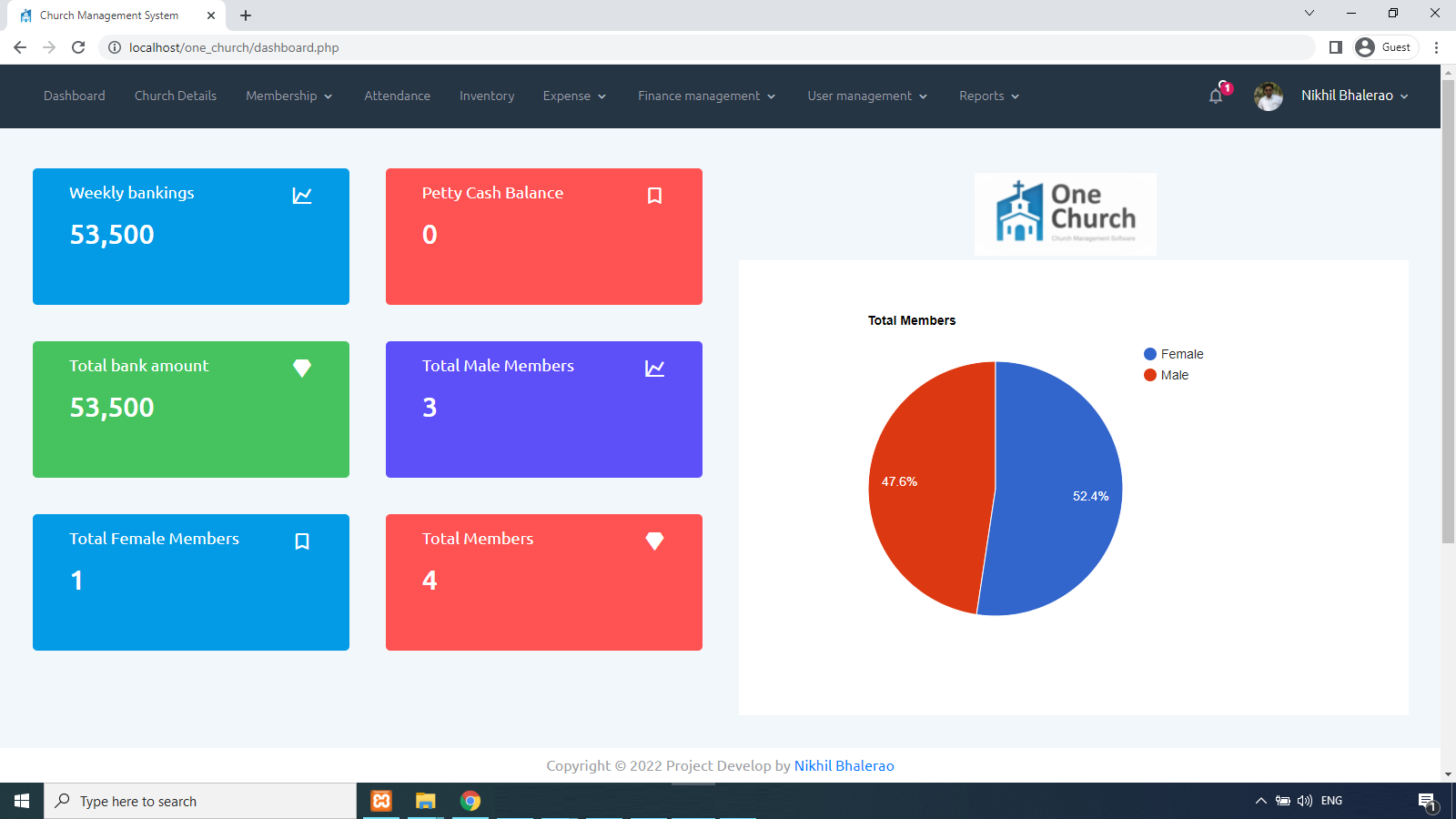
B1 Church is a specialized church management system (ChMS) designed to centralize member data, automate administrative workflows, and facilitate communication within religious organizations. In an era where digital stewardship is paramount, this platform offers a unified database to track attendance, manage donations, and coordinate volunteer ministries, effectively replacing fragmented spreadsheets and disparate software tools.
Understanding the Role of CRM in Modern Church Management
The core philosophy behind platforms like B1 Church is the application of Customer Relationship Management (CRM) principles to the context of a faith-based organization. While the terminology "CRM" originated in the corporate sector to drive sales, its application in a church setting focuses on "Member Relationship Management." This involves nurturing the connection between the church leadership and its congregants through organized data.
A CRM for a church acts as the central nervous system of the organization. It is not merely a digital phonebook; it is a repository of interactions. By tracking who attends services, who contributes financially, and who participates in specific small groups or service opportunities, leadership teams can identify trends in engagement. For example, if a family stops attending or suddenly shifts their service habits, the CRM provides the historical context necessary for pastoral care teams to reach out effectively.
Core Features and Technical Scope
When evaluating B1 Church, the focus rests on how well it executes the fundamental tasks required by ministry staff. The platform is designed to handle three primary operational pillars: database management, financial tracking, and ministry coordination.
Database and Profile Management
At the heart of the software is the individual member profile. Each record within the system is designed to hold more than just contact information. It stores family relationships, baptism dates, service history, and custom tags or attributes defined by the church. The technical advantage here lies in the ability to segment the congregation. Church administrators can filter the entire database to create specific lists—for instance, "families with children under five" or "volunteers trained in childcare"—which allows for highly targeted communication via email or integrated SMS tools.
Financial Stewardship and Contribution Tracking
Financial management within the B1 Church ecosystem emphasizes transparency and reporting accuracy. The software allows for the tracking of various contribution types, including tithes, offerings, and designated funds for specific building projects or missions. Crucially, the platform often integrates with online giving portals, allowing for real-time syncing of digital donations. Administrators can generate tax statements for donors at the end of the year with a high degree of automation, significantly reducing the administrative burden typically associated with fiscal year-end reporting.
Ministry and Attendance Tracking
Attendance tracking provides the data necessary to monitor the health of the church. Whether through check-in kiosks for children’s ministries or manual headcount entry, the software aggregates this information to help leaders understand growth patterns. By mapping attendance against events, the CRM allows for a more granular view of which programs are resonating with the congregation and which might require strategic adjustment or sunsetting.
Comparative Analysis: B1 Church in the Software Landscape
To understand where B1 Church fits, it is helpful to contrast it with other common administrative solutions. The table below illustrates the typical functional differences between B1 Church and traditional administrative tools.
| Feature Category | B1 Church CRM | Basic Spreadsheet (Excel/Google) | General Purpose Business CRM |
|---|---|---|---|
| Data Centralization | High (Integrated) | Low (Fragmented) | High (Requires customization) |
| Ministry Specificity | Native (Church-focused) | None | Low (Requires heavy configuration) |
| Automation | High (Giving, Check-in) | Manual Only | High (Often costly) |
| Church Reporting | Automated (Yearly Giving) | Manual Calculations | Requires Manual Setup |
Operational Benefits and Potential Limitations
The primary advantage of adopting B1 Church is the transition from reactive to proactive ministry. When data is easily accessible, pastoral staff spend less time searching for records and more time focusing on relational ministry. The automation of administrative tasks—such as sending automated confirmation emails for event registrations or generating contribution receipts—frees up staff for higher-value activities.
However, users must be aware of the operational requirements. Implementing any CRM, including B1 Church, necessitates a shift in organizational culture. Staff and volunteers must be disciplined about data entry. If a church uses the system inconsistently—for example, by failing to log visitor information or neglecting to update donor records—the software’s utility diminishes. Furthermore, technical proficiency varies among church staff. There is often a learning curve associated with training volunteers to use check-in kiosks or teaching administrative assistants how to run complex queries.
Implementation and Data Security
Transitioning to B1 Church requires a deliberate migration process. If a church is moving from legacy software or manual files, data hygiene is the most significant hurdle. Ensuring that contact lists are deduplicated and categorized correctly before import is essential to the success of the system.
Security is another critical consideration for churches handling sensitive data, including financial contributions and personal information. Users should investigate the platform's specific protocols regarding data encryption, backup schedules, and role-based access controls. Role-based access is particularly important in a church environment; it ensures that a volunteer managing the children’s check-in queue cannot access the financial giving records of the donors, thereby maintaining appropriate privacy boundaries within the organization.
Troubleshooting Common Administrative Bottlenecks
- Duplicate Records: The most common issue in any CRM is the accumulation of duplicate entries for the same individual. Regular audits are necessary. Use the system’s built-in merging tools to keep the database lean and accurate.
- Incomplete Profiles: If the data is empty, the insights are useless. Implement a "complete profile" initiative during the onboarding process for new members to ensure essential fields—such as email addresses and phone numbers—are populated.
- Reporting Inconsistencies: If generated reports do not match bank deposits, the issue is typically a mismatch in the "date recorded" versus the "date cleared" for donations. Establishing a standard accounting practice for when to enter funds is vital.
Future-Proofing Your Ministry Operations
As of 2026, the digital landscape for religious organizations continues to prioritize integration. A CRM that sits in isolation is no longer sufficient. Churches are increasingly looking for ways to connect their CRM with their website CMS (Content Management System), social media tools, and internal communication platforms. When evaluating whether B1 Church remains the right fit, leadership should consider the software’s API capabilities and its ability to integrate with the other digital tools the church intends to use in the coming years.
Frequently Asked Questions
Is B1 Church suitable for smaller church plants? Yes, but the value is often realized in the time saved. While small churches can operate with basic tools initially, implementing a CRM like B1 Church early prevents the need for a painful data migration later when the church grows and manual tracking becomes unsustainable.
How does B1 Church handle data privacy? Most professional-grade ChMS platforms implement industry-standard encryption. Organizations should verify that their internal policy aligns with the software's access controls, ensuring that only staff with a legitimate need have access to sensitive financial or private contact information.
What is the learning curve for non-technical volunteers? The learning curve varies based on the feature set being used. Generally, task-specific interfaces, such as volunteer check-in portals, are designed to be intuitive and require minimal training, whereas backend database management requires a higher level of administrative oversight.
Can B1 Church integrate with my church’s accounting software? Many church CRMs provide export options for common accounting software or offer direct integrations. It is recommended to check the specific integration documentation provided by the platform to ensure compatibility with your existing financial systems.
Does this software require a dedicated IT staff member? No. Most modern SaaS (Software as a Service) platforms like B1 Church are managed by the provider, removing the need for internal server maintenance or complex software updates. A volunteer or staff member with basic computer literacy can typically act as the "system administrator."
Final Recommendation
For churches seeking to modernize their administrative infrastructure, B1 Church provides a robust framework to transition from manual, disconnected processes to a unified, data-driven approach. Before committing to the software, conduct an internal audit of your current data volume and define exactly which bottlenecks you aim to solve. If your goal is to automate financial reporting and streamline volunteer management, B1 Church offers the requisite tools. Focus your initial efforts on training your team on data integrity, as the quality of the software's output is fundamentally tethered to the quality of the data your team inputs.