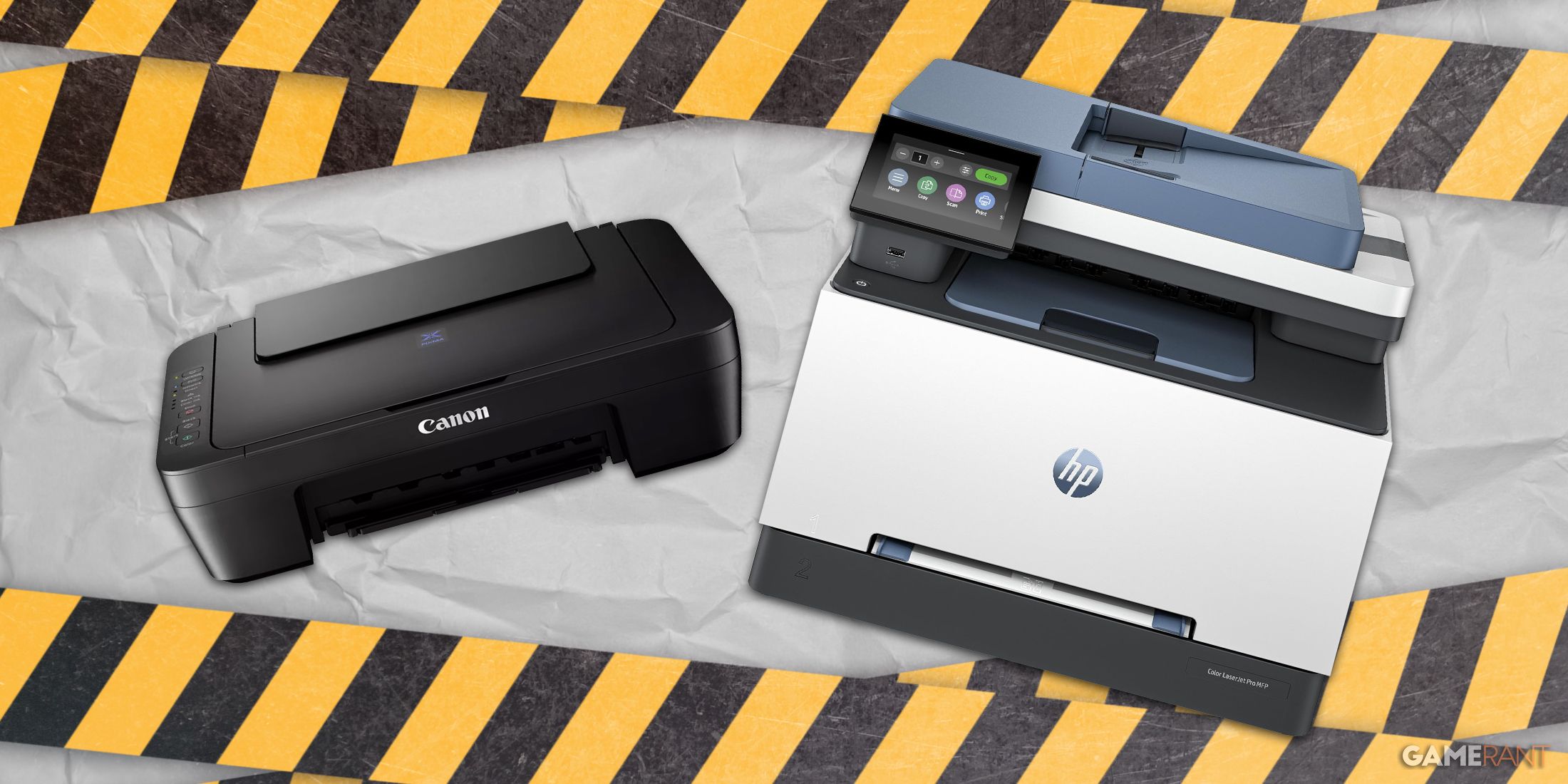
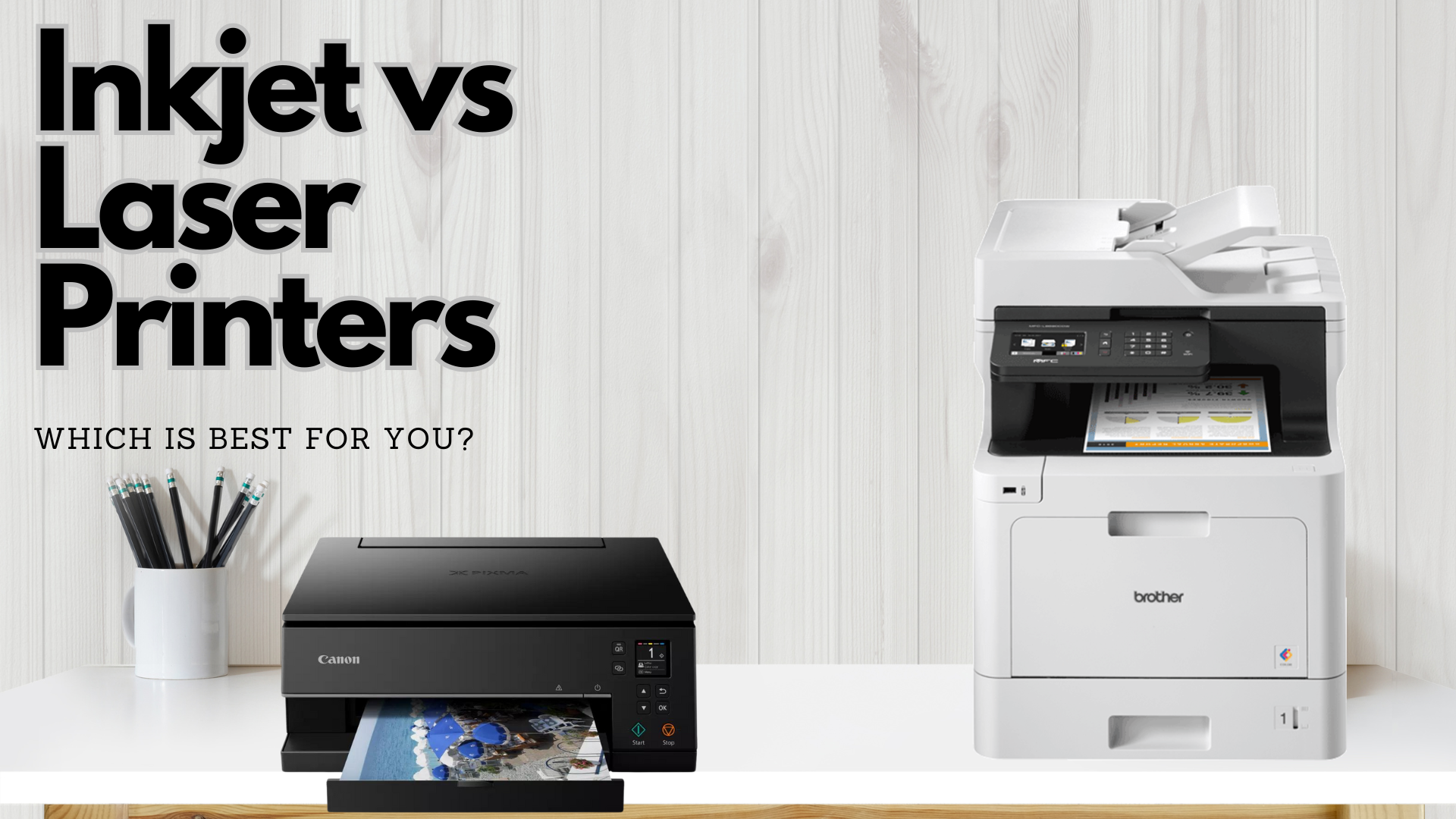
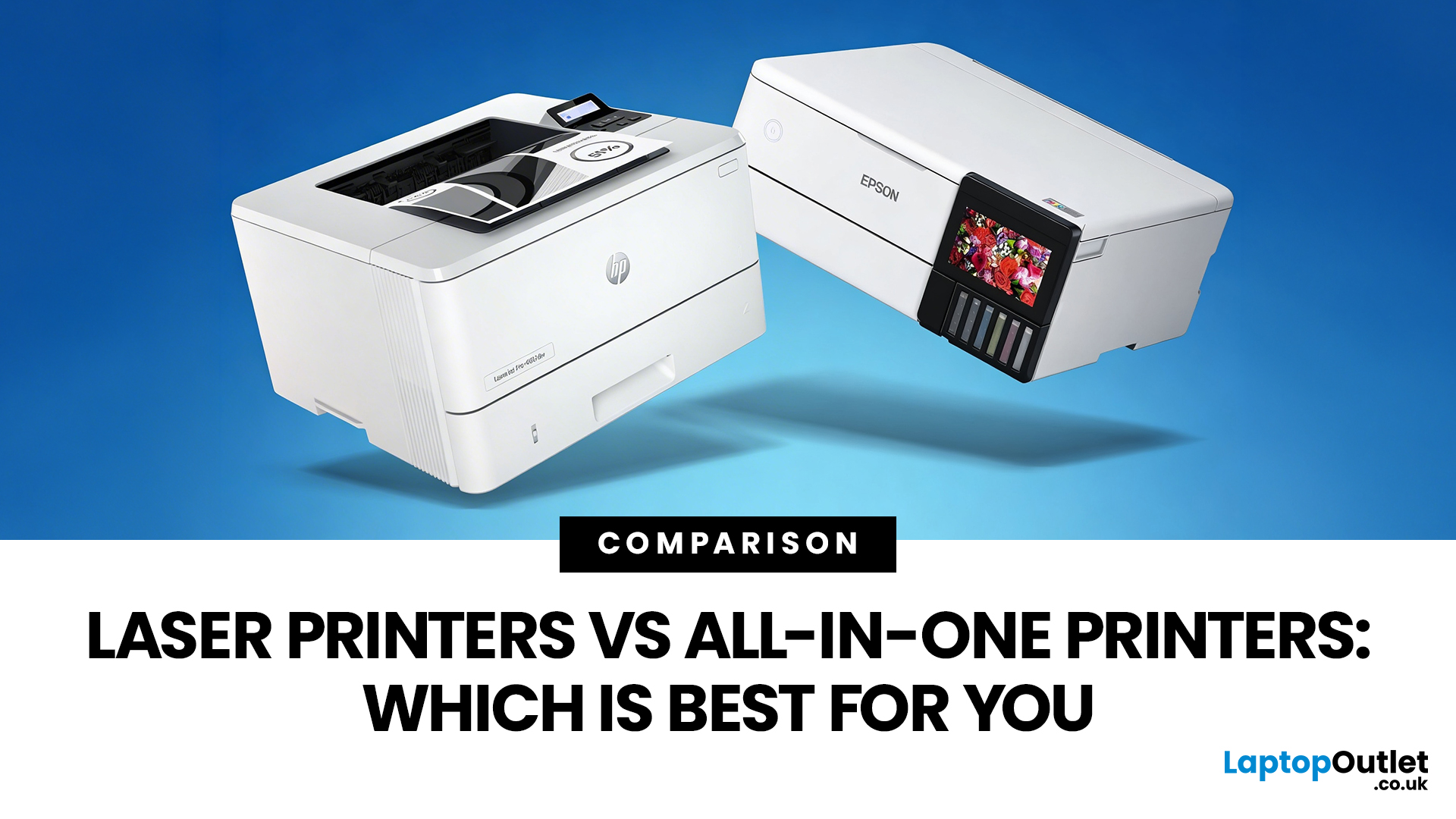
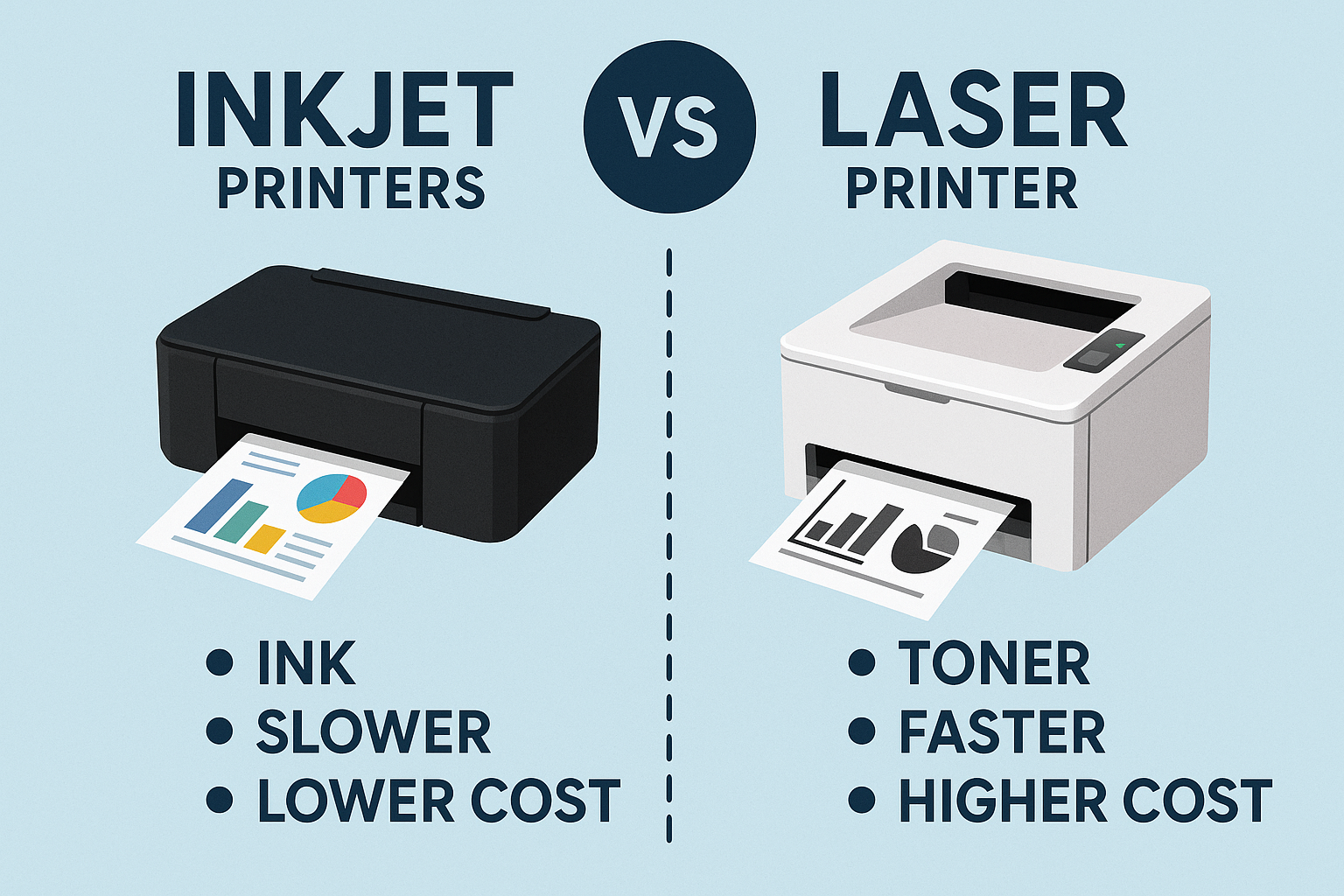
Choosing between a laser printer and an inkjet printer depends primarily on your printing volume, color requirements, and budget constraints. Laser printers utilize toner and heat to fuse text and images onto paper, offering rapid speeds and low per-page costs for heavy text use. Inkjet printers spray microscopic droplets of liquid ink, delivering exceptional photo quality and vibrant color reproduction at a lower upfront machine cost.
Introduction to Modern Printing Technologies
Selecting the right hardware for a home office, educational environment, or enterprise workspace requires looking past initial price tags to examine long-term operational costs, output quality, and media handling capabilities. The fundamental divide in modern desktop and office printing lies between laser technology and inkjet technology.
While both methods transfer digital documents onto physical paper, the underlying physics, chemical consumables, and mechanical designs diverge significantly. Understanding these differences ensures that your investment matches your actual workflow, whether you print thousands of monochrome invoices monthly or occasional high-resolution photo portfolios.
How Laser Printers Work
Laser printers rely on an electrostatic digital printing process. Inside the machine, a semiconductor laser beam precisely sweeps back and forth across a rotating photoreceptor drum, discharging specific areas to create an invisible electrostatic image.
The drum then rolls past a cartridge containing dry plastic powder known as toner. Opposing electrical charges cause the toner particles to adhere strictly to the laser-charged portions of the drum.
As the paper passes between the drum and a transfer charger, the toner is transferred onto the page. Finally, the paper moves through a fuser assembly—a pair of heated rollers that melt and permanently press the toner plastic into the paper fibers.
Key Characteristics of Laser Output
Because toner is already a dry powder, laser-printed documents exit the machine completely dry and impervious to moisture smudges. This makes laser technology the gold standard for text-heavy environments where crisp edges, fine character definition, and archival durability are paramount.
Monochrome laser printers dominate corporate settings because they execute high-volume black-and-white text jobs with blistering speed. Color laser printers exist, but they utilize four separate toner cartridges (Cyan, Magenta, Yellow, and Black) and a more complex multi-pass or tandem engine, increasing both machine size and acquisition cost.
How Inkjet Printers Work
Inkjet printers operate by propelling minute, precisely measured droplets of liquid ink through tiny nozzles directly onto the surface of the paper. There are two primary thermal and piezoelectric mechanisms used to achieve this fluid propulsion:
- Thermal Inkjet: Microscopic heating elements behind each nozzle boil the liquid ink instantly, creating a vapor bubble that expands and forces a droplet out of the nozzle. Once the bubble collapses, surface tension draws more ink into the chamber.
- Piezoelectric Inkjet: Specialized ceramic crystals situated at the back of the ink reservoir change shape when an electrical charge is applied. This physical deformation exerts pressure on the fluid, expelling a precise droplet without the application of heat.
Key Characteristics of Inkjet Output
Liquid ink allows for seamless color blending, gradients, and micro-dot placement that dry toner particles struggle to match. Consequently, inkjet printers excel at photographic reproduction, fine art prints, and rich color presentations.
Modern inkjets can deposit varying droplet sizes on the fly, creating smooth skin tones and subtle photographic transitions. However, because the ink is liquid, standard plain paper can absorb moisture and buckle slightly if saturated, and fresh prints can smear if exposed to water before the carrier fluid fully evaporates.
Detailed Feature-by-Feature Comparison
Evaluating these two technologies requires a direct side-by-side analysis of performance metrics that impact daily operation.
| Feature / Metric | Laser Printers | Inkjet Printers |
|---|---|---|
| Primary Consumable | Dry toner powder in cartridges | Liquid ink in cartridges or bulk tanks |
| Upfront Hardware Cost | Generally higher (especially for color) | Generally lower for basic models |
| Per-Page Cost (Text) | Very low, highly economical for volume | Higher for standard cartridges; low for ink tanks |
| Print Speed (PPM) | Fast (often 20 to 50+ pages per minute) | Slower (typically 10 to 20 pages per minute) |
| Text Sharpness | Exceptional, laser-sharp edge definition | Very good, but prone to micro-feathering on plain paper |
| Photo Quality | Adequate for business graphics; poor for glossy photos | Superior color depth, gradients, and photo reproduction |
| Maintenance Needs | Low; rollers and fuser require periodic replacement | Moderate; print heads can clog if left unused |
Upfront Investment versus Long-Term Operational Costs
Budget considerations often dictate the initial choice between a laser and an inkjet machine, but short-term savings can frequently lead to long-term financial friction.
Acquisition Costs
Entry-level inkjet printers are remarkably inexpensive, often retailing at a fraction of the cost of a comparable laser unit. Manufacturers frequently price hardware near or below production cost, relying on proprietary consumable sales to achieve profitability.
Color laser printers require sophisticated internal optics, multiple toner drums, and complex paper-handling paths, driving up initial manufacturing and retail expenses.
Consumable Economics
Over a multi-year lifecycle, the financial equation often shifts heavily in favor of laser technology. Toner cartridges hold thousands of pages worth of powder, resulting in a low cost per page.
Standard inkjet cartridges, conversely, contain small volumes of liquid ink that deplete rapidly during routine maintenance cycles, such as automated print-head cleaning routines.
While high-capacity ink tank systems (often called continuous ink supply systems) have drastically reduced inkjet running costs by utilizing bottled ink, toner remains significantly more cost-effective for high-volume text printing.
Speed, Volume, and Duty Cycles
Workflow velocity is another critical differentiator that separates office workhorses from creative desktop tools.
Print Speeds Measured in PPM
Laser printers are engineered for sustained high-speed output. A mid-range office laser can churn out 30 to 40 pages per minute without pausing.
Inkjet printers generally operate at more modest speeds, typically ranging from 9 to 20 pages per minute depending on whether the document is monochrome or complex color.
Monthly Duty Cycles
Every printer is assigned a recommended monthly duty cycle—the maximum number of pages it can output per month without sustaining premature mechanical wear. Laser printers are built with heavy-duty gears, robust rollers, and durable fuser units, making them ideal for high-volume offices printing thousands of pages monthly.
Inkjet mechanisms are more delicate, designed for lighter home, student, or creative studio environments where daily output remains modest.
Media Handling and Paper Compatibility
The physical path a sheet of paper travels through a printer dictates what types of media you can use.
Laser Media Limits
Laser printers use heat to fuse toner, meaning any media introduced must withstand temperatures reaching 200 degrees Celsius (around 400 degrees Fahrenheit) or higher. Heat-sensitive plastics, certain labels, and specialty glossy photo papers can melt inside a laser fuser, ruining the printer mechanism.
Standard copy paper, cardstock rated for laser use, envelopes, and textured stationery pass through laser paths cleanly.
Inkjet Versatility
Inkjets apply cold or mildly warmed liquid, making them compatible with an expansive array of specialty substrates. You can feed thick watercolor paper, canvas sheets, fabric transfer paper, iron-on transfers, and ultra-glossy photographic paper through an inkjet printer.
This media flexibility makes inkjets the undisputed choice for crafters, photographers, and artists who demand tactile variation in their physical outputs.
Maintenance, Reliability, and Environmental Factors
Printers require ongoing care to maintain operational health. The maintenance profiles of laser and inkjet machines differ substantially.
The Maintenance Profile of Inkjets
The greatest operational vulnerability of an inkjet printer is print-head clogging. If an inkjet machine sits idle for weeks, the liquid ink inside the microscopic nozzles can dry out and form solid blockages.
To combat this, inkjets perform automated cleaning cycles that purge liquid ink through the nozzles, which can consume significant ink reserves even when no documents are being printed.
The Maintenance Profile of Lasers
Laser printers do not suffer from clogged nozzles because toner is already a dry powder. A laser printer can sit dormant for months, powered off, and resume printing instantly without degradation or waste.
However, laser printers do contain moving mechanical parts, transfer belts, and fuser units that eventually reach their service life and require replacement by a technician or user.
Environmental Considerations
Laser printers draw substantially more electrical wattage during operation because of the energy required to heat the fuser rollers, though modern models feature aggressive sleep modes.
Laser units also generate trace amounts of ozone and microscopic toner particulates, necessitating adequate room ventilation in small, unventilated home offices.
Inkjets operate at much lower electrical wattages and emit no ozone, though discarded plastic cartridges and liquid waste pads require proper electronic waste recycling.
Frequently Asked Questions
Which printer type is cheaper to run over time?
Laser printers are generally cheaper to run over the long term for text-heavy workflows because high-yield toner cartridges yield thousands of pages at a low cost per page. However, modern high-capacity ink tank inkjet printers have closed this gap significantly for users who print regular color documents.
Can laser printers print high-quality photographs?
Standard laser printers are not designed for true photographic printing. While color lasers handle business graphics, charts, and flyers well, they lack the smooth micro-dot blending required for realistic, glossy photo reproduction. Inkjets remain superior for photo printing.
Why do inkjet printers clog if left unused?
Inkjet nozzles are microscopic apertures exposed to air. When liquid ink sits idle in these tiny channels, the water or carrier solvent evaporates, leaving behind dried pigment or dye that physically blocks subsequent fluid flow.
Is a laser printer safe for a small home office?
Yes, modern laser printers are safe for home offices, provided the room has basic ventilation. Older or high-volume enterprise lasers can emit minor ozone odors or ultrafine toner dust, but consumer-grade units comply with strict indoor air quality standards.
What is the primary advantage of ink tank printers over cartridge inkjets?
Ink tank printers replace traditional, low-capacity plastic cartridges with refillable internal reservoirs supplied by high-volume bottles. This dramatically lowers ink costs per page, eliminating the high markup associated with traditional cartridge replacement.
Conclusion and Recommendations
Selecting the ideal printing technology depends entirely on your specific pattern of usage. If your daily routine involves printing multi-page text documents, invoices, contracts, and reports where speed, crisp typography, and low recurring supply costs matter most, invest in a monochrome or color laser printer.
Conversely, if your projects center on family photographs, graphic design proofs, vibrant presentations, or diverse creative media like cardstock and canvas, an inkjet printer—particularly a modern tank-based model—will provide the media versatility and color fidelity your workflow demands.