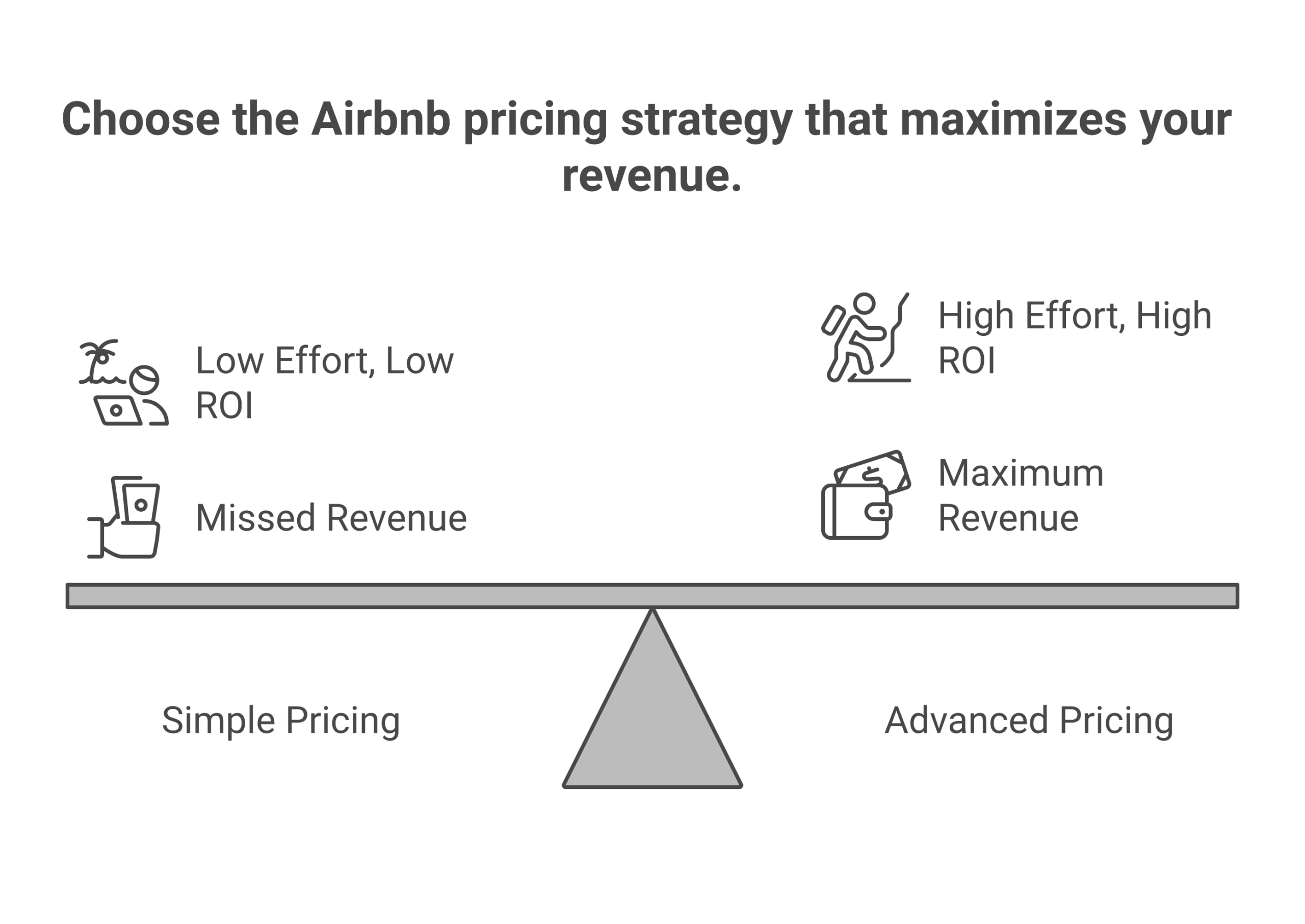
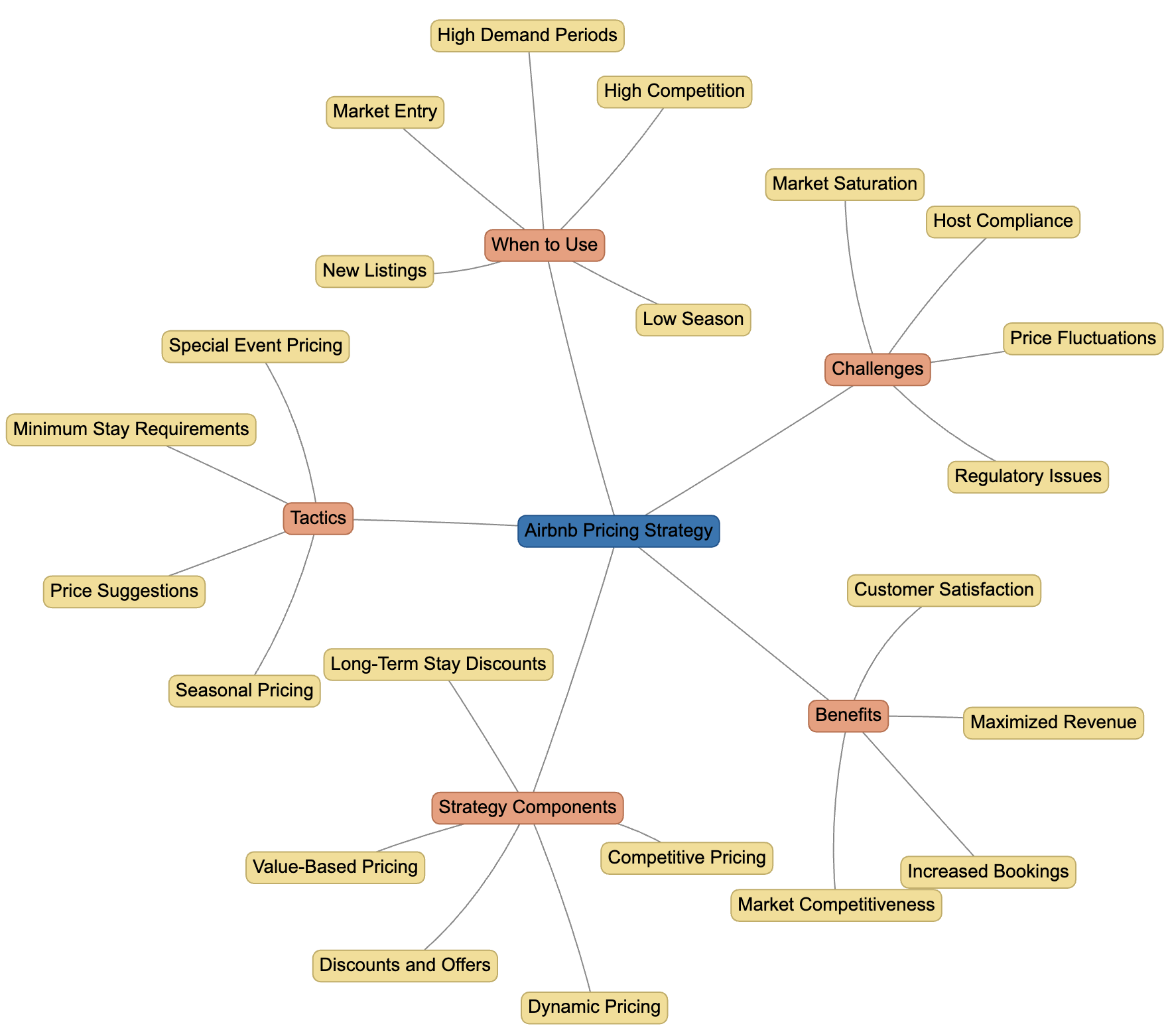
Airbnb auto pricing, officially known as Smart Pricing, is an automated tool that dynamically adjusts your nightly rates based on real-time market demand, local trends, and dozens of listing-specific factors. By analyzing search volume, seasonal patterns, and competitor availability, it aims to keep your listing competitive and maximize your occupancy rates without requiring manual daily updates.
The short-term rental market in 2026 has become increasingly sophisticated, making manual pricing strategies nearly obsolete for hosts who manage multiple properties or seek high-level efficiency. Understanding the mechanics of Airbnb’s native auto-pricing tool is the first step toward optimizing your revenue. This guide provides a deep dive into how the algorithm works, how to configure it correctly, and how to weigh its benefits against third-party alternatives.
What is Airbnb Auto Pricing?
At its core, Airbnb auto pricing is a dynamic pricing algorithm integrated directly into the Airbnb hosting dashboard. Unlike a fixed pricing model—where a host sets a single price for every night of the year—auto pricing treats the nightly rate as a fluid variable. The system uses machine learning to predict when guests are most likely to book and at what price point.
When you enable this feature, you relinquish direct control over the specific nightly rate in exchange for the software’s ability to respond to market shifts 24/7. However, you maintain "guardrails" by setting a minimum and maximum price. The algorithm then chooses a price within that range for every available night on your calendar.
In 2026, the data points considered by the algorithm have grown more granular. It no longer just looks at the day of the week or the month; it considers hyper-local factors like neighborhood walkability scores, historical booking lead times for your specific sub-market, and even real-time weather forecasts that might influence last-minute travel decisions.
How the Airbnb Smart Pricing Algorithm Functions
To use auto pricing effectively, you must understand the data signals the algorithm prioritizes. Airbnb’s primary goal is to facilitate a transaction—meaning the system is inherently biased toward a price that guarantees a booking.
1. Demand Signals and Local Trends
The algorithm monitors how many travelers are searching for stays in your specific area for specific dates. If a major festival, conference, or sporting event is announced for 2026 in your city, the auto-pricing tool detects the surge in search volume and raises your rates accordingly. Conversely, if local supply (the number of available listings) increases while searches remain flat, the price will likely decrease to maintain your listing's attractiveness.
2. Listing Performance and Attributes
Your listing is not priced in a vacuum. The algorithm evaluates your unique "value proposition" compared to your neighbors. This includes:
- Review Scores: Listings with a 4.9+ rating can often command a premium over those with lower scores.
- Amenities: If your property offers a high-speed EV charger or a private hot tub—amenities that have seen increased search filters in 2026—the auto-pricing tool may push your price higher than a similar property without those features.
- Lead Time: If you have unbooked nights coming up in the next 48 to 72 hours, the system will aggressively discount those dates to prevent a total loss of revenue for those nights.
3. Competitor Benchmarking
The tool looks at "Comp Sets" (competitive sets), which are listings similar to yours in size, capacity, and quality within a small radius. If your competitors are consistently booked at a higher price point, the algorithm recognizes the market's willingness to pay more and adjusts your ceiling upward.
Setting Up Smart Pricing: Step-by-Step Configuration
Transitioning to auto pricing requires careful calibration. If you set your parameters too wide, you risk leaving money on the table or getting booked at a rate that doesn't cover your operating costs.
Prerequisites for Success
Before toggling the switch, ensure your listing details are 100% accurate. The algorithm relies on your "Listing Type" (Entire Home vs. Private Room) and "Guest Capacity" to find your competitors. If you have listed a "sofa bed" as a real bed, the algorithm might overprice your unit, leading to zero bookings and a subsequent downward spiral in price recommendations.
The Configuration Process
- Navigate to the Pricing Tab: Access your hosting dashboard and select the listing you wish to automate.
- Enable Smart Pricing: Toggle the feature to "On."
- Define the Minimum Price: This is your "floor." It should cover your mortgage, cleaning (if not a separate fee), utilities, and a baseline profit. The algorithm will never go below this number.
- Define the Maximum Price: This is your "ceiling." In 2026, it is advisable to set this significantly higher than your average expected rate to capture "whale" bookings during unexpected high-demand surges.
- Set a Base Price: This tells the algorithm where to start its calculations before applying market modifiers.
Rule Sets vs. Smart Pricing
It is important to distinguish between Smart Pricing and Rule Sets. Rule sets allow you to create manual overrides—such as "Length of Stay" discounts or "Last-Minute" discounts. While Smart Pricing is an automated "always-on" tool, Rule Sets can be layered on top to provide more nuanced control for specific seasons or booking durations.
Pros and Cons of Airbnb's Native Auto Pricing
While the convenience of a "set it and forget it" system is appealing, professional hosts often have a love-hate relationship with native auto pricing.
The Advantages
- Search Ranking Boost: Airbnb has historically favored listings that use their internal tools. While not explicitly stated in their SEO documentation, data suggests that active, competitively priced listings appear higher in search results.
- Zero Cost: Unlike third-party pricing software that typically charges 1% of revenue or a flat monthly fee per listing, Smart Pricing is free for all Airbnb hosts.
- Real-Time Syncing: Because it is an internal tool, there is zero latency. Prices update the millisecond the algorithm detects a market shift.
The Disadvantages
- The "Race to the Bottom": Because Airbnb’s incentive is to maximize the total number of bookings (and thus their service fees), the algorithm often suggests lower prices than the market might actually bear. It prioritizes occupancy over high-margin individual stays.
- Limited Customization: You cannot tell the native tool to ignore a specific low-quality competitor or to prioritize bookings that are at least five days long. It is a "one-size-fits-all" logic.
- Aggressive Last-Minute Discounting: The system may drop your price to your "minimum" floor too quickly as the check-in date approaches, even if the market still has high demand.
Comparison of Auto Pricing Solutions in 2026
For many hosts, the choice is between Airbnb’s free native tool and paid professional software like PriceLabs, Wheelhouse, or Beyond.
| Feature | Airbnb Smart Pricing | Third-Party Tools (e.g., PriceLabs) |
|---|---|---|
| Cost | Free | 1% of revenue or flat fee (~$20/mo) |
| Market Data | Only Airbnb data | Cross-platform (Airbnb, VRBO, Booking.com) |
| Customization | Low (Min/Max only) | High (Aggressiveness levels, custom seasonal floors) |
| Event Detection | Automatic | Manual & Automatic (with event calendars) |
| Multi-Calendar Sync | No (Airbnb only) | Yes (Syncs across all platforms) |
| Algorithm Goal | Maximize Airbnb Occupancy | Maximize Host Revenue (RevPAR) |
Strategies for Optimizing Auto Pricing Performance
If you choose to use Airbnb's native auto pricing, you should not leave it entirely unattended. Effective hosting in 2026 requires "active automation."
1. The Periodic Floor Check
As inflation and utility costs fluctuate, your "minimum price" from six months ago may no longer be sustainable. Review your floor monthly to ensure that a booking at that price point still yields a net profit after all expenses.
2. Manual Overrides for Special Events
The algorithm is smart, but it isn't perfect. If you know a major local event (like a niche wedding venue nearby or a small local festival) is happening that the algorithm hasn't picked up on, manually override those dates with a higher fixed price. This prevents the "early bird" from booking your high-value dates at a low-season rate.
3. Monitoring "Price Health"
Check your "Booking Lead Time." If you are getting booked six months in advance at your current auto-price, your prices are likely too low. The algorithm is finding guests too easily. Raise your "Base Price" or "Minimum Price" to capture more revenue for those far-out dates. Conversely, if your calendar is empty for the next two weeks, your floor may be set higher than the current market can support.
Common Pitfalls and Troubleshooting
Many hosts turn off auto pricing after a "bad booking" where they felt cheated on the price. Usually, this is due to a configuration error rather than a failure of the algorithm.
The "Default Minimum" Trap
When you first enable Smart Pricing, Airbnb often suggests a minimum price based on a "quick start" average. Never accept the default. These defaults are almost always significantly lower than a sustainable operating rate. Always calculate your own break-even point before setting the floor.
Ignoring Holiday Demand
Smart Pricing generally handles major holidays like New Year's Eve or Christmas well. However, it can struggle with "bridge days"—the Tuesday or Wednesday between a holiday and a weekend. Check these specific gaps in your calendar to ensure the algorithm isn't dropping the price too low during a week where people are likely taking extended vacations.
Conflict with Other Discounts
If you have "New Listing Discounts" (20%) and "Weekly Discounts" (15%) enabled alongside Smart Pricing, these discounts are often applied on top of the auto-adjusted low price. This can lead to "stacking" where a night originally priced at $100 drops to $80 via Smart Pricing, and then drops again to $51.20 after stacked discounts. Always check your "Price Breakdown" in the calendar view to see the final guest price.
Is Smart Pricing Right for Your Listing?
Deciding whether to use Airbnb auto pricing depends largely on your listing's volume and your personal "time-vs-money" trade-off.
- Best for New or Casual Hosts: If you have one listing and don't want to spend an hour every week researching competitor prices, Smart Pricing provides a massive safety net against overpricing yourself out of the market.
- Best for "Highly Commutable" Markets: In cities with thousands of nearly identical apartments, staying competitive on price is the only way to survive. Auto pricing ensures you are always in the running for price-sensitive guests.
- Not Recommended for Unique/Luxury Listings: If you own a one-of-a-kind treehouse or a luxury mansion, the "Comp Set" the algorithm uses will be inaccurate. The algorithm cannot quantify the "vibe" or "prestige" of a unique property, and it will likely undervalue your listing by comparing it to standard homes nearby.
Frequently Asked Questions
Does enabling Smart Pricing improve my search ranking?
While Airbnb does not explicitly confirm a ranking "boost" for using internal tools, listings with Smart Pricing are updated more frequently. Frequent calendar updates are a known signal to the Airbnb search algorithm that the host is active and the pricing is accurate, which often leads to higher visibility.
Why is my auto price lower than my neighbor’s price?
Several factors could be at play. Your neighbor might have more reviews, a higher "Star" rating, or more premium amenities (like a pool or gym access). Alternatively, your neighbor might be using a manual pricing strategy or a third-party tool set to a higher "aggressiveness" level.
Can I set different minimum prices for weekends and weekdays?
Using the standard Smart Pricing toggle, you set one global minimum. However, you can use Rule Sets to create specific pricing logic for weekends that overrides or modifies the auto-pricing behavior, allowing you to maintain a higher floor for Friday and Saturday nights.
Will Smart Pricing automatically account for local cleaning fee changes?
No. The auto-pricing algorithm only manages the nightly rate. Your cleaning fees, pet fees, and extra guest fees remain static as per your manual settings. You must adjust these separately if your costs increase.
How often does the price change?
The algorithm can update your price multiple times per day as search patterns change. However, once a guest initiates a booking or a "Price Freeze," the rate is locked for that transaction.
Summary and Next Actions
Airbnb auto pricing is a powerful efficiency tool that, when properly constrained by host-defined floors and ceilings, can significantly increase occupancy. In 2026, the key to success is not just "turning it on," but actively managing the boundaries within which the algorithm operates.
Next Steps for Hosts:
- Audit your expenses: Calculate your absolute minimum nightly rate (including taxes and profit).
- Enable Smart Pricing: Set your minimum slightly above your break-even point.
- Monitor for 30 days: Observe how often the algorithm hits your "floor." If it is always at the floor, you may need to improve your listing's quality or amenities to justify a higher market value.
- Review the Competition: Manually search for your own listing as a guest once a month to see where you sit in the search results compared to your neighbors.