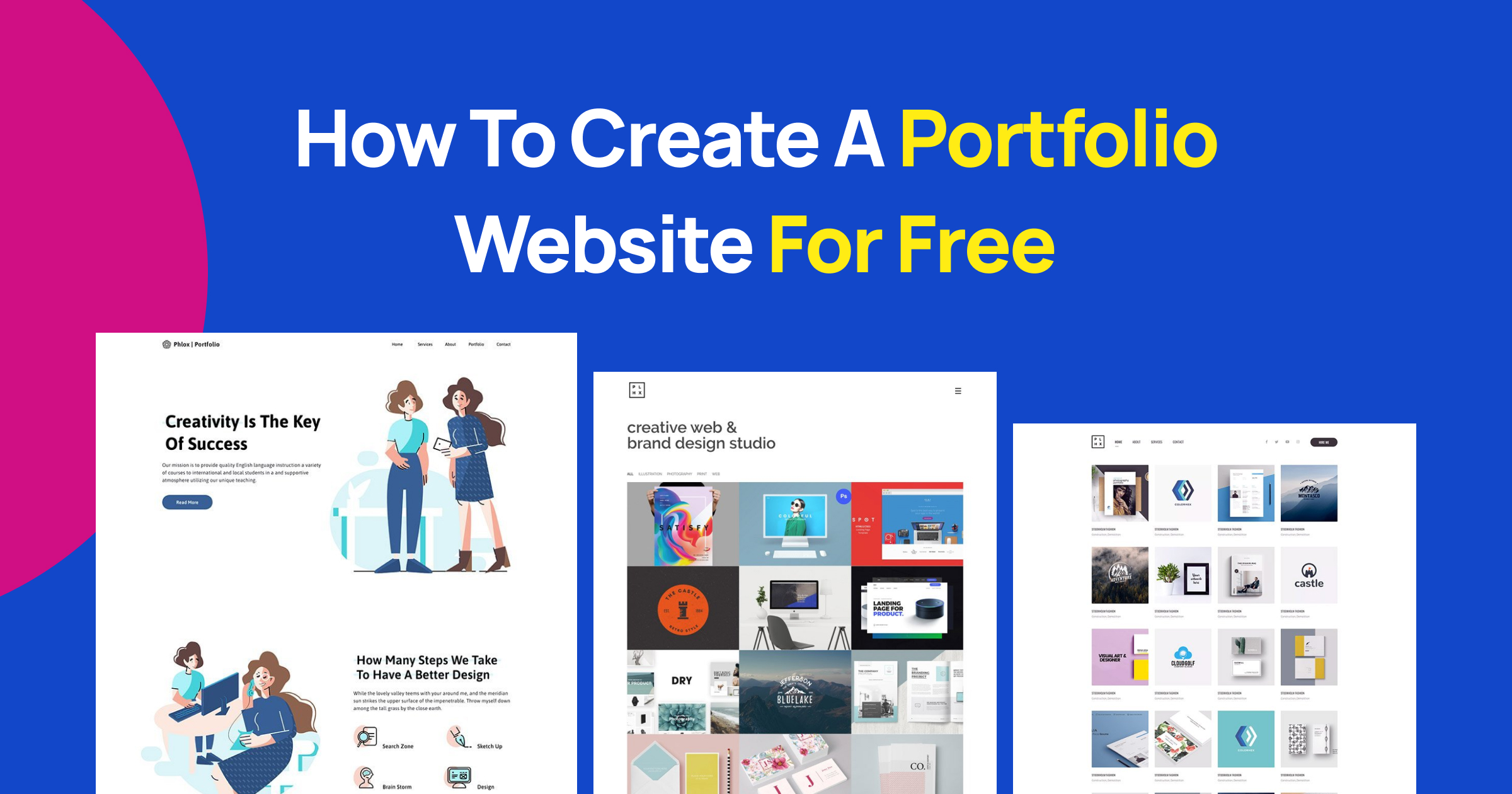
Building a professional web portfolio does not require an expensive hosting plan, custom domain purchases, or advanced web development skills. Whether you are a graphic designer, writer, software engineer, or photographer, numerous robust platforms allow you to publish your work online at zero cost. This comprehensive guide explores how to evaluate, set up, and optimize a free web portfolio to advance your career or showcase your creative practice.
Understanding the Landscape of Free Web Portfolios
Before selecting a platform, it is crucial to understand what "free" means in the context of web hosting and portfolio building. Most free tiers fall into one of three categories: subdomain-hosted website builders, static site hosting platforms, or specialized creative networks. Each option balances ease of use, design flexibility, and ownership differently.
When choosing a free web portfolio, you are typically trading financial cost for platform limitations. These limitations often include displaying the provider's branding or advertisements, restricting your storage space or bandwidth, and forcing you to use a subdomain rather than a custom top-level domain. However, for emerging professionals, students, or those testing a new career direction, these compromises are minor compared to the financial savings and rapid deployment times.
Furthermore, a practical guide to free web portfolios must address the longevity and portability of your content. Proprietary website builders lock your content into their ecosystem, making migration difficult if you outgrow the free tier. Conversely, static site generators or markdown-based platforms offer maximum portability, ensuring your hard work remains accessible and easy to move if your needs change.
Key Requirements for an Effective Portfolio
Regardless of the platform you choose, a successful portfolio must satisfy several core functional and aesthetic requirements. Visitors—whether they are prospective employers, clients, or collaborators—typically spend only a few seconds scanning a homepage before deciding whether to stay.
Clarity and Navigation
Your portfolio must immediately communicate who you are and what you do. A visitor should never have to guess your primary skill set. Keep navigation menus minimal, organizing your work logically into categories such as case studies, projects, or galleries.
Visual Hierarchy and Mobile Responsiveness
Modern web traffic is heavily skewed toward mobile devices, and most free portfolio platforms now offer responsive templates out of the box. However, you must test your chosen layout across different screen sizes. Ensure that typography scales correctly, images do not overflow their containers, and interactive elements remain clickable on touchscreens.
Contact Information and Calls to Action
The ultimate goal of a portfolio is conversion—prompting someone to reach out. Place your email address, professional social media links, or a contact form in easily discoverable locations, such as a dedicated "Contact" page or the footer of every page.
Evaluating Free Portfolio Platforms
To help you navigate the options, the table below compares popular free portfolio approaches across key metrics, including technical requirements, branding restrictions, and primary use cases.
| Platform Type | Technical Skill Required | Custom Domain Support on Free Tier | Platform Branding / Ads | Best Suited For |
|---|---|---|---|---|
| Static Site Hosts (e.g., GitHub Pages, Netlify) | Moderate (HTML/CSS or Markdown) | Yes (via third-party DNS) | None | Developers, technical writers, minimalists |
| Specialized Creative Networks (e.g., Behance, Dribbble) | Low (Upload and organize) | No (Profile URL provided) | Minimal/Native UI branding | Illustrators, UI/UX designers, graphic artists |
| Freemium Website Builders (e.g., WordPress.com, Carrd) | Low to Moderate (Visual editors) | No (Subdomain only) | Present (Footer badges/links) | General freelancers, copywriters, quick landing pages |
| Notion-Based Portfolios (via wrappers like Super or Fruition) | Low | Varies | Varies by wrapper | Content writers, researchers, organizational thinkers |
Step-by-Step Guide to Launching Your Free Portfolio
Executing a smooth launch involves careful preparation, content curation, and platform configuration. Follow these structured steps to build and publish your site efficiently.
- Audit and Curate Your Work: Select your absolute best four to six projects. Quality always outweighs quantity. For each project, prepare a clear title, a summary of the problem solved, your specific contributions, and the final outcome or metric of success.
- Choose Your Platform: Match your technical comfort level and profession to the options outlined in the previous section. If you write code, a static host offers ultimate control. If you design visuals, a dedicated creative network or visual builder will highlight your assets faster.
- Prepare Your Assets: Compress all images using modern web formats like WebP to ensure fast loading times. Write concise, punchy copy that avoids unnecessary jargon.
- Build and Customize: Populate your chosen template or repository with your curated content. Verify that all external links function correctly and that your contact details are accurate.
- Publish and Test: Push your site live. Test the live URL in multiple web browsers and on a mobile device using a cellular connection to check loading speeds and responsiveness.
Common Pitfalls to Avoid
Even with the best tools, creators often make avoidable mistakes that undermine their online presence. Recognizing these pitfalls helps ensure your portfolio remains professional and effective.
- Overcomplicating the Design: Avoid heavy animations, complex custom cursors, or cluttered landing pages that distract from your actual work. Let your projects take center stage.
- Neglecting Case Studies: Simply displaying final images without context leaves viewers guessing about your process. Always explain the "why" and "how" behind your work.
- Ignoring SEO Basics: Even a free portfolio benefits from proper search engine optimization. Include descriptive page titles,
Frequently Asked Questions
Can I use a custom domain name with a free web portfolio?
Some platforms, such as GitHub Pages and Netlify, allow you to connect a custom domain (e.g., yourname.com) that you purchased elsewhere, even on their free tiers. However, most freemium website builders restrict custom domains to paid subscription plans, requiring you to use their branded subdomain (e.g., yourname.builderprovider.com) for free.
Will search engines index a free portfolio site?
Yes, search engines like Google and Bing crawl and index free portfolio sites. To maximize your visibility, ensure your chosen platform allows you to edit meta tags, page titles, and image alt text. Submitting your site map via search console tools can also expedite indexing.
How do I protect my creative work from unauthorized downloads?
While it is technically impossible to 100% prevent someone from saving an image displayed in a browser, you can discourage casual theft. Avoid uploading high-resolution master files; instead, display web-optimized versions compressed to 72 or 150 DPI. Some platforms also offer features to disable right-clicking or add subtle watermarks.
Is it professional to use a free portfolio platform?
Yes, provided the presentation is clean, loads quickly, and clearly demonstrates your competence. Prospective employers and clients care far more about the quality of your work, your problem-solving process, and the clarity of your communication than whether you pay for enterprise-grade web hosting.
Next Actions for Your Web Portfolio
Begin by auditing your existing project archive and selecting three standout pieces that reflect your current professional ambitions. Once your materials are ready, evaluate your technical comfort level and choose a platform from this guide to launch your site this week. Consistent refinement and thoughtful curation will transform your free portfolio into a powerful career asset.