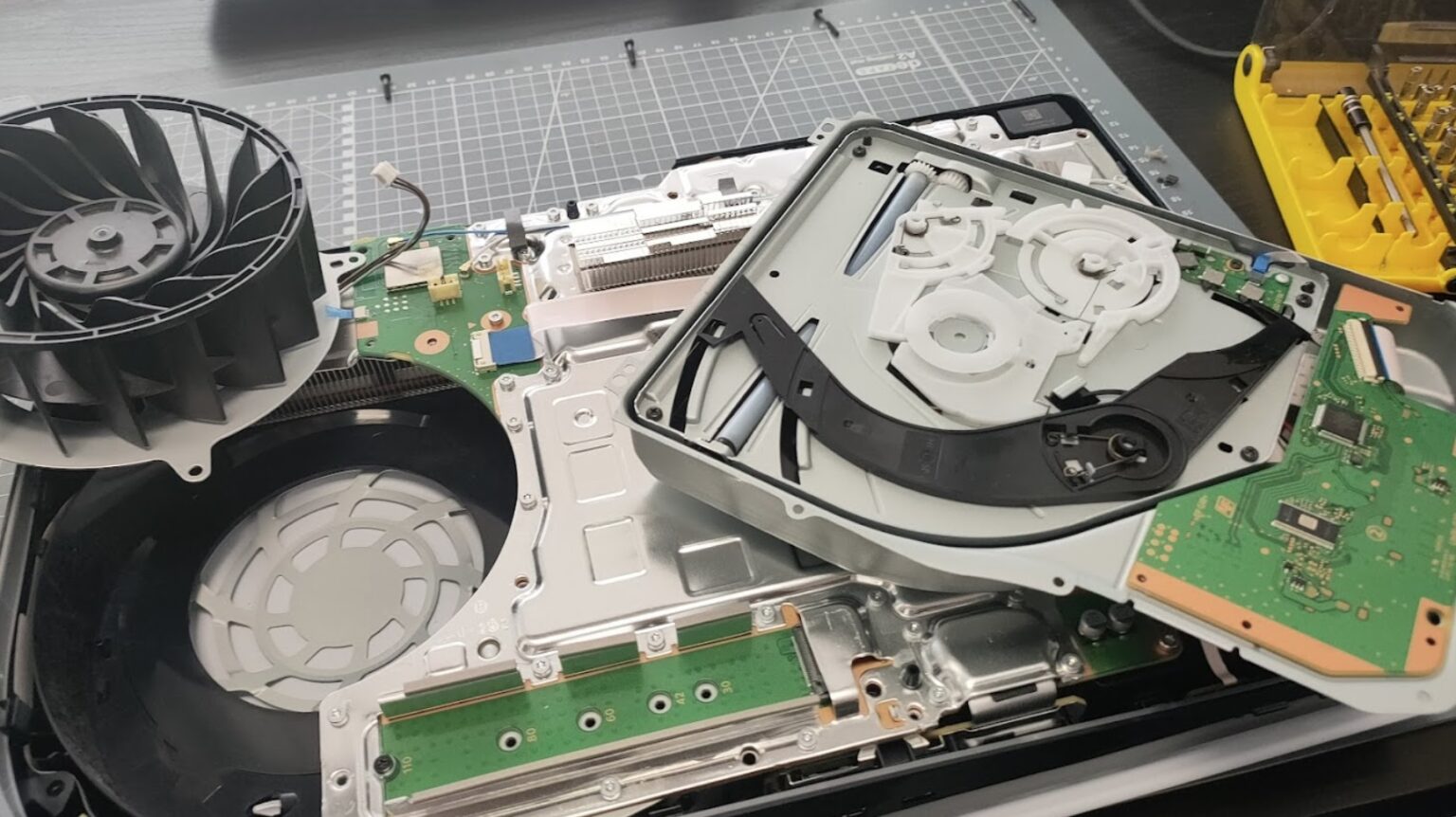
If your PlayStation 5 fails to power on, the most frequent reason is a disruption in the console’s power cycle caused by a faulty power supply connection or an accumulation of residual electricity in the internal components. This often manifests as a console that refuses to provide visual output or show a status light, despite being plugged in. You can usually resolve this by performing a complete power cycle of the system.
Understanding the Power Cycle Problem
Modern gaming consoles like the Sony PlayStation 5 are highly sensitive to electrical stability. While the system is designed to handle standard fluctuations, the internal Power Supply Unit (PSU) can occasionally enter a protective "lockout" mode. This occurs when the hardware detects an irregularity in the electrical intake—such as a brief surge, a loose cable, or an incomplete shutdown sequence—and prevents the console from drawing power to protect the motherboard from damage.
Many users mistakenly assume this indicates a hardware failure or a broken motherboard. However, in the vast majority of cases, the PSU is simply waiting for a hard reset to clear its error state. The PS5 does not fully "turn off" in the traditional sense when in Rest Mode; it maintains a low-level electrical charge to keep background tasks active. If a power outage or a forced disconnection happens while the console is in this state, the capacitive memory within the PSU can become confused, leading to the "won't power on" symptom.
Step-by-Step Power Cycling Procedure
Before concluding that your hardware is defective or requires professional repair, perform this specific power cycling sequence. It is the gold standard for resetting the internal power management system of the PlayStation 5.
- Disconnect the Power Source: Pull the power cable directly from the wall outlet or the power strip, not just the back of the console. This ensures there is no active circuit.
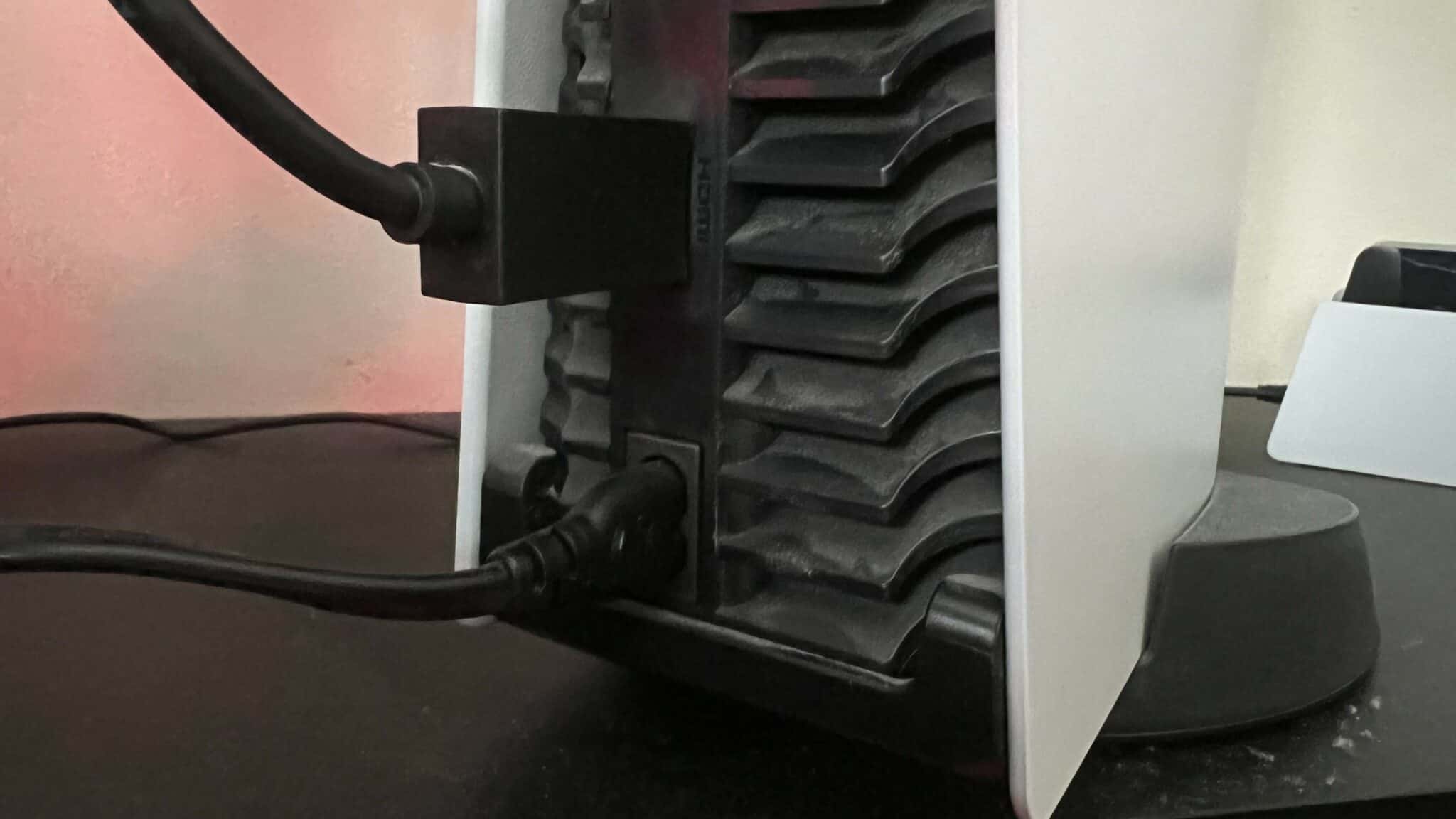
- Remove the HDMI Cable: Disconnect the HDMI cable from both the console and your television or monitor. This eliminates any potential HDMI-CEC (Consumer Electronics Control) signal interference, which can sometimes prevent the console from waking up.
- Wait for Discharge: Leave the console completely unplugged for at least 20 minutes. This is crucial. During this time, the internal capacitors, which hold onto a small charge even when unplugged, will fully discharge.
- Direct Connection: Plug the power cable directly into a wall outlet rather than a surge protector or extension lead. Sometimes, aging power strips do not provide the consistent voltage the PS5 requires for its initial boot phase.
- Cold Start Attempt: Press and hold the power button on the front of the console for roughly 10 seconds. Even if there are no lights, do this to ensure any remaining static charge is cleared. Then, press the power button once normally to attempt a boot.
The Role of Power Strip and Surge Protector Compatibility
One of the most common reasons users experience persistent power issues is the reliance on low-quality power strips or surge protectors. The PS5 is a high-performance device that can experience power spikes when the CPU and GPU are under load. If your power strip is older or has a lower "Joules" rating than required, it may trip or fail to supply the initial current needed to start the system.
When you are troubleshooting your power issues, it is essential to isolate the console. Test it in a different wall outlet in another room. If the console turns on while plugged into a different circuit, the problem lies with your household electrical setup or the specific power strip you were using, not the console itself. Furthermore, ensure the power cord is pushed firmly into the back of the PS5; the port is recessed, and it is a common mistake to think it is fully inserted when it is only partially seated.
Comparative Troubleshooting for Power Status
Different "non-power" states require different interventions. Use the table below to determine if your issue is a simple power cycle problem or something more serious.
| Symptom | Likely Cause | Recommended Action |
|---|---|---|
| No lights, no fan sound | Power supply lockout or cord fault | Perform the 20-minute power cycle |
| Blue light flashes then dies | "Blue Light of Death" (Software/GPU) | Attempt Safe Mode boot |
| Fan spins then shuts off | Overheating or dust obstruction | Clean vents and check airflow |
| Console makes a beep, then nothing | Internal power short | Professional repair required |
When to Seek Professional Support
If you have completed the power cycle, tested different wall outlets, and ensured your cable is functional, but the PS5 remains unresponsive, you may be facing a hardware-level failure. In 2026, the PlayStation 5, depending on the model, may still be covered under limited warranty or extended service plans.
Do not attempt to open the console casing if you are not experienced with electronics repair. The PS5 contains a specialized, proprietary power supply unit. Opening the case can void your warranty and introduces the risk of exposure to high-voltage capacitors, which can cause injury even when the console is unplugged. If the system is still under warranty, contact Sony’s official support channel to initiate a repair or replacement ticket.
Frequently Asked Questions
Why does my PS5 have a blue light but no picture? This is typically a software-to-hardware communication issue. If your console shows a blue light but never transitions to white, it is often stuck in a boot loop. Try holding the power button until the console turns off, then hold it again until you hear a second beep to enter Safe Mode, where you can "Restart PS5" or "Update System Software."
Is it safe to plug the PS5 into a wall outlet directly? Yes, it is highly recommended to plug the console directly into a wall outlet. Sony designs the console with internal surge protection. Using a secondary, low-quality surge protector can sometimes cause the console to receive insufficient power during startup.
How often should I clean the dust out of my PS5? Dust buildup is a major cause of thermal shutdowns. You should aim to clean the dust catchers or use compressed air on the vents at least once every three to six months. If the console cannot vent heat, it will trigger an automatic power-off to prevent hardware melting.
Will a factory reset fix a console that won't turn on? A factory reset is only possible if you can access the menu interface. If your console cannot reach the display stage or boot into Safe Mode, a factory reset is not a viable option. In those cases, the issue is physical, not logical.
Can a faulty HDMI cable cause power issues? While rare, a damaged HDMI cable can cause a short circuit in the HDMI port of the console. Because the port is soldered directly to the motherboard, a short here can prevent the entire system from powering on as a safety measure. Try unplugging the HDMI cable entirely and seeing if the console powers on to a "No Signal" state.
Final Next Action
If your PlayStation 5 fails to respond after the full power-cycling steps provided above, the most logical next step is to test the console with a verified working power cable from another electronic device—if compatible—or a new official Sony power cord. If the console remains completely dead to input, do not force the power button repeatedly, as this may damage the internal switch mechanism. Contact official support to discuss repair options, as the issue is likely a failure of the internal Power Supply Unit.