The primary reason to choose the MacBook Air M1 for students is its exceptional combination of power efficiency and thermal performance, which allows for sustained, high-performance computing without the need for a cooling fan. This unique architecture ensures the device remains completely silent and reliable for long-term academic use.
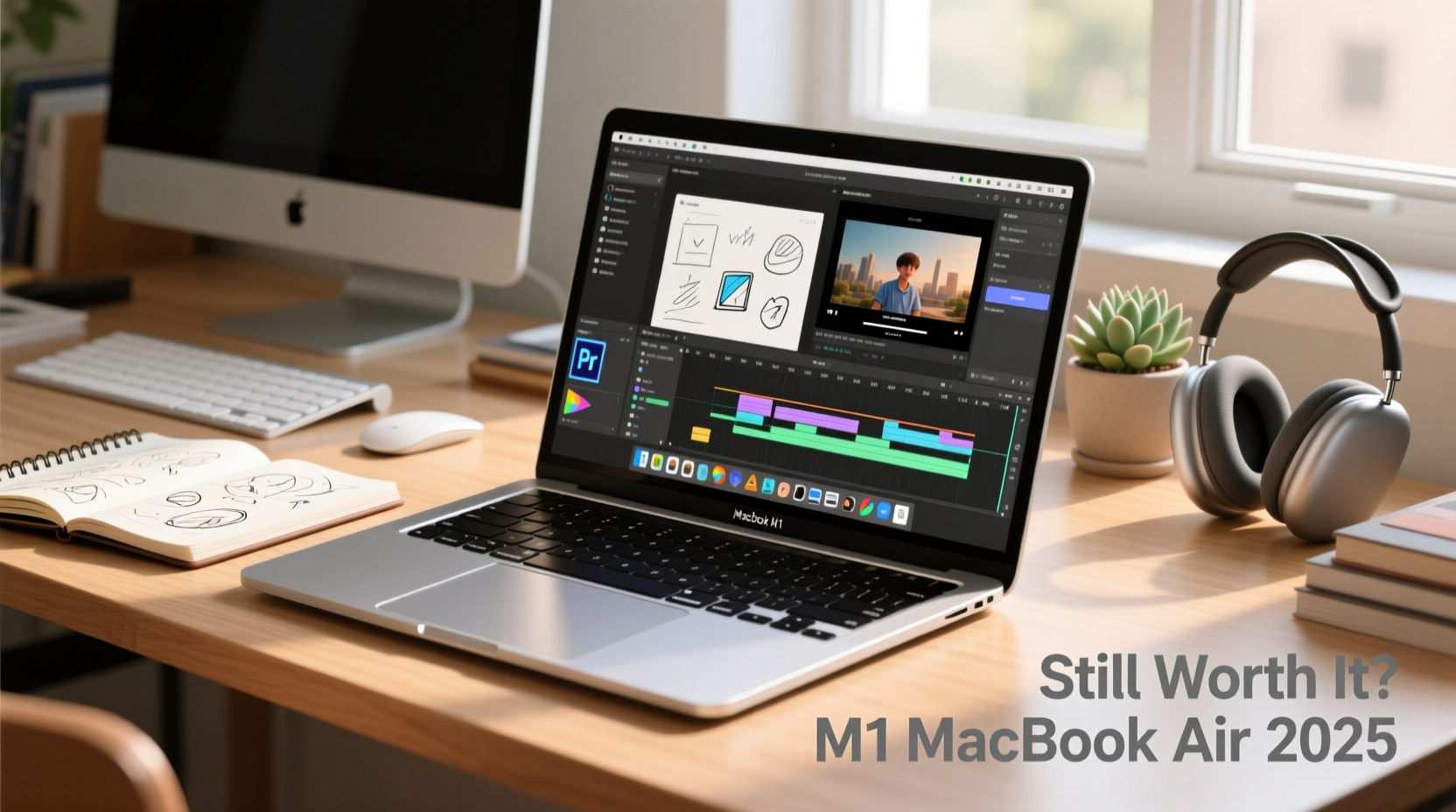
The landscape of educational technology has shifted dramatically over the past several years, with students requiring hardware that can keep pace with intensive multitasking, research, and collaborative digital environments. While the laptop market is saturated with various options, the MacBook Air M1, first released by Apple in 2020, remains a foundational device for students in 2026. Understanding why this specific model continues to dominate student choice requires a deep dive into its architectural advantages and the practical reality of its performance in an academic setting.
The Engineering Advantage: Efficiency Meets Silence
At the heart of the MacBook Air M1 is the Apple Silicon M1 chip, an integrated system-on-a-chip (SoC) that combines the central processing unit (CPU), graphics processing unit (GPU), and unified memory onto a single architecture. This transition away from traditional Intel-based processors was not merely a branding exercise; it fundamentally changed how laptops handle power consumption and heat dissipation.
The most critical impact for a student is the lack of a fan. In most thin-and-light laptops, manufacturers must utilize cooling fans to prevent the processor from overheating during demanding tasks like compiling code, rendering videos, or managing massive spreadsheet databases. When these fans run, they generate noise, consume battery power, and can eventually fail as moving mechanical parts. The MacBook Air M1 utilizes a passive cooling design. Because the M1 chip is so energy-efficient, it does not generate enough sustained heat to require active cooling. For students working in quiet libraries, during exams, or late at night in shared dorm rooms, the absolute silence of the device is a significant, often overlooked, productivity benefit.
Sustained Battery Performance for Academic Demands
Beyond the cooling architecture, the power efficiency of the M1 chip directly translates to extraordinary battery life. In 2026, many older laptops suffer from significant battery degradation, but the M1’s architecture continues to provide enough overhead to manage modern software demands while maintaining portability.
For a student, the ability to carry a device to a full day of lectures, seminars, and library study sessions without needing to tether oneself to a power outlet is essential. The M1 chip balances low-power cores for background tasks—like email syncing, Slack notifications, or word processing—with high-performance cores for more intensive activities. This intelligent switching ensures that the battery is not depleted by unnecessary processing power, allowing the machine to consistently deliver 10 to 15 hours of real-world usage depending on the software environment.
Comparative Hardware and Software Utility
When selecting a laptop for school, it is important to understand how the MacBook Air M1 stacks up against contemporary alternatives. While newer models have since been released, the M1 maintains a price-to-performance ratio that makes it highly accessible for students who need a professional-grade machine without the enterprise-level cost.
| Feature | MacBook Air M1 | Typical Competitor (2020-2022) |
|---|---|---|
| Cooling System | Fanless (Silent) | Active Fan (Noisy) |
| Architecture | Apple Silicon (Unified) | x86 (Discrete components) |
| Battery Efficiency | Exceptional (Long cycle) | Moderate (Standard) |
| Portability | Ultra-thin | Often bulkier |
| Longevity | High (OS Support) | Variable |
The unified memory architecture is another technical detail that benefits students. By having the memory (RAM) integrated directly into the chip, the data transfer speed between the processor and the memory is significantly faster than systems where these components are physically separated on the motherboard. This results in snappier application launches and smoother multitasking, which is crucial when a student has thirty browser tabs open, a research PDF reader, a word processor, and a communication tool running simultaneously.
The Longevity of the macOS Ecosystem
A frequently cited concern for students is the longevity of their hardware. In 2026, the MacBook Air M1 is well-supported by the latest iterations of macOS. Apple has demonstrated a commitment to maintaining security and feature parity for the M1 architecture, which ensures that software developed today remains compatible with this hardware.
For students studying disciplines such as computer science, design, or business, the Unix-based nature of macOS provides a stable environment for development tools, high-quality creative software, and professional productivity suites. The reliability of the operating system combined with the efficiency of the M1 chip means that a student can realistically purchase this device at the start of their degree and expect it to perform reliably until graduation.
Addressing Practical Limitations
No piece of hardware is perfect, and it is vital to acknowledge the limitations of the MacBook Air M1 in 2026. The primary hardware constraint is the port selection; the device features only two Thunderbolt/USB 4 ports. For students who frequently connect multiple external monitors, external hard drives, and wired peripherals simultaneously, this will necessitate the use of a USB-C hub or docking station.
Furthermore, because the memory is "unified" (soldered onto the chip), it cannot be upgraded post-purchase. Students should be aware that the base model comes with 8GB of RAM. While this is sufficient for most general academic work, students in specific fields like machine learning, 3D modeling, or heavy virtualization might find this limiting over time. Planning for these specific academic requirements before purchasing is a standard best practice for ensuring the hardware fits the curriculum.
Strategic Considerations for the Student Budget
For many, the decision to choose the MacBook Air M1 is driven by the balance between cost and functional lifespan. As of 2026, the M1 occupies a "sweet spot" in the market. It is often available at a lower entry price than newer Air or Pro models while providing 90% of the daily performance that an average undergraduate or graduate student requires.
When evaluating the cost, students should view the purchase as a multi-year investment. The high build quality—consisting of an aluminum chassis and a robust hinge mechanism—means the device is physically durable enough to survive the rigors of being transported in a backpack across a campus. This durability, coupled with the lack of moving parts like fans, reduces the risk of mechanical failure during the academic years.
Frequently Asked Questions
Does the lack of a cooling fan mean the MacBook Air M1 slows down significantly under heavy load? The M1 chip uses a technique called thermal throttling to manage heat. While it may reduce its clock speed slightly during extremely long, sustained rendering tasks to prevent overheating, for 99% of academic tasks—such as web browsing, document creation, and light coding—the performance remains consistent and is not hampered by the lack of a fan.
Is 8GB of RAM enough for a university student in 2026? For general productivity, web-based research, and typical course loads, 8GB of unified memory is generally sufficient due to the efficiency of macOS and the speed of the integrated memory. However, if your major involves heavy software development, running virtual machines, or professional video editing, opting for a model with higher memory is advisable.
Will the MacBook Air M1 still be compatible with current software in the coming years? Yes, Apple has built their current ecosystem around Apple Silicon. The M1 chip is the foundation of this transition, and therefore, it remains a primary target for software developers and Apple’s own operating system updates. It will continue to receive security and feature updates for the foreseeable future.
Can I connect external displays to the MacBook Air M1? The M1 MacBook Air officially supports one external display with a resolution of up to 6K at 60Hz. Students who require dual external monitors for their workspace will need to utilize a DisplayLink adapter or a similar third-party dock to bypass this hardware limitation.
Is it worth buying a used or refurbished M1 MacBook Air? Given the high build quality and the longevity of the M1 chip, purchasing a certified refurbished or gently used model is an excellent way to maximize value. Always check the battery health percentage in the system settings, as this is the most common indicator of previous usage intensity.
Final Recommendation for Students
The MacBook Air M1 remains the standard-bearer for student laptops because it solves the most fundamental problem students face: the need for a reliable, silent, and long-lasting computer that can handle a diverse array of tasks without constant maintenance. To get the most out of this device, prioritize ensuring your specific software requirements align with its 8GB base memory or consider models with 16GB if your field is computationally intensive. By investing in this hardware, you are securing a tool that prioritizes academic performance through efficiency, allowing you to focus on your studies rather than your technology.