For travelers in 2026, a Virtual Private Network (VPN) is an essential tool for securing public Wi-Fi connections and maintaining access to digital services while abroad. Finding an affordable provider requires balancing subscription costs with essential features like strong encryption, global server coverage, and consistent connection speeds to ensure your data remains protected without overpaying for unnecessary add-ons.
Understanding the Role of a VPN While Traveling
A VPN creates an encrypted tunnel between your device and a server operated by the VPN provider. When you connect to a public Wi-Fi network—such as those found in airports, hotels, or cafes—your internet traffic is vulnerable to interception. By encrypting your data, a VPN ensures that even if a network is compromised, your personal information, passwords, and browsing history remain private.
Beyond security, VPNs allow you to circumvent geo-blocking. Many streaming platforms, banking portals, and government websites restrict access based on the user's IP address. By routing your connection through a server in your home country, a VPN can help you access services that might otherwise be blocked or flagged as suspicious while you are traveling internationally.
Defining "Affordable" in the VPN Market
In the current market, "affordable" is typically defined by long-term commitment pricing rather than monthly rates. Most reputable providers offer tiered subscription plans. While a month-to-month plan may cost between $10 and $15, subscribing for one or two years often drops the effective monthly cost to between $2 and $5.
However, price should not be the only metric for affordability. A service that costs $2 per month but fails to connect, suffers from constant disconnects, or lacks servers in the regions you are visiting provides poor value. When evaluating costs, always look for:
- Total Contract Value: The upfront cost of a 24-month subscription.
- Money-Back Guarantees: Almost all major providers offer a 30-day refund window, which is crucial for testing the service in your specific travel destination before committing financially.
- Device Limits: Check if the subscription covers multiple devices. If you travel with a phone, tablet, and laptop, a service that allows five or more simultaneous connections is more cost-effective than one that limits you to a single device.
Critical Features for Travelers
Not all VPNs are built for the nomadic lifestyle. When choosing a budget-friendly option, prioritize these technical specifications:
1. Server Diversity
If you are traveling to specific regions, ensure the provider has a presence there. A VPN with 5,000 servers mostly located in North America will be useless if you are traveling through Southeast Asia or Africa and require a low-latency connection.
2. Kill Switch Functionality
A "kill switch" is a mandatory feature for travelers. It automatically cuts off your internet connection if the VPN tunnel drops unexpectedly. This prevents your device from accidentally reverting to the unprotected public Wi-Fi and leaking your data.
3. Protocol Support
Modern VPNs typically use WireGuard or OpenVPN. WireGuard is generally faster and better for battery life on mobile devices, while OpenVPN is highly secure and reliable for bypassing strict censorship in certain countries.
4. Logging Policy
Ensure the provider maintains a "no-logs" policy, meaning they do not track your browsing habits, timestamps, or IP addresses. This is the bedrock of digital privacy. Verify that this policy has been independently audited, as a "no-logs" claim is only as good as the third-party verification behind it.
Comparison of Value-Oriented VPN Providers
When selecting a provider, you must weigh the balance between initial price and long-term utility. The following table illustrates common characteristics of providers often cited for their competitive pricing in 2026.
| Provider | Typical Multi-Year Pricing | Best For | Key Strength |
|---|---|---|---|
| Mullvad | Fixed Price (€5/mo) | Privacy Enthusiasts | No-account signup |
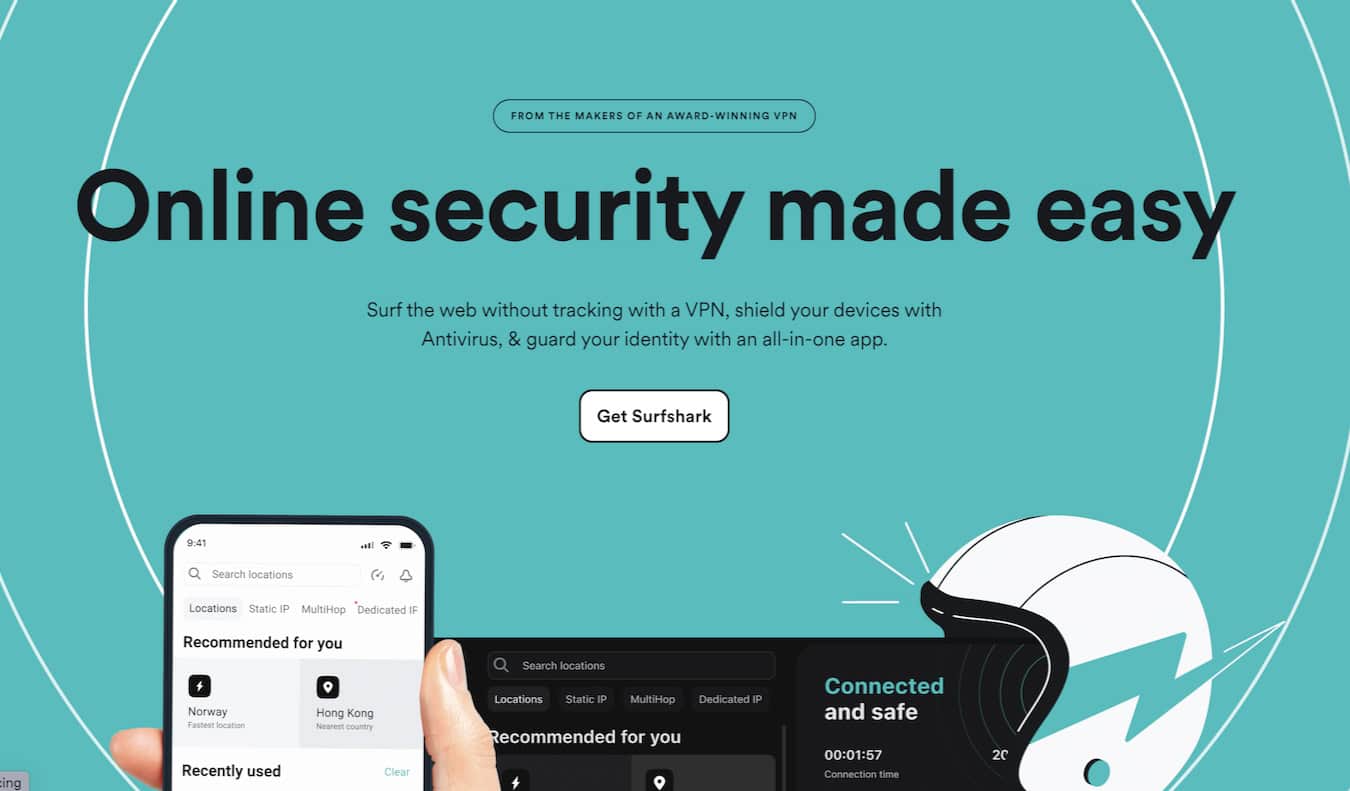
| Surfshark | $2.00–$2.50/mo | Large Households | Unlimited devices |
| Proton VPN | $3.00–$4.50/mo | Security Conscious | Audited no-logs policy |
| NordVPN | $3.00–$4.00/mo | Speed/Performance | Massive server network |
Note: Prices reflect average promotional rates for multi-year commitments as of 2026. Always verify exact current pricing on the provider's official website.
Practical Steps for Setup and Troubleshooting
To ensure a seamless experience, configure your VPN before you depart.
- Installation and Updates: Download the native applications for all your devices (iOS, Android, Windows, macOS) while still on your home network. Updates can be large, and downloading them over hotel Wi-Fi can be slow or restricted.
- Server Testing: Before you leave, connect to servers in the countries you plan to visit. If you find that a specific server in your destination country is blocked or slow, you can contact the provider’s support team or identify an alternative server beforehand.
- Troubleshooting Connectivity: If you cannot establish a connection, try switching your connection protocol. Many regions with heavy internet censorship block the standard OpenVPN port. Switching to a "stealth" or "obfuscated" server setting—if your provider offers it—often resolves this.
- Managing Performance: If your internet speed drops significantly, choose a server that is geographically closer to your physical location. While this might not give you an IP from your home country, it is often necessary for activities requiring high bandwidth, such as video conferencing.
Legal and Ethical Considerations
While VPNs are legal in most of the world, they are restricted or outright banned in several jurisdictions. Countries like China, Russia, and the United Arab Emirates have strict regulations regarding the use of non-state-approved encryption. In these locations, using a VPN may be technically difficult or legally prohibited. Always research the local laws of your destination before traveling.
Furthermore, using a VPN does not grant immunity from illegal activities. It protects your data privacy, but it does not make you anonymous to the websites you visit or the local government if you choose to bypass local laws.
Frequently Asked Questions
Are free VPNs a safe alternative for travelers? No. Free VPNs often monetize their service by logging your browsing activity and selling that data to third parties, or by serving intrusive advertisements. Additionally, free services often lack the server capacity to provide stable speeds, and many do not include the essential "kill switch" feature required for safety.
Will a VPN drain my phone battery? Yes, VPNs increase battery consumption because they constantly encrypt and decrypt data traffic. To minimize this, use the WireGuard protocol, which is more resource-efficient than older protocols like OpenVPN.
Can I use a VPN to watch streaming services from home? Many streaming platforms actively detect and block VPN IP addresses. While some premium VPNs invest heavily in maintaining server IPs that work with these services, there is never a guarantee. If streaming access is your primary goal, check the provider's recent track record for specific platform compatibility.
Does a VPN hide my identity from the websites I visit? A VPN hides your IP address, which makes it harder for websites to track your physical location and link your activity to your home connection. However, it does not hide your identity if you log into accounts (like Google or Facebook) while connected.
What happens if my VPN service goes out of business? If you have paid for a multi-year subscription and a company shuts down, you may lose your money. This is a risk inherent in "affordable" long-term deals. Mitigate this by sticking to well-established providers with verifiable, long-term operations rather than new or obscure services.
Recommendation for Success
For most travelers, the most effective strategy is to purchase a two-year subscription from a reputable provider with a proven track record of auditing their security claims. Prior to your departure, install the software, test the connection to your destination country, and ensure your "kill switch" is active. By treating your VPN as a necessary digital travel insurance policy, you maintain a balance between cost-effectiveness and the reliability required to protect your digital identity across borders.