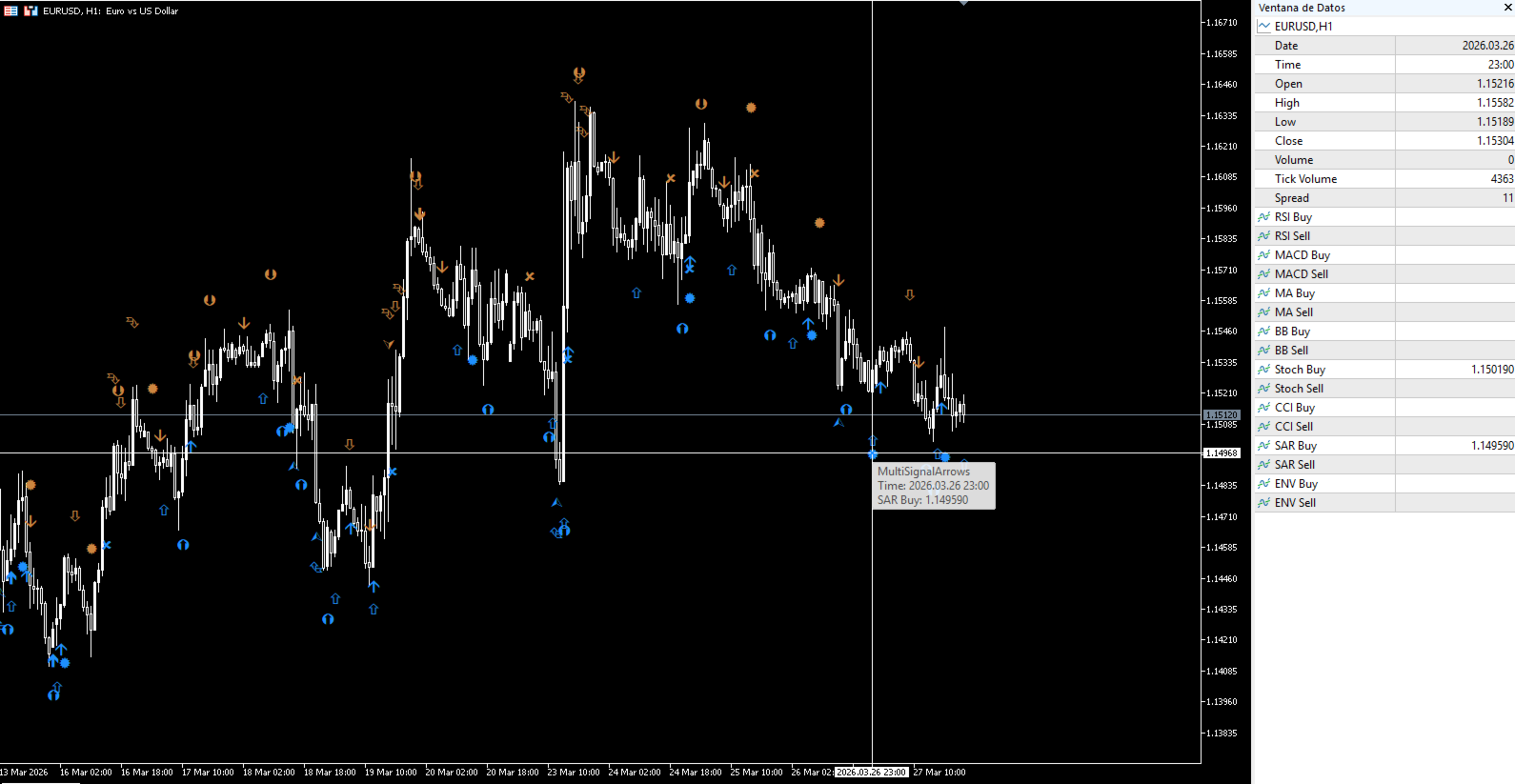
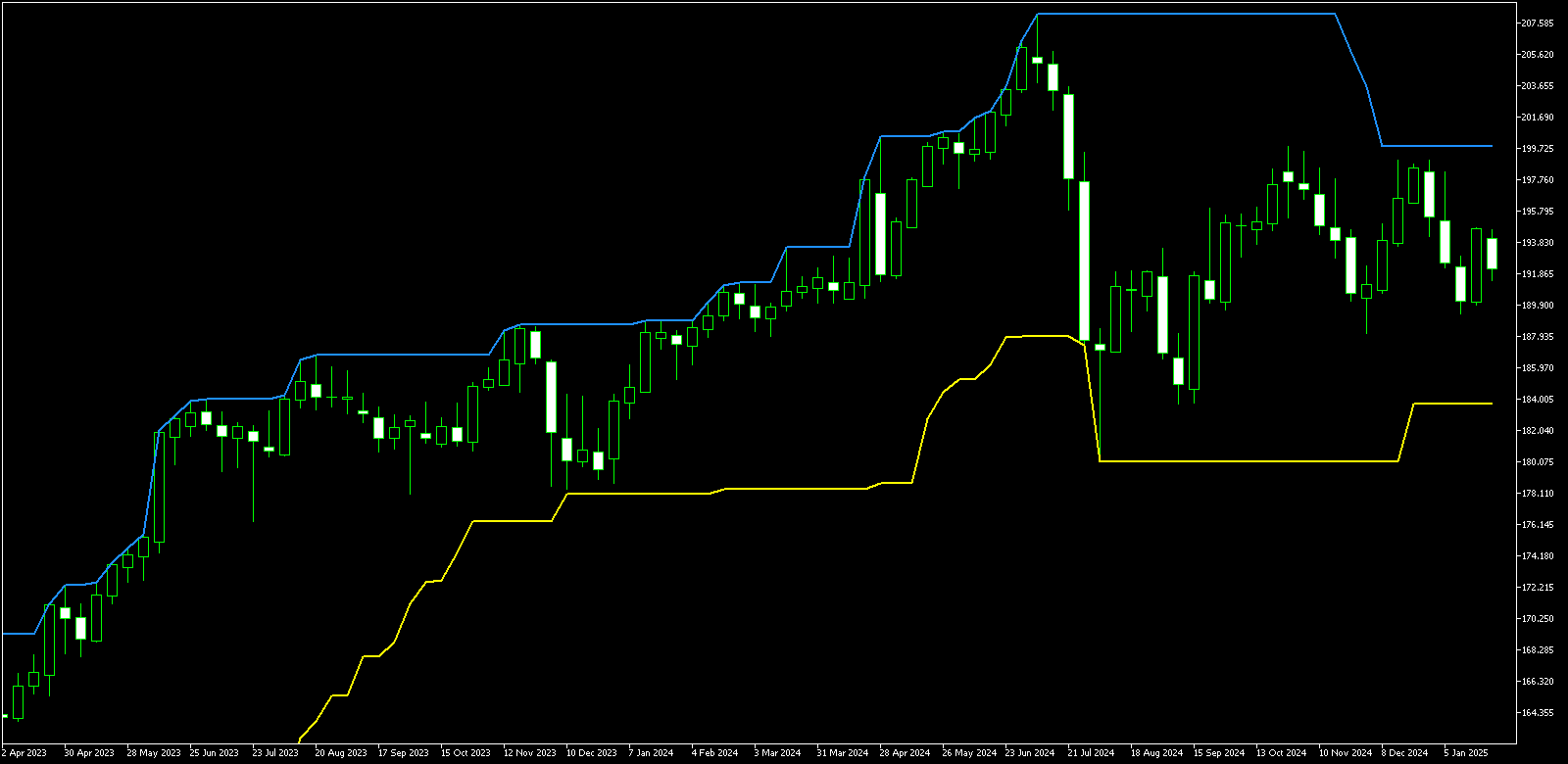
Finding free MetaTrader 4 (MT4) indicators involves utilizing the official MQL5 Marketplace, the MQL5 CodeBase, the built-in terminal Library, reputable trading forums, and broker-exclusive packages. To protect your capital, you must watch for "repainting" signals, hidden DLL malware, and performance-heavy code that can freeze your trading platform during high volatility.
MetaTrader 4 remains a cornerstone of retail forex trading in 2026, largely due to its massive library of custom indicators developed over two decades. While many premium tools cost hundreds of dollars, the vast majority of essential trading logic is available for free if you know where to look and how to verify the quality of the code.
Understanding MT4 Indicator File Types
Before downloading any tools, it is essential to distinguish between the two primary file formats used in the MetaTrader environment. This knowledge prevents common installation errors and helps you understand whether you can modify the tool you have downloaded.
- .mq4 Files: These are source code files. If you download an .mq4 file, you can open it in the MetaEditor to see the logic behind the indicator. Having the source code is preferable for security-conscious traders because it allows for a manual audit of the calculations and ensures there are no malicious "call-home" scripts.
- .ex4 Files: These are compiled versions of the code. The computer can read them, but you cannot see the underlying math or logic. Most commercial or protected free indicators are distributed as .ex4 files to protect the developer's intellectual property.
1. The MQL5 Marketplace (Free Section)
The most secure way to acquire indicators is through the official MQL5 Marketplace. Despite the "MQL5" name, the website hosts a massive dedicated section for MT4. This is the official store managed by MetaQuotes, the developers of the MetaTrader platform.
To find free tools here, you navigate to the "MT4" section and use the "Free" filter. The advantage of this method is the rigorous automated testing every file undergoes. MetaQuotes requires that indicators do not contain "dead loops" or excessive CPU-draining calculations before they are allowed on the marketplace.
When downloading from the Marketplace, the indicator is automatically installed into a specific "Market" folder within your MT4 directory. This bypasses the need for manual file moving, making it the most user-friendly option for beginners.
2. The MQL5 CodeBase
The CodeBase is distinct from the Marketplace. While the Marketplace is a storefront for finished products, the CodeBase is a community repository for open-source scripts. In 2026, it remains the largest archive of free trading logic in existence.
The primary benefit of the CodeBase is that almost every submission includes the .mq4 source code. This is invaluable for traders who wish to tweak the parameters or combine multiple indicators into a single "dashboard." Because these are community-contributed, the quality can vary wildly. You will find everything from basic Moving Average crossovers to complex Fourier Transform cycles. Always check the "Rating" and "Comments" section; the MQL5 community is very vocal about bugs or broken logic.
3. The MT4 Terminal "Library" Tab
Many traders overlook the fact that they do not need to leave the MT4 platform to find free indicators. At the bottom of your MT4 terminal, in the "Terminal" window (where you see your trades), there is a tab labeled "Code Base."
This tab provides a direct stream of the latest open-source indicators being published online. You can right-click any item in this list and select "Download." The platform will automatically compile the code and place it in your Navigator window under the "Indicators" tree. This is the fastest way to experiment with new technical analysis concepts without the friction of web browsing and manual file management.
4. Independent Trading Forums (Forex Factory and MT5/MT4 Forums)
Forums like Forex Factory or the MQL5 Forum are where professional traders often share their custom-built tools. These indicators are frequently more "battle-tested" in real market conditions than those found on general repositories.
In the "Trading Systems" or "Platform Tech" sections of these forums, you can find legendary indicators like the "TDI" (Traders Dynamic Index) or advanced "Supply and Demand" zones that were originally developed by community members.
Warning: This method requires the highest level of scrutiny. Unlike the official Marketplace, forum attachments are not vetted. Always ensure you are downloading from a long-standing member with a high reputation score.
5. Broker-Provided Indicator Packages
Many ECN and STP brokers offer "Premium Trader Tools" or "Supreme Editions" of MT4 for free to clients who maintain a minimum account balance. These are often developed by institutional-grade software houses like FX Blue or Trading Central.
These packages usually include:
- Correlation Matrixes
- Sentiment Traders (showing buy/sell ratios)
- Advanced Alarm Managers
- Session Maps
Since these are provided by your broker, they are generally high-performance and professionally maintained. If you are already trading with a major regulated broker, check their "Tools" or "Platforms" page before looking elsewhere.
Comparison of Free MT4 Indicator Sources
| Source | Security Level | File Type | Ease of Install | Best For |
|---|---|---|---|---|
| MQL5 Marketplace | High | .ex4 | Automatic | High-quality, tested tools |
| MQL5 CodeBase | Medium | .mq4 | Manual | Open-source/Learning code |
| MT4 Terminal | Medium | .mq4 | 1-Click | Quick experimentation |
| Trading Forums | Low | Mixed | Manual | Unique community strategies |
| Broker Packages | Very High | .ex4 | Installer | Professional/Utility tools |
What to Watch: Critical Risks in Free Indicators
The "free" price tag often comes with hidden costs, ranging from trading losses due to bad data to security vulnerabilities on your PC.
The "Repainting" Trap
The most dangerous issue with free indicators is repainting. A repainting indicator changes its past signals to look perfectly accurate. For example, a "Buy" arrow might appear on a past candle only because the current price is higher. When you look at the chart historically, it looks like a "Holy Grail" that never loses. However, in real-time trading, that arrow might appear and disappear multiple times as the price fluctuates, leading to catastrophic losses.
How to verify: Use the MT4 Strategy Tester in "Visual Mode." Watch the indicator move candle-by-candle. If an arrow or line changes its position on a "closed" candle, the indicator is repainting and should be discarded.
DLL Imports and Security
Some indicators require you to check the box "Allow DLL imports" in the settings. DLLs (Dynamic Link Libraries) allow the indicator to communicate with your Windows operating system outside of the MT4 environment. While some legitimate tools (like news feeders) need this, it is also a massive security hole. A malicious .ex4 file with DLL access can theoretically access your files or log your keystrokes.
Rule of thumb: Never allow DLL imports for a free indicator unless it comes from a highly reputable source like a major broker or a verified MQL5 Market developer.
Performance and Optimization
Retail trading platforms are often single-threaded. If a free indicator is poorly coded—for instance, if it recalculates the entire price history on every single price tick—it will cause "freezing" or "lag." In a fast-moving market, a 2-second platform freeze can result in significant slippage on your entries and exits. If your MT4 "CPU" usage spikes or the platform becomes unresponsive when you attach an indicator, remove it immediately.
How to Install Downloaded MT4 Indicators
If you download an indicator manually (from a forum or the CodeBase), you must place it in the correct directory for it to appear in the platform.
- Open your MT4 platform.
- Go to the top menu: File > Open Data Folder.
- In the window that pops up, navigate to MQL4 > Indicators.
- Copy and paste your
.mq4or.ex4file into this folder. - Close the folder and return to MT4.
- Right-click on "Indicators" in the Navigator window and select Refresh, or simply restart the platform.
- Drag the indicator from the Navigator onto your desired chart.
Frequently Asked Questions
Can I use MT4 indicators on MT5?
No, the programming languages (MQL4 vs. MQL5) are different. While they look similar, the underlying code logic is incompatible. You must specifically download the version of the indicator designed for your platform version.
Why does my free indicator show "Trial" or "Expired"?
Some developers upload "Free" versions to the Marketplace that are actually limited demos. They might only work on demo accounts, expire after 30 days, or only work on specific currency pairs like EUR/USD. Always read the description carefully to ensure it is a truly "Unlimited" free version.
Are free indicators less accurate than paid ones?
Not necessarily. Many paid indicators are simply "wrapped" versions of free open-source code with better graphics. The accuracy of an indicator depends on the math behind it, not the price tag. In fact, many professional traders rely on simple, free tools like the RSI or Average True Range (ATR) rather than expensive "black-box" software.
How can I tell if an indicator is "heavy" on my computer?
Watch the "Terminal" tab at the bottom of MT4 and click on the "Journal" sub-tab. If you see repeated error messages or "indicator is too slow" warnings, it is poorly optimized. Additionally, if your cooling fans spin up significantly when you add the tool, it is a sign of inefficient code.
Final Recommendation
When searching for free MT4 indicators in 2026, prioritize the MQL5 Marketplace and Broker-provided tools for stability and security. If you choose to use community-sourced code from forums, always test the indicator on a demo account for at least one full trading week. This allows you to check for repainting and platform lag without risking your capital. Remember that an indicator is merely a tool for visualizing data; it should supplement a robust trading plan, not replace it.