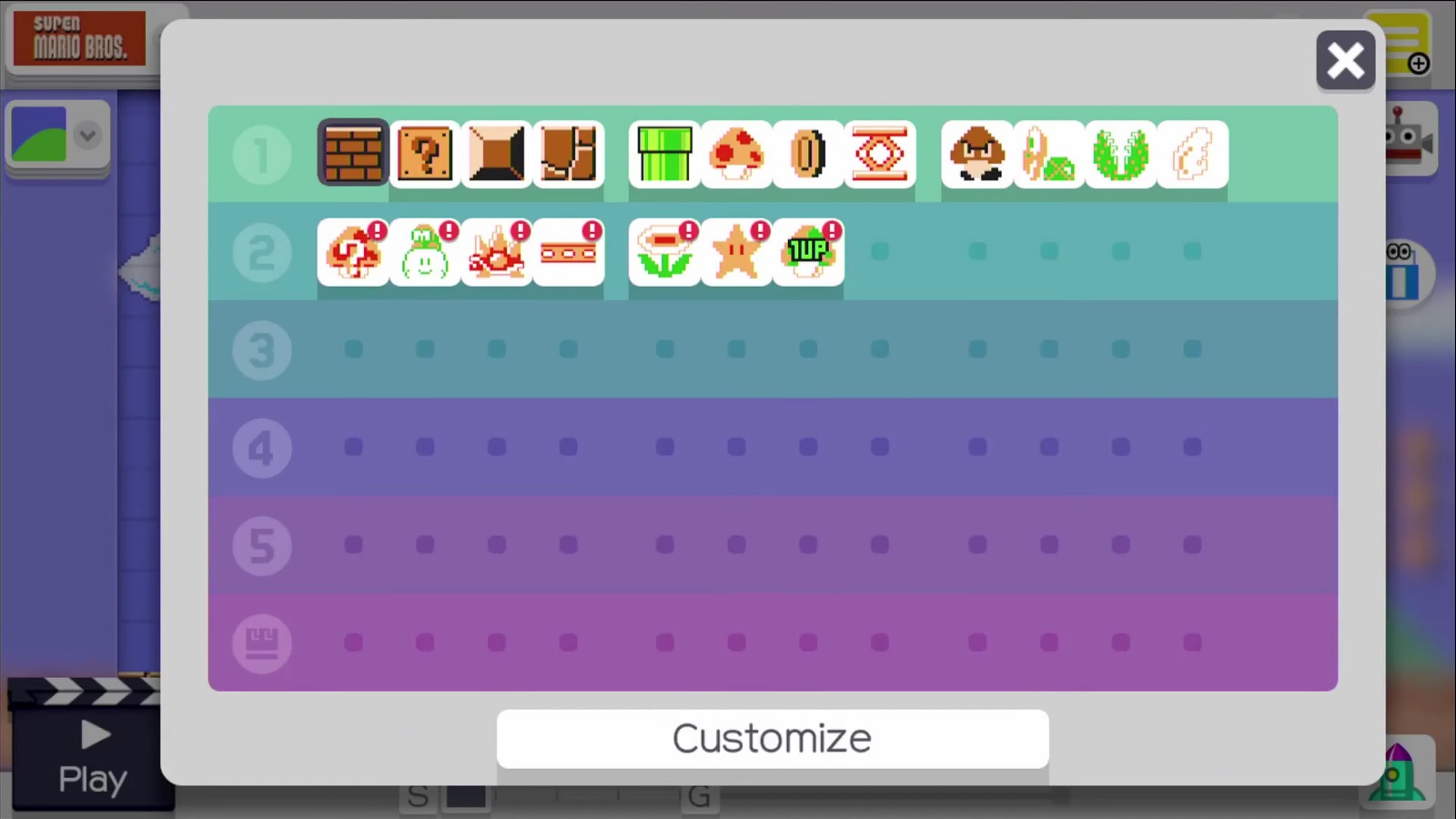
Unlocking costumes and customization items in Super Mario Maker 2 relies primarily on completing the single-player Story Mode, accumulating official course-clear rewards, and utilizing specific Mii outfit menus. While the game does not feature the massive Amiibo costume catalog of its predecessor, it offers distinct avatar clothing options and character outfits through in-game progression and milestone achievements.
Understanding Costume and Outfit Mechanics in Super Mario Maker 2
When Super Mario Maker 2 launched for the Nintendo Switch, it altered how players interacted with character customization compared to the original Wii U version. Rather than scanning physical Amiibo figures to unlock pixelated Mystery Mushroom costumes for Mario, the sequel splits customization into two distinct categories: Mii Outfits for your online profile and the Builder Mario or Superball Mario power-ups intrinsic to specific game styles.
However, players frequently search for ways to unlock costumes because Nintendo added substantial updates post-launch. Version 2.0 and subsequent patches introduced new multiplayer features, special Ninji Speedrun rewards, and specific clothing pieces that dress up your customizable Mii character. Understanding the exact pathways required to earn these items ensures you do not waste time searching menus for features that require specific gameplay milestones.
Way 1: Complete the Story Mode Jobs to Earn Coins and Special Mii Outfits
The most direct and comprehensive method for unlocking standard avatar clothing items is playing through the built-in Story Mode. Princess Peach's castle has been demolished, and Mario must help rebuild it by taking on jobs for various characters managed by the Taskmaster.
Rebuilding the Castle
As you complete jobs posted on the job board, you earn in-game coins. While coins are primarily used to fund the construction phases of the castle (which eventually unlocks the Superball Flower power-up for use in levels), completing specific thresholds and milestone jobs rewards you with unique Mii outfits.
- Accepting Jobs: Speak to characters around the construction site or check the Job Board inside the unfinished castle tent.
- Completing Objectives: Successfully clear the assigned course without relying excessively on Luigi's Assistance (though assistance is available if a level proves too difficult).
- Collecting Rewards: Return to the Taskmaster to claim your coins and unlock specific clothing pieces tied to that job chain, such as hard hats, Mario caps, and themed shirts for your Mii.
Way 2: Play Ninji Speedruns to Earn Exclusive Outfits and Stamps
Introduced in post-launch updates, Ninji Speedrun events provide a competitive time-trial mode where players race against the ghost data of other players worldwide. These events run for limited periods, but playing them yields tangible rewards that double as character costumes.
Collecting Ninji Medals and Stamps
Every time you participate in a Ninji Speedrun event, you earn stamps based on your performance or simply by completing the run. These stamps accumulate to unlock unique outfits for your Mii character.
- Event Participation: Access the Ninji Speedrun menu via Course World while connected to the internet.
- Milestone Unlocks: Accumulating stamps allows you to purchase exclusive event-themed shirts, headwear, and accessories from the in-game shop interface.
- Archived Events: Even if active live events conclude, older Ninji courses remain accessible in offline practice mode, allowing completionists to gather missed stamps at their own pace.
Way 3: Complete Multiplayer Versus and Co-op Rank Milestones
For players who enjoy competitive or cooperative online play, Super Mario Maker 2 rewards your multiplayer rank progression with cosmetic garments.
Climbing the Versus Leaderboards
As you win matches in Multiplayer Versus mode, your competitive rank increases (ranging from D rank up to S+ and Grandmaster tiers). Reaching specific rank plateaus unlocks prestigious outfits that visibly display your skill level to other players in the lobby.
- Match Participation: Enter Course World and select Multiplayer to play Versus matches against random opponents or friends.
- Earning Points: Winning matches increases your Versus Rating (VR), moving you up through the letter ranks.
- Unlocking Exclusive Gear: Achieving higher tiers automatically deposits exclusive shirts, hats, and full-body suits into your Mii customization inventory, allowing you to showcase your multiplayer achievements.
Way 4: Edit Your Mii Profile for Base Game Customization Items
Not all outfits require rigorous gameplay challenges; many foundational customization options are available immediately through the system and game menus.
Accessing the Mii Customization Menu
Before diving into course creation or online play, you can alter your Mii's appearance and wardrobe using items pre-loaded into the game software or linked directly from your Nintendo Account profile.
- Profile Settings: Navigate to your user profile from the main title screen or the Pause menu within Course World.
- Wardrobe Selection: Browse available hats, shirts, pants, and special themed garments provided by default.
- Nintendo Switch Account Integration: If your profile is linked to a Nintendo Account, you can import custom Mii characters created on the system level, inheriting any special regional or promotional clothing tied to your Nintendo Network history.
Way 5: Utilize Power-Ups Within Course Styles as In-Level Costumes
While Mii outfits govern your profile appearance in lobbies and leaderboards, traditional Mario costume transformations occur dynamically inside specific course styles while building or playing.
Leveraging Game Style Mechanics
Each of the five available game styles (Super Mario Bros., Super Mario Bros. 3, Super Mario World, New Super Mario Bros. U, and Super Mario 3D World) features unique character states that act as functional costumes.
- Super Mario Bros. Style: Incorporates the Superball Flower (unlocked via Story Mode progression), transforming Mario into his classic Super Mario Land appearance with white overalls and the ability to bounce projectiles.
- Super Mario 3D World Style: Features the Cat Suit, Super Bell, and Boomerang Flower, changing Mario's physical model and movement capabilities entirely.
- Custom Builder Form: The Builder Hammer grants Mario a hard hat and tool belt, allowing him to smash blocks and construct crates on the fly.
Summary of Unlockable Customization Methods
| Method | Requirement | Primary Reward | Accessibility |
|---|---|---|---|
| Story Mode Jobs | Complete building tasks for the Taskmaster | Mii shirts, hats, and coin currency | Single-player offline |
| Ninji Speedruns | Participate in time-trial events | Event-exclusive stamps and garments | Online connection required |
| Multiplayer Ranks | Increase Versus Rating (VR) in competitive play | High-tier status shirts and accessories | Nintendo Switch Online membership |
| Profile Settings | Access user customization menus | Base Mii outfits and imported system avatars | Available immediately |
| In-Level Power-Ups | Collect specific items within course builder | Functional character states (Cat, Builder, Superball) | Level creation and gameplay |
Frequently Asked Questions
Can I still scan Amiibo figures to unlock costumes in Super Mario Maker 2?
No. Unlike the original Super Mario Maker on the Wii U, Super Mario Maker 2 does not support Amiibo-scanned Mystery Mushroom costumes. Customization focuses on Mii outfits and in-level power-ups instead.
Do I need a Nintendo Switch Online subscription to unlock all costumes?
You do not need a subscription to unlock Story Mode outfits or base Mii garments. However, accessing Ninji Speedruns and climbing Multiplayer Versus ranks—which unlock specific exclusive clothing pieces—requires an active Nintendo Switch Online membership.
Can other players see my unlocked Mii outfits?
Yes. Your customized Mii and its equipped outfits are displayed in multiplayer lobbies, leaderboard standings, and when other players inspect your maker profile in Course World.
How do I get the Superball Flower power-up?
The Superball Flower is unlocked by progressing through the single-player Story Mode and helping complete the construction of Princess Peach's castle. Once unlocked by the Taskmaster, it becomes available for placement in the original Super Mario Bros. course style.
Final Recommendation
To maximize your collection of outfits and customization items in Super Mario Maker 2, begin by completing the single-player Story Mode to secure foundational gear and unlock the Superball Flower. Once finished, test your skills in Ninji Speedruns and online Multiplayer Versus matches to earn rare milestone garments and showcase your progression in the global community.