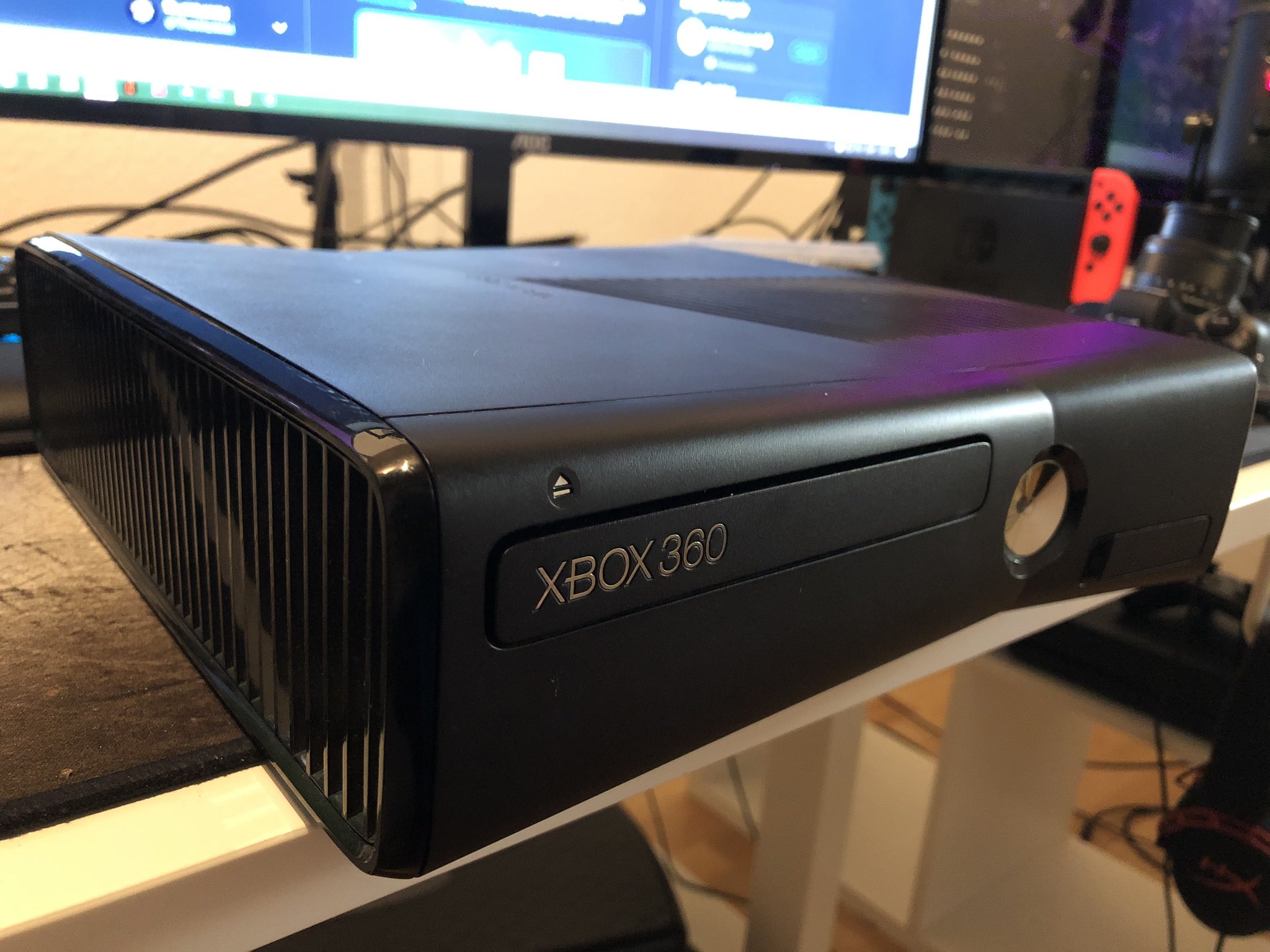
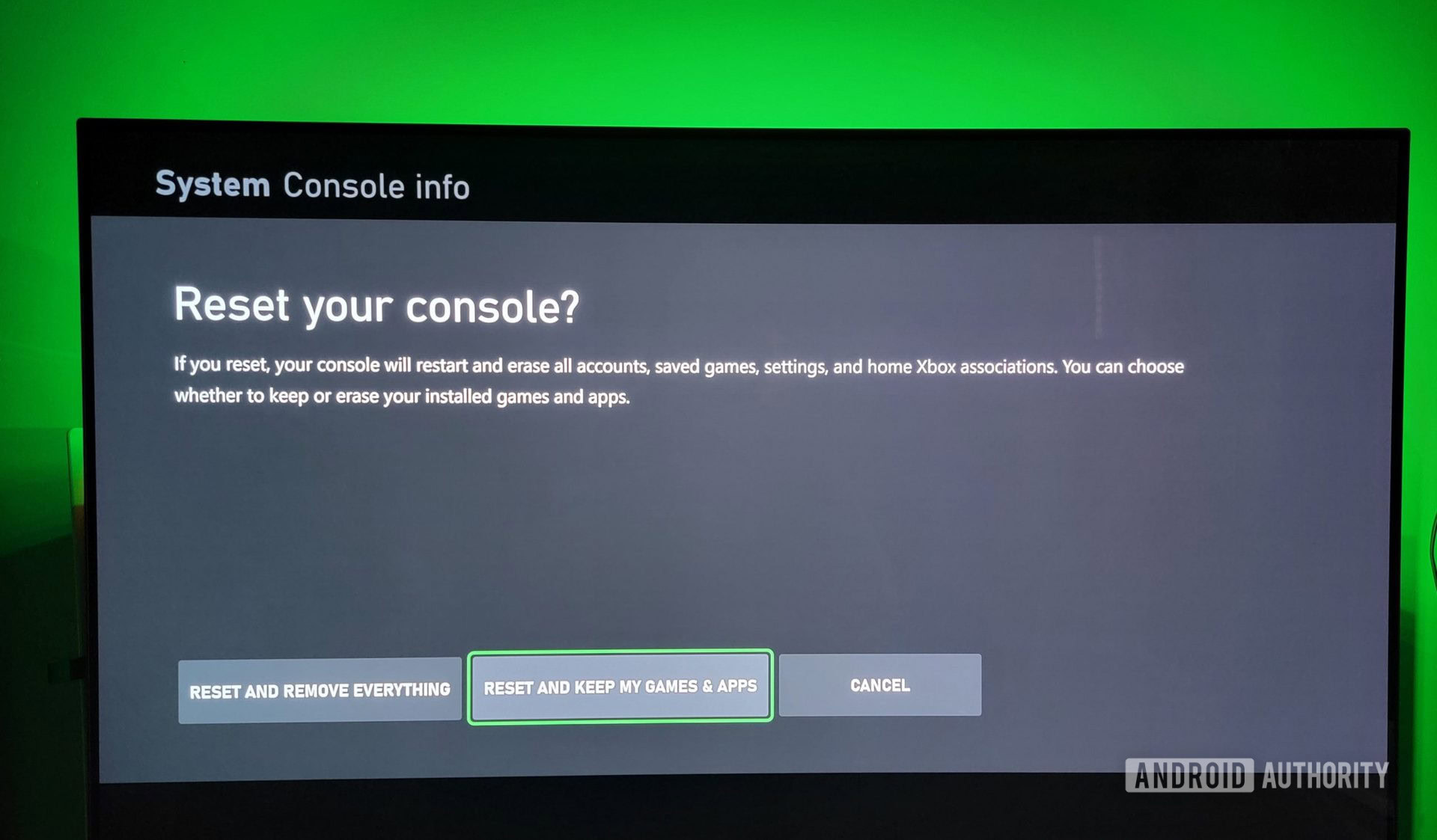
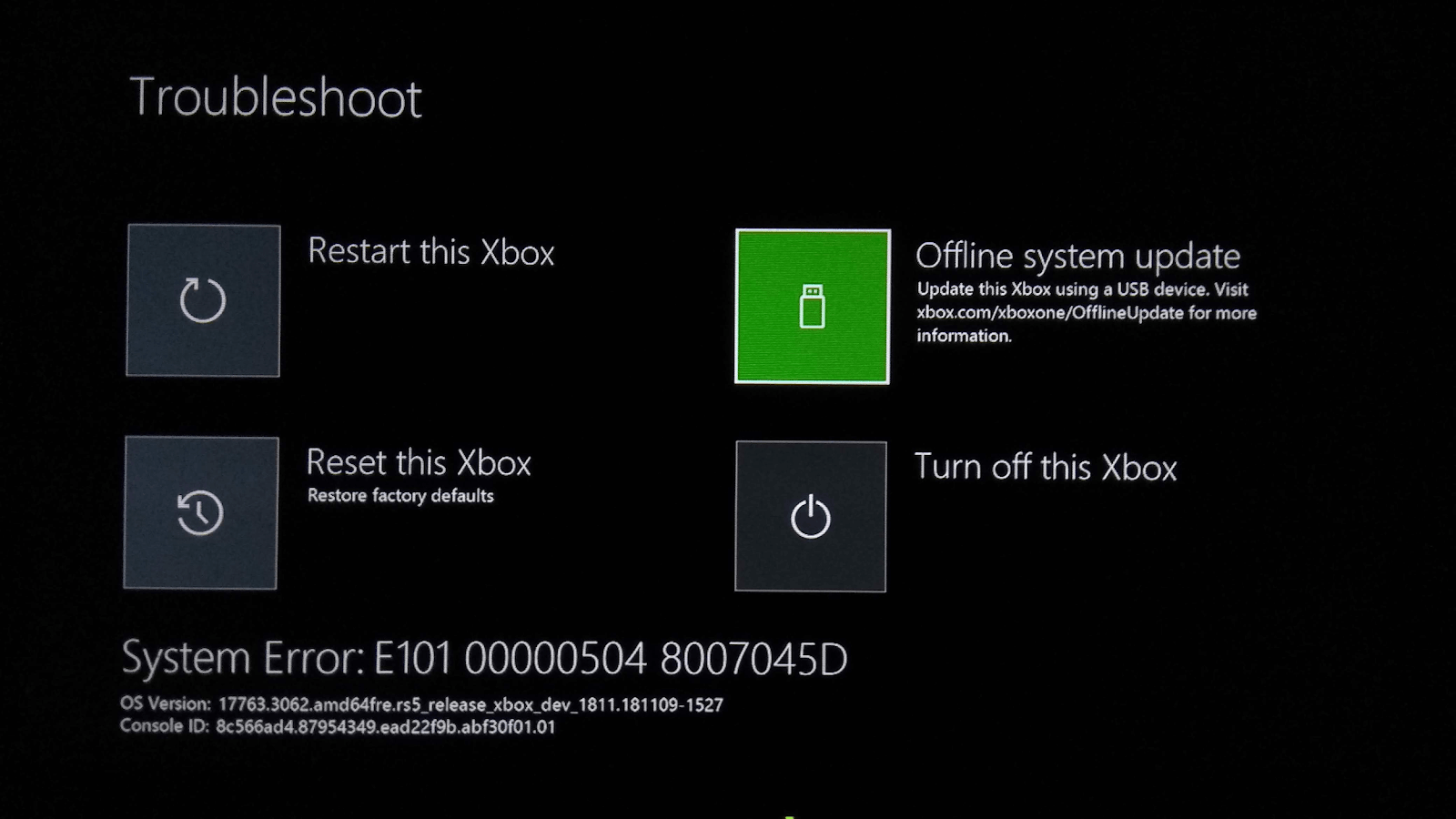
To perform a master reset on an Xbox 360, navigate to Settings, select System, and choose Storage. Highlight your Hard Drive, press the Y button for Device Options, and select Format. To reset system settings to factory defaults without deleting data, go to System Settings > Console Settings > System Info and enter the specific button sequence required for your console.
The Xbox 360 remains a cornerstone of retro and Seventh Generation gaming. Whether you are preparing to sell your console in 2026, troubleshooting a persistent software glitch, or clearing out a second-hand unit you recently purchased, knowing how to execute a "master reset" is essential. Because the Xbox 360 underwent several dashboard transformations—from the original "Blades" to the "New Xbox Experience" (NXE) and finally the "Metro" style—the process can feel slightly different depending on your firmware version, though most consoles today run the final Metro-inspired interface.
In this guide, we will explore the three distinct types of "resets" available: the factory format (wiping all data), the system settings reset (returning configurations to default), and the display reset (fixing video output issues).
Prerequisites for a Master Reset
Before you initiate a master reset on your Xbox 360, you must take several precautionary steps. A master reset is often irreversible, especially when it involves formatting the hard drive.
Backing Up Your Data
If your console still functions and you intend to keep your progress, back up your save files. As of 2026, while the Xbox 360 Store officially closed in July 2024, Microsoft continues to support cloud saves for users with an active internet connection. Ensure your most important saves are synced to the cloud. Alternatively, you can use a FAT32-formatted USB flash drive to manually move profiles and game saves.
Syncing Achievements
Achievements are tied to your Xbox profile and synced with Xbox Live servers. If you have been playing offline, connect to the internet and sign in to your profile one last time to ensure your Gamerscore is updated on Microsoft’s end. Once the console is wiped, any unsynced local data is lost forever.
Identifying Your Console Model
The method for resetting parental controls—a common reason for a master reset—requires your console’s serial number. You can find this on the back of the console near the A/V port, behind the USB door on the front of original "Phat" models, or within the "System Info" menu in the dashboard.
Performing a Full Factory Format (The "Master Reset")
The most common interpretation of a "master reset" is a complete wipe of the internal storage. This returns the console to a blank state, removing all profiles, downloaded games, and cached data.
Step-by-Step Drive Formatting
- Navigate to Settings: From the main Xbox Dashboard, scroll to the far right to find the Settings hub.
- Access System Settings: Select the System tile. This opens a menu for Storage, Network, and Console Settings.
- Open Storage: Select Storage. You will see a list of connected devices, including the internal Hard Drive, any Memory Units (on older models), or USB drives.
- Device Options: Highlight the Hard Drive (or the primary storage device you wish to wipe) and press the Y button on your controller.
- Select Format: Choose the Format option from the list.
- Confirmation and Serial Number: The system will warn you that all content will be deleted. Select Yes. In many cases, the console will prompt you to enter your console’s serial number as a final security measure to prevent accidental wipes.
- Restart: Once the format is complete, the console will restart. It is now "clean" and ready for a new user or a fresh setup.
What Happens to the Operating System?
It is a common misconception that a master reset will "downgrade" the dashboard version. A factory format only clears the user partition of the storage. The actual system software (firmware) resides on a separate flash chip on the motherboard. Performing a master reset in 2026 will leave you with the same dashboard version you had before the reset, typically version 2.0.17559.0.
Resetting System Settings Without Deleting Games
Sometimes, you don't want to lose your games; you just want the console to behave as if it were just turned on for the first time. This is useful for fixing network configuration errors or incorrect locale settings.
- Go to Settings > System > Console Settings.
- Scroll down to System Info.
- Do not enter the menu yet. Instead, while highlighting "System Info," enter the following button sequence: LT, RT, X, Y, LB, RB, [Your Specific Code].
- Note: The "Specific Code" is often a sequence of D-pad directions or buttons like X or Y that varies by console to reset parental locks. However, for a general settings reset, the sequence is often LT, RT, X, Y, LB, RB, Up, Down, Up, Down.
- A prompt will appear asking if you want to reset the system settings to factory defaults. Select Yes.
The console will reboot and initiate the "Initial Setup" wizard, where you can choose your language, region, and network settings without losing the contents of your hard drive.
Resolving Display and Resolution Issues
If you have moved your Xbox 360 from an old CRT television to a modern 4K monitor (or vice versa), you might encounter a "No Signal" error or a black screen. This happens when the console is set to a resolution the current display cannot support. You can perform a "Display Reset" to force the console back to basic low-resolution settings.
The Button Combination Method
- Remove any discs from the tray and turn the console off.
- Turn the console on using a controller (hold the Guide button).
- As the console starts to boot, press and hold the Y button while simultaneously pulling and holding the Right Trigger (RT).
- Continue holding these buttons until the console restarts itself.
When the console reboots for the second time, the display settings will be reset to the lowest common denominator (usually 480p). You can then go into Settings > Console Settings > Display to re-configure the resolution to 1080p or the maximum supported by your screen.
Bypassing Parental Controls and Passcodes
One of the most frequent reasons users seek a "master reset xbox 360" is because they have inherited a console with a forgotten parental lock. This prevents access to certain games or the ability to format the drive.
The Official Reset Sequence
To bypass this, you must register the console on the Microsoft Account Device Page using the serial number. If the console is older and no longer supported by the automated web tool in 2026, you must use the manual dashboard override.
- Go to Settings > System > Console Settings > System Info.
- Enter the master reset sequence: LT, RT, X, Y, LB, RB, Y, Left, Up, Left.
- If that sequence does not work, common alternatives include:
- LT, RT, X, Y, LB, RB, X, X, Up, Down
- LT, RT, X, Y, LB, RB, Left, Y, Up, Down
Each console has a specific sequence assigned to it. If these general codes fail, searching for your specific serial number in legacy Xbox support databases is the only way to retrieve the unique reset key.
Comparison of Reset Methods
The following table helps you decide which "master reset" is appropriate for your situation.
| Reset Type | Data Lost? | Settings Reset? | Best For... |
|---|---|---|---|
| Storage Format | Yes (All) | No | Selling the console or starting a fresh collection. |
| System Settings Reset | No | Yes | Fixing network issues or UI glitches. |
| Display Reset | No | Yes (Video Only) | Fixing black screen/no signal issues. |
| Parental Lock Reset | No | Yes (Security Only) | Gaining access to a locked second-hand console. |
| Clear System Cache | No (Only Updates) | No | Fixing "disk unreadable" or lag in games. |
Troubleshooting Common Reset Issues
Even with a robust system like the Xbox 360, the master reset process can sometimes hit a snag.
The Console Freezes During Format
If the console hangs while formatting the hard drive, it often indicates physical sector failure on the HDD. In 2026, these mechanical drives are aging. If the format fails, try removing the hard drive (on "S" and "E" models, it’s behind a side panel; on "Phat" models, it’s the grey brick on top/side) and formatting it on a PC using a SATA-to-USB adapter, though you will need specific software like FATXplorer to maintain the correct Xbox partition structure.
Serial Number Not Recognized
If the console asks for a serial number during the format but rejects the one printed on the sticker, the motherboard may have been swapped in a previous repair. Always use the serial number found in the System Info menu of the dashboard rather than the physical sticker to ensure accuracy.
"Storage Device Not Found"
If your internal 4GB flash storage (common in Xbox 360 S and E models) is not appearing, it may have reached the end of its write-cycle life. In this case, a master reset cannot be performed on that specific storage, and you will need to rely on an external USB drive or a replacement internal HDD for storage.
The State of the Xbox 360 in 2026
It is important to contextualize these technical procedures within the current landscape. Since the closure of the Xbox 360 Digital Store in 2024, the "Master Reset" has become a tool primarily for preservationists and physical media collectors.
- Re-downloading Content: Even after a master reset, you can still go to your Download History in the Account Management section to re-download any games you previously purchased. The store closure prevented new purchases, but Microsoft has maintained the infrastructure for existing owners to access their libraries.
- System Updates: If you perform a reset and find your console needs an update to connect to Xbox Live, these updates are still pushed via Microsoft's servers. You can also update the console manually via a USB stick by downloading the update files from the official Xbox support website.
- Game Patches: Title updates (patches) are still available for most games when you launch them while connected to the internet, even after a full system wipe.
Frequently Asked Questions
Does a master reset fix the Red Ring of Death (RROD)?
No. A master reset is a software-level action. The Red Ring of Death is almost exclusively a hardware failure related to the GPU, CPU, or power supply. If your console has a hardware failure, you will likely be unable to reach the menus required to perform a reset.
Will I lose my DLC if I format my hard drive?
Yes, formatting deletes all content on the drive, including DLC. However, you do not lose ownership of the DLC. You can re-download your content from your Account History as long as you sign in with the same Xbox Live account.
How do I clear the cache without a full reset?
If you only want to fix minor performance issues, go to Settings > System > Storage, highlight your hard drive, press Y, and select Clear System Cache. This removes temporary files and game updates but keeps your save data and profiles intact.
Can I reset an Xbox 360 without a controller?
No. All dashboard navigation and button sequences require a functional Xbox 360 controller. A USB keyboard may allow for basic navigation, but it cannot replicate the trigger and bumper combinations required for the parental lock or display resets.
Is there a "Reset Button" on the console itself?
There is no physical factory reset button on the Xbox 360 hardware. The "Sync" button is only for pairing controllers, and the Power button only handles soft resets (reboots). All master reset functions are handled through the software UI or specific startup button chords on the controller.
Final Recommendations
When performing a master reset on an Xbox 360 in 2026, the most effective path is the Storage Format via the System Settings menu. It provides the cleanest break from previous data and ensures the file system is optimized for new use. If you are troubleshooting video issues, remember the Y + RT combination during boot-up before assuming the console's hardware has failed. For those dealing with second-hand consoles locked by old passcodes, the System Info button sequence remains the only viable workaround to reclaim the device. Always ensure your achievements are synced before proceeding, as the transition to a "legacy" console status means local data is more precious than ever.