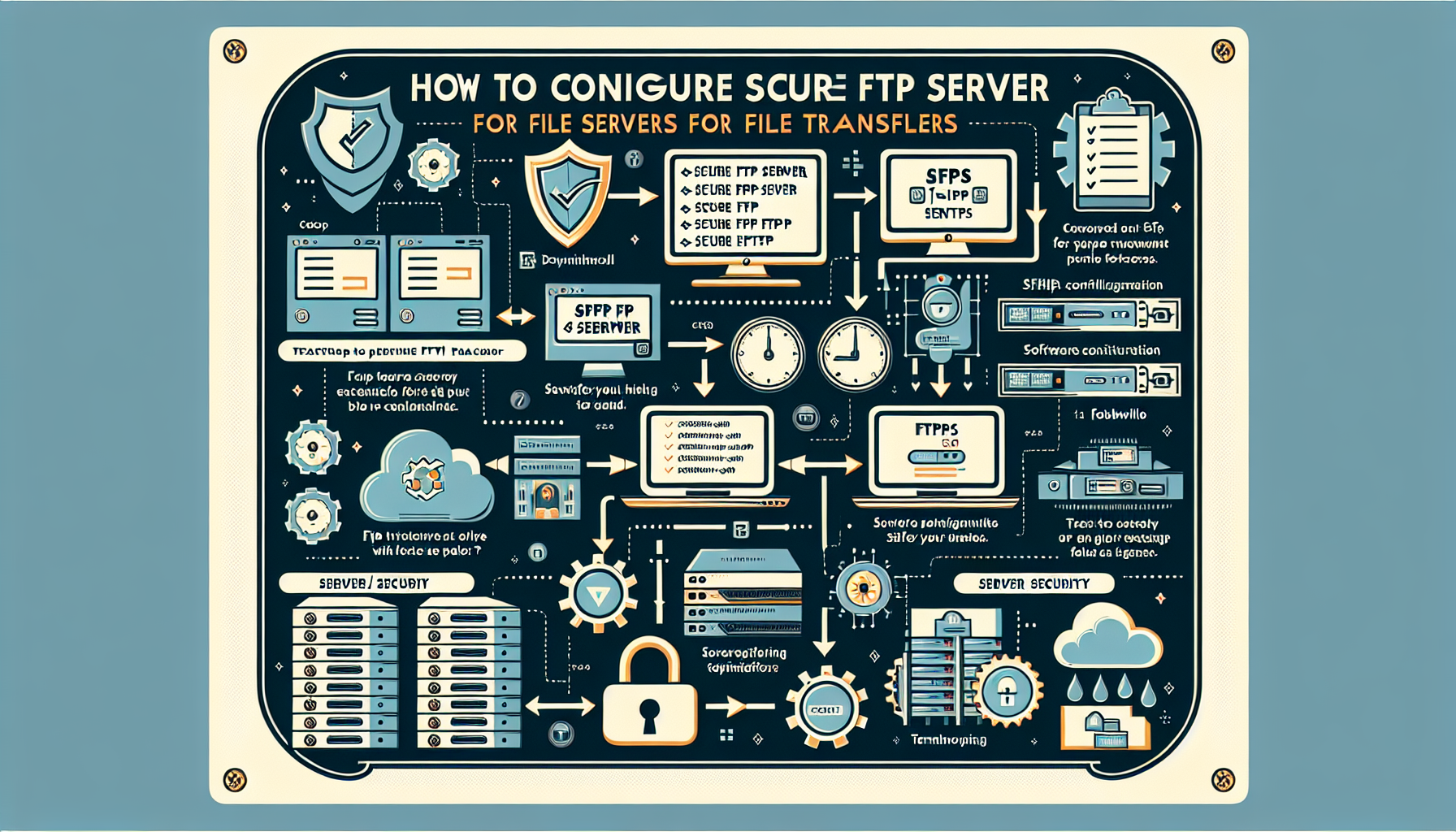
Transitioning to secure file transfer protocols is no longer an optional optimization; it is a foundational requirement for any organization handling data in 2026. While the "hassle" often centers on initial configuration, certificate management, and updated firewall rules, the risks associated with legacy File Transfer Protocol (FTP) deployments—such as clear-text credential transmission and lack of data integrity verification—far outweigh the administrative effort of implementing secure alternatives like SFTP (SSH File Transfer Protocol) or FTPS (FTP over SSL/TLS).
Understanding the Protocol Landscape: FTP, SFTP, and FTPS
To determine if the effort of securing your file servers is worth it, one must first distinguish between the protocols often grouped under the umbrella of "FTP." Traditional FTP, standardized in RFC 959 in 1985, transmits both data and control commands in plain text. This means any intermediary on the network can intercept usernames, passwords, and the files themselves.
Secure alternatives resolve this through encryption, but they function differently:
- SFTP (SSH File Transfer Protocol): Technically unrelated to traditional FTP, SFTP runs over an SSH (Secure Shell) connection. It uses a single port (typically 22) for all communication, making it highly firewall-friendly and robust. It provides a secure, reliable file transfer capability that is widely integrated into modern operating systems and enterprise tools.
- FTPS (FTP over SSL/TLS): This is the traditional FTP protocol wrapped in a Transport Layer Security (TLS) tunnel. Unlike SFTP, it requires multiple ports to be open (a command channel and a data channel), which can complicate firewall configuration in restrictive network environments.
The "hassle" often stems from the transition phase: updating client software, reconfiguring automated scripts, and managing public-key infrastructure. However, in 2026, these tasks are largely automated by modern server management platforms, reducing the manual burden significantly compared to a decade ago.
The Cost of Insecurity: Risk Analysis
The primary argument for the "hassle" of secure servers is the mitigation of catastrophic data loss or exfiltration. In the current cybersecurity climate, the following vulnerabilities are no longer theoretical risks but common vectors for automated attacks:
- Credential Sniffing: When using legacy FTP, your administrative credentials move across the wire as plain text. If a malicious actor performs a man-in-the-middle (MITM) attack, they capture these credentials instantly. Once they have administrative access to your server, they can download your entire database or upload malicious scripts.
- Lack of Data Integrity: Traditional FTP does not natively guarantee that the file received at the destination is identical to the file sent. Man-in-the-middle actors can alter packets in transit without the sender or receiver ever knowing.
- Compliance Failures: If you handle sensitive information—including protected health information (PHI), financial records, or personal identifying information (PII)—non-secure transmission is a direct violation of frameworks such as GDPR, HIPAA, and PCI DSS. The cost of a compliance audit failure far exceeds the labor cost of configuring an SFTP server.
Evaluating the Operational Overhead
Is the configuration process truly a "hassle"? For small-to-medium enterprises, the overhead is primarily front-loaded. Once the infrastructure is established, the ongoing maintenance is minimal.
Administrative Requirements
| Task | Traditional FTP | Secure SFTP/FTPS | Effort Delta |
|---|---|---|---|
| Port Configuration | Port 21 (and passive ports) | Port 22 (SFTP) | Neutral |
| Credential Safety | Plain text (high risk) | Encrypted (low risk) | None |
| Authentication | Passwords | SSH Keys/Certificates | Initial setup higher |
| Integrity Checks | Manual (Checksums) | Automatic (Protocol-level) | Saves time |
| Compliance | Non-compliant | Compliant | Significant value |
The "hassle" is often a misconception based on antiquated server hardware. Modern cloud-native storage solutions and virtual private servers (VPS) come with secure transfer protocols enabled by default. If you are still managing a physical server with legacy FTP, the effort required to migrate is an investment in stability and security posture.
Common Friction Points and How to Solve Them
Key Management
The most frequent complaint from administrators is managing SSH keys. If you have many users, manual key rotation becomes difficult. The solution is to utilize centralized identity and access management (IAM) tools. By integrating your SFTP server with an LDAP (Lightweight Directory Access Protocol) or Active Directory backend, you can enforce centralized login and group-based permissions, removing the need to manage individual keys manually.
Client Compatibility
Older legacy software might not support modern cryptographic standards. If your organization relies on proprietary software from the early 2000s that strictly requires standard FTP, you face a strategic choice: use an isolated, hardened gateway server that encrypts the traffic before it traverses the public internet, or prioritize upgrading the legacy application. Never expose an unencrypted port directly to the internet to support outdated software.
Firewall Complexity
If your security policy mandates strict firewall rules, FTPS can be problematic because it opens a range of ephemeral ports for data transfer. Choosing SFTP, which operates exclusively over a single port, removes this hurdle entirely and simplifies network auditing.
Does Security Impact Transfer Speeds?
A common myth is that encryption significantly slows down file transfers. While encryption does require CPU cycles, modern server and client hardware utilize AES-NI (Advanced Encryption Standard Instruction Set) instructions. This hardware acceleration ensures that encryption and decryption processes occur with negligible latency. In most network environments, the bottleneck remains the total available bandwidth of the ISP, not the overhead of the encryption itself.
Strategic Decision-Making: A Checklist
Before deciding whether the transition is "worth it," perform a technical assessment of your current environment:
- Data Sensitivity Audit: Map the types of files you transfer. If they contain anything proprietary or sensitive, the choice is made: move to SFTP.
- Protocol Availability: Check if your existing server infrastructure supports SSH or TLS natively. Many do, but they may be disabled by default.
- Dependency Mapping: Identify all automated scripts that connect to your server. Updating these scripts is the most labor-intensive part of the transition.
- Network Architecture: Determine if you can standardize on SFTP. If you can, your firewall management will become significantly easier.
If you are currently running FTP, you are operating in a state of technical debt. Like all technical debt, the cost of paying it off—the "hassle"—is unavoidable. However, the interest you pay for failing to secure your server is calculated in the currency of data breaches, reputational loss, and regulatory fines.
Frequently Asked Questions
Why do some people still use unencrypted FTP?
Legacy environments often persist because of "it works, don't touch it" mentality. In many cases, these systems exist in isolated internal networks where the organization mistakenly believes the network perimeter is sufficient protection. However, modern network security emphasizes "Zero Trust" architecture, where internal networks are treated as potentially hostile environments.
Is FTPS more secure than SFTP?
Both are secure, but they have different strengths. SFTP is generally preferred for its simplicity, as it uses a single port and is highly robust. FTPS is often used when certificate-based authentication (X.509) is a strict requirement for regulatory or corporate policy reasons. Neither is inherently more "secure" if configured with strong ciphers; the choice is usually driven by network requirements.
How do I verify my server is actually secure?
You can use external security scanning tools or command-line utilities like nmap to test which ports are open and what services are listening. Furthermore, check your server configuration files to ensure that weak ciphers (e.g., those using RC4 or 3DES) are disabled in favor of modern, robust encryption standards like AES-256.
What happens if I keep using FTP?
At best, you are creating a compliance liability. At worst, you are leaving an open door for automated malware scanners to compromise your infrastructure. In 2026, most automated botnets actively scan for open Port 21 connections to exploit weak authentication and perform unauthorized file exfiltration or ransomware deployment.
Are there alternatives to FTP for file transfers?
Yes, HTTPS-based file sharing services (such as object storage buckets with signed URLs) are often more efficient for modern web applications. However, for traditional server-to-server bulk transfers, SFTP remains the industry standard for interoperability.
Recommendation for Next Actions
If you are currently relying on unencrypted FTP, you should prioritize a migration to SFTP. Start by setting up a parallel SFTP environment, test your automated scripts against it, and then decommission the FTP listener. The "hassle" of this migration is a one-time project that provides an immediate, permanent boost to your security posture and ensures compliance with modern data handling standards. Do not wait for a security incident to force this transition; manage the change on your own terms.