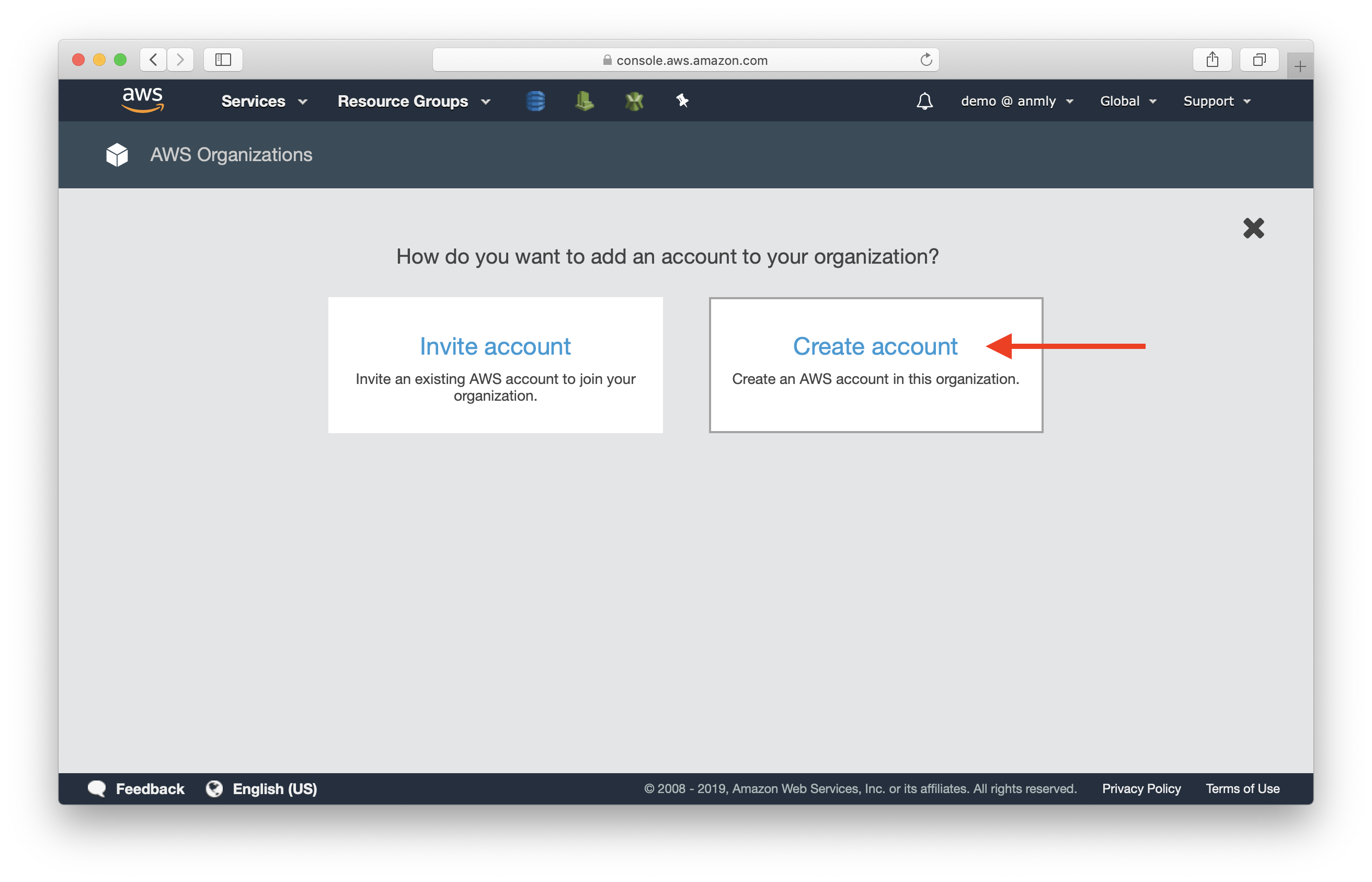
Account activated status indicates that a digital, financial, or service-based profile has successfully cleared all prerequisite verification, security, and administrative hurdles. This state confirms that the account is fully functional, allowing the user to access all features, perform transactions, and utilize the service according to the provider’s terms.
In the landscape of 2026, the transition to an "activated" status is rarely instantaneous. Whether you are opening a high-yield savings account, onboarding at a new corporation, or subscribing to a complex Software-as-a-Service (SaaS) platform, understanding the nuances of this status is essential for managing expectations and resolving technical bottlenecks. This guide breaks down the mechanics of account activation across different industries, the barriers that prevent it, and the security protocols that govern it.
What Does Account Activated Status Actually Mean?
At its core, account activated status is a signal from a system's back-end database to the front-end user interface that a specific unique identifier (the account) has met the "Definition of Ready." Until this status is achieved, an account is typically held in a "Pending," "Provisioning," or "Unverified" state.
Activation is distinct from registration. Registration is the act of providing data; activation is the act of the system accepting, verifying, and enabling that data. In a technical sense, it often involves the toggling of a boolean value (e.g., is_active: true) within a database, which then triggers a series of automated workflows, such as sending a welcome email, provisioning server space, or enabling API keys.
From a user perspective, activation is the green light. It means your credentials—username, password, and biometric data—are now recognized as valid and authorized to interact with the service’s core infrastructure.
The Lifecycle of an Account: From Registration to Activation
The path to activation follows a logical progression designed to protect both the service provider and the user. Understanding this lifecycle helps identify exactly where a delay might be occurring.
1. Data Entry and Registration
The process begins when a user submits their initial information. This includes basic identifiers like name, email address, and phone number. At this stage, the account exists in the database but is usually flagged as "inactive." No significant system resources are allocated to the user yet.
2. Identity and Contact Verification
Most modern systems require a "handshake" to prove the user owns the contact methods provided. This is commonly achieved through a Magic Link sent via email or a One-Time Password (OTP) sent via SMS. This step prevents "ghost" accounts created by bots or typos in contact information.
3. Vetting and Compliance (The "Pending" State)
For services involving finance, legalities, or high security, the account enters a "pending" phase. During this time, the provider may perform automated or manual checks, such as:
- KYC (Know Your Customer): Comparing your identity documents against government databases.
- AML (Anti-Money Laundering): Screening names against international sanctions lists.
- Credit Checks: Assessing financial risk before granting access to credit facilities.
4. Final Provisioning and Activation
Once all checks pass, the system "provisions" the account. In a cloud computing context, this might mean spinning up a dedicated virtual machine or allocating storage. In a bank, it means assigning an account number. Once the infrastructure is ready, the status changes to "Activated," and the user is notified.
Sector-Specific Activation Requirements
The requirements for reaching "activated" status vary significantly depending on the sensitivity of the data and the regulations governing the industry.
Banking and Financial Services
In the financial sector, account activation is a highly regulated milestone. Under frameworks like the Bank Secrecy Act and various international AML directives, a bank cannot activate an account until they have verified the customer’s identity.
By 2026, most banks use "Liveness Detection" as a part of activation. This requires users to take a selfie or video while performing specific actions to prove they are a real person and not a deepfake. Activation in banking also frequently requires an "initial funding" event. Even if your identity is verified, the account may not be considered fully "activated" for outgoing transfers until a minimum deposit is cleared.
Disclaimer: Financial regulations vary by jurisdiction. Always consult with a certified financial advisor or your specific institution’s compliance disclosures for localized legal requirements.
Enterprise Software and SaaS
For software platforms, activation is often tied to the "Seat" or "License" model. An administrator might create an account for an employee, but the status remains "Pending" until the employee logs in for the first time and sets up Multi-Factor Authentication (MFA).
In B2B (Business-to-Business) environments, activation might also depend on "Domain Verification." If a company signs up for a service, the service provider may require the IT team to add a DNS record to their website to prove they actually own the company they claim to represent.
Digital Government Services and Identity Portals
Government portals, such as those used for tax filing or social security benefits, often use third-party identity proofing services like ID.me or government-issued digital IDs. Activation here is often the most rigorous, sometimes requiring a video call with a "Trusted Referee" to manually verify physical documents. Once activated, these accounts often grant access to a suite of interconnected services, making the activation status a "Master Key" for the citizen’s digital life.
Comparing Account Statuses
The following table clarifies the differences between various account states that users often confuse with being fully activated.
| Status | Definition | Access Level | Primary Action Required |
|---|---|---|---|
| Registered | Basic info submitted; record created. | None; login usually blocked. | Verify email or phone number. |
| Pending | Verification is currently in progress. | View-only; limited dashboard access. | Await internal review or submit docs. |
| Verified | Identity confirmed; checks passed. | Partial; limited transaction amounts. | Complete "First-Time Login" steps. |
| Activated | Full system readiness established. | Full access to all features. | None; account is ready for use. |
| Suspended | Temporarily disabled due to policy. | None; data is preserved. | Contact support for remediation. |
| Deactivated | Purposefully closed by user or admin. | None; data may be flagged for deletion. | Re-application or account recovery. |
Common Barriers to Activation and How to Resolve Them
If you are stuck in a "Pending" or "Inactive" state, the issue usually stems from one of several common friction points.
Incomplete Verification "Handshakes"
The most frequent cause of activation failure is a missed verification email. Sophisticated spam filters often flag these automated messages. If you haven't received an activation link, check your "Promotions" or "Junk" folders. Furthermore, ensure that you are not using a VPN during the activation process, as many systems flag IP addresses from different geographic regions than the physical address provided, triggering a fraud alert.
Document Mismatch and OCR Errors
When uploading a driver's license or passport, systems use Optical Character Recognition (OCR) to read the data. If the image is blurry, has a glare, or cuts off the "Machine Readable Zone" (the strings of characters at the bottom), the activation will fail. Ensure you are using a dark, non-reflective background and high-resolution lighting when capturing these images.
System Latency and Batch Processing
Not all activations happen in real-time. Many legacy banking systems and government databases operate on "Batch Processing," where updates are only pushed through once every 24 hours (often at midnight). If you complete your requirements on a Friday evening, the "Activated" status might not reflect until the next business day.
Database Conflicts
If you previously had an account with the same service—even years ago—the system may detect a duplicate entry. Instead of activating the new account, the system may put it on "Administrative Hold" to prevent identity fragmentation. In this case, reaching out to support to merge the profiles is usually the only solution.
The Role of Security Protocols in the Activation Process
In 2026, activation is no longer just about a password. It is inextricably linked to cybersecurity frameworks.
Multi-Factor Authentication (MFA) Mandatory Enrollment
Many platforms now refuse to move an account to "Activated" status until the user has successfully enrolled an MFA method. This could be an authenticator app (like Google Authenticator or Microsoft Authenticator), a hardware key (like Yubikey), or biometric passkeys. This "Secured Activation" ensures that the account isn't immediately compromised upon its creation.
Provisioning and "Least Privilege" Access
Technically, activation often follows the principle of Least Privilege. An account might be "Activated" for the user, but specific high-level permissions (like the ability to export a database or change billing info) might remain locked until a secondary "Step-up Authentication" is performed. This adds a layer of safety, ensuring that an activated account is functional but not a liability.
Post-Activation: Maintaining Your Account Status
Reaching "Activated" status is not necessarily a permanent state. To keep your account functional, you must adhere to ongoing maintenance requirements.
- Periodic Re-Verification: High-security accounts (especially in finance) may require you to re-verify your identity or update your residential address every 1-2 years to remain active.
- Activity Requirements: Some services will "deactivate" or "archive" an account if there has been no login activity for a prolonged period (typically 12 to 24 months). This is done to reduce the "attack surface" of the system.
- Policy Compliance: Ongoing monitoring for Terms of Service (ToS) violations occurs post-activation. If the system detects prohibited behavior, the status can be reverted to "Suspended" or "Disabled" instantly.
Frequently Asked Questions
How long does it typically take for an account to be activated?
The timeframe varies by industry. For a standard social media or basic SaaS account, activation usually takes 30 seconds to 2 minutes (the time it takes to click a verification link). For brokerage accounts or banks, it typically takes 1 to 3 business days due to mandatory KYC and AML screenings. Government portal activation can take anywhere from 15 minutes (automated) to 10 days if manual document review is required.
Can I use my account while it is still "Pending"?
In most cases, you will have "Read-Only" access. You may be able to log in and see the dashboard, set up your profile, or explore the user interface, but you will be blocked from performing "Write" actions, such as sending messages, making payments, or downloading sensitive data. Some platforms offer a "Trial Mode" during the pending phase, which allows limited functionality.
Why is my account still "Inactive" after I verified my email?
Verifying your email is often only the first step in a multi-stage process. The system may still be performing background checks, or you may need to complete a second step, such as adding a payment method or setting up MFA. Check your account settings or notifications for a "Task List" of outstanding requirements.
What is the difference between "Activated" and "Enabled"?
These terms are often used interchangeably, but "Activated" usually refers to the initial setup of the account, while "Enabled" refers to the current operational status. An account might be "Activated" (it exists and is verified) but "Disabled" (temporarily turned off by an administrator).
Does account activation affect my credit score?
The act of activation itself does not affect your credit score. However, the process leading up to activation—specifically for credit cards, loans, or some utility accounts—may involve a "Hard Inquiry" on your credit report, which can cause a temporary, minor dip in your score. Standard bank accounts and software subscriptions typically only use "Soft Inquiries," which have no impact.
Final Recommendations for Seamless Activation
To ensure your account reaches activated status without delay, follow these practical steps:
- Use a Primary Email: Avoid using "burner" or temporary email addresses, as these are often blacklisted by activation servers.
- Prepare Documents in Advance: If using a financial service, have a high-quality scan of your government ID and a recent utility bill ready for upload.
- Check for Conflicts: Ensure you don't have an existing account with the same provider using an old email or phone number.
- Monitor Notifications: Stay active in the communication channel (Email or SMS) you provided, as the system may request additional information within the first 24 hours of registration.
By understanding the technical and administrative requirements of account activation, you can navigate the onboarding process of any modern service with confidence and efficiency.