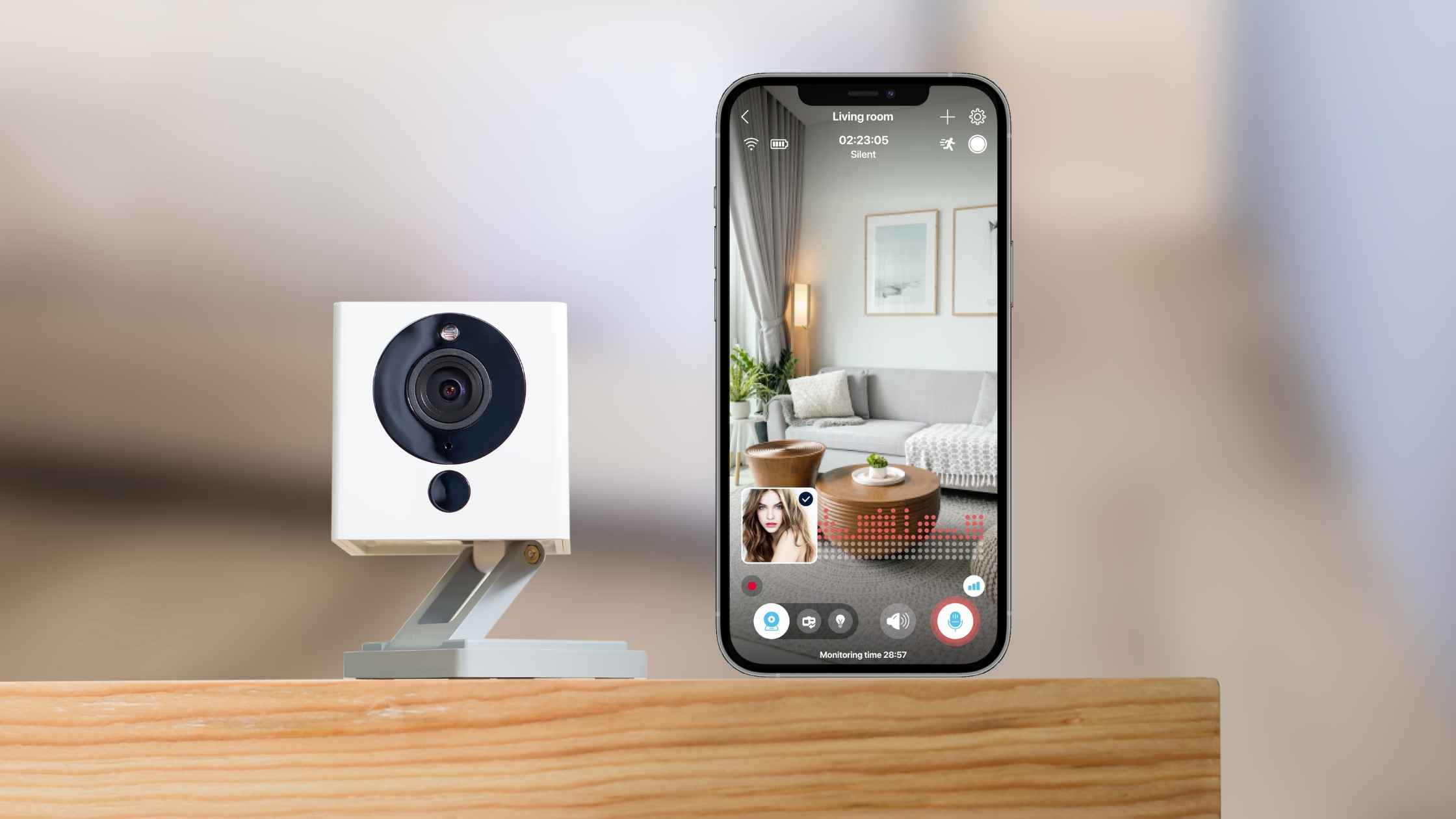
Finding a security camera that operates independently of cloud subscriptions while offering reliable two-way audio communication requires balancing local storage capabilities, network isolation, and hardware performance. The best non-cloud security cameras with two-way audio typically utilize local Network Video Recorders (NVRs), MicroSD card recording, or local software like Home Assistant and ONVIF-compliant apps to keep your video feeds private and subscription-free.
When evaluating local, non-cloud security setups, privacy and data ownership take center stage. Unlike mainstream consumer cameras that stream footage to remote servers—often requiring a monthly fee for advanced features or continuous video recording (CVR)—non-cloud hardware processes and saves data on your own premises. Two-way audio remains a crucial feature for these systems, enabling real-time communication with family members, delivery personnel, or visitors at your door without routing your voice and audio data through an external vendor’s cloud infrastructure.
Understanding Non-Cloud Security Cameras and Local Storage
A non-cloud security camera is a device designed to function entirely within a local area network (LAN) without requiring an active internet connection or a manufacturer's cloud subscription to save and view footage. These cameras rely on alternative storage and transmission methods to keep your data secure and accessible only to you.
The primary method of local storage is the onboard MicroSD card slot. Cameras equipped with local card slots record continuous or motion-triggered video directly onto the physical media. Once the card reaches capacity, the camera automatically overwrites the oldest footage, operating on a rolling loop. Alternatively, many non-cloud cameras support network protocols like ONVIF (Open Network Video Interface Forum) and RTSP (Real-Time Streaming Protocol). These standards allow the camera to stream video directly to a local Network Video Recorder (NVR), a Network Attached Storage (NAS) device, or dedicated open-source home automation software running on local hardware.
Two-way audio on these systems operates via internal microphones and speakers housed within the camera body. When configured correctly through a local app, web interface, or NVR console, the audio stream travels locally over your Wi-Fi or Ethernet connection to your viewing device (such as a smartphone, tablet, or PC). This ensures that conversations remain private, eliminating the risk of audio data being intercepted on remote third-party servers.
Key Features to Evaluate Before Buying
Selecting a local security camera with two-way audio involves examining several technical specifications that dictate performance, reliability, and ease of use in a non-cloud environment.
Protocol Compatibility (ONVIF and RTSP)
For a camera to truly operate without a cloud service, it must support open standards like ONVIF and RTSP. These protocols ensure that the camera can communicate with third-party software (such as Blue Iris, Frigate, or Synology Surveillance Station) or hardware NVRs. Proprietary cameras often lock you into their respective apps, which may suddenly mandate cloud subscriptions or fail if the manufacturer discontinues support.
Audio Quality and Half-Duplex vs. Full-Duplex
Two-way audio performance varies significantly across hardware models. Half-duplex systems function like walkie-talkies: only one party can speak or listen at a time, requiring you to press a button to talk and release it to listen. Full-duplex systems allow simultaneous two-way conversation, closely mimicking a standard telephone call. Look for cameras equipped with noise-cancellation and echo-suppression technologies to minimize feedback and background interference, especially in outdoor environments.
Storage Flexibility and Capacity
While MicroSD cards offer a straightforward, self-contained storage solution, they have physical capacity limits (typically ranging from 128GB to 512GB) and can wear out over years of continuous write cycles. High-end local setups often pair the camera with an NVR containing mechanical hard drives (HDD) or solid-state drives (SSD) capable of storing weeks or months of high-definition footage.
Connectivity: Wi-Fi vs. Power over Ethernet (PoE)
Network stability is critical for real-time features like two-way audio and live streaming. Wi-Fi cameras offer easier installation but are susceptible to interference and signal dropouts. Power over Ethernet (PoE) cameras transmit both power and data over a single Ethernet cable, providing an exceptionally stable, lag-free connection that is ideal for security applications.
Top 5 Non-Cloud Security Cameras with Two-Way Audio
The following selection highlights five reputable hardware options and ecosystems well-suited for local, non-cloud operation while maintaining robust two-way audio functionality.
| Brand and Model | Connection Type | Storage Medium | Audio Type | Cloud Dependency |
|---|---|---|---|---|
| Reolink RLC-810A / Argus Series | PoE / Wi-Fi | MicroSD / NVR | Half-Duplex | Optional (Can be fully disabled) |
| Amcrest IP4M-1041B | Wi-Fi / Ethernet | MicroSD / NVR | Two-Way Audio | Optional (ONVIF compatible) |
| Eufy Indoor Cam 2K | Wi-Fi | MicroSD / NAS | Two-Way Audio | Optional (Local RTSP support) |
| Axis M-Series Network Cameras | PoE | Edge Storage / NVR | Full-Duplex | None (Purely local/ONVIF) |
| Wyze Cam v3 (with Custom RTSP Firmware) | Wi-Fi | MicroSD | Two-Way Audio | Removable via alternative firmware |
1. Reolink RLC-810A (and Reolink PoE Ecosystem)
Reolink offers a robust lineup of PoE cameras that excel in local-only environments. While Reolink provides a smartphone app that can use their push notification servers, the cameras themselves are fully functional offline.
- Two-Way Audio Performance: Integrated microphone and speaker models allow clear audio transmission through the Reolink desktop client or mobile app when connected locally or via direct IP.
- Storage: Features an onboard MicroSD card slot supporting up to 256GB (depending on the specific model) and seamless integration with Reolink NVRs or third-party software via RTSP/ONVIF.
- Local Integration: Works natively with Home Assistant and Blue Iris without requiring an internet connection.
2. Amcrest IP4M-1041B ProHD
Amcrest is widely recognized in the prosumer security space for maintaining open RTSP streams and deep ONVIF compliance across its product line. The IP4M-1041B is a versatile pan-and-tilt indoor camera built for local monitoring.
- Two-Way Audio Performance: Features a built-in microphone and speaker with decent range, though acoustic echo cancellation is best utilized in quieter indoor environments.
- Storage: Supports local MicroSD cards up to 256GB and direct FTP or NAS recording protocols.
- Local Integration: Completely manageable via local web interfaces (using standard browsers) and compatible with nearly all major NVR brands.
3. Eufy Indoor Cam 2K (Local RTSP Mode)
Eufy indoor cameras are popular consumer devices that bridge the gap between plug-and-play ease and local privacy. While they default to cloud-adjacent app setups, they feature a built-in RTSP streaming toggle.
- Two-Way Audio Performance: Crisp, clear two-way audio accessible via the app, utilizing standard network packets to transmit sound locally when devices share the same subnet.
- Storage: MicroSD card slot supporting up to 128GB for continuous recording without a subscription.
- Local Integration: Can be integrated into Home Assistant or local NVRs via RTSP, though initial setup requires the mobile application.
4. Axis Communications M-Series Network Cameras
For users requiring enterprise-grade reliability without cloud dependencies, Axis cameras represent the gold standard. These professional surveillance units are engineered for standalone, localized operation.
- Two-Way Audio Performance: Professional-grade audio inputs and outputs supporting external microphones and speakers, or built-in units with exceptional clarity and full-duplex capabilities.
- Storage: Edge storage via high-end SD cards or direct recording to local network shares (NAS/SAN).
- Local Integration: Full open-standard compliance, requiring zero cloud accounts or external vendor servers to operate at full capacity.
5. Wyze Cam v3 (Modified / RTSP Firmware)
The Wyze Cam v3 is an affordable consumer camera that, out of the box, relies heavily on the cloud. However, Wyze has historically provided optional RTSP firmware updates for advanced users, and the community has built robust alternative local integrations.
- Two-Way Audio Performance: Surprisingly loud speaker and sensitive microphone for its compact size, though two-way functionality depends heavily on the chosen local bridge software (such as WebRTC integrations in Home Assistant).
- Storage: Local MicroSD card slot supporting continuous recording.
- Local Integration: Requires technical configuration to strip away cloud dependencies, making it ideal for hobbyists seeking low-cost local audio and video.
Setting Up Your Non-Cloud Security System
Configuring a security camera to operate entirely offline or within a strictly localized network requires careful planning of your network architecture and device permissions.
- Network Isolation: Connect your cameras to a dedicated Virtual Local Area Network (VLAN) or block their internet access entirely via your router’s firewall settings once initial configuration is complete. This prevents unauthorized outbound data transmission.
- Assign Static IP Addresses: Access your router's DHCP reservation settings and assign a permanent, static IP address to each camera. This ensures that your NVR or local viewing software never loses connection due to IP address reassignment.
- Configure Local Storage: Insert a high-endurance MicroSD card formatted to FAT32 or exFAT directly into the camera. Access the camera's local web GUI using a computer on the same network to enable continuous recording and format the card properly.
- Enable ONVIF/RTSP Streams: Within the camera's settings menu, locate the network or stream settings, enable ONVIF and RTSP protocols, and create a secure, complex local username and password.
- Test Two-Way Audio: Open your local NVR software, Home Assistant dashboard, or manufacturer desktop client. Initiate a two-way audio test to check for latency, feedback loops, and volume levels between your control device and the camera's speaker.
Common Mistakes to Avoid
Navigating the transition from cloud-based subscriptions to a localized security infrastructure involves a few common pitfalls that can compromise your privacy or system reliability.
- Failing to Disable UPnP: Leaving Universal Plug and Play (UPnP) enabled on your router can allow devices to automatically open external ports, exposing your local camera streams to the open internet. Always manage port forwarding manually or block internet access entirely.
- Using Consumer MicroSD Cards: Standard memory cards are not designed for the constant write cycles demanded by continuous security recording. Always purchase high-endurance or surveillance-rated MicroSD cards to prevent premature card failure.
- Neglecting Network Bandwidth: Streaming multiple high-definition RTSP feeds simultaneously can saturate a standard wireless network. For multi-camera setups, prioritize wired Ethernet or PoE connections to ensure smooth audio and video performance.
- Ignoring Firmware Updates: Even in local-only setups, critical security vulnerabilities can be discovered in camera firmware. Periodically download firmware updates directly from the manufacturer's website and apply them manually without connecting the camera to the internet for routine operation.
Frequently Asked Questions
Can I use non-cloud security cameras without any internet connection at all?
Yes. Many IP cameras operate entirely on a closed local area network (LAN) using a physical router or switch without an internet connection. You can view feeds and use two-way audio via a computer or NVR connected to the same local network. However, viewing feeds remotely when you are away from home will require a secure VPN connection into your local network.
Do I need a subscription to use two-way audio on local cameras?
No. Two-way audio is a hardware-level feature built directly into the camera's microphone and speaker components. As long as your viewing software or NVR supports audio transmission protocols, you can use two-way audio completely free without any ongoing subscription fees.
How do I access my security cameras remotely without a cloud service?
To view local cameras outside your home securely without using manufacturer cloud services, you can set up a Virtual Private Network (VPN) server on your local router (using WireGuard or OpenVPN). This creates an encrypted tunnel directly into your home network, allowing your smartphone or laptop to act as if it is physically connected to your home Wi-Fi.
What is the difference between half-duplex and full-duplex audio in security cameras?
Half-duplex audio allows communication in only one direction at a time, similar to a walkie-talkie where you must press a button to talk and wait to listen. Full-duplex audio allows both parties to speak and hear simultaneously without interruption, providing a more natural, phone-like conversation experience.
Are PoE security cameras more reliable than Wi-Fi cameras?
Generally, yes. Power over Ethernet (PoE) cameras transmit power and data over a single physical cable, eliminating wireless interference, dropouts, and bandwidth congestion. They provide a consistently stable connection, which is vital for real-time video streaming and responsive two-way audio communication.
Conclusion
Investing in a non-cloud security camera with two-way audio grants you absolute control over your personal data, eliminates recurring monthly subscription fees, and ensures your home surveillance remains operational even during internet outages. By prioritizing hardware that supports open standards like ONVIF and RTSP, and pairing it with robust local storage or an NVR, you build a resilient, private security network tailored to your exact specifications. Begin by auditing your network infrastructure, selecting a camera model that aligns with your wiring capabilities (PoE vs. Wi-Fi), and configuring local storage loops to secure your perimeter on your own terms.