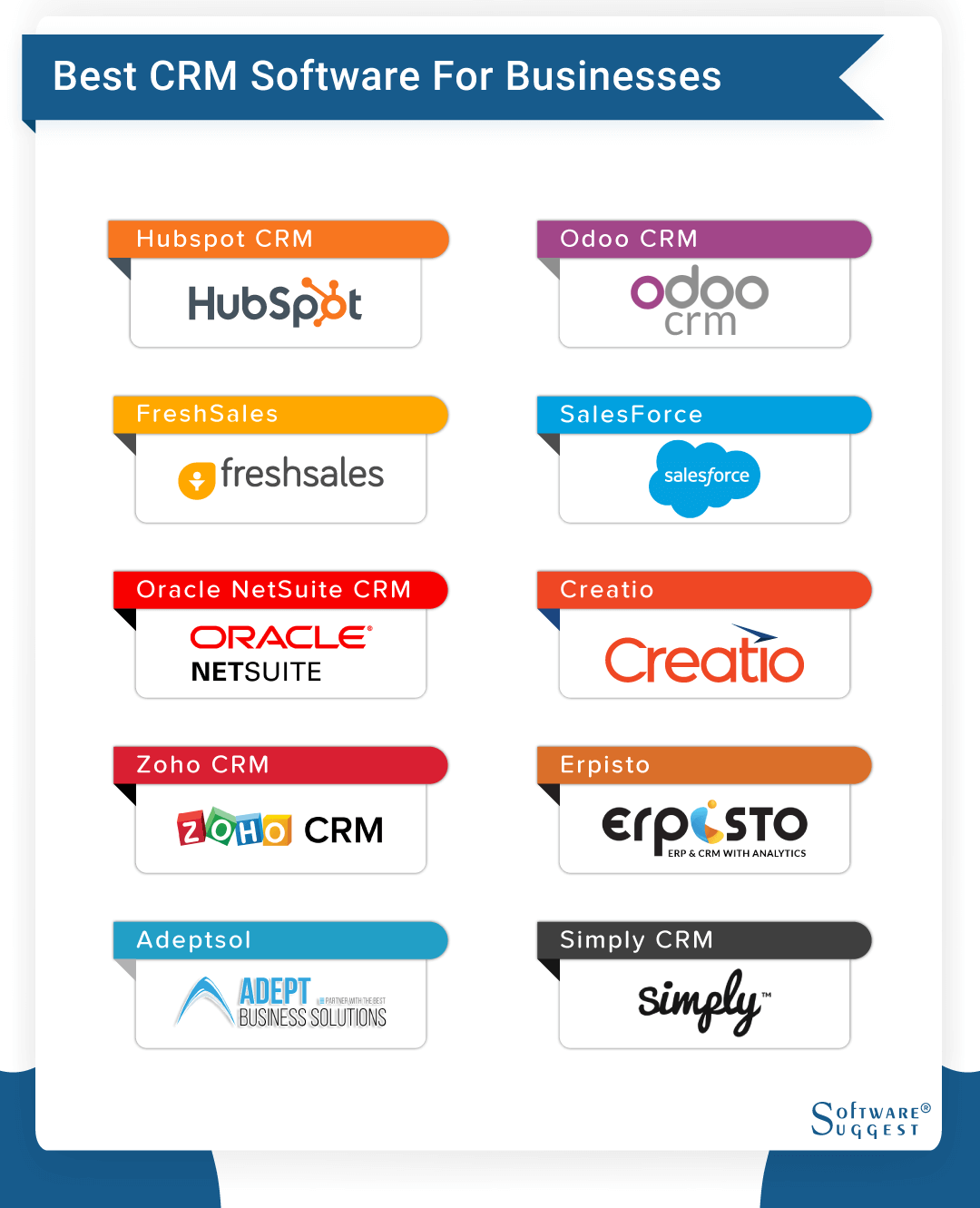
A good free CRM software provides robust contact management, lead tracking, and basic automation without an expiration date. In 2026, the top recommendations for small businesses and freelancers are HubSpot CRM for its unlimited users and scalability, Zoho CRM for its deep customization, and Bitrix24 for its extensive collaboration tools.
Customer Relationship Management (CRM) software has evolved from simple digital rolodexes into sophisticated ecosystems. For a small business, a startup, or a solo entrepreneur, the cost of a premium CRM subscription—often ranging from $25 to $150 per user per month—can be a significant barrier to entry. However, the market in 2026 offers several high-quality "free forever" tiers that allow businesses to organize their pipelines, automate repetitive tasks, and improve customer retention without immediate capital outlay.
Defining "Good" in the Context of Free CRM Software
To identify a truly beneficial free CRM, one must look beyond the price tag. Many platforms offer "freemium" models that are essentially extended trials or are so heavily restricted that they become unusable within weeks. A "good" free CRM should meet several criteria:
- Data Persistence: The software must not delete your data or lock it behind a paywall after a certain period.
- Functional Core Features: It should include at least contact management, deal tracking (pipelines), and basic reporting.
- Scalability: There should be a clear, non-punitive path to upgrade as your business grows.
- Integrations: Even a free tool must play well with your existing email (Gmail/Outlook) and calendar.
- User Experience: A tool that is too difficult to navigate will not be adopted by your team, rendering it useless regardless of cost.
By 2026, the baseline for free versions has shifted. Users now expect basic AI-driven insights and mobile accessibility as standard features, even in non-paid tiers.
Top Free CRM Platforms for 2026: An In-Depth Analysis
1. HubSpot CRM: The Gold Standard for Scalability
HubSpot remains the most recognized name in the free CRM space. Its philosophy is built on the "Free Tools" model, which acts as a gateway to its more advanced Marketing, Sales, and Service Hubs.
- Primary Strengths: HubSpot’s free tier allows for unlimited users and up to one million contacts. This is virtually unheard of in the industry. It includes a unified view of every interaction a lead has with your brand, from email opens to website visits (if using HubSpot’s tracking snippets).
- Key Features: You get deal pipelines, lead capture forms, live chat integration, and basic email marketing tools. The "Snippets" and "Templates" features allow sales reps to save time on repetitive communications.
- The Trade-off: While the CRM is free, the HubSpot branding appears on your forms and live chat widgets. More importantly, as soon as you need "Pro" features like advanced automation or custom reporting, the price jump is steep.
2. Zoho CRM: Best for Customization and Small Teams
Zoho is often the preferred choice for businesses that want a CRM they can mold to their specific workflow. The Zoho CRM Free Edition is designed specifically for micro-businesses.
- Primary Strengths: It offers a surprisingly deep level of customization for a free product. You can modify fields and layouts to match your specific industry terminology.
- Key Features: The free version supports up to three users and includes lead management, contact management, and account management. It also provides basic workflow automation, such as sending an automated email when a lead is created.
- The Trade-off: The three-user limit is a hard cap. If your team grows to four people, you must move to a paid plan. Additionally, the free version lacks the advanced AI assistant (Zia) found in Zoho’s higher tiers.
3. Bitrix24: The Powerhouse of Features
Bitrix24 is less of a pure CRM and more of a total business suite. For teams that need project management and internal communication alongside their sales tools, it is a formidable option.
- Primary Strengths: It offers unlimited users on its free plan, making it highly attractive for larger teams with zero budget. It includes a massive array of tools: tasks, projects, a social intranet, and even a website builder.
- Key Features: Pipeline management, lead nurturing, and a built-in telephony system (though you pay for the actual call minutes). In 2026, Bitrix24 continues to offer one of the most generous storage limits in the free category.
- The Trade-off: The interface is notoriously complex. Because it does so many things, the learning curve is much steeper than HubSpot or Zoho. It can feel "cluttered" for a user who only wants to track sales.
4. Freshsales (Freshworks CRM): The Modern UI Choice
Freshsales is built on a modern, clean architecture that prioritizes ease of use. It is part of the larger Freshworks ecosystem.
- Primary Strengths: The "Free Forever" plan is excellent for small sales teams who want a "no-frills" experience that focuses purely on the sales pipeline.
- Key Features: It includes contact and account management, a visual sales pipeline, and a mobile app. One of its standout free features is the built-in phone and email integration, which tracks communications automatically.
- The Trade-off: Advanced features like "Freddy AI" (their predictive lead scoring) and bulk emailing are reserved for paid tiers.
Comparison of Top Free CRM Solutions
| Feature | HubSpot CRM | Zoho CRM (Free) | Bitrix24 (Free) | Freshsales (Free) |
|---|---|---|---|---|
| User Limit | Unlimited | 3 Users | Unlimited | Unlimited |
| Contact Limit | 1,000,000 | Limited (approx. 5,000) | Unlimited (5GB Storage) | Unlimited |
| Best For | Scaling Businesses | Custom Workflows | Internal Collaboration | Simple Sales Tracking |
| Mobile App | Yes (Excellent) | Yes | Yes | Yes |
| Email Marketing | Yes (Limited) | No (Requires Integration) | Yes | No |
| Automation | Very Basic | Basic Macros | Task Automation | None |
Technical Requirements and Implementation Strategy
Choosing a software is only the first step. To ensure a "good" free CRM actually works for you, a structured implementation is required.
Data Mapping and Migration
Before importing your data, you must clean it. Most free CRMs accept CSV or Excel imports. However, you must map your fields correctly. For instance, ensure that "Phone Number" in your spreadsheet aligns with the "Mobile" field in the CRM. If you are migrating from another tool, check if the free CRM has a native migrator (Zoho, for example, has "Zwitch").
Defining the Sales Pipeline
A CRM is only as good as the process it tracks. You should define your stages clearly. A standard 2026 pipeline might include:
- Lead Inflow: New inquiries from web forms or LinkedIn.
- Qualification: Determining if the lead has the budget and need.
- Discovery: A formal meeting or demo.
- Proposal: Sending a quote or contract.
- Negotiation: Handling objections.
- Closed Won / Closed Lost: The final outcome.
Integration with Communication Channels
A CRM that isn't connected to your email is just an extra administrative burden. Ensure you install the CRM's browser extension (for Chrome or Edge). This allows you to log emails directly from your inbox into the CRM record without manual data entry.
Common Pitfalls and Operational Limitations
While these tools are free, they come with "hidden" costs—usually in the form of time and functional ceilings.
- The "Data Silo" Risk: Some free CRMs make it difficult to export your data. Always verify the export functionality before committing. According to GDPR Article 20, users have a right to data portability, but the ease with which a platform facilitates this varies.
- Security Concerns: In 2026, data security is paramount. Ensure the CRM provider complies with SOC 2 Type II or local regulations like CCPA/GDPR. Free users should still receive standard encryption (AES-256) for their data at rest.
- Feature Gating: You might find that you can create a "Custom Field," but you can't report on that field in the free version. This is a common tactic to encourage upgrades.
- Lack of Direct Support: Most free tiers do not offer phone or live chat support. You will be reliant on community forums and knowledge bases. If your business cannot afford downtime, this lack of support is a significant risk.
The Role of AI in Free CRMs (2026 Update)
By 2026, Artificial Intelligence has moved from a premium add-on to a foundational element. Even free CRMs now often include:
- Email Sentiment Analysis: Automatically flagging an incoming email as "unhappy" or "interested."
- Data Enrichment: Automatically pulling a lead’s LinkedIn profile or company revenue into the CRM record based on their email domain.
- Basic Chatbots: Allowing free users to deploy a simple AI bot on their website to capture lead information after hours.
However, be aware that "Free AI" is usually metered. You may get 50 AI-assisted actions per month, after which the feature pauses until the next billing cycle.
Frequently Asked Questions
Is there a truly free CRM with no user limits?
Yes. HubSpot CRM and Bitrix24 are the primary providers offering unlimited users on their free tiers. This makes them ideal for organizations that want every employee—from sales to accounting—to have visibility into customer data without incurring per-seat costs.
Can I run my entire marketing department on a free CRM?
Generally, no. While free CRMs like HubSpot offer basic email sending (usually up to 2,000 emails per month), they lack advanced marketing automation, such as complex branching logic, A/B testing, and advanced SEO tools. For a sophisticated marketing operation, you will eventually outgrow the free tier.
How do free CRM providers make money?
These companies use a "Land and Expand" strategy. By providing a high-quality free tool, they become embedded in your business operations. As your company grows, you will likely need more storage, advanced reporting, or more users, at which point you will upgrade to their paid plans. The cost of switching to a different CRM later is often higher than the cost of simply paying for the upgrade.
Is my data safe in a free CRM?
Reputable providers like Zoho, Salesforce (via their small business entry points), and HubSpot use the same high-security data centers for free users as they do for their enterprise clients. However, you should always enable Multi-Factor Authentication (MFA) to protect your account.
Can I integrate a free CRM with my website?
Most "good" free CRMs provide a simple code snippet or a WordPress plugin that allows you to embed a "Contact Us" form on your site. When a visitor fills out the form, their details are automatically created as a "Lead" in the CRM.
Final Recommendation: Which One Should You Choose?
The "best" free CRM depends entirely on your current team structure and your 2026 growth goals:
- Choose HubSpot if you are a growing startup that needs a polished, easy-to-use system and you plan to eventually invest in a full marketing or service suite. It is the most "user-friendly" for those who aren't tech-savvy.
- Choose Zoho CRM if you are a solo founder or a very small team (under 3 people) who needs specific, custom data fields and a highly structured sales process.
- Choose Bitrix24 if you need a "virtual office" that includes project management, internal chat, and HR tools alongside your CRM, and you don't mind a more complex interface.
Before committing, perform a "data audit." Map out where your customer information currently lives (spreadsheets, email contacts, paper notes) and ensure the CRM you choose can ingest that data easily. Start with a small pilot—perhaps just yourself and one colleague—to test the workflow for one week before moving your entire operation into the platform.