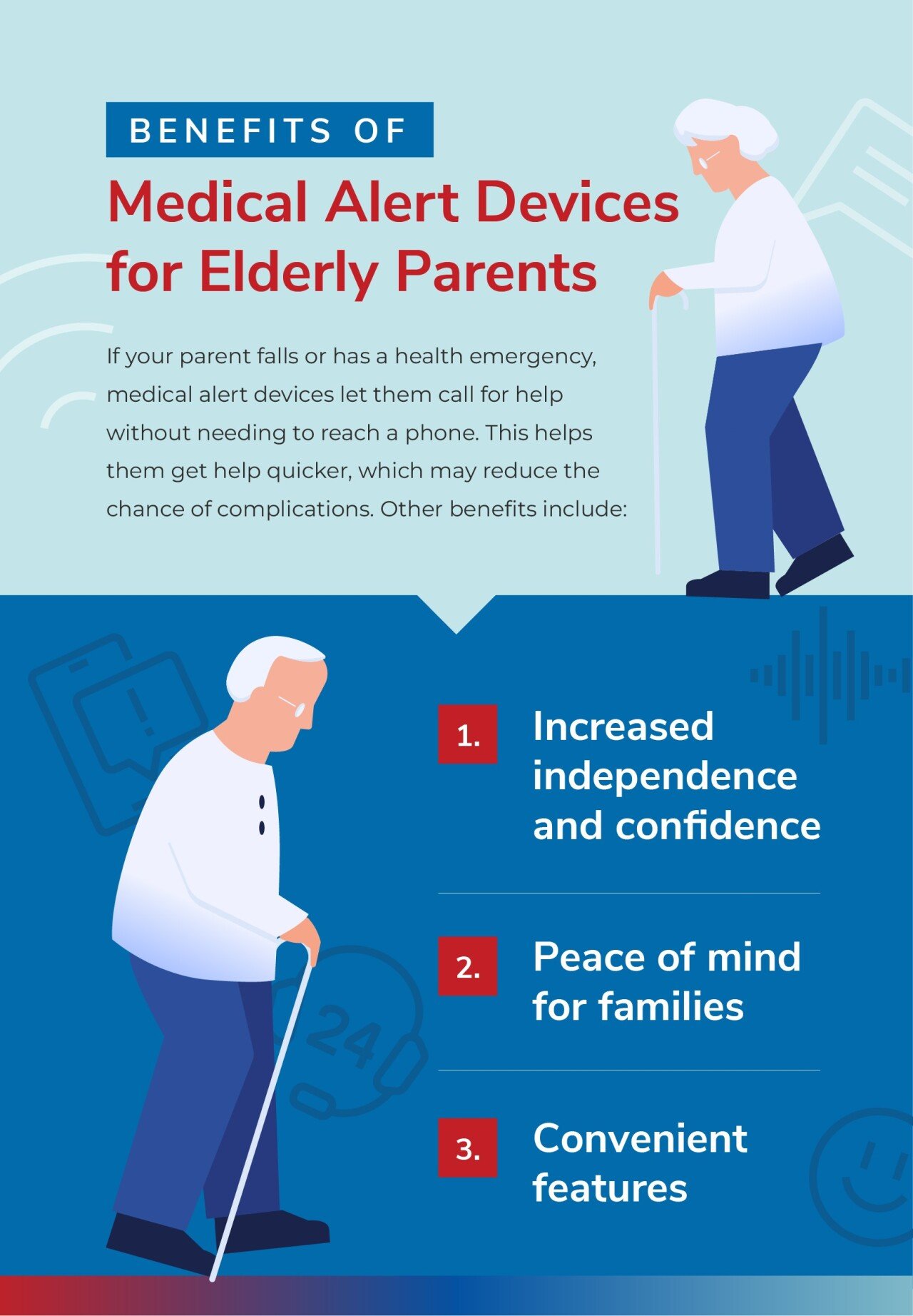
An alert for elderly safety is a specialized communication system designed to provide immediate assistance to seniors during medical emergencies or falls. These systems, often called Personal Emergency Response Systems (PERS), use wearable pendants, smartwatches, or wall-mounted buttons to connect users to 24/7 monitoring centers or designated emergency contacts instantly.
The Evolution of Elderly Safety Alerts in 2026
The landscape of senior safety has shifted dramatically from simple "panic buttons" to integrated health-monitoring ecosystems. In 2026, an alert for elderly safety is no longer just a reactive tool used after an accident; it is a proactive health management device. These systems leverage high-speed 5G connectivity and advanced sensor arrays to ensure that help is never more than a button press—or an automated detection—away.
As the global population ages, the "aging in place" movement has gained significant momentum. Most seniors prefer to stay in their own homes rather than move to assisted living facilities. Safety alerts provide the necessary security infrastructure to make this possible. By providing a direct line to emergency services, these devices mitigate the "long lie"—a period where a senior remains on the floor after a fall for more than an hour—which is a leading cause of complications and loss of independence.
Core Components of Modern Alert Systems
Understanding the hardware and software involved is essential for selecting the right system. Modern setups generally consist of three primary elements: the triggering device, the communication hub, and the response infrastructure.
Wearable Triggering Devices
In 2026, wearables have evolved into two distinct categories: traditional pendants and discreet smartwatches.
- Pendants: These are typically lightweight, waterproof, and designed to be worn around the neck. They are favored for their simplicity and long battery life, often lasting years without a charge.
- Smartwatches: Many seniors now opt for safety-optimized smartwatches. These devices include heart rate monitors, step counters, and GPS tracking, blending safety features with lifestyle tools.
The Communication Hub
For in-home systems, a base station acts as the central brain. It connects to the wearable via encrypted radio frequencies and communicates with the outside world via cellular networks (LTE-M or 5G) or high-speed internet. Mobile systems bypass the base station entirely, using built-in SIM cards to provide protection anywhere there is a cellular signal.
The Monitoring Center
The "alert" is only as good as the response it triggers. Monitored systems connect to Professional Monitoring Centers staffed by trained dispatchers. These centers are often UL-Listed (Underwriters Laboratories), ensuring they meet rigorous standards for backup power, staffing levels, and response times. In 2026, many centers now utilize AI-assisted triaging to identify the severity of an alert before the dispatcher even speaks to the user.
Types of Alert Systems for Elderly Safety
Choosing a system requires matching the technology to the user’s activity level and cognitive health.
1. In-Home Monitored Systems
These are designed for seniors who spend most of their time at home. They offer a range of up to 600–1,000 feet from the base station, covering the house and often the yard. They are generally the most affordable option and do not require the user to worry about charging a battery daily.
2. Mobile GPS Alert Systems
For the active senior who travels, gardens, or shops alone, mobile systems are the gold standard. They use GPS, Wi-Fi hotspots, and cellular triangulation to provide an exact location to emergency responders. This is a critical feature for users with early-stage dementia who may become disoriented or "wander."
3. Automatic Fall Detection
Fall detection is a sophisticated add-on feature that uses tri-axial accelerometers and barometric sensors to detect the specific motion signature of a fall. If the system detects a rapid change in height followed by an impact and a period of stillness, it automatically initiates an alert. In 2026, AI algorithms have significantly reduced "false alarms" caused by heavy sitting or dropping the device.
4. Unmonitored (No Monthly Fee) Systems
These devices dial pre-programmed family members or 911 directly rather than a monitoring center. While they eliminate monthly subscription costs, they carry a higher risk: if the family member doesn't answer, the alert may go unheeded.
Key Features to Evaluate
When researching an alert for elderly safety, focus on these technical specifications to ensure reliability:
- Two-Way Voice Communication: The device should have a high-quality speaker and microphone, allowing the user to speak directly to the dispatcher through the pendant or watch.
- Battery Life and Management: In-home pendants should last 3-5 years. Mobile devices should ideally last 3-5 days on a single charge. In 2026, many systems now include "low battery" notifications sent directly to a caregiver’s smartphone.
- Water Resistance (IP67 or IP68): Since the bathroom is the most common location for falls, the wearable must be fully submersible or at least highly water-resistant.
- Signal Strength Indicators: Devices should perform self-tests and notify the user if the connection to the cellular network or base station is lost.
Comparison of Safety Alert Categories (2026 Data)
| Feature | In-Home Cellular | Mobile GPS Pendant | Medical Smartwatch |
|---|---|---|---|
| Primary Use Case | Homebound seniors | Active seniors outdoors | Tech-savvy seniors |
| Range | 600-1,000 ft from base | Nationwide (Cellular) | Nationwide (Cellular) |
| Battery Life | 3-5 Years (Pendant) | 3-5 Days | 24-48 Hours |
| Fall Detection | Optional | Optional | Integrated |
| GPS Tracking | No | Yes | Yes |
| Monthly Cost (Avg) | $20 - $30 | $35 - $50 | $40 - $60 |
The Integration of AI and Predictive Safety
As of 2026, the industry has shifted toward "predictive" safety. Advanced alert systems now integrate with home sensors (motion detectors, smart plugs, and bed sensors) to establish a "baseline" of normal activity.
For example, if a senior usually makes coffee at 8:00 AM but the kitchen motion sensor hasn't triggered by 10:00 AM, the system can send a "wellness check" alert to a caregiver. This layer of safety catches non-fall emergencies, such as a user becoming incapacitated by illness or extreme fatigue, where they might be unable to push their physical alert button.
Practical Steps for Selection and Implementation
- Assess the User’s Lifestyle: Does the senior go for daily walks? If so, a mobile GPS unit is mandatory. Do they have a history of forgetting to charge electronics? A long-life pendant system is better.
- Verify Cellular Coverage: Most modern systems use LTE-M or 5G. Before purchasing, verify which carrier (e.g., Verizon, AT&T, T-Mobile) provides the strongest signal inside the senior's specific residence.
- Check for "Hidden" Costs: Look beyond the monthly fee. Ask about activation fees, shipping costs, and the "equipment return" policy. Many reputable companies in 2026 offer pro-rated refunds for unused months of service.
- Test the System Monthly: Once installed, the user should press the button at least once a month to ensure the hardware is functioning and the signal is reaching the monitoring center. Dispatchers are accustomed to these "test calls."
- Educate the User: Many seniors hesitate to press the button because they "don't want to be a bother." Reiterate that the monitoring center is there for any situation where they feel unsafe, not just life-threatening emergencies.
Financial Assistance and Insurance Coverage
In 2026, the cost of an alert for elderly safety is increasingly covered or subsidized by various programs:
- Medicare Advantage: Many Part C plans now include a medical alert system as a standard benefit or "supplemental health" benefit, recognizing that preventing a long-lie fall saves the insurer money on hospitalizations.
- Medicaid: In many states, Home and Community-Based Services (HCBS) waivers provide funding for PERS for seniors who meet income and functional eligibility requirements.
- HSA/FSA: Because these are considered medical devices, funds from Health Savings Accounts or Flexible Spending Accounts can usually be used to pay for equipment and monthly fees.
- Veterans Affairs (VA): The VA often provides safety alerts to eligible veterans through their prosthetics or geriatrics departments at no cost to the veteran.
Troubleshooting Common Issues
Even the best technology can encounter hurdles. Here are common problems and 2026-standard solutions:
- False Fall Alarms: If the fall detection is too sensitive, ensure the pendant is worn at the recommended length (usually mid-chest). Contact the provider to see if sensitivity can be adjusted remotely.
- Poor Audio Quality: If the user cannot hear the dispatcher, check for physical obstructions on the speaker mesh or move the base station away from large electronic appliances that cause interference.
- Charging Fatigue: For mobile units, place the charging cradle in a high-traffic area, such as the kitchen counter or bedside table, to make the habit of charging as seamless as possible.
Expert Recommendation for 2026
For the majority of seniors, we recommend a hybrid mobile GPS pendant with automatic fall detection. This configuration provides the highest level of protection by covering the user both inside and outside the home, while the fall detection serves as a vital safety net for incidents where the user is rendered unconscious or unable to reach their button.
Prioritize companies that offer a "caregiver app." These applications allow family members to see the device’s location, check battery status, and receive real-time notifications if an alert is triggered. This transparency provides peace of mind for the family and faster coordination during an actual emergency.
FAQs
Can I use an Apple Watch as an elderly safety alert?
Yes, in 2026, the Apple Watch (and similar devices like the Samsung Galaxy Watch) features advanced fall detection and SOS capabilities. However, professional monitoring is often a separate add-on service. Traditional PERS devices are generally preferred for seniors with cognitive decline or dexterity issues due to their simpler interface and longer battery life.
Does fall detection work 100% of the time?
No technology can guarantee 100% detection. Fall sensors are designed to detect "hard falls." They may not trigger during a "slow" fall, such as sliding down a wall or falling from a low chair. Users should always be instructed to press their button manually if they are able to do so.
Do these systems require a landline?
Most systems in 2026 are "cellular-first," meaning they have a built-in SIM card and do not require a landline or a separate cell phone plan. Traditional landline systems still exist for areas with zero cellular reception, but they are becoming increasingly rare.
Is there a contract for these services?
Most leading providers have moved away from long-term contracts in favor of month-to-month subscriptions. Avoid companies that attempt to lock you into 12- or 24-month agreements, as a senior's health needs can change rapidly.
Can I take my mobile alert system on vacation?
Yes. Mobile GPS systems work anywhere within the provider's cellular network coverage. If you are traveling to another state or even another country, contact your provider to verify that their roaming agreements cover your destination.