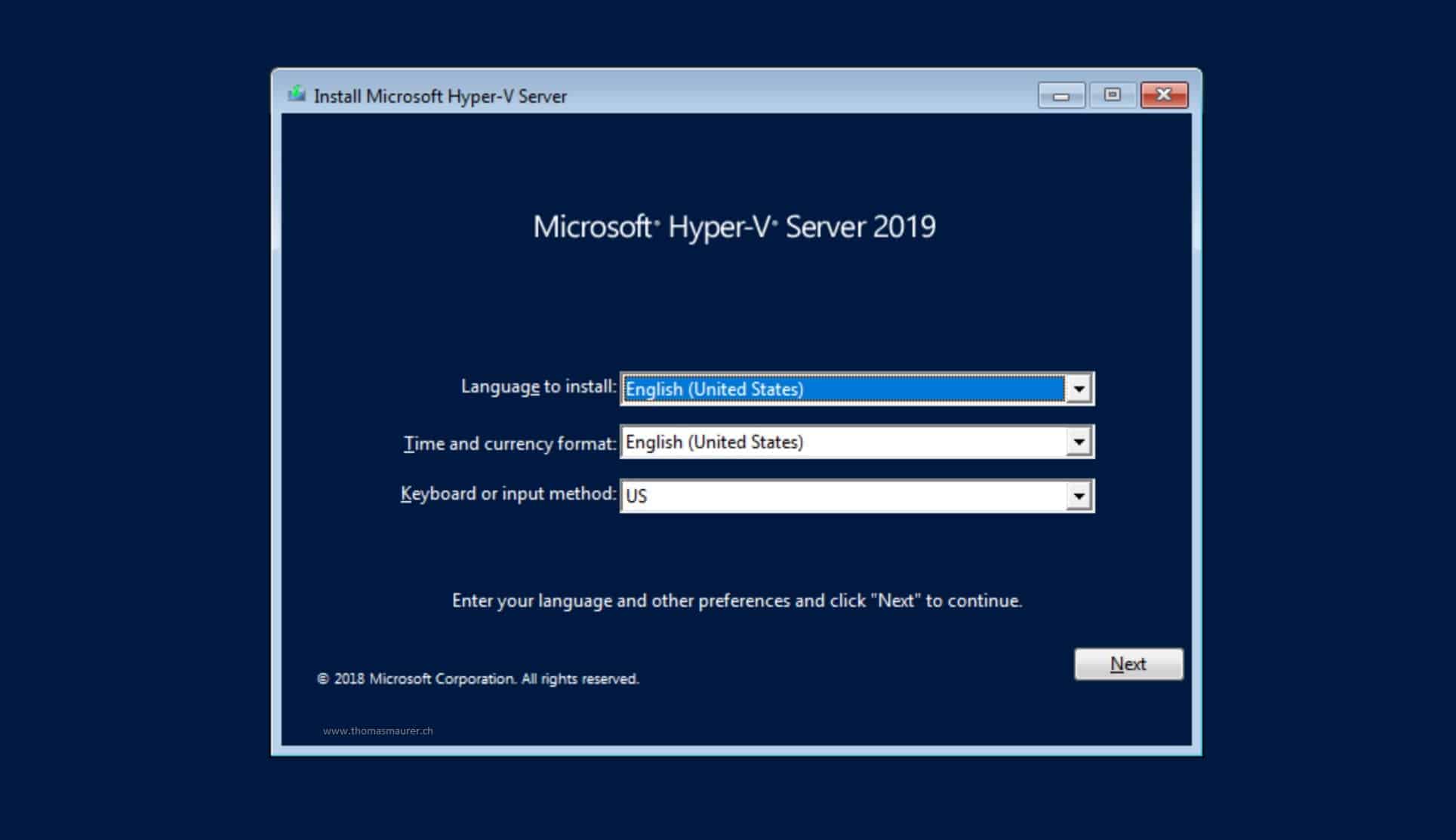
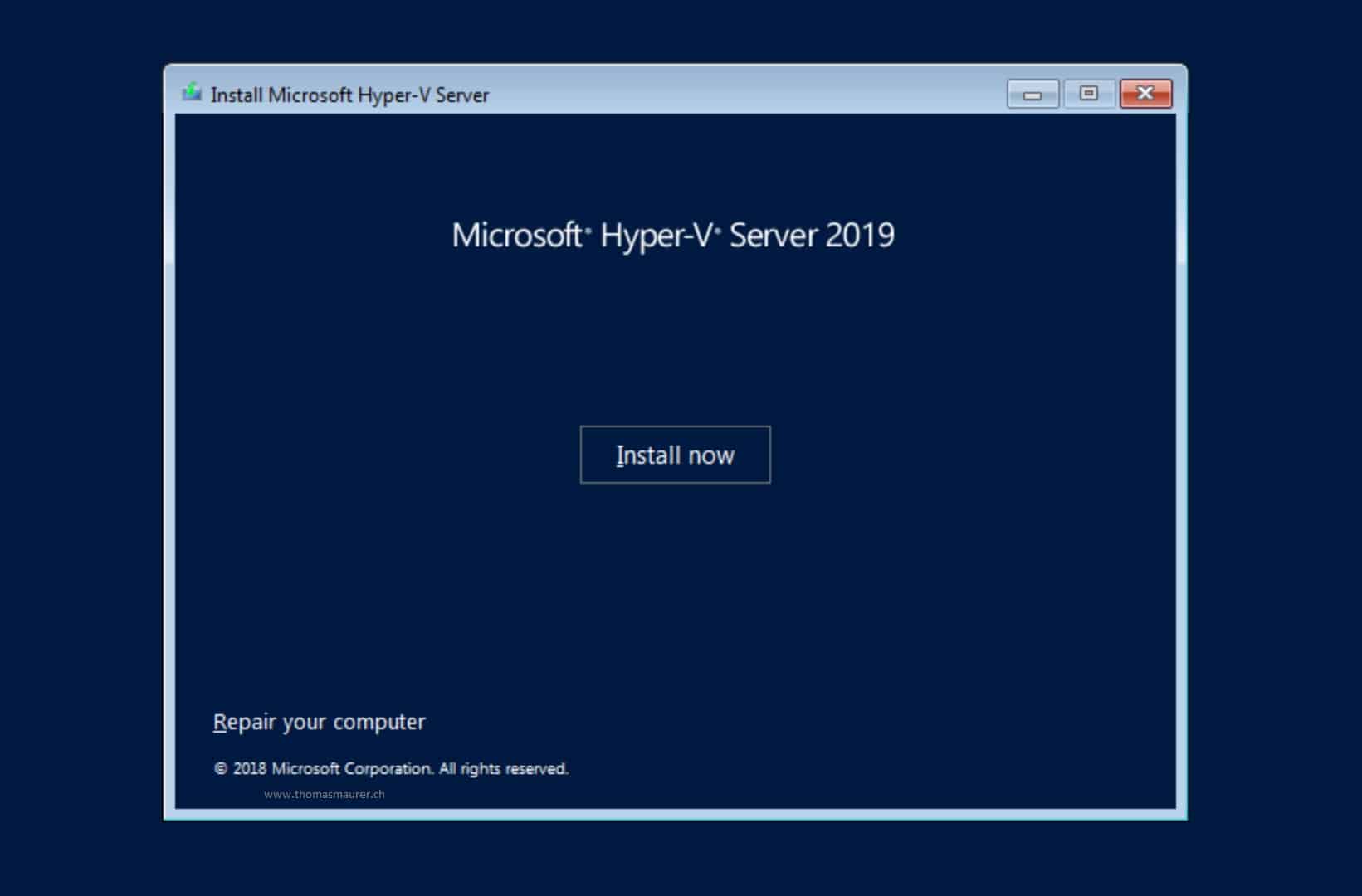
Microsoft Hyper-V Server 2019 is a free, standalone hypervisor designed for enterprise-grade virtualization with a minimal footprint. While it entered its extended support phase in late 2023, it remains a critical legacy tool for organizations requiring a no-cost, bare-metal virtualization platform for Windows and Linux workloads until its final retirement in 2029.
Understanding the Role of Microsoft Hyper-V Server 2019
To understand the 2023 status of Microsoft Hyper-V Server 2019, one must first distinguish it from the Hyper-V role found in Windows Server 2019 or Windows 10/11. Unlike those editions, Hyper-V Server 2019 is a standalone product that contains only the Windows hypervisor, a Windows Server driver model, and virtualization components.
It does not include a graphical user interface (GUI). Instead, it boots to a command-line interface where administrators use the Sconfig.cmd utility for initial configuration. This "headless" nature is intentional; by removing the shell and overhead of a standard desktop experience, Microsoft reduced the attack surface and the frequency of required reboots due to security patching.
In the landscape of 2023, this version held a unique position as the final iteration of the free standalone hypervisor line. Microsoft confirmed there would be no "Hyper-V Server 2022," making the 2019 version the definitive end-of-the-line for users seeking a free, bare-metal Microsoft hypervisor without the licensing costs of a full server operating system.
The 2023 Support Milestone and 2026 Context
A significant turning point for Hyper-V Server 2019 occurred on October 10, 2023, when the product reached the end of its Mainstream Support phase. As we operate now in 2026, the software is firmly within its Extended Support period, which is scheduled to conclude on January 9, 2029.
During this extended phase, Microsoft continues to provide security updates and bug fixes, but new features are no longer being developed. For IT departments, this means that while the platform is stable and secure for existing deployments, it is no longer the primary candidate for "greenfield" projects unless specific legacy requirements exist. In 2026, most organizations have shifted their focus toward either Windows Server 2022/2025 with the Hyper-V role or transitioned to Azure Stack HCI.
Key Technical Specifications and Hardware Requirements
Hyper-V Server 2019 shares the same robust kernel as Windows Server 2019, allowing it to support massive workloads. Despite being free, it does not artificially throttle hardware performance, making it technically capable of running high-demand databases and applications.
Hardware Prerequisites
To deploy Hyper-V Server 2019 effectively, the underlying hardware must meet several strict criteria:
- Processor: A 64-bit processor with Second Level Address Translation (SLAT).
- Virtualization Support: The CPU must support Intel VT-x or AMD-V.
- Data Execution Prevention (DEP): Hardware-enforced DEP must be enabled in the BIOS/UEFI (Intel XD bit or AMD NX bit).
- Memory: While 4 GB is the functional minimum, production environments typically require significantly more depending on the number of virtual machines (VMs).
- TPM 2.0: Required if you intend to use Shielded Virtual Machines or BitLocker drive encryption.
Scalability Limits
The platform's scalability is impressive, even by 2026 standards. It supports up to 24 TB of RAM per host and up to 512 logical processors. For individual virtual machines, it can allocate up to 12 TB of RAM and 240 virtual processors, ensuring that even the largest SQL Server or ERP workloads can be virtualized without hitting resource ceilings.
Managing a Headless Environment
Because Hyper-V Server 2019 lacks a GUI, management is performed remotely. In 2023, Microsoft heavily promoted Windows Admin Center (WAC) as the primary gateway for managing these hosts. WAC is a browser-based management tool that provides a modern, visual interface for configuring VMs, managing virtual switches, and monitoring performance without needing a local desktop environment on the server.
The Sconfig Utility
Upon local login, administrators are greeted by Sconfig.cmd. This tool is the "heart" of local configuration, allowing for:
- Domain/Workgroup membership changes.
- Computer name configuration.
- Adding local administrators.
- Configuring Remote Management (crucial for WAC connectivity).
- Windows Update settings.
- Network settings (IP, DNS, Gateway).
Beyond Sconfig, advanced management is typically handled through PowerShell. The Hyper-V module for PowerShell allows for granular control over VM checkpoints, live migrations, and storage replication that might not be fully exposed in basic GUI tools.
Comparison: Hyper-V Server 2019 vs. Alternatives
In 2023 and beyond, users often struggle to decide between the free version and licensed alternatives. The following table highlights the material differences.
| Feature | Hyper-V Server 2019 | Windows Server 2022/2025 | Azure Stack HCI |
|---|---|---|---|
| Cost | Free (No OS cost) | Paid (Per-core licensing) | Subscription (Per-core/monthly) |
| GUI | No (Command line only) | Yes (Desktop Experience) | No (Cloud-managed/WAC) |
| Guest OS Licenses | None included | Includes 2 or Unlimited | None included |
| Support Status | Extended (Ends 2029) | Mainstream/Active | Active/Continuous |
| Storage Spaces Direct | No | Yes (Datacenter only) | Yes (Primary feature) |
| Best Use Case | Small labs, Linux hosts | General enterprise IT | Hybrid cloud, High Availability |
The Shift to Azure Stack HCI
By 2023, it became clear why Microsoft discontinued the standalone Hyper-V Server. The company redirected its efforts toward Azure Stack HCI. This is a hyperconverged infrastructure (HCI) solution that is delivered as an Azure service.
While Hyper-V Server 2019 was a "set it and forget it" local installation, Azure Stack HCI requires an active Azure subscription. This shift represents a change in Microsoft’s strategy from perpetual-license (or free) local tools toward a cloud-connected, subscription-based model. For organizations that relied on Hyper-V Server 2019 for its zero-cost entry point, this transition has been challenging, often leading them to stick with the 2019 version until its 2029 expiration or explore open-source alternatives like Proxmox or XCP-ng.
Licensing and Cost Considerations
It is a common misconception that Hyper-V Server 2019 makes virtualization "entirely free." While the hypervisor itself is free, the Virtual Operating System Environments (VOSEs) running on top of it are not.
If you run Linux VMs, the solution is indeed virtually free. However, if you run Windows Server VMs on a Hyper-V Server 2019 host, you still must license those Windows guests. Under Microsoft's licensing rules, you would generally need to purchase Windows Server Standard or Datacenter licenses to cover the virtualized instances. Since Windows Server Standard already includes the rights to run the Hyper-V role and two guest OSEs, using the standalone Hyper-V Server 2019 often provides no financial benefit for Windows-heavy environments—it only removes the GUI and adds management complexity.
Troubleshooting and Operational Limitations
Deploying Hyper-V Server 2019 in a modern 2026 environment comes with specific hurdles, primarily related to drivers and remote connectivity.
Driver Availability
Because Hyper-V Server 2019 uses the Windows Server 2019 driver model, it may struggle with very new hardware released in 2025 or 2026. If a manufacturer only provides drivers for Windows Server 2022 or 2025, those drivers may not be backward compatible with the 2019 kernel. Always verify chipset and RAID controller compatibility before attempting an installation on modern hardware.
CredSSP and Remote Management
The most common "failure" during setup is the inability to connect Windows Admin Center or Hyper-V Manager to the host. This is usually caused by CredSSP (Credential Security Support Provider) issues. To resolve this, administrators must often manually configure WinRM (Windows Remote Management) and set up the appropriate "TrustedHosts" lists on both the management workstation and the server.
Storage Limitations
Unlike the Datacenter edition of Windows Server, Hyper-V Server 2019 does not support Storage Spaces Direct (S2D). This means you cannot easily create a highly available, software-defined storage pool across multiple local disks in a cluster. For high availability, you must rely on traditional SAN (Storage Area Network) or iSCSI storage.
Frequently Asked Questions
Can I still download Hyper-V Server 2019 in 2026?
Official availability has decreased significantly. Microsoft removed it from the main Evaluation Center in 2022. However, it is often still accessible for those with Visual Studio Subscriptions (formerly MSDN) or through specific volume licensing portals. Users are cautioned against downloading ISOs from third-party, non-Microsoft sites due to security risks.
Does Hyper-V Server 2019 support Windows 11 guests?
Yes, but with caveats. Windows 11 requires TPM 2.0 and Secure Boot. You must ensure your host hardware has a TPM 2.0 module and that you configure the VM as a "Generation 2" machine with the "Enable Trusted Platform Module" option selected in the VM settings.
Why would I choose Hyper-V Server 2019 over a standard Windows Server installation?
The primary reason is the reduction of overhead and attack surface. Without the GUI, print spoolers, and other non-essential services, the server uses fewer resources and requires fewer security updates. It is an excellent choice for dedicated "appliance" roles or for hosting Linux-based web servers and containers where Windows licensing is not required.
Is there a direct upgrade path from Hyper-V Server 2019?
There is no "Hyper-V Server 2022" to upgrade to. The migration path involves moving your virtual machines to a host running Windows Server 2022/2025 or migrating the entire environment to Azure Stack HCI. Because the VM disk format (VHDX) is compatible, this is usually a straightforward process of exporting and importing the VMs.
Can I run Docker containers on Hyper-V Server 2019?
Yes, Hyper-V Server 2019 supports Windows Containers and can act as a host for Linux containers through a utility VM. However, the setup is entirely command-line driven and requires a solid understanding of the Docker engine and Windows container networking.
Strategic Recommendations
As of 2026, Hyper-V Server 2019 should be viewed as a legacy-stable platform. If you currently have it running, there is no immediate need to decommission it, provided your hardware remains under warranty and you do not require features found in newer kernels. The extended support until 2029 provides a comfortable runway for planning.
For new deployments, if you require a free hypervisor, you may need to look toward the open-source ecosystem. If you are committed to the Microsoft stack, the best path forward is to utilize Windows Server 2025 Standard. While it carries a licensing cost, the inclusion of the GUI, full support, and modern driver compatibility far outweighs the "free" price tag of a discontinued product in a production environment.