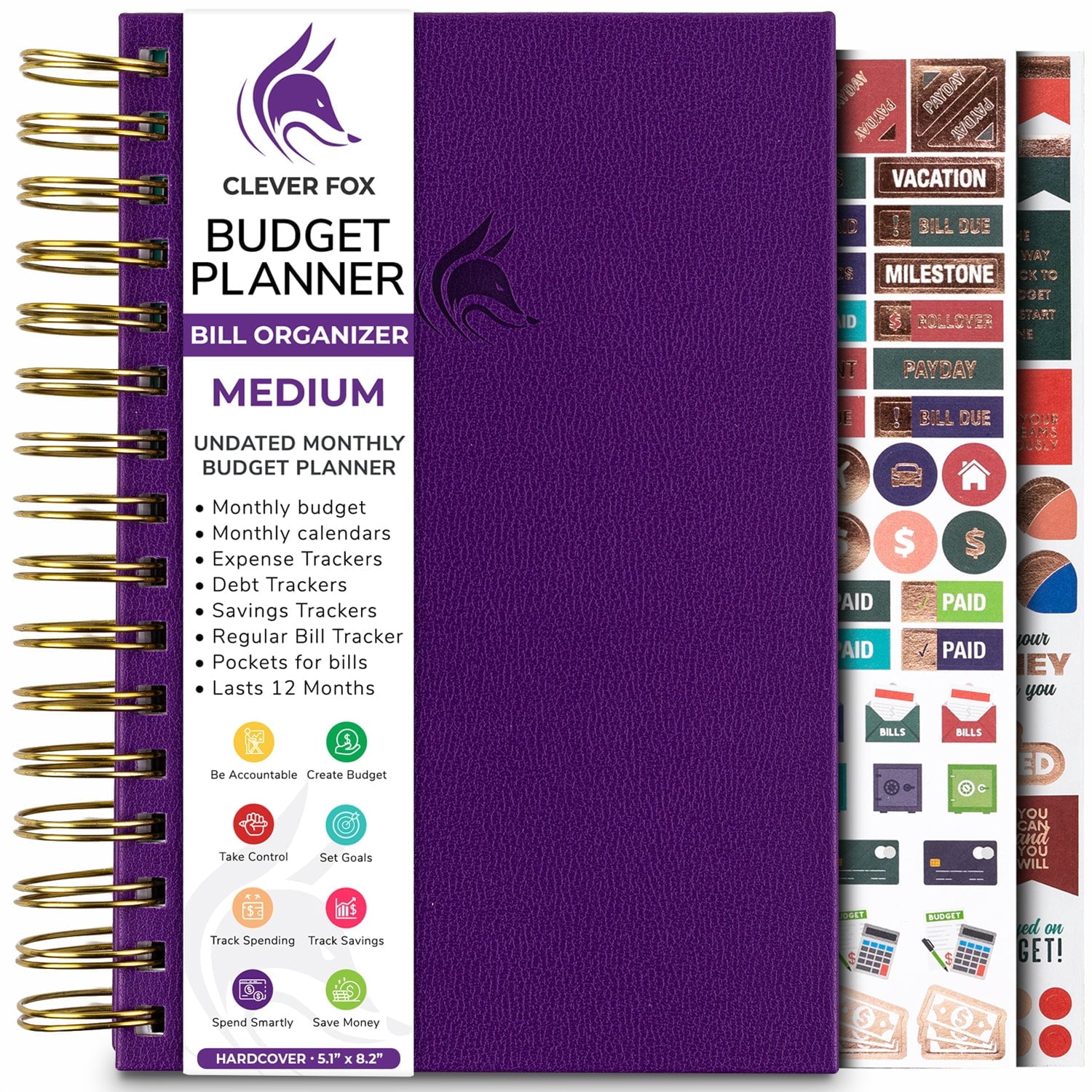
Managing monthly bills effectively requires a centralized system that tracks due dates, prevents late fees, and integrates smoothly with your existing bank accounts. The best monthly bill organizer apps automate tracking, send timely alerts, and categorize household expenses to give you a clear picture of your cash flow before bills are due.
Keeping track of fixed expenses, variable utility costs, and subscription renewals can quickly become overwhelming when relying on memory or scattered spreadsheets. Missing a single payment window can trigger costly late fees, damage your credit score, and disrupt your household budget. Fortunately, modern financial technology offers dedicated software solutions designed to streamline this process. By syncing with your financial institutions or allowing structured manual entries, bill organizer apps provide a panoramic view of your financial obligations, letting you anticipate upcoming cash flow crunches before they impact your livelihood.
Choosing the right digital tool requires looking past flashy interfaces to evaluate core capabilities: data security, account synchronization reliability, alert customization, and overall cost. Below is an in-depth breakdown of the five best monthly bill organizer apps currently available to help you keep your finances on track, complete with an analysis of their features, strengths, limitations, and ideal use cases.
Understanding Monthly Bill Organization Apps
Before diving into specific product reviews, it is essential to understand how bill organization apps function within the broader ecosystem of personal finance management. Unlike comprehensive budgeting software that focuses heavily on investment tracking, retirement planning, and granular expense categorization, bill organizers focus primarily on timing and liabilities.
These applications typically connect to checking accounts, credit cards, and loan servicers via secure application programming interfaces (APIs) provided by aggregators like Plaid or Finicity. Once linked, the software scans transaction histories and upcoming statements to identify recurring payments. It then populates a centralized calendar or dashboard, calculating your upcoming liabilities relative to your anticipated income.
Why Dedicated Bill Trackers Matter
- Prevention of Late Penalties: Automated reminders sent via push notifications or email ensure you never miss a grace period.
- Cash Flow Visibility: Seeing all due dates mapped against paydays prevents situations where an auto-draft hits an account before a direct deposit clears.
- Subscription Auditing: Centralized lists make it easy to spot "ghost subscriptions"—forgotten recurring charges for services you no longer use.
The 5 Best Monthly Bill Organizer Apps
1. Monarch Money
Monarch Money has emerged as a premier platform for comprehensive household financial management, offering robust bill organization tools alongside full-feature budgeting. Unlike legacy software tied strictly to desktop environments, Monarch was built from the ground up to offer seamless multi-device synchronization and collaborative features for couples or families.
Key Features and Functionality
Monarch allows users to link unlimited financial accounts, including bank accounts, credit cards, mortgages, and investment portfolios. Its calendar view highlights upcoming bills and recurring transactions, making it easy to spot cash flow gaps. The platform supports custom categories, manual account additions for non-syncing assets or bills, and flexible transaction splitting.
Pros and Cons
- Pros: Clean, ad-free interface; robust collaboration features allowing two partners to manage finances under one subscription; multi-institution data aggregation providing high reliability.
- Cons: Paid subscription required after a free trial period; lacks some advanced investment analysis tools found in dedicated wealth-building platforms.
Verdict
Monarch Money is ideal for households and individuals seeking an all-in-one financial hub that places equal emphasis on clean aesthetic design, collaborative features, and precise recurring bill tracking.
2. YNAB (You Need A Budget)
While YNAB is fundamentally known for its proactive zero-based budgeting methodology ("give every dollar a job"), it doubles as an exceptionally powerful tool for managing monthly obligations. YNAB approaches bill organization not through passive tracking, but by forcing users to assign funds to upcoming bills before they are spent.
Key Features and Functionality
YNAB organizes expenses into customizable categories, with specific targets set for recurring monthly bills. When a bill is linked or manually entered, the software tracks progress toward funding that liability. Its goal-tracking mechanisms ensure that annual or semi-annual bills (such as insurance premiums or property taxes) are broken down into manageable monthly funding targets.
Pros and Cons
- Pros: Highly effective behavioral methodology for breaking paycheck-to-paycheck cycles; excellent customer support and educational resources; reliable manual and automatic syncing options.
- Cons: Steep learning curve for beginners unfamiliar with zero-based budgeting; annual subscription cost with no permanent free tier.
Verdict
YNAB is best suited for users who want to actively alter their spending habits while ensuring every single bill is fully funded well in advance of its due date.
3. PocketGuard
PocketGuard earns its name from its signature "In My Pocket" feature, which calculates your true spending power by automatically subtracting upcoming bills, fixed expenses, and savings goals from your total income. For users who want a straightforward, no-nonsense approach to bill tracking without complex budgeting frameworks, PocketGuard offers a streamlined solution.
Key Features and Functionality
The app automatically detects recurring bills, subscriptions, and deposits upon linking your bank accounts. It compiles these into a dedicated bills calendar. Furthermore, PocketGuard includes a bill negotiation assistant designed to lower your existing utility, cable, and internet bills by negotiating directly with service providers on your behalf (often for a contingency fee).
Pros and Cons
- Pros: Automated subscription and bill detection works quickly; clean dashboard emphasizing available spendable cash; built-in bill negotiation service.
- Cons: Free tier is heavily restricted; automated category assignments occasionally require manual correction.
Verdict
PocketGuard is an excellent choice for individuals who want an automated, hands-off approach focused specifically on knowing how much money remains after all monthly liabilities are accounted for.
4. Prism
Prism is a dedicated bill-pay and tracking application designed specifically around the mechanics of managing and paying monthly liabilities. Unlike broad budgeting apps, Prism focuses entirely on bills, presenting them in a highly visual, calendar-centric interface.
Key Features and Functionality
Prism connects to over 10,000 billers, allowing users not only to track due dates and amounts but also to pay bills directly from within the app. It supports push notifications, custom reminders, and displays a consolidated snapshot of your net worth alongside your current liabilities. Security is managed via bank-grade encryption protocols.
Pros and Cons
- Pros: Focused entirely on bills rather than complex budgeting; allows direct bill payment within the application interface; supports a massive directory of billers.
- Cons: Does not offer general expense budgeting or robust investment tracking; relies on ads or paid feature tiers for sustainability.
Verdict
Prism is the premier choice for users who want a dedicated utility and bill manager that prioritizes due-date tracking and direct in-app payments over general budgeting.
5. BillTracker (Desktop & Mobile Alternatives)
For users who prefer manual entry over linking bank accounts via third-party aggregators due to privacy concerns, standalone tools like BillTracker offer a secure, localized alternative. These applications function as digital ledgers where you input bill amounts, due dates, and payment statuses manually.
Key Features and Functionality
BillTracker provides customized calendar layouts, recurring transaction templates, and password-protected databases. Because it does not require bank credentials, users maintain total control over their data without exposing login information to cloud aggregators.
Pros and Cons
- Pros: High security through local data storage; zero risk of third-party bank aggregation errors; ideal for privacy-conscious users.
- Cons: Requires entirely manual data entry and payment tracking; lacks automated synchronization with bank accounts and credit cards.
Verdict
BillTracker and similar manual ledger apps are best for users who prioritize absolute financial data privacy and do not mind updating their records by hand each month.
Comparison of Monthly Bill Organizer Apps
| App Name | Primary Focus | Account Syncing | Direct In-App Payments | Best For |
|---|---|---|---|---|
| Monarch Money | Comprehensive Finance & Budgeting | Yes (Unlimited) | No | Couples and households wanting an all-in-one hub |
| YNAB | Zero-Based Budgeting & Bill Funding | Yes | No | Users seeking strict behavioral budgeting |
| PocketGuard | Spendable Cash & Bill Automation | Yes | No | Quick visibility into "true" disposable income |
| Prism | Dedicated Bill Tracking & Payment | Yes | Yes | Direct bill management and payment consolidation |
| BillTracker | Manual Ledger & Privacy Control | No | No | Privacy-focused users avoiding bank logins |
Key Factors to Consider When Choosing an App
Selecting the right application depends on your personal financial philosophy, technical comfort level, and privacy preferences. Evaluating the following criteria will help you make an informed decision:
1. Data Security and Privacy Standards
Because financial apps require access to sensitive banking credentials, evaluating their security architecture is non-negotiable. Look for applications that utilize read-only access protocols, multi-factor authentication (MFA), and 256-bit AES encryption. Services utilizing reputable aggregators generally maintain high security standards, but manual-entry apps offer the ultimate privacy safeguard.
2. Cost Versus Value
Many financial apps operate on a subscription model, charging monthly or annual fees. Determine whether the cost of the subscription is offset by the savings generated from avoiding late fees, identifying forgotten subscriptions, or optimizing cash flow.
3. Automation Versus Manual Control
Consider how much interaction you want with your financial data. Automated apps save time by importing transactions and categorizing bills instantly, but occasional syncing errors can occur when banks update their security protocols. Manual apps demand discipline but eliminate syncing friction.
Frequently Asked Questions
Are bill organizer apps safe to connect to my bank account?
Most reputable financial apps use secure third-party aggregators like Plaid to connect to financial institutions. These connections use read-only encryption, meaning the application cannot move money or alter your accounts. However, reviewing each app's privacy policy and enabling multi-factor authentication is strongly recommended.
Can these apps pay my bills automatically?
Some dedicated bill apps, such as Prism, allow you to execute payments directly through their interface. However, many budgeting and tracking apps focus strictly on monitoring due dates, sending reminders, and categorizing expenses, leaving the actual payment execution to your bank's auto-pay system.
What is the difference between a bill organizer and a budgeting app?
A bill organizer focuses specifically on tracking upcoming liabilities, due dates, and payment statuses to prevent late fees. A budgeting app encompasses bill organization while also setting spending limits across various categories, tracking savings goals, and monitoring net worth.
How do I handle bills with fluctuating monthly amounts?
For variable bills like electric or water utilities, apps allow you to set an estimated average monthly target based on historical spending. Once the actual statement arrives, you can manually update the exact amount before the due date.
Do these apps work with manual entries if I don't want to link my bank?
Yes, many platforms—including Monarch Money and YNAB—allow you to create manual accounts where you input transactions and upcoming liabilities by hand, bypassing the need for bank credential synchronization.
Conclusion and Next Action
Keeping your finances on track begins with bringing visibility to your monthly liabilities. Whether you choose the comprehensive household tracking of Monarch Money, the proactive budgeting of YNAB, or the direct payment capabilities of Prism, adopting a dedicated digital bill organizer eliminates the guesswork of money management.
To take your next step, evaluate your privacy comfort level and budget preferences, select one platform from this list to test during its trial period, and map out your recurring liabilities for the upcoming month to regain absolute control over your financial calendar.