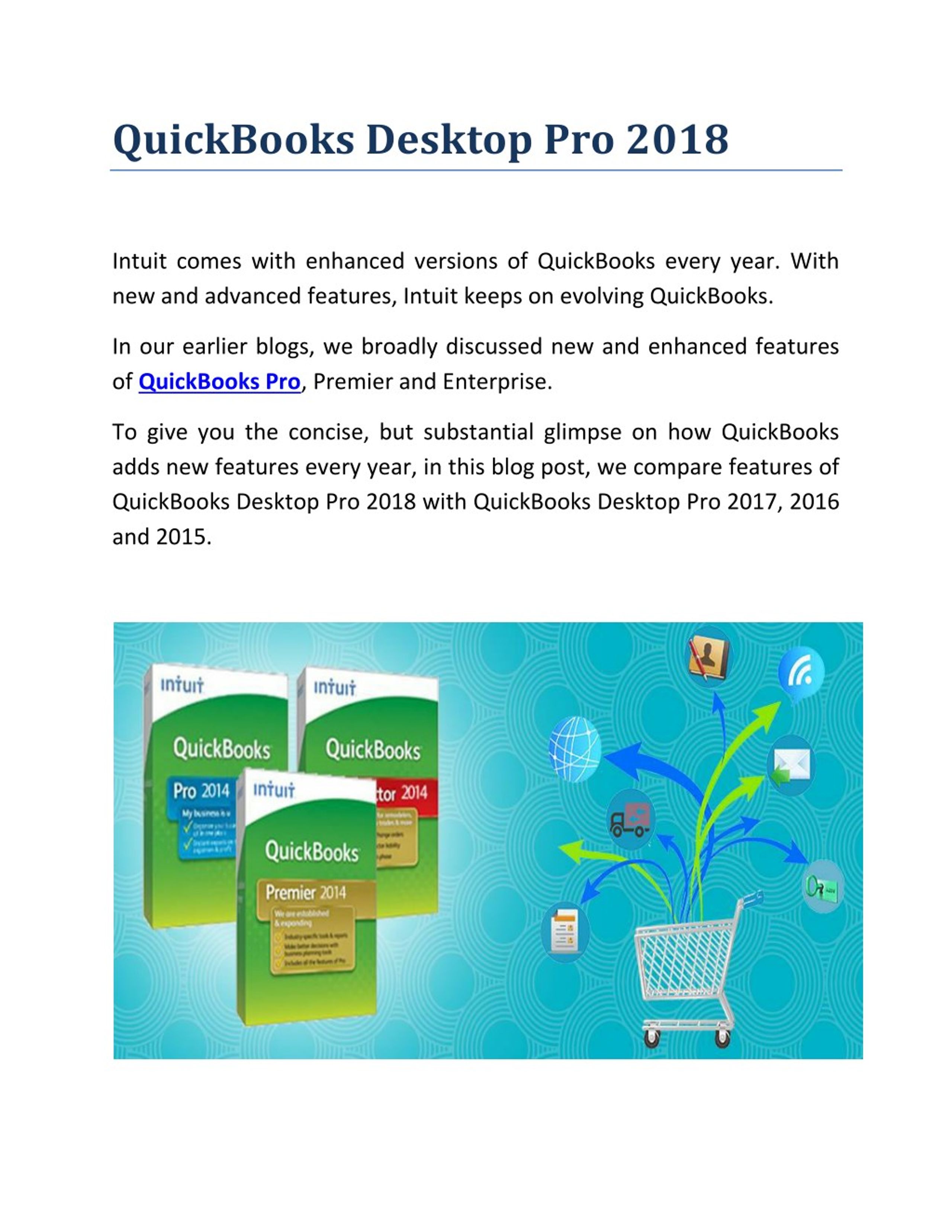
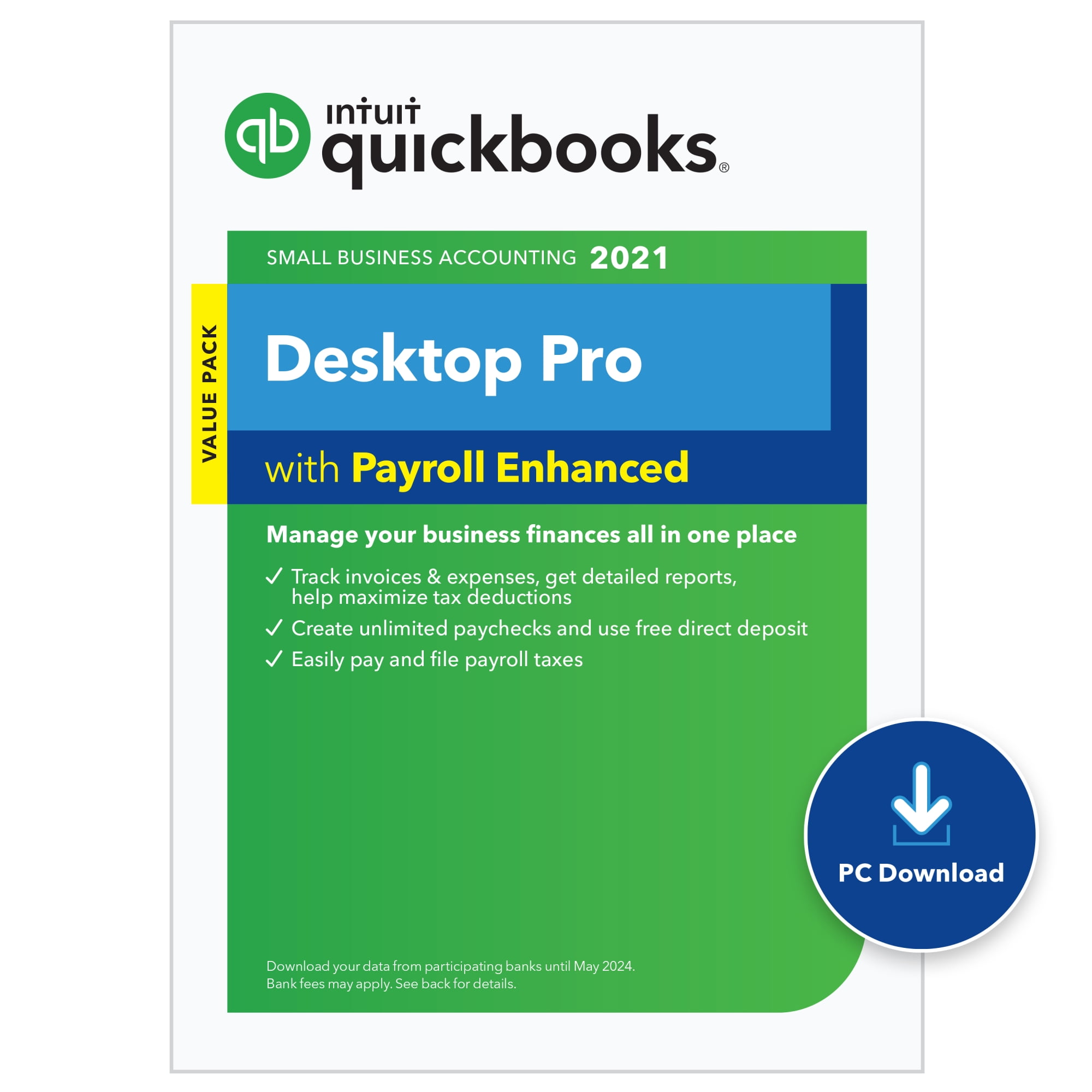
QuickBooks Desktop Premier 2018 is a legacy accounting software application released by Intuit, designed to support small to mid-sized businesses with industry-specific reporting, inventory management, and financial tracking. As of 2026, this version is officially discontinued, meaning it lacks active security updates, payroll integration, and official technical support, necessitating careful consideration regarding data migration and system security for any business still utilizing it.
Understanding the Lifecycle of QuickBooks Desktop Premier 2018
QuickBooks Desktop Premier 2018 was marketed as a robust, localized accounting solution. Unlike modern subscription-based SaaS (Software as a Service) platforms that exist entirely in the cloud, the 2018 version was a perpetual-license product installed directly on a local Windows operating system. This architecture provided users with full control over their company files, which were stored locally on their hardware or a private server.
By the standards of 2026, the 2018 iteration is considered "end-of-life" (EOL) software. Intuit officially discontinued services for the 2018 line years ago. This cessation of services includes the deactivation of "Connected Services," which encompasses critical features such as Intuit Payroll, online banking feeds, live technical support, and the ability to email forms directly from the software. For business owners currently operating on this version, the software essentially functions as a "standalone" or "offline" ledger.
Technical Requirements and Operational Constraints
When evaluating the operational status of QuickBooks Desktop Premier 2018 in the current environment, one must consider the underlying system requirements. The software was engineered for operating systems such as Windows 7, 8.1, and 10. While it may technically launch on more modern versions of Windows, it is not optimized for them, which can lead to unexpected crashes, database corruption, or compatibility issues with newer display drivers and file system protocols.
Key Risks of Continued Usage
The most significant hurdle for users maintaining a 2018 installation is the lack of security patches. Because Intuit no longer issues updates, any vulnerabilities discovered in the core code or the database engine remain unpatched. Furthermore, because the software relies on older versions of the .NET Framework and specific SQL Anywhere database components, it is increasingly difficult to secure these environments against modern ransomware or malware threats.
Operational Limitations in 2026
- Bank Feeds: The connection to financial institutions, which allowed for the automatic downloading of transactions, has been disabled. Users must manually import CSV or QBO files, which is a labor-intensive process.
- Payroll Processing: Integrated payroll services for 2018 have been deactivated. Businesses attempting to use this version for payroll will find themselves unable to calculate tax tables or file forms electronically.
- Email Integration: Sending invoices or reports directly through the QuickBooks email server is no longer functional, as the underlying protocols have been updated in newer versions of Windows and security standards (like TLS requirements).
Features and Functional Scope
QuickBooks Premier 2018 was distinguished from the "Pro" version of the same year by several industry-specific editions, including Contractor, Manufacturing & Wholesale, Professional Services, Retail, and Nonprofit. These editions provided specialized reports and "Company Files" templates tailored to the unique workflows of those sectors.
Core Capabilities
- Inventory Tracking: The Premier edition offered more granular control over inventory assembly and tracking compared to the Pro version.
- Budgeting and Forecasting: Users were provided with advanced tools to create budgets based on historical data or projections, allowing for side-by-side comparisons of actual versus budgeted performance.
- Reporting: The 2018 suite included a variety of industry-specific reports that could be customized to export data into Excel.
- Purchase Orders: The software facilitated the management of vendor relationships through detailed purchase order tracking and inventory reorder points.
Comparative Overview: Legacy vs. Current Expectations
To understand the gap between QuickBooks Desktop Premier 2018 and the expectations of a business owner in 2026, it is helpful to contrast the historical capabilities of the software with modern requirements.
| Feature Category | QuickBooks Desktop Premier 2018 | Modern Accounting Standards (2026) |
|---|---|---|
| Connectivity | Local/Offline | Cloud-Connected/API-Integrated |
| Security | None (No patches) | Automated Security/Multi-Factor Authentication |
| Updates | Discontinued | Real-time Tax and Compliance Updates |
| Data Storage | Manual Local Backup | Encrypted Cloud Backup/Redundancy |
| Support | Community-only (Limited) | Dedicated Live Support |
Troubleshooting Common 2018-Era Issues
Users who remain on this version out of necessity often encounter errors related to the database manager or file size constraints. If you are operating this software in 2026, keep these troubleshooting principles in mind:
- Company File Verification: Periodically run the "Verify Data" and "Rebuild Data" utilities found under the File > Utilities menu. This checks for logical errors within your financial records.
- Backup Integrity: Because the software is obsolete, your only defense against total data loss is a robust backup strategy. Utilize external drives or offline storage to save your
.QBWand.TLGfiles. Never rely on the software's built-in "Backup" scheduler if the software fails to trigger it due to system incompatibility. - PDF Issues: Many users experience crashes when attempting to print to PDF. This is often caused by the QuickBooks PDF Printer driver conflicting with modern Windows 10 or 11 updates. The recommended solution is to use the built-in "Save as PDF" functionality or a third-party print-to-PDF driver, while avoiding reliance on the deprecated native printer driver.
- File Size Limits: QuickBooks Desktop has a theoretical limit of roughly 2GB for company files. As your data ages, the file size grows. Purging unused items or using the "Condense Data" utility can help, though one should always create a backup before initiating such irreversible processes.
Strategic Next Steps: Migration vs. Preservation
If your organization is still using QuickBooks Desktop Premier 2018, you are operating under significant risk. The lack of security updates makes your financial data vulnerable. In 2026, the standard procedure is to migrate to a supported environment.
Migration Pathways
- Cloud-Based Transition: Moving to a cloud-based accounting platform allows for automated compliance and multi-device access. Most modern platforms offer migration tools that can import list data (customers, vendors, chart of accounts) from legacy QuickBooks files.
- Upgrading within the Ecosystem: Intuit has transitioned most users to subscription-based Desktop versions (QuickBooks Enterprise or QuickBooks Online). While this requires a recurring financial commitment, it restores access to payroll, live support, and modern security protocols.
- Archiving: For businesses that simply need to retain access to 2018 data for legal or tax audit purposes, the best practice is to "print" or export all historical reports (General Ledger, Balance Sheet, P&L) into PDF or Excel format and store them in a secure, encrypted digital archive. You may then decommission the 2018 software entirely to eliminate the security risk.
Frequently Asked Questions
Can I still install QuickBooks Desktop Premier 2018 on a new computer in 2026? While you may possess the original installer, activation servers for this version are largely inactive or unreachable. Even if the installation succeeds, the software will lack critical components required to verify its license, often resulting in "invalid product code" errors that cannot be resolved by official channels.
Is it safe to connect a computer running QuickBooks 2018 to the internet? It is strongly discouraged. Because the software is no longer receiving security updates, any machine running it is a potential entry point for attackers to gain access to your local network. If you must use it, it should be on an isolated, air-gapped machine that is not connected to the internet.
Can I import my 2018 data into QuickBooks Online? Yes, generally. QuickBooks Online provides a migration tool designed to pull data from older Desktop versions. However, the success of this depends on the current version of your Windows OS and the state of your company file. You should perform a "Verify Data" check in your 2018 version before attempting any migration to the cloud.
Are there third-party tools that still support 2018? Very few. Most third-party integrations (such as payment gateways, tax calculation tools, or specialized inventory scanners) have long since moved to APIs that require modern security handshakes that the 2018 version cannot perform. You should assume that no modern third-party service will integrate with this version.
What should I do if my 2018 company file becomes corrupted? Without an official support contract, your options are limited to manual restoration from backups. If your backup is also corrupted, you may need to seek out professional third-party data recovery services that specialize in legacy QuickBooks file restoration, though this can be expensive and is not guaranteed to succeed.
Final Recommendation
For business continuity in 2026, the reliance on QuickBooks Desktop Premier 2018 should be treated as a high-priority technical debt. The software is no longer a viable platform for active, secure financial management. Develop a project plan to migrate your financial records to a modern, supported accounting solution immediately. Use the current 2018 installation solely as a read-only archive until the migration is complete and verified.