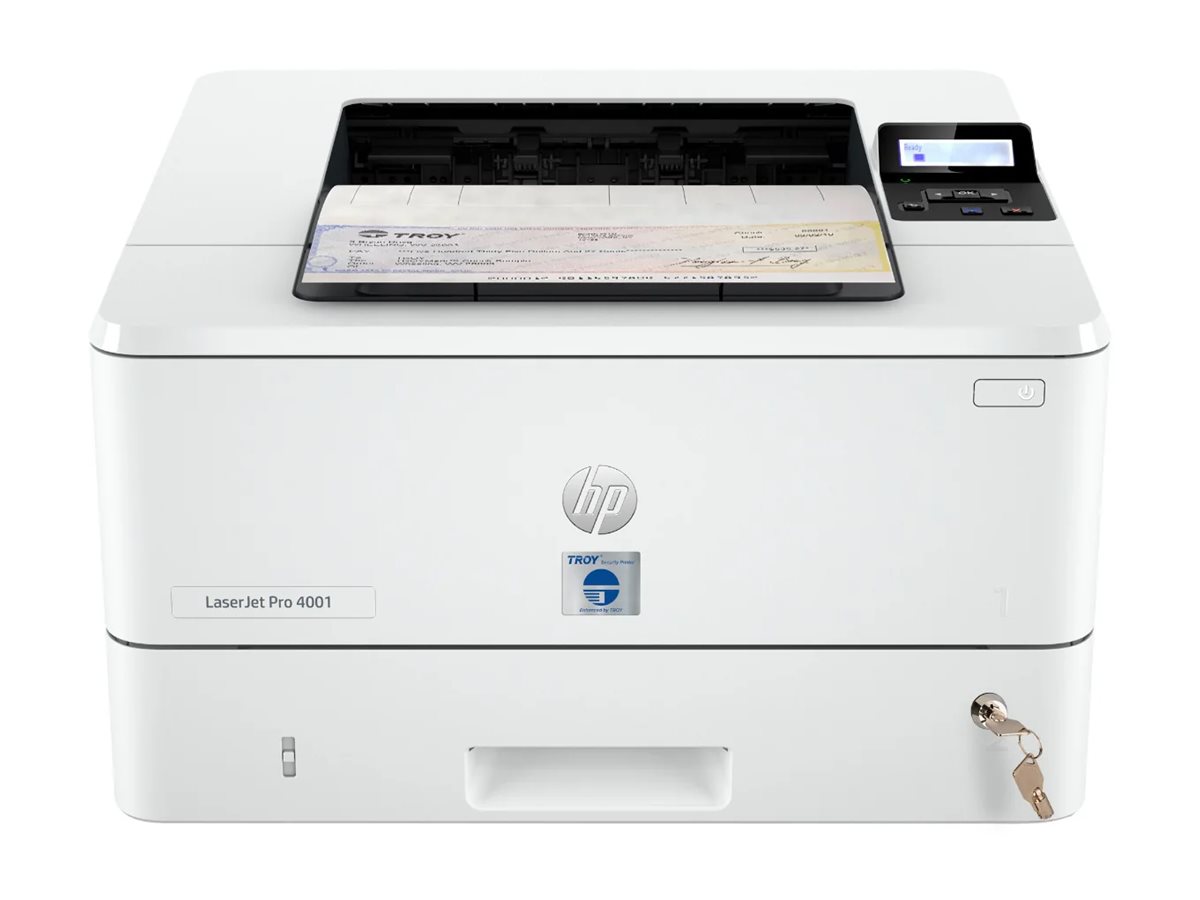
The Allnet Troy refers to a specific class of industrial-grade networking hardware components designed to facilitate reliable data transmission and connectivity in demanding environments. This overview clarifies its core architecture, standard operational features, technical prerequisites for deployment, and the primary functional roles these devices play within modern enterprise communication infrastructures.
Understanding the Allnet Troy Ecosystem
In the landscape of industrial networking, the "Troy" designation identifies a series of hardware solutions engineered by Allnet, a brand frequently associated with professional-grade infrastructure components. These devices are purpose-built to address the limitations of standard commercial-grade networking equipment when exposed to extreme operational conditions, such as high-frequency vibration, temperature fluctuations, and electromagnetic interference.
The core mission of the Allnet Troy series is to provide a bridge between legacy serial connectivity and modern Ethernet-based data protocols. By serving as high-reliability gateways, these units allow organizations to maintain operations across older machinery while integrating that data into contemporary cloud-based or local server-side monitoring systems. Understanding these devices requires looking beyond simple port counts and examining the underlying protocol conversion logic that makes them essential in sectors like manufacturing, logistics, and smart city infrastructure.
Key Technical Features and Architecture
The Allnet Troy architecture is defined by its hardware-level stability and software-level versatility. Unlike consumer-facing switches or routers, these devices prioritize "packet integrity" and "connection persistence" over raw consumer throughput speeds.
Ruggedized Physical Construction
The most immediate feature of a Troy-series unit is its housing. Typically constructed from industrial-grade metals with fanless heat dissipation, these units are designed to operate within a specific temperature range—often between -20°C and 70°C. This passive cooling approach eliminates the mechanical point of failure associated with internal fans, which are prone to dust accumulation and motor wear in industrial settings.
Advanced Protocol Translation
The central functional engine of the Allnet Troy is its ability to handle multi-protocol translation. These devices act as a translator between various fieldbus standards—such as Modbus, RS-232, RS-485, and RS-422—and the standard TCP/IP protocols used by modern office networks. This is not a simple "pass-through" process; the hardware manages flow control, buffering, and packet timing to ensure that high-speed network traffic does not overwhelm sensitive, slower-speed legacy devices.
Power and Redundancy Mechanisms
In mission-critical environments, power failure is not an option. The Troy units frequently support dual power inputs (redundant power supply). If the primary DC input fails, the system automatically switches to the secondary source without dropping the network connection. This seamless failover is a hallmark of industrial design, ensuring that downtime remains at absolute zero during power fluctuations.
Operational Prerequisites and Deployment
Deploying an Allnet Troy unit involves more than plugging in an Ethernet cable. Because these devices interact with sensitive industrial controllers, the setup requires careful planning regarding the physical layer and the logical configuration.
Physical Installation Guidelines
- DIN-Rail Mounting: Most Troy models are designed for standard 35mm DIN-rail mounting. This is the industry standard for control cabinets. Ensure your cabinet has adequate clearance, as the metal chassis acts as the primary heatsink.
- Grounding Protocols: Proper grounding is the most overlooked step in industrial network stability. The chassis must be grounded to the main electrical frame of the facility to discharge transient surges caused by inductive motors or high-voltage lines. Failure to properly ground these units often manifests as "ghost" packet loss, which can be notoriously difficult to troubleshoot.
- Wiring Standards: Ensure that shielded twisted-pair (STP) cabling is used for all Ethernet connections if the cable runs near power lines. For serial connections, adhere strictly to the pin-out specifications provided in the unit’s hardware manual, as non-standard wiring can permanently damage the serial ports.
Software Configuration
Once physical installation is verified, configuration is typically handled via a web-based GUI or a serial console interface. The primary objective during setup is to define the "Socket Mode." You must determine if the device will act as a TCP Server (listening for incoming connections), a TCP Client (initiating connections), or a UDP peer. Incorrectly defining this mode is the most common reason for connectivity failure during the initial commissioning phase.
Comparison Table: Troy-Series Capabilities
The following table compares the typical capabilities of the Allnet Troy series against standard office-grade networking equipment.
| Feature | Allnet Troy Industrial | Standard Office Switch |
|---|---|---|
| Operating Temperature | -20°C to +70°C | 0°C to 40°C |
| MTBF (Reliability) | High (designed for 24/7) | Moderate (standard duty) |
| Protocol Support | Multi-serial/Fieldbus/Ethernet | Ethernet Only |
| Power Input | Dual Redundant DC | Single AC Adapter |
| Chassis | Metal / Industrial | Plastic or Thin Sheet Metal |
| Cooling | Passive (Fanless) | Active (Fan) |
Troubleshooting Common Issues
When a network segment utilizing an Allnet Troy device experiences instability, technical personnel should follow a systematic verification process.
- Check the Status LEDs: Industrial devices provide specific diagnostic indicators. A flashing serial link light indicates ongoing traffic, while a solid light may suggest a collision or a locked communication state.
- Verify Baud Rate Synchronization: When converting serial to Ethernet, the Troy unit and the connected device must share an identical baud rate, parity, and stop bit configuration. Even a slight mismatch will lead to "garbage data" or framing errors.
- Firmware Integrity: Always verify the firmware version. If the device has been in operation for several years, check for known compatibility patches that address modern encryption standards or buffer management improvements introduced in subsequent releases.
- Network Loop Detection: If using multiple Troy units in a single network, ensure that Rapid Spanning Tree Protocol (RSTP) is enabled on the managed switches downstream to prevent broadcast storms, which can quickly saturate the memory buffers of an industrial gateway.
Frequently Asked Questions
Can an Allnet Troy unit be used in a residential setting?
While you technically can, it is highly impractical. These units are designed for industrial protocols and lack the user-friendly features like built-in Wi-Fi, DHCP handling, or multimedia support found in consumer routers. You would be paying for industrial ruggedization and serial conversion capabilities that remain entirely unused in a typical home network.
Does the device require specialized software for management?
Most Troy units are accessible via a standard web browser over HTTP or HTTPS. While dedicated management software exists for large-scale deployments where hundreds of units must be monitored simultaneously, a single unit can be fully configured using standard networking tools.
What is the expected lifespan of a Troy series gateway?
Given the absence of internal cooling fans and the use of industrial-grade capacitors, these devices are designed for a service life exceeding ten years in controlled environments. However, exposure to chemical fumes or extreme salt-air environments may degrade the chassis finish or connectors over time.
Why does my serial device drop connection intermittently?
This is usually caused by electromagnetic interference (EMI). Check that your serial cables are not running in parallel with high-voltage AC cables. If interference is suspected, use shielded cables and ensure the cable shield is grounded at only one end to prevent ground loops.
Can I upgrade the firmware in the field?
Yes. Firmware updates are typically pushed via a TFTP or HTTP interface. Always perform these updates during a scheduled maintenance window, as a power failure during the write cycle can render the unit unresponsive, requiring a factory reset or specialized hardware recovery.
Next Actions and Expert Recommendations
For those preparing to integrate an Allnet Troy into an existing architecture, the most effective next step is to conduct a "bench test." Before attempting to install the hardware in a high-stakes production environment, connect the unit to your serial device on a desk and establish a stable data loop with a laptop. Once the communication handshake is confirmed and the data flow is verified, you can proceed to the physical installation in the cabinet.
Ensure that all documentation—including the specific pinout diagrams and the assigned static IP addresses—is cataloged in your facility’s network map. By prioritizing documentation and a methodical, lab-based setup, you minimize the risk of deployment errors and ensure that the robustness of the Allnet Troy hardware is fully realized in your operation.