Amazon accepts most major prepaid versions of Visa, Mastercard, American Express, and Discover for purchasing physical and digital goods. To ensure a successful transaction, users must register the card with a valid billing address on the issuer's website before attempting to add it to their Amazon account payment methods.
Using a prepaid card on Amazon remains one of the most effective ways to manage a strict shopping budget or maintain a layer of privacy when purchasing online. As we navigate the digital commerce landscape of 2026, the integration of these cards has become more streamlined, though certain technical requirements regarding address verification and authorization holds persist. Whether you are using a one-time gift card received during the holidays or a reloadable card for monthly expenses, understanding the nuances of how Amazon processes these payments is essential for avoiding declined transactions and order delays.
Supported Prepaid Card Networks and Types
Amazon's payment infrastructure is designed to be highly inclusive, supporting the vast majority of the world's primary payment networks. In 2026, this compatibility extends to almost any prepaid card that carries the logo of a major network. This includes prepaid Visa cards, Mastercard Prepaid, American Express Serve or Bluebird, and Discover prepaid options. These can be "closed-loop" cards (specifically for one retailer, though Amazon's own gift cards fall here) or "open-loop" cards, which are the focus of this guide and can be used anywhere the network is accepted.
There are two primary categories of prepaid cards that users typically attempt to use on Amazon: reloadable and non-reloadable. Reloadable cards, often linked to a digital banking app, behave very similarly to traditional debit cards. They often allow for recurring payments and are more likely to be accepted for Amazon Prime memberships. Non-reloadable cards, such as those purchased in "big box" retail stores, are often fixed-amount cards. These are perfectly suitable for physical goods but can sometimes trigger security flags if they have not been properly registered with a ZIP code or billing address.
It is important to note that Amazon does not generally accept "store-only" prepaid cards from other retailers. For example, a prepaid card specifically branded for use only at a specific clothing retailer or restaurant chain cannot be used on Amazon, even if it is powered by Visa, unless it specifically allows for external transactions. Always check the back of the card for terms and conditions regarding online usage.
Essential Prerequisites Before Adding Your Card
The most common reason for a prepaid card being declined on Amazon is the lack of a registered billing address. Unlike a standard credit card, which is inherently linked to your home address, many "off-the-shelf" prepaid cards are anonymous by default. When you enter this card into Amazon’s system, Amazon’s payment processor performs an Address Verification Service (AVS) check. If the card has no address on file with the issuer (Visa, Mastercard, etc.), the transaction may be flagged as high-risk or simply declined.
To resolve this, you must visit the website printed on the back of the card or the issuer’s mobile app. There, you will find an option to "Register Card" or "Edit Profile." You should enter your full name and a consistent billing address. Once this data is synchronized with the card issuer's servers—which can take anywhere from a few minutes to an hour—Amazon will be able to verify the card successfully.
Furthermore, ensure the balance on the card is at least $1 to $2 higher than the total cost of your order. Amazon frequently utilizes "temporary authorization holds" to verify the validity of a payment method. If you have exactly $50.00 on a card and your order total is $50.00, an authorization hold for $1.00 could temporarily lower your available balance to $49.00, causing the primary transaction to fail due to insufficient funds.
Step-by-Step Guide to Adding a Prepaid Card to Your Account
Adding a prepaid card is a straightforward process that can be done via the Amazon website or the mobile app. The steps are identical to adding a standard credit or debit card, but attention to detail during the entry phase is vital.
- Access Your Payments: Log into your Amazon account and navigate to "Account & Lists," then select "Your Payments" or "Wallet."
- Add a Payment Method: Click on the "Add a payment method" link. This is usually located under the "Cards & Accounts" section.
- Enter Card Information: Type in the 16-digit card number, the expiration date, and the name as it appears on the card. If the card does not have a name (e.g., it says "Valued Customer"), enter your actual name as registered on the issuer's website.
- Confirm the Billing Address: Select the billing address that matches the one you registered with the card issuer. If it differs from your shipping address, ensure you add it as a new address entry specifically for this card.
- Set as Default (Optional): You can choose to make this your default payment method, though for non-reloadable cards, it is usually better to leave this unchecked to avoid future payment failures once the balance is depleted.
Once added, Amazon may perform a small $0.00 or $1.00 transaction to confirm the card is active. This amount is not a charge and will disappear from your statement within a few business days.
Managing Authorization Holds and Final Costs
One of the most confusing aspects of using prepaid cards on Amazon is the discrepancy between the "Current Balance" and the "Available Balance." When you place an order, Amazon contacts the card issuer to "reserve" the funds. This is known as an authorization hold. The money hasn't left your account yet, but you cannot spend it elsewhere.
The complication arises when an order is split into multiple shipments. Amazon typically charges your card only when an item ships. If your order contains three items from different warehouses, you might see three separate charges and three corresponding authorization holds. For users with tight balances on a prepaid card, this can lead to a "declined" status on the second or third shipment if the issuer's system doesn't immediately release the initial total-order hold.
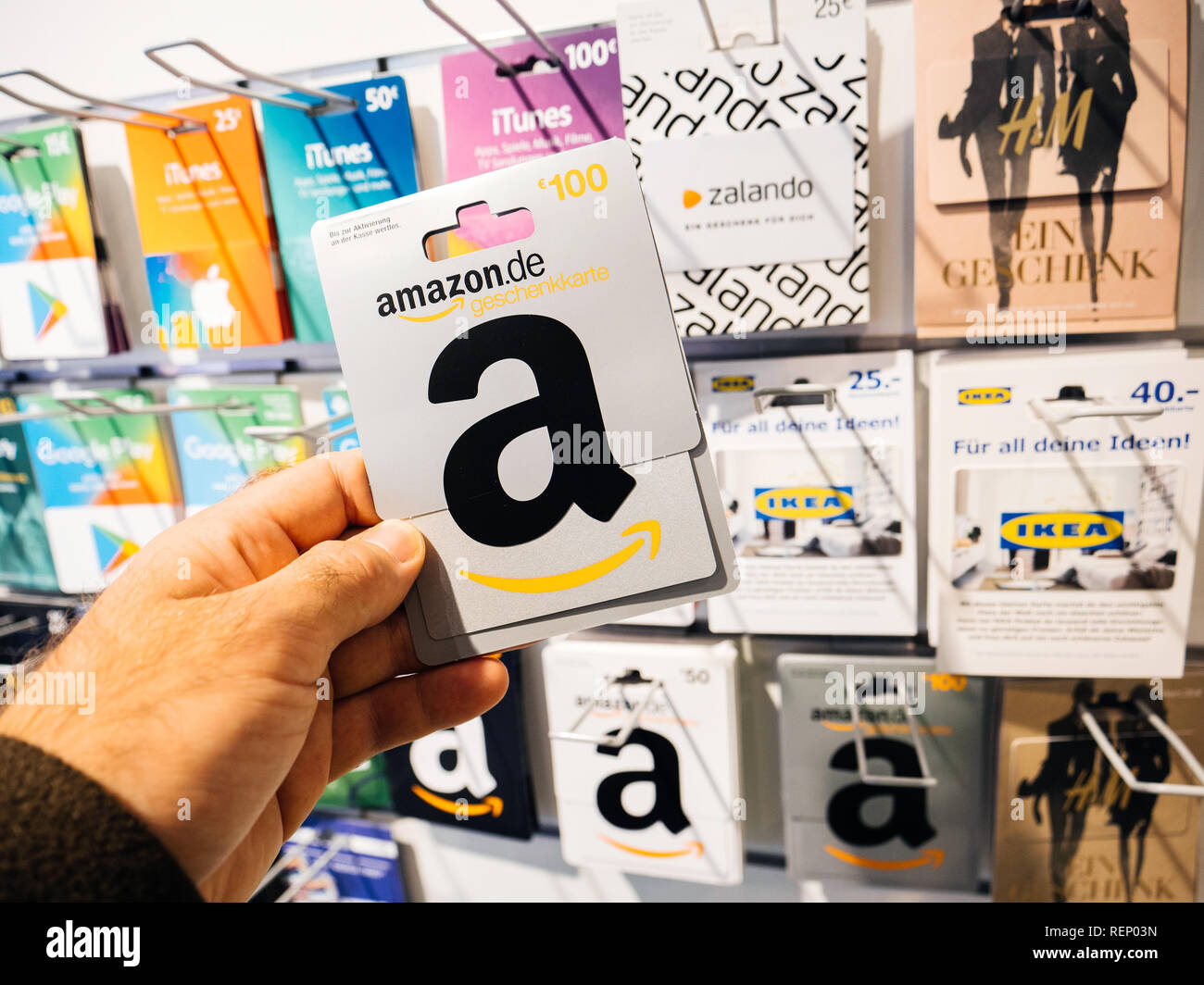
To avoid this, many experienced users prefer to use their prepaid card to purchase an Amazon Gift Card for the exact amount of their intended purchase. By doing this, you consolidate the entire prepaid balance into your Amazon Gift Card balance immediately. This bypasses the issues of multiple authorization holds and shipping-related delays, as the funds are already "inside" the Amazon ecosystem.
Comparison of Payment Methods on Amazon (2026)
| Feature | Prepaid Card (Visa/MC) | Amazon Gift Card | Standard Credit Card |
|---|---|---|---|
| Registration Required | Yes (for AVS) | No | Yes |
| Supports Subscriptions | Limited/Rare | No (Directly) | Yes |
| Refund Speed | 7-10 Business Days | Instant | 3-5 Business Days |
| Split Payments | No (Cannot use 2 cards) | Yes (with a card) | No (Cannot use 2 cards) |
| Overdraft Protection | No | No | N/A (Credit Limit) |
| Privacy Level | High | Medium | Low |
Restrictions and Operational Limitations
While prepaid cards are versatile, they are not a universal solution for every Amazon service. In 2026, there remain specific categories where prepaid cards are either restricted or outright blocked due to the risk of "insufficient funds" during a recurring billing cycle.
Digital Subscriptions and Prime
Most prepaid cards are rejected for Amazon Prime memberships or recurring "Subscribe & Save" orders. Because these services require a guaranteed future payment, Amazon's system prefers a traditional credit card or a verified debit card linked to a checking account. If you attempt to use a prepaid card for Prime, you may find that it works for the initial month but fails upon renewal, leading to a service interruption.
Digital Goods and Downloads
Purchasing Kindle books, digital music, or Prime Video rentals with a prepaid card is generally permitted, provided the card is registered with a billing address. However, if the card issuer is located in a different country than your Amazon marketplace (e.g., using a UK-issued prepaid card on Amazon.com), the transaction may be blocked due to regional licensing restrictions which are verified via the card's "Country of Origin" metadata.
The "No Split-Card" Rule
Amazon’s checkout system does not allow you to split a single transaction across two different credit or prepaid cards. If you have two prepaid cards with $20 each and want to buy a $40 item, you cannot do this directly at checkout. As mentioned previously, the workaround is to use each prepaid card to buy a $20 Amazon Gift Card, apply both to your account, and then complete the purchase using your combined Gift Card balance.
Troubleshooting Declined Prepaid Cards
If your prepaid card is being declined despite having a sufficient balance, consider the following technical checkpoints:
- AVS Mismatch: Ensure the ZIP code you entered on Amazon matches the ZIP code registered with the card issuer exactly. Even a small discrepancy can trigger a decline.
- Transaction Limits: Some prepaid cards have daily spending limits or single-transaction limits imposed by the issuer for security. Check the card's terms to see if your purchase exceeds these caps.
- International Blocks: Many prepaid cards sold in the United States are labeled "Valid Only in the USA." If you are shopping on an international Amazon domain or if the merchant is technically based overseas (common in the Amazon Marketplace), the issuer may block the charge.
- Locked Status: If you have entered the CVV (the three-digit code on the back) incorrectly multiple times, the issuer may have "soft-locked" the card. You will need to contact their customer support to unlock it.
Frequently Asked Questions
Can I use a prepaid card to buy an Amazon Gift Card? Yes, this is one of the most effective ways to use a prepaid card. By converting the prepaid balance into an Amazon Gift Card balance, you avoid issues with authorization holds and multiple shipments. It also allows you to "combine" multiple small prepaid cards into one larger balance for a significant purchase.
Why does Amazon say my card is invalid? This usually occurs if the card has not been activated or if the information entered (card number, expiration, or CVV) has a typo. In some cases, if the card network (like Discover) is temporarily experiencing downtime, the card may appear as "invalid" to Amazon's automated verification system.
What happens if I return an item bought with a prepaid card? The refund will be processed back to the original prepaid card. It is crucial that you do not throw away a non-reloadable prepaid card until you are certain you will not be returning the item. If you discard the card, getting the refund back can be a long and difficult process involving Amazon customer service and the card issuer.
Does Amazon accept "Vanilla" Visa prepaid cards? Yes, Vanilla Visa cards are widely used on Amazon. However, they are notorious for requiring registration of a ZIP code for online purchases. If a Vanilla card is failing, visit their official website to ensure your current ZIP code is linked to the card's data profile.
Can I use a prepaid card for a Prime Video rental? Generally, yes. One-time digital purchases like rentals or individual movie buys are treated as standard transactions. The primary restriction is on recurring subscriptions (like the monthly Prime Video channel add-ons), which often require a more permanent form of payment.
Final Recommendations
To ensure the smoothest experience when using a prepaid card on Amazon in 2026, the best practice remains registering the card immediately upon receipt. By providing a billing address to the issuer, you satisfy Amazon's security protocols and minimize the risk of a decline. If you are dealing with a non-reloadable card with a specific balance, consider converting that balance into an Amazon Gift Card balance right away. This strategy provides the highest level of transaction stability, especially for orders containing multiple items that might ship at different times. Always keep your physical card until the return window for your purchase has closed to ensure any potential refunds are handled without complication.