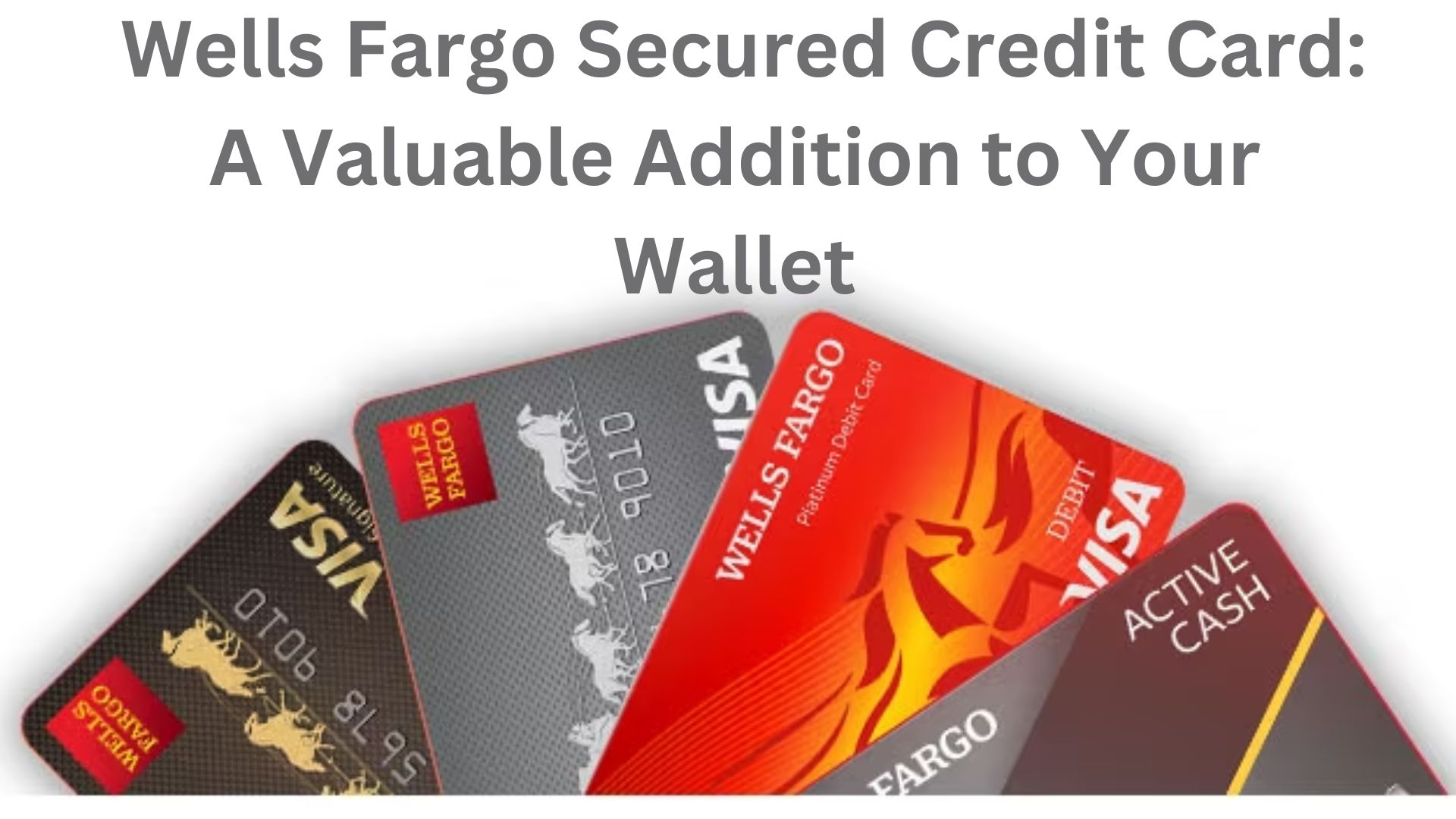
To activate your Wells Fargo credit card, call the dedicated activation phone number printed on the sticker attached to the front of your new card, or visit wellsfargo.com/activate. Alternatively, log into the Wells Fargo Mobile app or insert the card into a Wells Fargo ATM with your Personal Identification Number (PIN).
Understanding the Wells Fargo Credit Card Activation Sticker
When a new, renewed, or replacement Wells Fargo credit card arrives in the mail, it features a brightly colored sticker affixed directly over the cardholder's name or embossed account number. This sticker serves as a critical security checkpoint in the card issuance lifecycle, ensuring that the physical piece of plastic has reached its intended recipient safely before any financial transactions can occur.
The activation sticker typically contains three core pieces of information:
- A toll-free phone number designated specifically for automated credit card activations.
- A direct web address (URL), such as
wellsfargo.com/activate, directing users to the bank's secure digital activation portal. - A brief security reminder instructing the primary cardholder to verify their identity and sign the back of the card immediately upon activation.
Financial institutions like Wells Fargo utilize activation stickers as a primary line of defense against mail theft and intercept fraud. Credit cards are shipped in an inactive state. If an unauthorized individual intercepts the letter during transit, the card remains functionally useless at payment terminals and online checkout systems until the legitimate cardholder verifies their identity through an authenticated channel.
Understanding how to properly interpret and respond to the instructions on this sticker prevents service interruptions, reduces identity theft risks, and ensures your card is completely configured for daily spending, reward accumulation, and digital wallet integration.
Step-by-Step Methods to Activate Your Wells Fargo Credit Card
Wells Fargo provides multiple secure channels to activate a new credit card. Whether you prefer a quick phone call, an online banking interface, a smartphone app, or an in-person transaction, each method validates your account details against the bank's secure customer records.
- New Wells Fargo Credit Card Arrives
- Phone Method: Call sticker number, enter CVV & SSN
- Digital Portal: App / Website, log in & confirm
- ATM Method: Insert card with established PIN
- Activation Complete: Remove sticker & sign card
Method 1: Activation by Phone (Using the Sticker Number)
The phone method remains one of the fastest ways to activate your card, especially if you have not yet set up an online banking profile with Wells Fargo.
- Locate the Sticker: Retrieve your new credit card and identify the 1-800 or 1-870 toll-free phone number printed across the front sticker.
- Call from Your Registered Phone Number: Dial the number using the primary phone number associated with your Wells Fargo account. The bank’s automated telephone verification system checks caller ID data to streamline authorization.
- Provide Account Credentials: Follow the automated voice prompts. You will generally be asked to enter:
- The 16-digit credit card number.
- The last four digits of your Social Security Number (SSN) or Individual Taxpayer Identification Number (ITIN).
- The 3-digit Card Verification Value (CVV) printed on the back signature panel.
- Your 5-digit billing ZIP code.
- Confirm Activation: Listen for explicit confirmation from the automated system that your card is active. Do not end the call until the system indicates successful activation.
Method 2: Activation via the Wells Fargo Mobile App
For current customers who use mobile banking, the Wells Fargo Mobile app offers a seamless activation path without placing a phone call.
- Launch the App: Open the Wells Fargo Mobile app on your iOS or Android device and log in using your Username and Password, or via biometric authentication (Face ID or fingerprint recognition).
- Navigate to Menu: Tap the Menu tab (usually located in the bottom navigation bar or top corner).
- Select Account Services: Scroll to the account management section and tap Card Management or Account Services.
- Choose Activate Card: Select the account corresponding to the new credit card. Tap Activate New Card.
- Verify Card Details: Enter the 3-digit CVV from the back of the physical card and confirm the expiration date.
- Complete Activation: Tap Activate. The app will display an instant on-screen notification confirming that the credit card is ready for immediate use.
Method 3: Activation via Online Banking (Desktop/Web Browser)
If you prefer using a desktop or web browser, Wells Fargo provides a dedicated web portal to verify and activate cards.
- Visit the Official Activation URL: Open a secure web browser and navigate directly to wellsfargo.com/activate.
- Sign In to Your Account: Enter your existing Wells Fargo Online credentials. If you are a brand-new Wells Fargo customer, click the link to Enroll Now to create an online access account using your SSN and account number.
- Select Pending Card: Once logged in, the system typically presents a banner alert detecting an unactivated card linked to your profile. Click Activate Now.
- Confirm Security Information: Input the required security details, including the card's expiration date and 3-digit CVV code.
- Submit Verification: Click Submit. A success screen will confirm that your credit card status has changed from "Pending Activation" to "Active."
Method 4: Activation at a Wells Fargo ATM
If you already have a Personal Identification Number (PIN) assigned to your new credit card, or if you are activating a replacement card with an existing PIN, you can complete activation at any physical Wells Fargo ATM.
- Locate a Wells Fargo ATM: Find a nearby official Wells Fargo branch or standalone ATM.
- Insert the Card: Insert the unactivated credit card into the ATM card reader.
- Enter Your PIN: Input your 4-digit PIN when prompted.
- Perform a Basic Transaction: Complete a simple action, such as a balance inquiry or PIN verification.
- Retrieve Your Card: Once the transaction completes, the system automatically registers the card as active in the Wells Fargo mainframe.
Technical Comparison of Wells Fargo Activation Channels
The table below compares the four primary activation channels based on operational criteria, requirements, and optimal use cases.
| Activation Channel | Primary Requirement | Speed to Activate | Availability | Recommended Use Case |
|---|---|---|---|---|
| Sticker Phone Number | Phone line, SSN/ITIN, Card CVV | Instant (< 2 mins) | 24/7 Automated | First-time customers without online banking profiles |
| Wells Fargo Mobile App | Smartphone, Mobile Banking Login | Instant (< 30 secs) | 24/7 | Existing digital banking users on the move |
| Online Banking Portal | Web browser, Online Account Credentials | Instant (< 1 min) | 24/7 | Desktop users managing multiple accounts |
| Wells Fargo ATM | Physical Card, Pre-assigned 4-digit PIN | Instant | 24/7 (Location dependent) | Customers needing cash advances or physical PIN validation |
Essential Post-Activation Security and Setup Actions
Activating your credit card is only the first step in onboarding your new credit account. Completing these security and setup tasks ensures your financial data remains safe and maximizes account functionality.
| Post-Activation Checklist for Users |
|---|
| [ ] Peel off front activation sticker and shred immediately |
| [ ] Sign physical card back with permanent dark ink |
| [ ] Add card to Mobile Wallet (Apple Pay / Google Pay) |
| [ ] Configure account alerts & spending notifications in app |
| [ ] Update recurring subscription billing payment profiles |
| [ ] Securely destroy expired or replaced old physical card |
1. Remove and Dispose of the Activation Sticker
Peel the activation sticker off the front of the card. Do not leave the sticker attached while using the card in public. Leaving the sticker attached signals to potential thieves that the card was recently issued and may display full or partial account access instructions. Dispose of the sticker securely in a paper shredder or secure trash container, as it may contain printed tracking barcodes or account routing numbers.
2. Sign the Card Backing Immediately
Turn the card over and locate the signature panel on the reverse side. Use a dark, fine-tip permanent marker to sign your full legal name. Unsigned cards are technically invalid under payment network rules (Visa, Mastercard, or American Express) and expose you to fraud if lost or stolen, as an unauthorized finder could sign their own name over the blank space.
3. Enroll in Digital Wallets
Add your newly activated Wells Fargo credit card to mobile payment software such as Apple Pay, Google Wallet, or Samsung Pay. Digital wallets tokenize your primary account number (PAN), replacing sensitive card details with encrypted virtual card numbers during transactions. This drastically reduces susceptibility to point-of-sale card skimming devices.
4. Update Recurring Payment Profiles
If this card replaces an expired or compromised card, update your account details across all merchant billing portals. Service providers like streaming services, utilities, insurance providers, and online retailers retain old expiration dates and CVVs, leading to declined automatic monthly payments if not updated promptly.
5. Securely Destroy Old Credit Cards
If you activated a replacement card due to expiration, damage, or structural account upgrades, securely destroy the old card using a cross-cut paper shredder capable of handling plastic, or use heavy-duty scissors to cut through the chip, magnetic stripe, embossed name, and card number.
Troubleshooting Wells Fargo Credit Card Activation Errors
While card activation is generally straightforward, security flags or technical glitches can occasionally halt the process. Below are standard recovery solutions for frequent activation hurdles.
- Activation Failure Detected
- Wrong Phone Number: Call from registered phone on account.
- Data Mismatch Err: Verify DOB, SSN, ZIP on file.
- System Maintenance: Wait 1-2 hours or call customer care.
Problem 1: Automated Phone System Rejects Details
- Cause: Calling from a phone number not linked to your customer profile, or entering incorrectly formatted SSN/ZIP credentials.
- Solution: Ensure you are placing the call from the primary phone number listed on your bank profile. If calling from an unrecognised landline or work phone, the automated system may route you to a manual fraud review team. Alternatively, switch to the mobile app or web portal activation method.
Problem 2: "Card Details Do Not Match Our Records" (Web/App Error)
- Cause: Inputting typos in the expiration date or CVV, or attempting to activate a card before it has officially registered as "Delivered" in the bank's shipping log.
- Solution: Double-check the 3-digit CVV located on the back panel. If typing credentials correctly fails repeatedly, log out of your session, clear your browser cache, or wait 1-2 hours before attempting digital activation again.
Problem 3: Activation Lock on Primary vs. Authorized User Cards
- Cause: Secondary cards issued to authorized users sometimes cannot be activated until the primary cardholder completes their own account activation.
- Solution: Ensure the primary account holder activates their card first. In some account configurations, the primary cardholder must log into online banking to approve and activate authorized user cards directly.
Problem 4: Card Lost or Intercepted in Transit
- Cause: If more than 7 to 10 business days have passed since your approval notification and the card with its activation sticker has not arrived, mail delivery may have failed.
- Solution: Do not wait indefinitely. Contact Wells Fargo customer support immediately at 1-800-642-4720 to report an unreceived card. The bank will block the missing card number and issue a new card with a unique serial number.
Frequently Asked Questions
Can I use my Wells Fargo credit card immediately after activation?
Yes. Once you complete activation via phone, app, web, or ATM, your credit line becomes instantly available for physical tap-to-pay, chip insertion, online checkout, and mobile wallet transactions.
What happens if I forget to remove the activation sticker before using my card?
While the card will function mechanically at chip readers or contactless terminals even with the sticker attached, leaving it on creates unnecessary security risks. Merchants may challenge transactions if the card appears unverified, and leaving the sticker intact risks exposing security guidance numbers to bystanders.
Can I activate a Wells Fargo credit card without an online banking account?
Yes. You can activate your card by calling the dedicated toll-free phone number printed on the activation sticker attached to your physical card, or by using the card with your assigned PIN at any Wells Fargo ATM. Neither method requires setting up a digital banking profile.
Does activating a replacement card change my PIN or account number?
If your card was replaced due to standard expiration or routine wear-and-tear, your 16-digit credit card number and PIN typically remain identical; only the expiration date and 3-digit CVV change. However, if the card was replaced due to lost or stolen fraud alerts, a completely new 16-digit account number and security code are issued, requiring a new PIN configuration.
How long do I have to activate a new Wells Fargo credit card before it expires or cancels?
Wells Fargo cards generally remain in a pending activation status for up to 60 to 90 days following issuance. If a card remains unactivated beyond this window, the bank may flag the account for potential loss in transit, restrict card privileges, or close the unverified card line to safeguard against identity theft.
Final Guidance & Practical Next Steps
Activating your Wells Fargo credit card using the sticker instructions is a vital security requirement that protects both you and the bank from unauthorized spending. The fastest method for existing users is the Wells Fargo Mobile app, while calling the sticker phone number remains the best option for non-digital banking users.
Once activation is complete:
- Peel off and discard the activation sticker completely.
- Sign the back signature bar immediately using a permanent marker.
- Sync the card with your preferred digital payment apps and recurring merchant accounts to prevent service disruptions.
If you encounter technical errors during activation or suspect your card package was opened or delayed in transit, contact Wells Fargo Customer Service directly at 1-800-642-4720 for immediate balance and account security assistance.